Template details
Astro Starter Ghost
A starter template to build lightning fast websites with Ghost and Astro
About this template
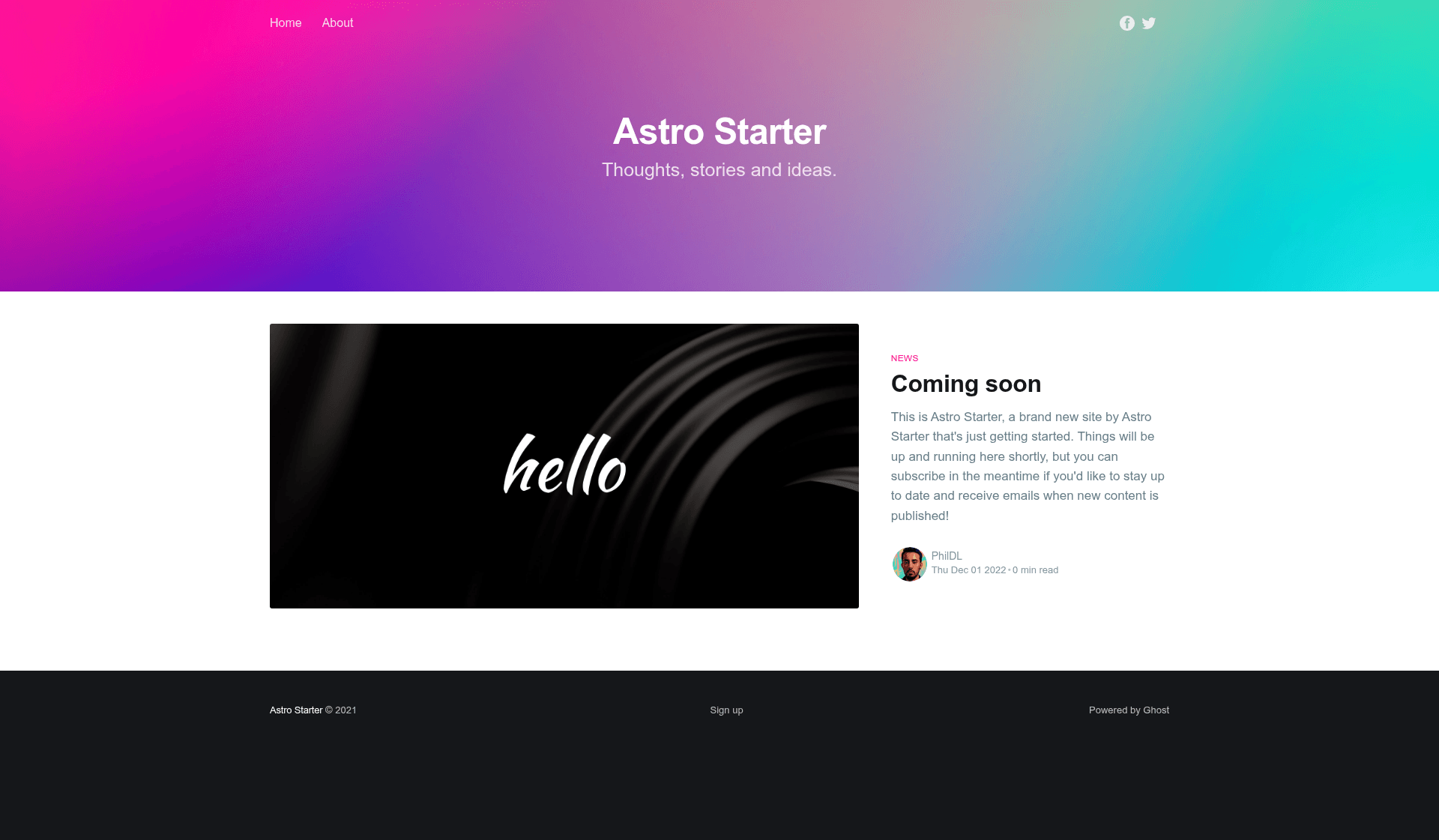
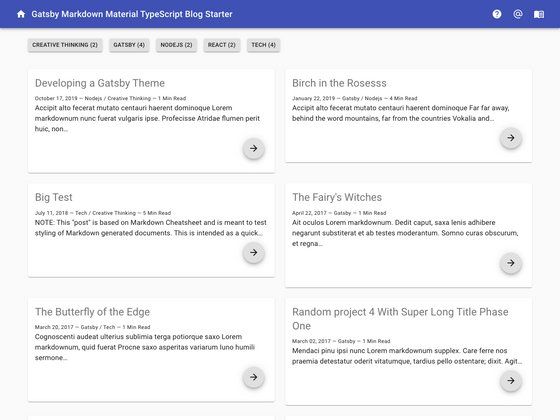
Astro Starter Ghost is a boilerplate template that builds a static blog from the Ghost CMS using Astro, converting the Casper theme to Astro components. It is an open-source GitHub project that uses the Ghost Content API as its data source and outputs a statically generated website with the same URL structure as a standard Ghost blog.
What is Astro Starter Ghost?
Astro Starter Ghost is a starter template for creating static blogs where Ghost serves as the content management system and Astro generates the front-end. The template takes a Ghost site's Content API URL and key via environment variables, then produces a static site with routes for posts, pages, authors, tags, and paginated archives. It runs on Astro 3, currently pinned to astro@3.0.5, and is maintained by PhilDL on GitHub, with a live demo hosted on Netlify.
Key Features
- Astro 3 and View Transitions — The project is updated for Astro 3 and uses the View Transitions API, enabling smooth page transitions between routes.
- Standard Ghost routes — The template keeps the same routes as a classic Ghost blog, including home, post/page by slug, author pages, authors index, tag pages, tags index, and an /archives/[...page] paginated list.
- Casper theme conversion — The CSS classes match the original Ghost Casper theme, but the styles are scoped to their respective Astro components, making them easier to manage.
- SCSS integration — Styling is being converted from plain CSS to SCSS, with the conversion still in progress according to the README.
- Environment-based configuration — You configure the Ghost URL and Content API key in a .env file using PUBLIC_GHOST_URL and PUBLIC_GHOST_KEY, which are read at build time.
- Netlify-ready setup — A live demo deploys to Netlify, and the README notes that the same environment variables can be set on Netlify, Vercel, or similar platforms.
- Simple development workflow — Cloning the repo and running yarn install, yarn dev, and yarn build gives you a local dev server and a production build.
Who is it for?
- Ghost blog owners who want to move to a static front-end: they can use this template to generate a fast, static version of their existing Ghost blog while keeping the same URLs and content structure.
- Astro developers looking for a reference implementation: the project shows how to connect Astro to the Ghost Content API, use environment variables, and structure a blog with multiple route types.
- Developers familiar with the Casper theme who prefer Astro: they can keep the same look and class names while working in Astro components rather than Handlebars templates.
- Site builders experimenting with View Transitions: because the template already integrates Astro 3's View Transitions, it serves as a starting point for adding animated navigation to a content site.
What can you do with Astro Starter Ghost?
- Existing Ghost publishers: Plug in your Ghost Content API credentials, and the template will generate a static blog with your posts, authors, tags, and paginated archives, all served from Astro's build output.
- Front-end developers: Use the repo as a scaffold for a custom Astro and Ghost project; the component structure and environment variable handling are already in place, so you can focus on styling and features.
- Performance-minded site owners: Because Astro outputs static HTML, the resulting site can be deployed to any static host and is positioned to load faster than a server-rendered Ghost theme.
How does Astro Starter Ghost work?
The setup process starts by cloning the repository and installing dependencies with Yarn. You then create a Ghost integration to obtain your Content API URL and key, rename .env.test to .env, and fill in those values. Running yarn build produces a static site that can be deployed, with the README showing Netlify as a working example.
Pros and cons
- Pros: Open source and freely available; uses Astro 3; keeps the same routes as a standard Ghost blog; easy to configure with environment variables; provides a working demo.
- Cons: The SCSS conversion is not yet complete, according to the README, so some styles may still be in plain CSS.
Pricing
Astro Starter Ghost is open source and free to use; no pricing tiers are mentioned on the GitHub repository.
FAQ
Does Astro Starter Ghost require a Ghost site?
Yes, you need an existing Ghost site or instance because the template pulls content through the Ghost Content API. You will need a Ghost URL and a Content API key from the Ghost admin's Integrations section.
How do I configure the Ghost API for this template?
Create a new integration inside your Ghost backend, note the Ghost URL and Content API Key, then set the PUBLIC_GHOST_URL and PUBLIC_GHOST_KEY environment variables. For local development, rename .env.test to .env and fill in the values.
Can I deploy the generated site to Netlify or Vercel?
Yes, the README states that you can deploy to Netlify, Vercel, or similar platforms by setting the same environment variables (PUBLIC_GHOST_URL and PUBLIC_GHOST_KEY) in the hosting provider's dashboard. A live demo is hosted on Netlify.
Is the SCSS conversion finished?
No, the README notes that the theme "is in the process of being fully converted to SCSS." That means some components may still use plain CSS, though the CSS classes remain the same as the original Casper theme.
What version of Astro does it use?
The template is updated for Astro 3 and currently pins astro@3.0.5, as stated in the Features section of the README.