Template details
ONE – Astro + React Shadcn Starter
Open, production-grade Astro starter with React, shadcn/ui, Tailwind 4, and Cloudflare Workers — runs standalone or with the ONE backend.
About this template
ONE is an open, production-grade Astro starter that builds a complete website — blog, docs, product catalog with Stripe checkout, auth pages, and a design system — on Astro 7, React 19, shadcn/ui, Tailwind 4, and Cloudflare Workers, with an optional switch to a hosted backend.
What is the ONE starter?
ONE is a monorepo (folders ai/, data/, site/) that scaffolds a real site rather than a hello-world: a home page, blog, docs, a product catalog with checkout, auth pages, an SEO structured-data graph, and a design system with showcase pages at /design, /components, /motion, /patterns. It runs standalone from the first bun run dev with no account, API key, or backend: Better Auth and Cloudflare D1 handle sessions and data locally. The project is published by the one-ie GitHub org and is source-available under the ONE License v1.0.
Key Features
- Standalone-first operation — The site works fully locally with Better Auth + D1 sessions; setting
ONE_API_KEYconnects it to the ONE backend for AI chat, analytics, CRM, agents, and credit metering without code changes. - Six-token theming —
site/one.config.tsholds six HSL tokens (primary,secondary,tertiary,background,foreground,font) that rebrand the entire site; no other style edits needed. - Static-first performance — Most pages ship zero JavaScript, which helps produce a measured Lighthouse score of 100 on Accessibility, Best Practices, and SEO, with LCP 137ms and CLS 0.00 against a production build.
- Built-in commerce — Products are defined as Markdown files with a
priceCentsfrontmatter field; prices are enforced server-side, Stripe checkout is included, and a self-custody crypto wallet viaone wallet keygensettles payments to your treasury. - Nine free plugins — auth, backend, chat, track, blog, booking, docs, mail, and media; each is an Astro integration listed in
one.config.ts, so a chat widget or analytics pixel only ships if you add it. - AI-native tooling —
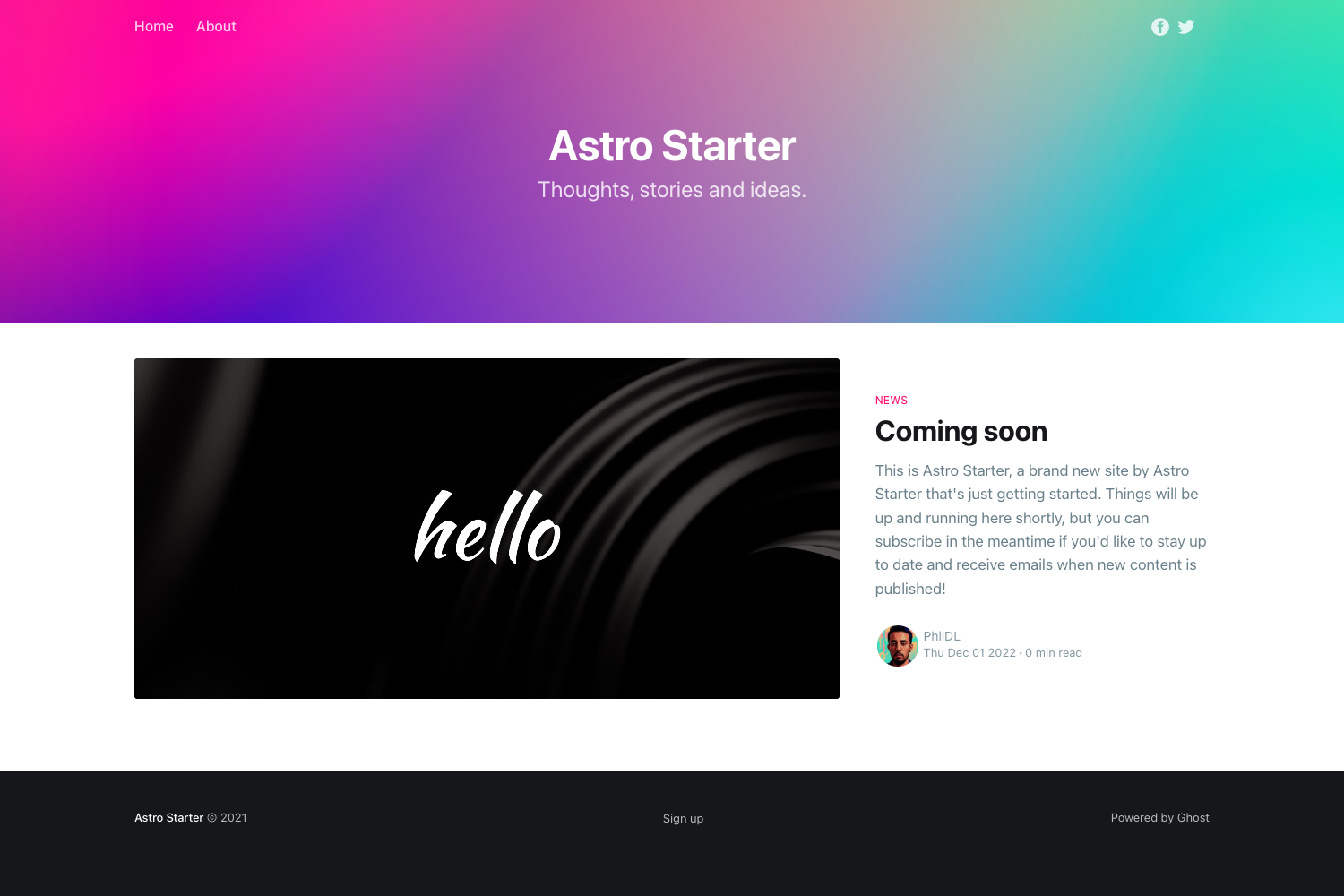
.claude/(hooks, rules, skills, commands) and.mcp.json(MCP server exposing every ONE verb as a tool) sit at the repo root, plus anai/folder with agents, skills, tools, and workflows as Markdown + TOML. - Content collections — Blog, docs, and products are Markdown-driven via Astro content collections, with RSS, sitemaps, and schema.org JSON-LD with git-based
lastmodincluded. - Cross-platform CLI —
npm install -g @oneie/cliprovidesone/oneiefor scaffolding (oneie create), deploying (one deploy), and operating (one ship,one push,one status).
Who is it for?
- Indie founders — Launch a marketing site, blog, docs, and Stripe-powered product checkout in one afternoon without provisioning a backend.
- Developers who want AI-assisted builds — Open the repo root in Claude Code and the
.claude/setup plus.mcp.jsontools let the assistant follow file conventions and call ONE API verbs natively. - Agencies and freelancers — Rebrand the entire site in six tokens and ship client work to Cloudflare's edge for free; the license permits commercial use as long as the "Powered by ONE" link stays.
- E-commerce sellers — Add products as Markdown files with server-side pricing, accept Stripe or self-custody crypto payments, and see settlements in a workspace inbox after
one onboard.
What can you do with the ONE starter?
- Sell physical or digital products: Drop a Markdown file in
site/src/content/products/with a name andpriceCents, runbun run deploy, and the item is live with checkout. - Build a content site: Write Markdown for blog and docs collections and get routes, RSS, sitemaps, and structured data without extra config.
- Add AI chat and analytics on demand: Add
chat()andtrack()plugins toone.config.ts; remove them and the widgets are gone from the build. - Run the same codebase with or without a backend: Keep it standalone for a small project, or set
ONE_API_KEYlater to enable CRM, AI chat, agents, and credit metering — no rewrites.
How does the ONE starter work?
Clone the repo with git clone https://github.com/one-ie/one my-app, run cd my-app && bun install, then cd site && bun run dev to get a dev server at localhost:4321. Alternatively, npx oneie create my-app downloads the same shape with .claude/ and .mcp.json included. The site's behavior is controlled by site/one.config.ts: the plugins array determines which widgets ship, and a backend block keys the optional ONE API connection.
Pros and cons
Pros
- Runs completely standalone — no account, API key, or backend required for core features.
- Measured performance: Lighthouse 100s, LCP 137ms, CLS 0.00 on a production build.
- Free design system and nine free plugins included in the repo.
- Deploys to Cloudflare Workers/Pages with
bun run deploy.
Cons
- Source-available, not OSI-approved open source — the ONE backend itself is not distributed.
- The free license requires keeping a "Powered by ONE" link; removing it needs an Enterprise License.
- Advanced plugins (admin, course, dashboard, shop) are paid and ship as stubs until purchased.
Pricing
The starter, design system, and nine core plugins are free with no usage limits or royalty fees, per the ONE License v1.0. Paid plugins exist (@oneie/plugin-admin is listed alongside course, dashboard, and shop stubs) and are unlocked via one plugin buy, but no prices are stated on the page.
FAQ
Does ONE require a backend or API key?
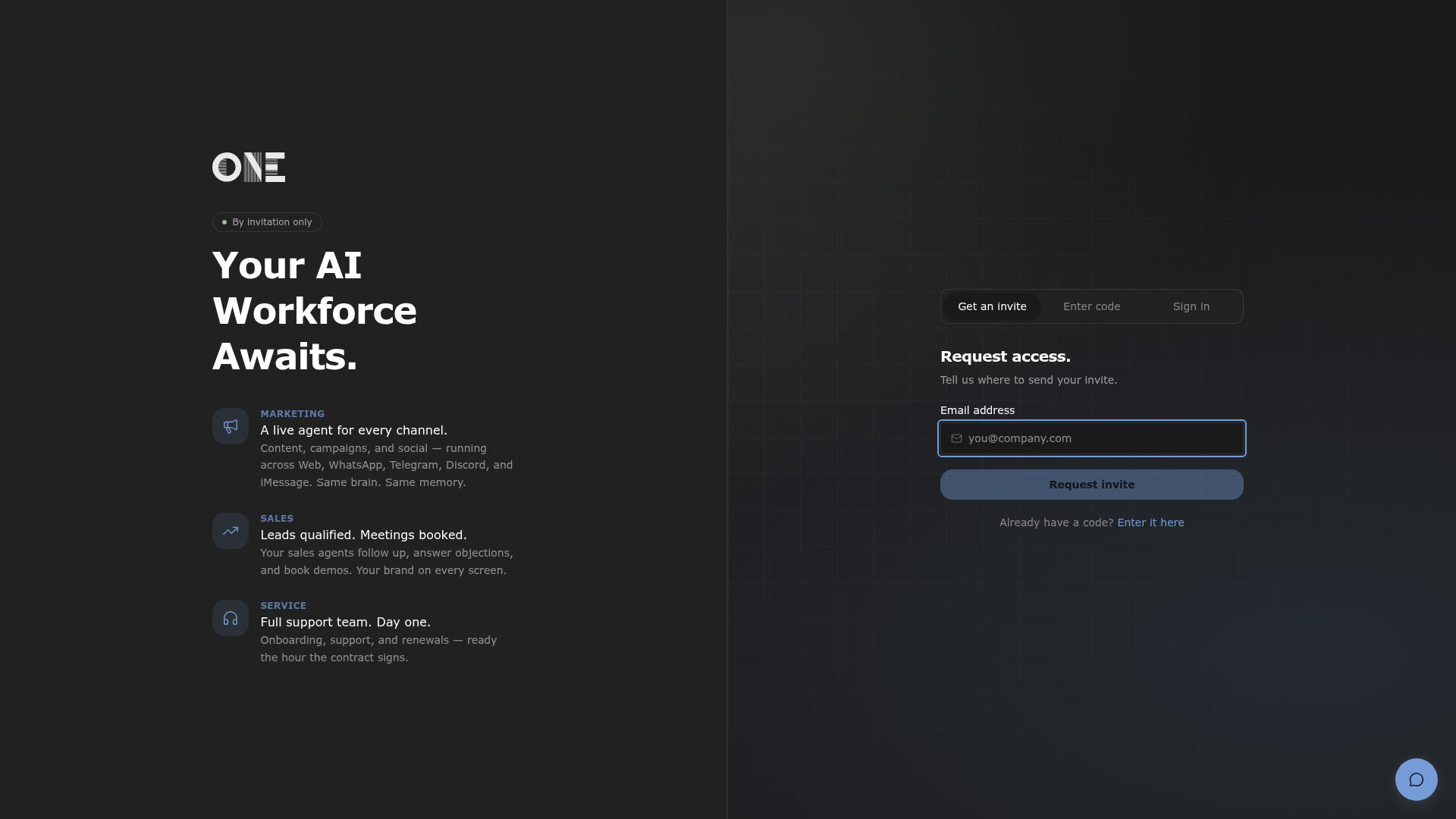
No. The default "site only" mode runs with local Better Auth sessions and Cloudflare D1 data. ONE_API_KEY is optional and only enables the ONE backend features — AI chat, CRM, analytics, agents, and credit metering — when you add the corresponding plugins.
Is the ONE starter really free?
Yes — the README states "100% free, forever — not a trial, not a tier, not open-core." The source, design system, plugins, agents, and CLI are all in the repo, and the license grants full commercial rights with the one obligation of keeping a "Powered by ONE" link.
Can I sell what I build with this starter?
Yes. The ONE License v1.0 grants full commercial rights, and the README explicitly says you can "sell what you build with it at any price you set." The only obligation is retaining the "Powered by ONE" link in a deployed product; an Enterprise License removes it.
What's the difference between source-available and open source?
The page is explicit: it's "source-available, not OSI-approved open source." The client code is fully visible and modifiable, but the ONE backend itself is not distributed. You can run the site without that backend.
How do I rebrand the template?
Edit site/one.config.ts and change the six HSL tokens in the brand.tokens object — primary, secondary, tertiary, background, foreground, and font. These six values repaint the entire site, and the plugin list controls which widgets ship.