Template details
Astro Starter Kit: Minimal
Official minimal Astro starter template with a single index.astro page and the basic project structure.
About this template
The Astro Starter Kit: Minimal is an official boilerplate from the Astro team that creates a blank Astro project with a single index.astro page, intended as the smallest possible starting point for building a site with the Astro framework.
What is the Astro Starter Kit: Minimal?
The Astro Starter Kit: Minimal is the official starter template from the withastro/astro repository, designed to give you a bare Astro project structure. It takes the Astro framework and produces a minimal project skeleton containing a public/ directory, a src/pages/ directory with one index.astro page, and a package.json file. It runs on Node.js using npm commands and is maintained by the Astro team.
Key Features
- Single page structure — The template contains exactly one page (src/pages/index.astro) plus an empty public/ directory and package.json; no extra components, styling, or integrations are included.
- File-based routing — Any .astro or .md file added to src/pages/ becomes a route whose URL matches the file name, per the Astro documentation.
- Component flexibility — The template is ready for components written in Astro, React, Vue, Svelte, or Preact inside src/components/, though none are preinstalled.
- Static asset folder — The public/ directory is the designated place for images and other static files.
- Local dev server —
npm run devstarts a development server at localhost:4321 with hot reload. - Production build —
npm run buildoutputs a static site to the ./dist/ folder;npm run previewlets you test that build locally. - CLI access — The
npm run astrocommand runs Astro CLI tools such asastro addandastro check. - One-command setup — Run
npm create astro@latest -- --template minimalto scaffold a new project.
Who is it for?
- New Astro developers who want a minimal, uncluttered codebase to learn how Astro handles pages, routing, and builds.
- Developers building a custom site who prefer to start from a blank slate and add their own framework integrations, styles, and components.
- Developers testing Astro features who need a tiny project to reproduce issues or experiment with the Astro CLI.
What can you do with it?
- Build a static marketing page: create additional .astro or .md files in src/pages/ and let file-based routing generate the URLs.
- Try out component frameworks: add React, Vue, Svelte, or Preact components in src/components/ and use them from Astro pages.
- Set up a continuous deployment pipeline: since
npm run buildproduces a static ./dist/ folder, you can deploy the output to any static host.
How does it work?
The setup workflow: run the create command, then npm install to install dependencies, npm run dev to preview, and npm run build to generate the static output in ./dist/.
FAQ
Is the Astro Starter Kit: Minimal free?
Yes — it is the official starter from the open-source withastro/astro repository, so there is no license fee to use or modify it.
What pages are included?
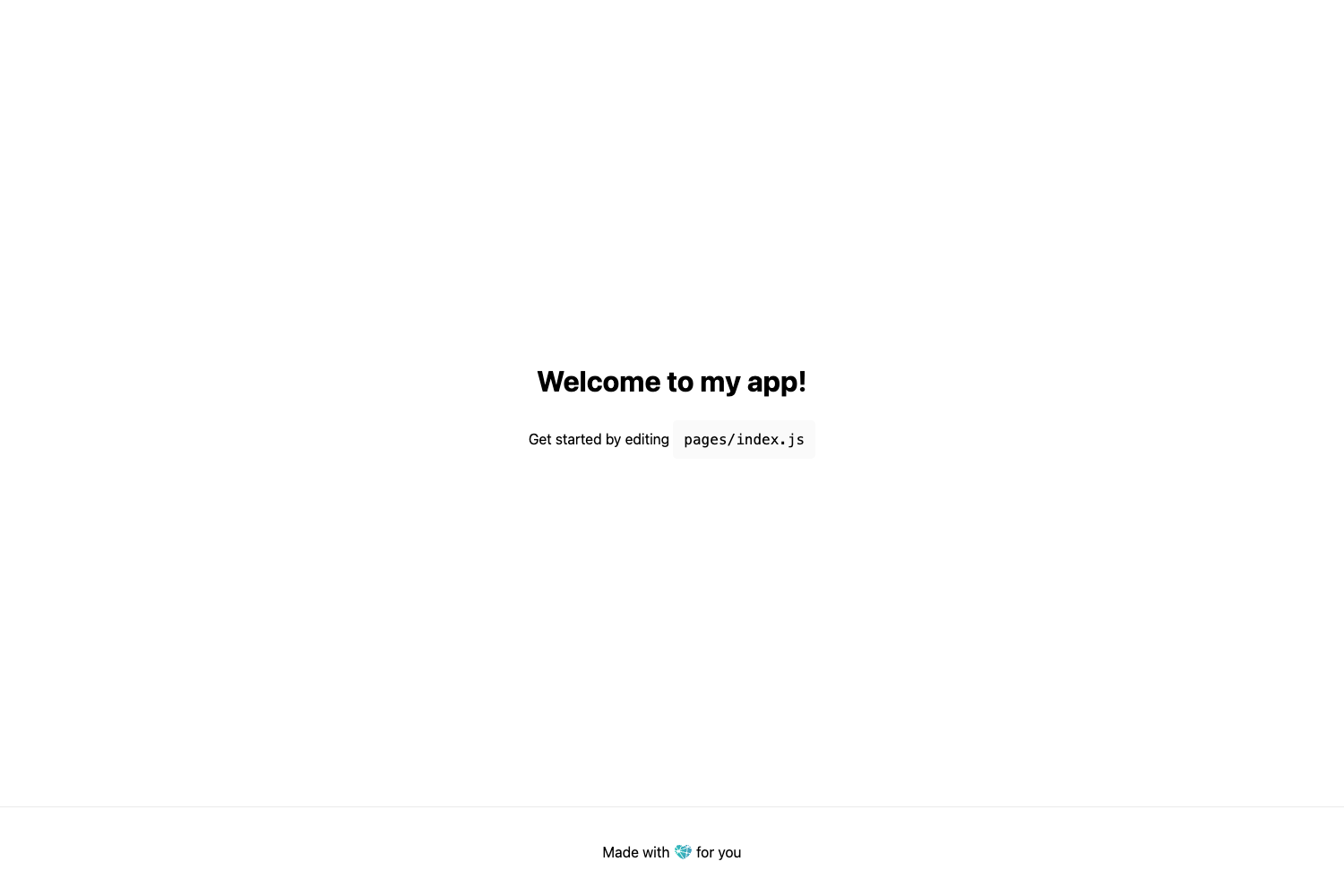
Only one page, src/pages/index.astro, which renders a simple placeholder welcome screen telling you to delete the content and start building.
Does it include a CSS framework or UI library?
No. The minimal template has no styling system, no integrations, and no preinstalled components — you add whatever you want.
Can I use it with React or Vue?
Yes. The template is framework-agnostic: you can install the official Astro integration for React, Vue, Svelte, or Preact and place components in src/components/.
What is the default port for the dev server?
The dev server runs at localhost:4321.