Template details
No-Code Platform Boilerplate
Next.js boilerplate for creating a no-code platform that builds REST API endpoints from visual workflows, with memory or MongoDB storage.
About this template
The No-Code Platform Boilerplate is a Next.js starter kit for building a no-code platform that lets users create REST API endpoints through a visual workflow editor, with storage options of in-memory or MongoDB.
What is the No-Code Platform Boilerplate?
The No-Code Platform Boilerplate is an open-source Next.js boilerplate that provides a ready-made no-code platform for creating REST API endpoints. Users design workflows in a visual editor, and the resulting API can be called from any HTTP client. The project is maintained by nocode-js and is released under the MIT license. It runs on Next.js with TypeScript and Tailwind CSS, and it supports both in-memory and MongoDB storage backends.
Key Features
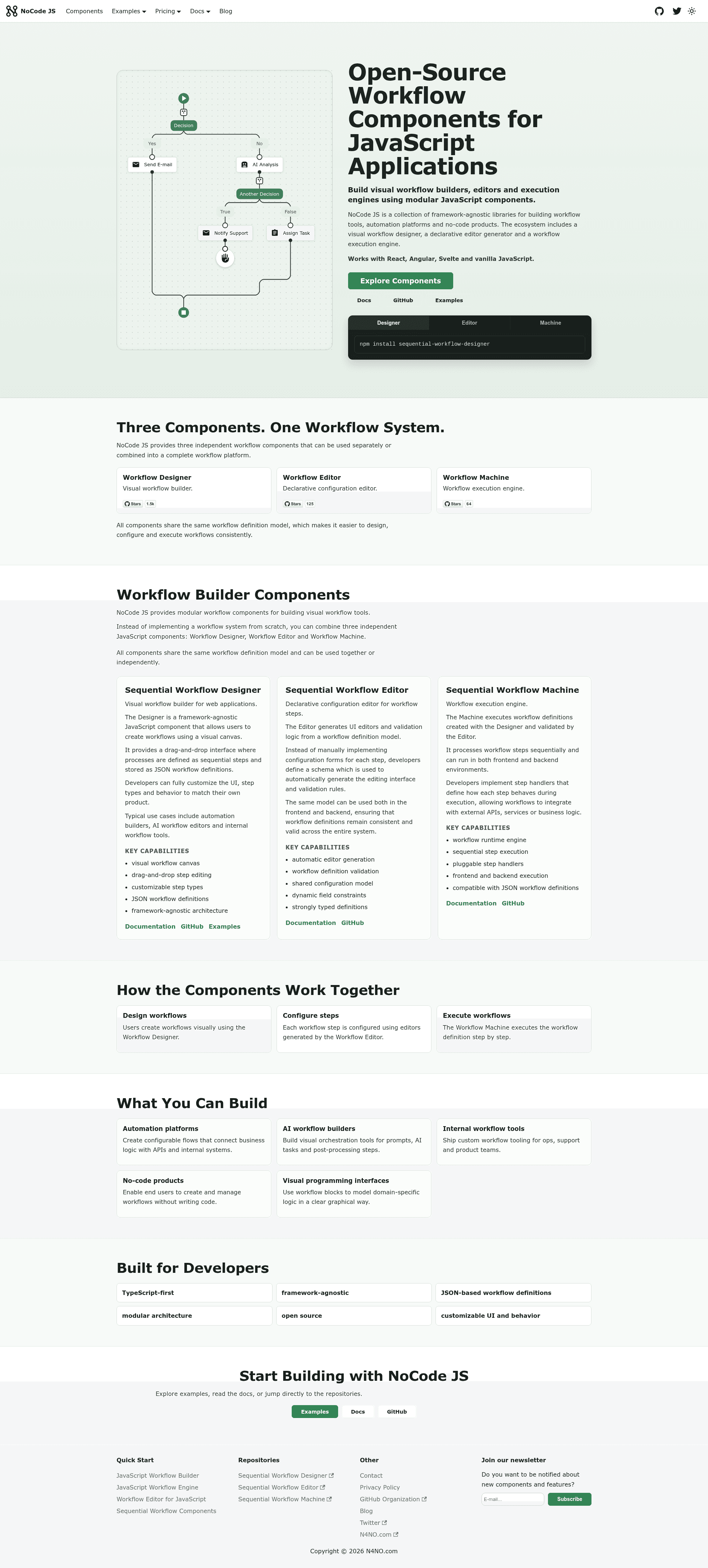
- Visual workflow editing — Uses the Sequential Workflow Designer components to let users build API logic by arranging steps in a canvas, with a machine that executes the defined workflow.
- REST API generation — Workflows are exposed as REST endpoints that any HTTP client can request; a built-in UI lets you test endpoints from the browser.
- Dual storage backends — Choose memory storage for local development or mongodb storage for persistence; storage type is selected via the STORAGE_TYPE environment variable.
- Modern stack — Built on Next.js, TypeScript, and Tailwind CSS, with integrations for the Sequential Workflow Designer, Machine, and Editor libraries.
- Easy deployment — Deployable to any Next.js-compatible host; a one-click Vercel deploy button is included (requires MongoDB in the cloud).
- MIT licensed — Free to use, modify, and distribute, including for commercial projects.
- Extensible architecture — The boilerplate is designed to be extended with custom features on top of the core no-code API builder.
Who is it for?
- Entrepreneurs and product builders: Spin up a no-code API platform without building the core infrastructure from scratch, then customize it to fit their niche.
- Developers who need a starting point: Clone the repo and use the boilerplate as a foundation for a low-code/no-code SaaS, saving weeks of initial setup.
- Teams building internal tools: Give non-technical staff a visual way to define workflows that become live REST endpoints, backed by MongoDB.
What can you do with it?
- Create custom REST APIs visually: Design a workflow with the no-code editor and get a working endpoint that can be called from any app or script.
- Test endpoints in the browser: Use the included test UI to send requests to your generated APIs without leaving the platform.
- Self-host a no-code backend builder: Deploy the boilerplate on your own infrastructure, with the option to switch from memory to MongoDB storage.
How does it work?
The boilerplate is started by cloning the repository, installing dependencies with pnpm, and setting environment variables in a .env file. Storage is selected via STORAGE_TYPE (memory by default or mongodb when MONGODB_URI and MONGODB_DB are provided). After launching the dev server, you use the visual editor to build workflows, which are then exposed as REST endpoints and can be tested in the built-in UI.
Pros and cons
Pros:
- MIT license makes it free for commercial use.
- Memory storage is great for quick local development without a database.
- Uses a modern and familiar stack (Next.js, TypeScript, Tailwind CSS).
- One-click Vercel deployment button.
Cons:
- Memory storage does not work on cloud hosting like Vercel; you must configure a MongoDB instance for production.
Pricing
The boilerplate is free and open source under the MIT license. A commercial Pro version, "No-Code Platform Boilerplate Pro," is available for those who prefer React and Nest.js; its pricing page is linked from the project README.
FAQ
Is the No-Code Platform Boilerplate free?
Yes. The project is released under the MIT license, so you can use, modify, and distribute it freely, including for commercial projects. A separate commercial Pro version with a React and Nest.js stack is also offered.
What storage options does the boilerplate support?
It supports two storage backends: memory (in-memory, used by default for development) and mongodb (requires the MONGODB_URI environment variable). You select the backend by setting the STORAGE_TYPE variable in your .env file.
Can I deploy this boilerplate to Vercel?
Yes, it can be deployed to any Next.js-compatible host. The repository includes a one-click Deploy with Vercel button. However, because memory storage does not work on cloud hosting, you must set STORAGE_TYPE=mongodb and provide a MONGODB_URI (for example, from MongoDB Atlas).
What technologies does it use?
The boilerplate is built with Next.js, TypeScript, and Tailwind CSS, and it integrates the Sequential Workflow Designer, Sequential Workflow Machine, and Sequential Workflow Editor libraries from the NoCode JS ecosystem.