Template details
Astro Svelte Tailwind Starter
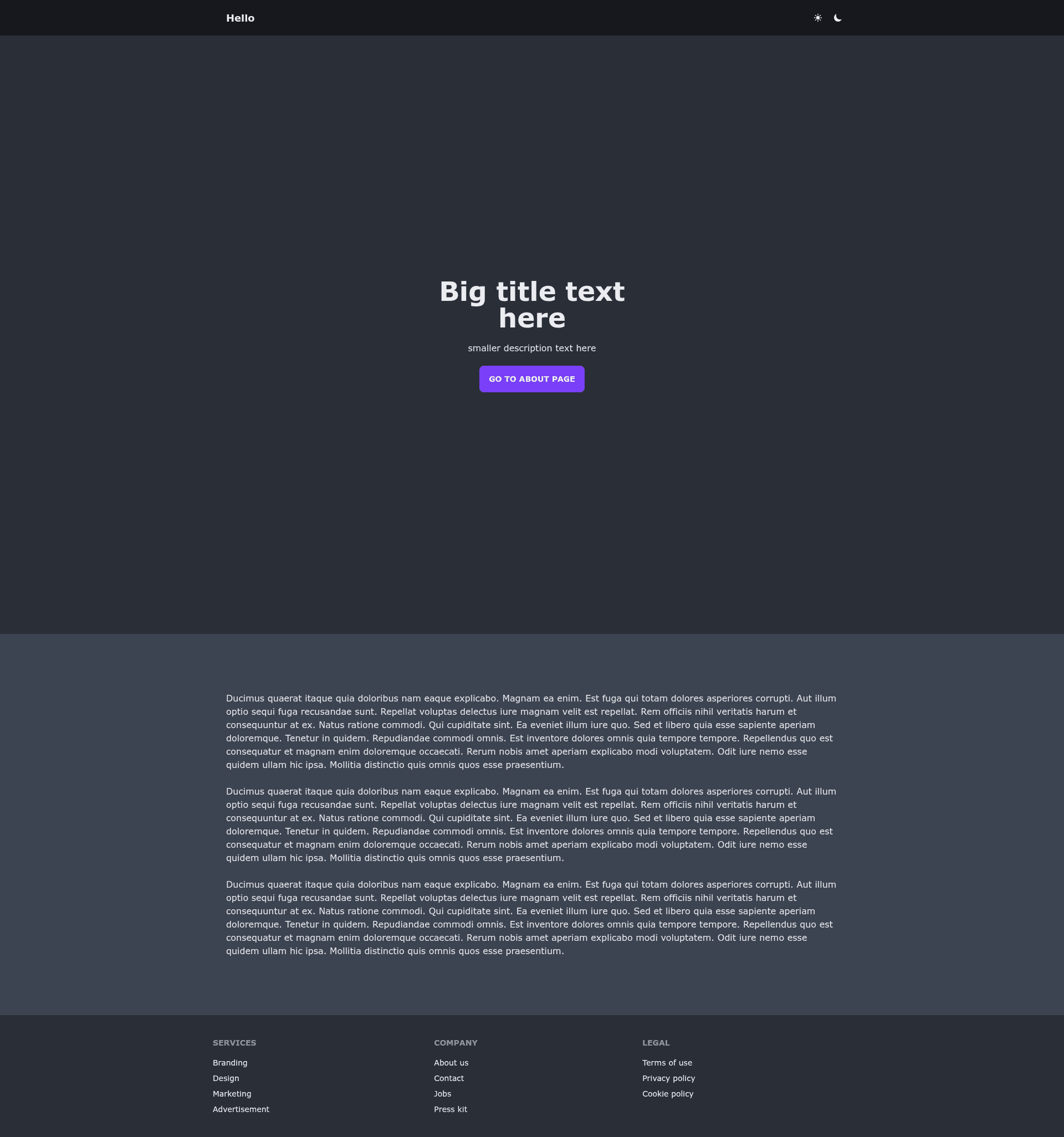
Opinionated starter website template built with Astro, Svelte, Tailwind CSS, and daisyUI.
About this template
This is an opinionated starter website template that bundles Astro, Svelte, Tailwind CSS, daisyUI, and theme-change into one pre-configured project, runnable with three npm commands.
What is this template?
This is an opinionated starter website template that combines the Astro static site generator, Svelte components, Tailwind CSS, daisyUI, and the theme-change library into a single pre-configured project. It takes a blank directory and turns it into a working web project with a set development workflow, producing a static site after running npm run build. The template is designed to be cloned and customized, with the underlying framework chosen for fast builds and minimal JavaScript. The repository metadata lists topics such as astro, svelte, tailwindcss, and vercel, indicating that it is intended for deployment to Vercel, though any static host works. The template's author is not stated, but the daisyUI and theme-change libraries used by it are created by saadeghi, a prominent open-source UI developer.
Key Features
- Astro framework — Astro compiles components to static HTML with zero JavaScript by default, keeping pages fast and lightweight.
- Svelte for interactivity — Svelte components are compiled at build time, so interactive parts of the site ship as efficient vanilla JavaScript.
- Tailwind CSS — The utility-first CSS framework is configured out of the box, allowing quick styling with class names.
- daisyUI components — Pre-styled Tailwind component classes are available for buttons, cards, forms, and more, without extra CSS files.
- theme-change integration — The theme-change library enables switching between light and dark themes dynamically, likely via a toggle.
- Opinionated folder structure — The template enforces a specific layout for Astro pages and Svelte components, promoting consistency across projects.
- Vercel readiness — The inclusion of "vercel" in the repository topics suggests the template has been tested with Vercel deployments.
- Simple commands — The starter uses standard npm scripts:
npm installto install dependencies,npm run devfor a local server, andnpm run buildto generate the production site.
Who is it for?
- Frontend developers — Those who want to try Astro with Svelte without configuring everything from scratch.
- Indie hackers and small teams — A lightweight starting point for launching landing pages, portfolios, or internal tools quickly.
- Tailwind and daisyUI enthusiasts — Developers who prefer utility-first styling and ready-made component classes.
What can you do with it?
- Launch a personal website — Customize the Svelte components and content to create a personal portfolio or blog.
- Prototype a product landing page — Use the pre-configured build pipeline to iterate quickly on a marketing page.
- Learn Astro and Svelte integration — Study how Astro pages embed Svelte components and how themes are toggled.
How does the template work?
The template requires Node.js installed. Run npm install to fetch dependencies, then npm run dev to start a live-reloading development server at a local host. When you're ready to ship, npm run build outputs a static site to a dist folder, which can be deployed to any static host, including Vercel.