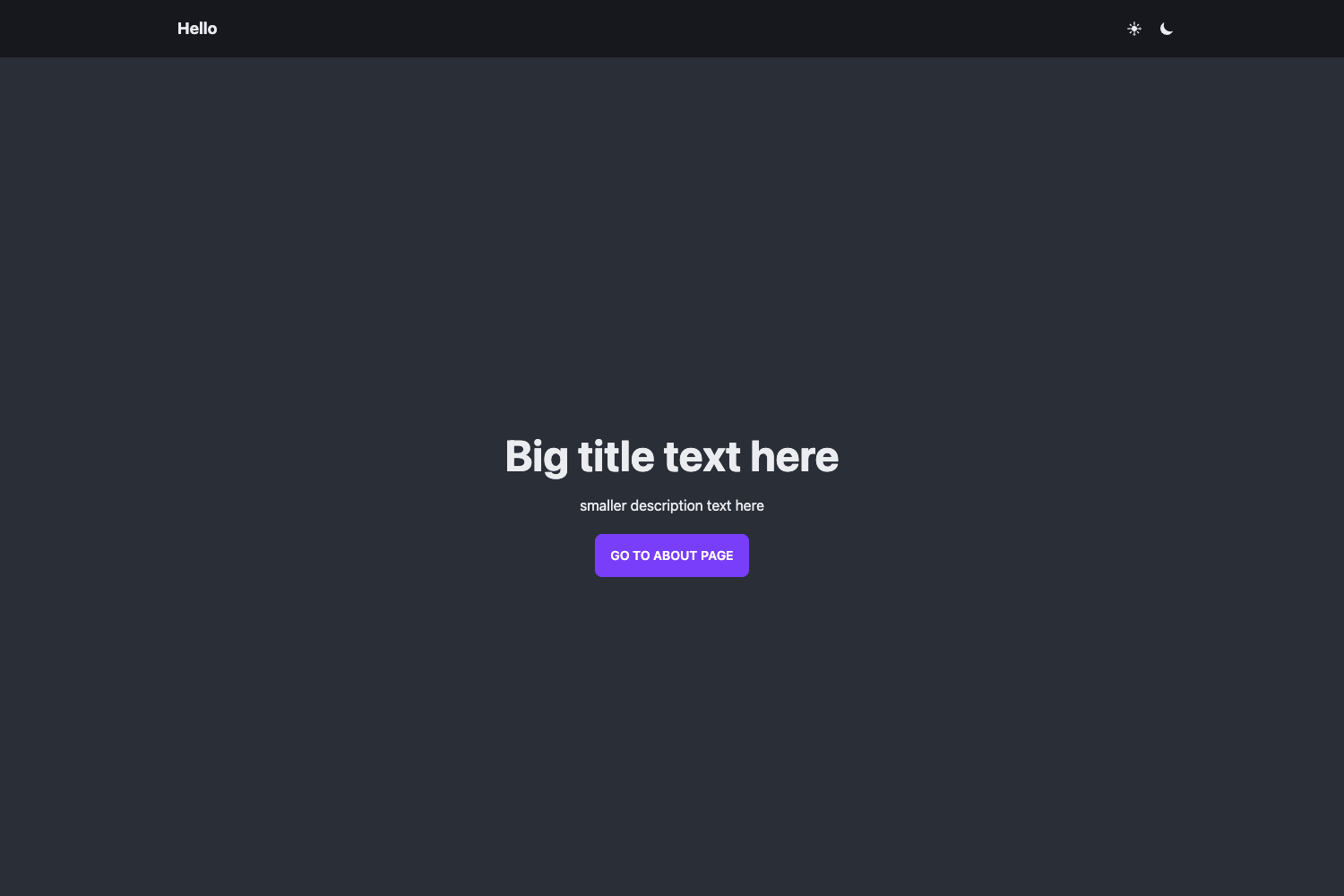
Template details
She Templates
Starter Material website template for beginners, plus a guide for getting started with HTML, CSS, and JS
About this template
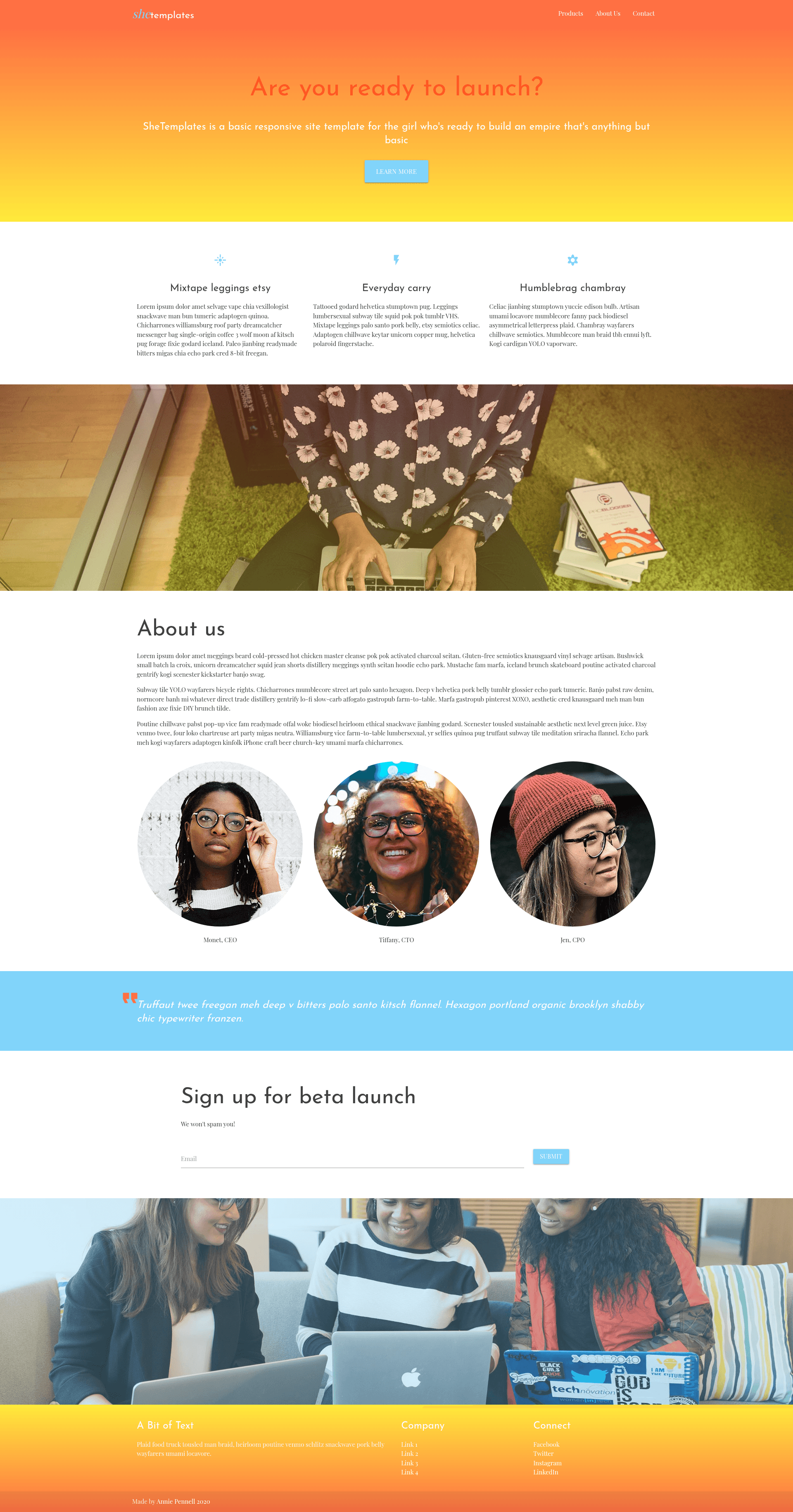
She Templates is a beginner-focused static website boilerplate that combines a ready-to-edit HTML/CSS/JavaScript project with a built-in web development tutorial, created by Annie Pennell for the Generation She 2020 Entrepreneurship Makeathon. It runs entirely in the browser with no build step and produces a responsive personal or small-business site that can be deployed for free on GitHub Pages.
What is She Templates?
She Templates is a starter repository for plain HTML, CSS, and JavaScript sites, styled with the Materialize CSS framework and jQuery. It takes a fresh GitHub repository created from the template and gives you a working index.html, a styles folder with style.css, a scripts folder with script.js, and an images folder, plus a detailed README that doubles as a first lesson in front-end web development.
The template is authored by Annie Pennell and was developed as a supplement to the HTML Web Development workshop at the Generation She 2020 Entrepreneurship Makeathon. No build tools, package managers, or back end are required—just a text editor, a browser, and a GitHub account to get going.
Key Features
- Prebuilt file structure — index.html for content, styles/style.css for styling, scripts/script.js for interactivity, and an images directory, each explained in the README table of contents.
- Materialize CSS 1.0.0 — Loaded via CDN, giving access to a responsive grid, navbar with mobile sidenav, styled buttons, modals, form components, and all Google Material Design icons through one font link.
- CSS custom properties — The stylesheet defines a primary color and primary font as variables in :root, so changing two lines rebrands the entire site instead of hunting through every color value.
- Responsive design guidance — The README teaches media queries with a concrete example that shrinks h1 font-size when the browser drops to 720px or narrower, and notes common device widths like the 375px iPhone X and 768px iPad.
- jQuery 3.4.1 with Materialize JS — Included to power the hamburger-menu drawer and other helpers; the docs explain how to remove the jQuery and Materialize script tags if you don't use them.
- Deployment walkthroughs — The guide lists free and paid hosting options: GitHub Pages (free, 1GB limit), Netlify (free tier, form handling), AWS, and Heroku for backend apps, each linked to tutorials.
- Learning resources directory — The README ends with free online courses (freeCodeCamp, Codecademy, General Assembly Dash) and clubs like Girls Who Code, Black Girls Code, and Built By Girls.
Who should use She Templates?
She Templates is built for total beginners who want to learn web development by customizing a real site rather than starting from an empty file. Workshop participants at Generation She-style makeathons can use it to turn an idea into a live personal landing page within a few hours. High school and college students in coding clubs or self-taught learners can follow the README's step-by-step lessons and deploy their result on GitHub Pages. Entrepreneurs who need a simple online presence without learning a framework can edit the template's content directly and publish it free.
What can you do with She Templates?
- Aspiring entrepreneurs: Create a personal brand or business landing page with a navbar, image sections, and call-to-action buttons, then put it live on GitHub Pages at no cost.
- Beginner developers: Learn HTML structure (doctype, head, body), CSS selectors and specificity, CSS variables, and JavaScript with jQuery by reading the README and experimenting in the included files.
- Coding workshop mentors: Use the template as a classroom starting point—the README's table of contents maps to a full curriculum, and the quiz-style specificity example gives students something to test.
- Future frontend developers: Start from this static site and later migrate to React via create-react-app, or add a Node.js backend, both suggested as next steps in the README.
How does She Templates work?
You start by clicking the green Use this template button on the GitHub repository to create your own copy, then clone or download the ZIP. Open index.html in a browser to see the default site, edit index.html for content, styles/style.css for styling, and scripts/script.js for behavior, then refresh the browser to view changes. When you're ready, follow the README's deployment links to publish the site on GitHub Pages, Netlify, AWS, or Heroku.
Pricing
She Templates is free and open source. It's available to anyone with a GitHub account through the repository template feature, and the README mentions no paid tiers or premium features.
Alternatives
If you prefer a different CSS framework, the README itself names Twitter's Bootstrap as a popular alternative to Materialize. For people who don't want to touch code, the same page lists WordPress (free), Squarespace (paid), Wix (free and paid plans), and Webflow as no-code website builders.
FAQ
Is She Templates free?
Yes, the template is free and open source. Anyone with a GitHub account can create a new repository from it using the Use this template button, and the README links to free hosting options like GitHub Pages and Netlify.
What technologies do I need to know?
She Templates uses HTML, CSS, and JavaScript, plus the jQuery and Materialize libraries. The README explains each one, so a beginner with no prior experience can follow along; you only need a text editor like VSCode or Sublime Text and a modern browser.
Does She Templates need a build step or server?
No. It's a static site with plain HTML, CSS, and JavaScript files you can open directly in a browser. There is no Node.js, npm, or build tool involved unless you choose to add one later.
Can I use Materialize icons in She Templates?
Yes. All Google Material Design icons are available because the template imports the Material Icons font via a CDN link in the head. To use one, add an i element with the class material-icons and the icon name, such as arrow_back or cloud.