Template details
gatsby-theme-events-typescript
This is a starter kit for GatsbyJS Themes written in TypeScript. It includes the bare essentials for you to get started.
About this template
gatsby-theme-events-typescript is a starter kit for building Gatsby themes with TypeScript, providing a minimal project structure with ESLint and Theme UI preconfigured for immediate development. The repository, created by goncharenko, is built on Gatsby, the static site generator for React, and uses Yarn workspaces to organize the theme and a demo site.
What is gatsby-theme-events-typescript?
gatsby-theme-events-typescript is a starter kit (boilerplate) for creating Gatsby themes using TypeScript. It takes a minimal set of preconfigured files as its starting point and produces a runnable Gatsby theme project that you can extend. The kit runs on Gatsby and includes a demo site workspace so you can preview your theme in the browser while developing.
Key Features
- TypeScript — The entire starter is written in TypeScript, offering static typing and type safety for theme development.
- ESLint — Ships with ESLint and custom lint rules to maintain consistent code quality.
- Theme UI styling — Uses Theme UI for theme-based styling, which is built on the emotion CSS-in-JS library.
- Yarn workspaces — The repository is set up as a Yarn workspace with separate packages for the theme and a demo site.
- Basic theme structure — Provides the essential folder layout and configuration files needed to start building a Gatsby theme.
Who is it for?
- Gatsby theme developers — who want a TypeScript-based starting point instead of the default JavaScript templates.
- Developers learning Gatsby themes — who want a minimal, readable example of how Gatsby themes are organized.
- Open-source contributors — who want a small starter to fork and turn into a publishable theme.
What can you do with it?
- Create a new Gatsby theme — Use the starter as the foundation and add your own components, templates, and data sourcing.
- Develop a theme with TypeScript — Write theme code in TypeScript and benefit from editor autocompletion and type checking.
- Preview a theme locally — Run the included site workspace on localhost:8000 to see your theme changes live.
How does it work?
The repository is structured as a Yarn workspace with two packages: the theme and a demo site. After cloning and running yarn to install dependencies, the command yarn workspace site develop starts a development server. This setup lets you edit files in the theme package and immediately see the results in the demo site, which is an effective workflow for theme development.
FAQ
Do I need to use Yarn?
Yes, the project uses Yarn workspaces, so Yarn is required to install dependencies and run the workspace commands documented in the README.
Can I use this starter for a production Gatsby theme?
The starter provides only the bare essentials. It is meant as a foundational starting point, so you will need to add your own functionality, such as page templates, data sourcing, and styling, before it becomes a production-ready theme.
What is the demo site for?
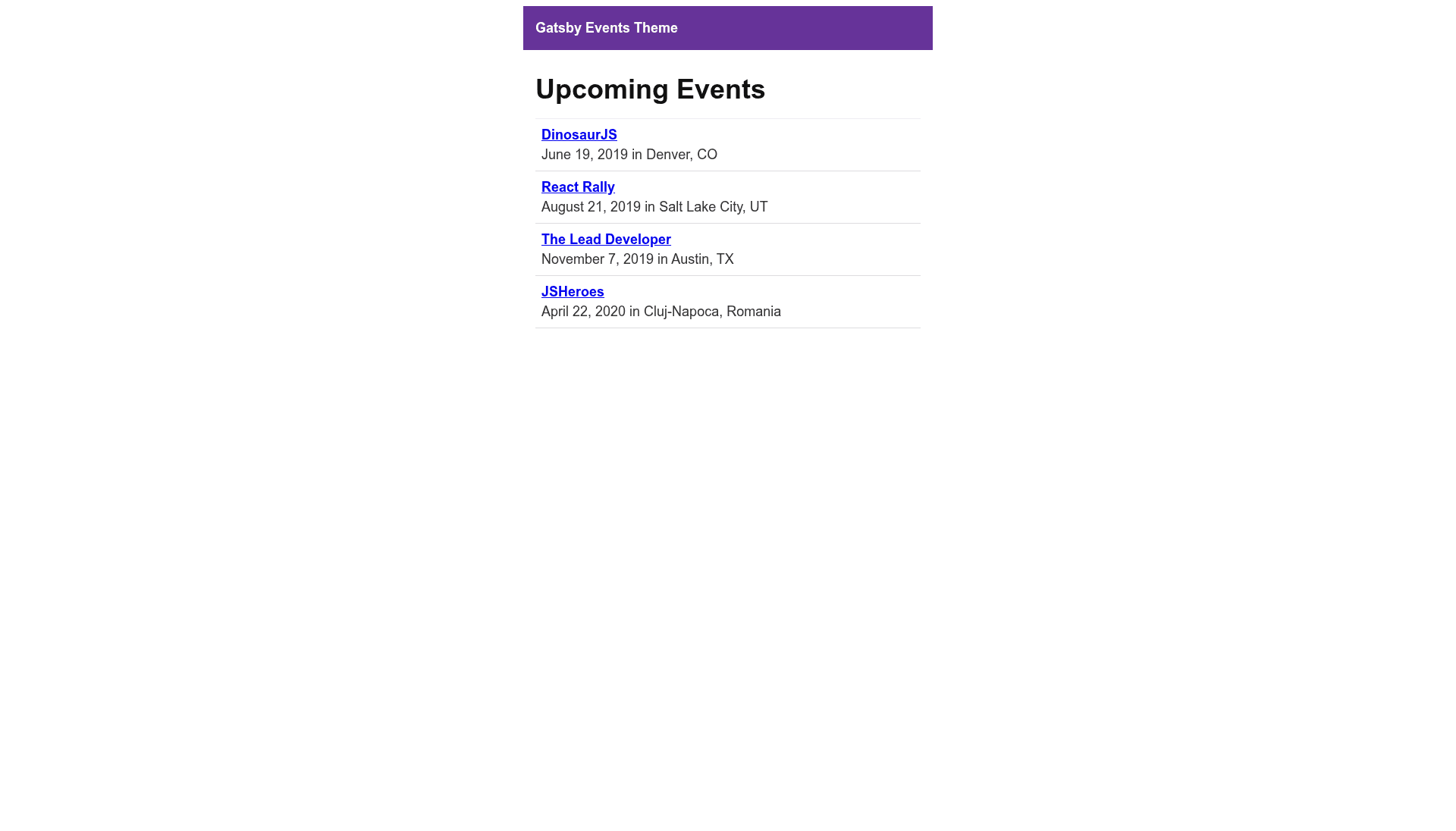
The demo site is a workspace in the repository that lets you run and test the theme during development. Starting it with yarn workspace site develop launches a local server so you can view the theme's sample output.