Template details
Astro Toolbox
Netlify Astro boilerplate demonstrating Forms, Functions, and Redirects with one-click deploy.
About this template
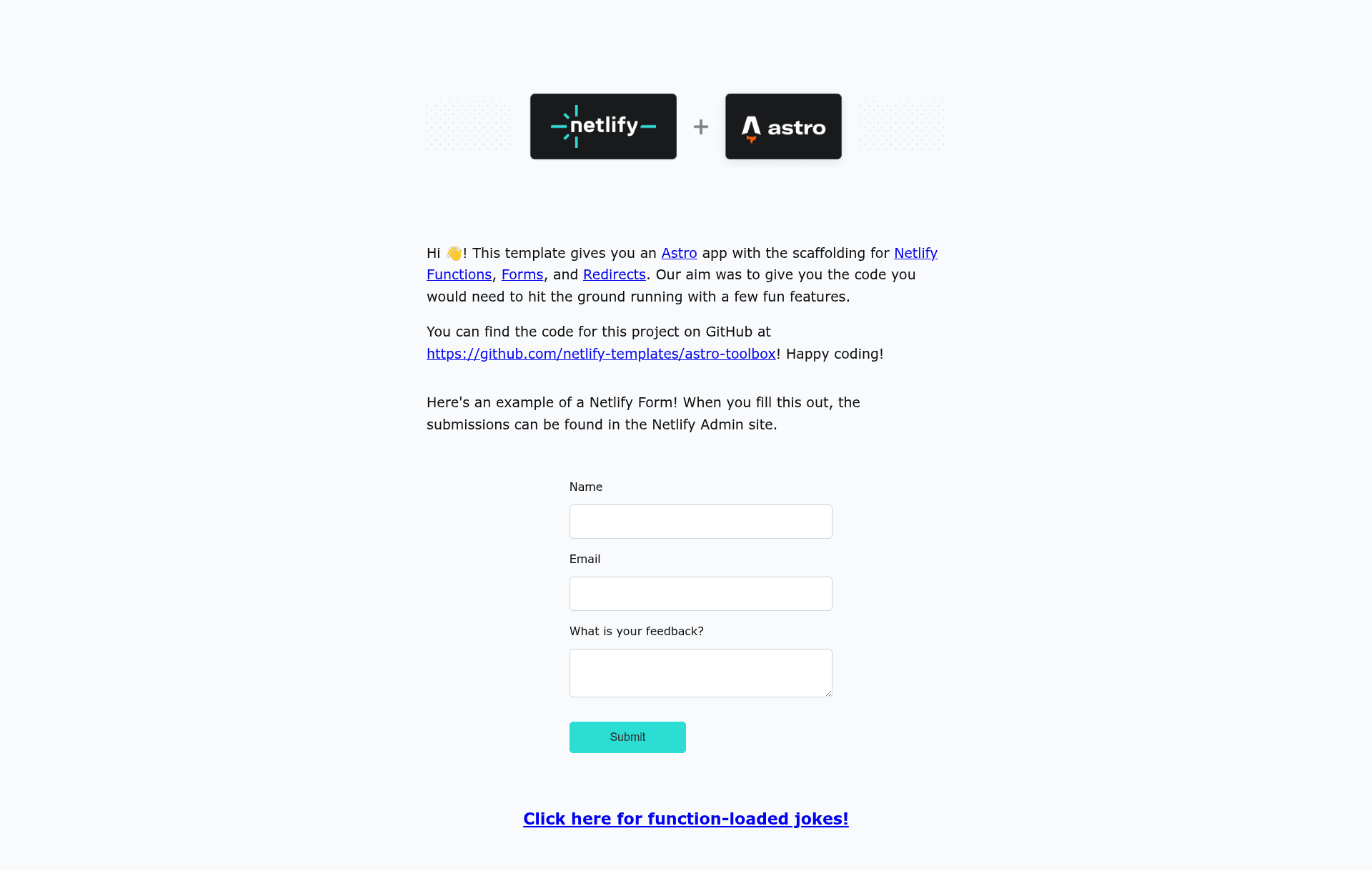
Astro Toolbox is a Netlify-maintained boilerplate template that shows Astro developers exactly how to wire Netlify Forms, Netlify Functions, and redirect rules into an Astro site.
What is Astro Toolbox?
Astro Toolbox is an open-source reference template created by Netlify for combining Astro with Netlify's platform features. It is a minimal Astro project, bootstrapped from the Astro CLI, that includes working code for Netlify Forms (with a honeypot spam filter), a Netlify Function that returns a random joke, and a redirect rule that maps /api/* URLs to serverless functions. The template runs on Astro, deploys to Netlify, and is configured through a netlify.toml file.
Key Features
- Netlify Forms integration — a
FeedbackForm.astrocomponent uses thenetlifyattribute and a hiddenform-nameinput, and directs submissions to a custom/successpage. - Honeypot spam protection — the form includes a visually hidden
bot-fieldinput and adata-netlify-honeypotattribute to block automated bot submissions. - Netlify Functions example —
netlify/functions/joke.jsexports anasynchandler that returns a random joke when requested at/.netlify/functions/joke. - Clean URL redirects —
netlify.tomldefines a[[redirects]]rule from/api/*to/.netlify/functions/:splatwith a 200 status andforce = true. - One-click deploy — a Deploy to Netlify button creates a new repository, links it to a Netlify project, and deploys the site automatically.
- Local Netlify testing — running
netlify devstarts the site onlocalhost:8888and makes functions and redirects available in local development. - Bundled testing tooling — includes Cypress for end-to-end browser tests, the
netlify-plugin-cypressbuild plugin, and Renovate for automated dependency updates.
Who is it for?
Astro developers who want to add serverless functions or forms to their sites without reading through lengthy documentation will find this template useful. It is also for Netlify users who prefer a minimal, framework-specific starting point over a full-length starter kit, and for anyone learning how the netlify.toml configuration file controls redirects, functions, and build plugins.
What can you do with it?
- Astro developers: copy the
FeedbackForm.astrocomponent and its hidden inputs to add working Netlify Forms to an existing Astro project. - Serverless newcomers: study
joke.jsto understand the exactasync handlersignature Netlify expects, then replace its contents with your own API logic. - Site owners: use the
/api/*redirect pattern to expose shorter, more memorable URLs for your Netlify Functions instead of the default long path.
How does it work?
After cloning the repository, you run npm install and then npm run dev for the Astro dev server or netlify dev to test Netlify features locally. Deploying can be done through the Netlify CLI with netlify deploy --prod, via netlify sites:create-template astro-toolbox, or by using the Deploy to Netlify button. The netlify.toml file configures build settings, redirects, and the esbuild bundler used for functions.
Pros and cons
Pros: The template is free and open source, shows working code for three Netlify features, deploys with a single click, and includes Cypress tests to validate the sample site. Cons: It is a small reference example rather than a full-featured site, the only function is a one-line joke endpoint, and you will need to replace all sample content with your own application code.
FAQ
Is Astro Toolbox free to use?
Yes, the template is open source in the Netlify Templates GitHub repository. You can clone it, modify it, and deploy it anywhere, though the included features are designed specifically for Netlify hosting.
What Netlify features does it demonstrate?
The template demonstrates Netlify Forms with a honeypot field, Netlify Functions via an exported async handler, and redirects configured in netlify.toml. Each feature section in the README links to the official Netlify documentation.
Can I deploy this without using the Netlify CLI?
Yes, you can click the Deploy to Netlify button, which creates a repository and runs the deployment for you. Alternatively, you can use netlify sites:create-template astro-toolbox or connect an existing repository with netlify init.
How do I remove the included testing tools?
To remove Renovate, delete the renovate.json file. To remove Cypress, delete the cypress folder and cypress.config.ts, then run npm uninstall cypress. The netlify-plugin-cypress build plugin can be removed by deleting its [[plugins]] block in netlify.toml.