Template details
Nextjs Chakra Dapp
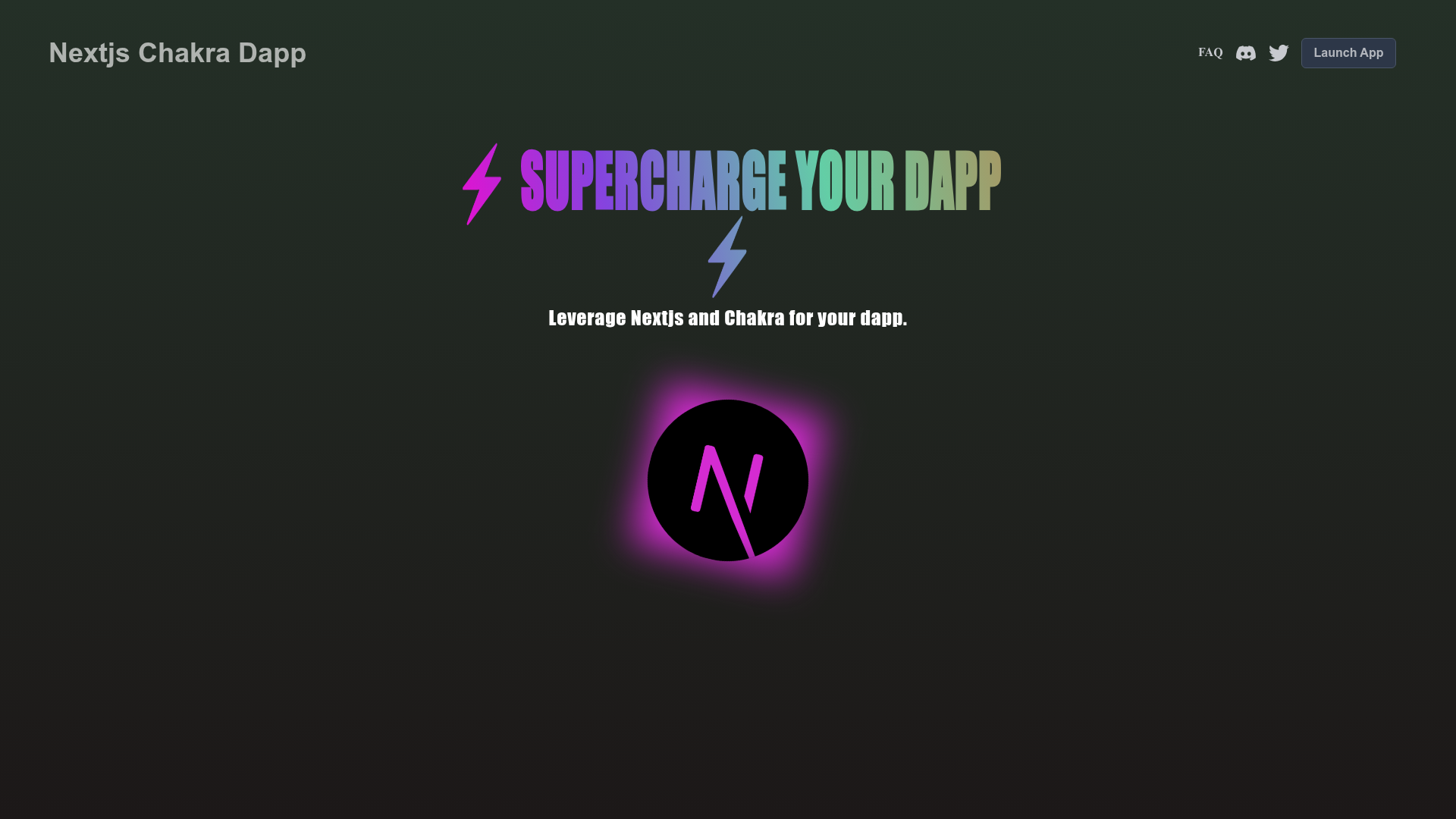
A template dapp using nextjs and chakra-ui.
About this template
Nextjs Chakra Dapp is a boilerplate template for building Ethereum dapps with Next.js, TypeScript, Chakra UI, and Dapptools smart contracts.
What is Nextjs Chakra Dapp?
This template combines a Next.js frontend with a Dapptools-based smart contract setup, producing a ready-to-run web3 project. It takes a fresh repository as input—via GitHub's "Use this template" button or an npx degit command—and outputs a development server on localhost:3000 with a modifiable index page at src/pages/index.js. The project is authored by GitHub user abigger87 and is publicly hosted in the nextjs-chakra-dapp repository.
Key Features
- Next.js framework — React-based framework providing file-based routing, server-side rendering, and automatic page reloads during development on port 3000.
- TypeScript — The codebase uses TypeScript for typed frontend logic and contract interactions.
- Chakra UI styling — A React component library for accessible interfaces, preconfigured as the styling system.
- Dapptools smart contracts — Includes a smart contract development environment using Dapptools, a Solidity testing and deployment toolset.
- Vercel deployment — A one-click deploy button configured to create a Vercel project directly from the GitHub repository URL.
- Simple dev commands — Dependencies install with
yarn, the dev server starts withyarn dev, and changes tosrc/pages/index.jshot-reload.
Who should use this template?
- Dapp developers — Scaffold a production-ready Ethereum frontend without wiring up Next.js, TypeScript, and Chakra UI from scratch.
- Smart contract engineers — Use the included Dapptools environment to test contracts while iterating on a UI in the same repository.
- Web3 beginners — Learn how a Next.js frontend and an Ethereum contract toolchain fit together by reading and modifying the template files.
Use cases
- Ethereum app prototyping: Quickly stand up a dapp with a working UI and contract setup, then deploy to Vercel for sharing.
- Hackathon projects: Spin up a typed, styled dapp in minutes using the
degitclone command, leaving more time for logic and demos. - Open source starting point: Fork the repo to create a personalized dapp, adding pages and components as needed.
How does it work?
Clone the template with npx degit abigger87/nextjs-chakra-dapp your-app-name or use the GitHub template button. Install dependencies with yarn, run yarn dev, and open http://localhost:3000. Editing src/pages/index.js updates the page automatically.
FAQ
Is Nextjs Chakra Dapp free to use?
Yes, the repository is publicly available on GitHub and can be used as a template at no cost. No pricing or license information is mentioned in the README.
What tech stack does this template use?
It uses Next.js as the React framework, TypeScript for typing, Chakra UI for components, and Dapptools for smart contract development. The frontend entry point is src/pages/index.js.
How do I deploy a dapp built from this template?
The README includes a Vercel deploy button that creates a new project from the repository URL. You can also connect your GitHub repo to Vercel manually.