Template details
AstroRise
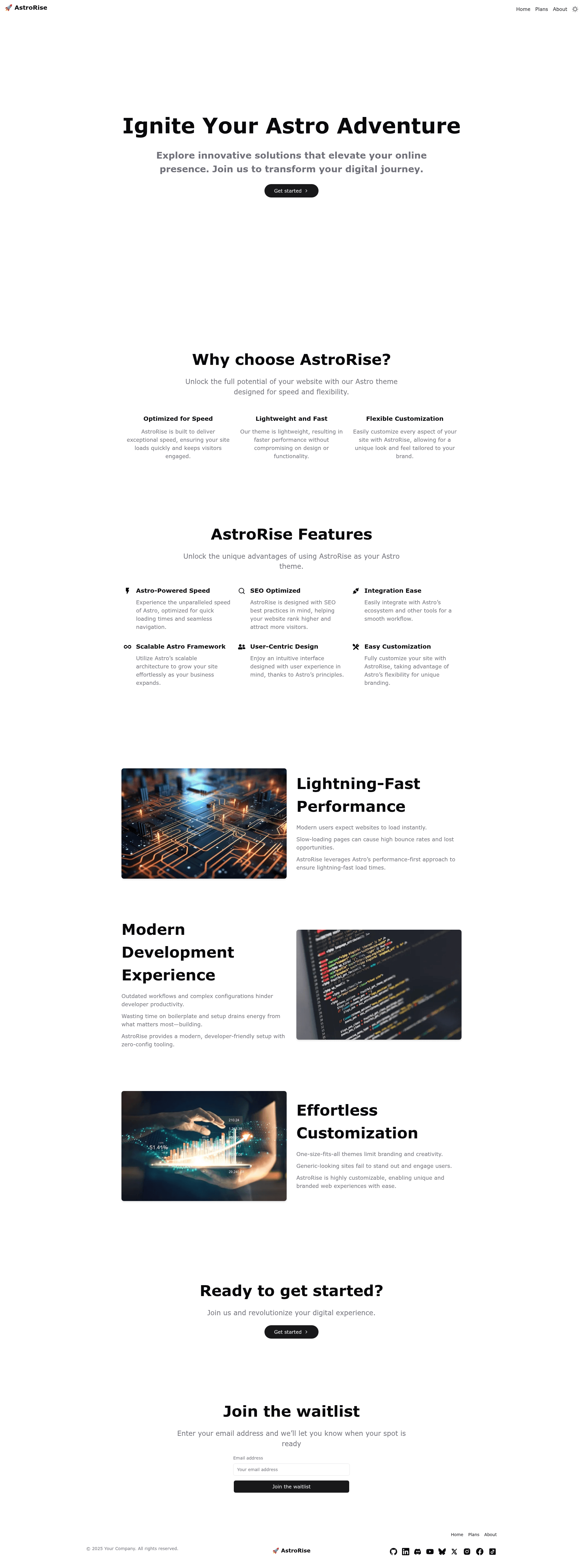
Modern, fast, and fully static Astro starter with i18n, Tailwind CSS v4, and Shadcn theming.
About this template
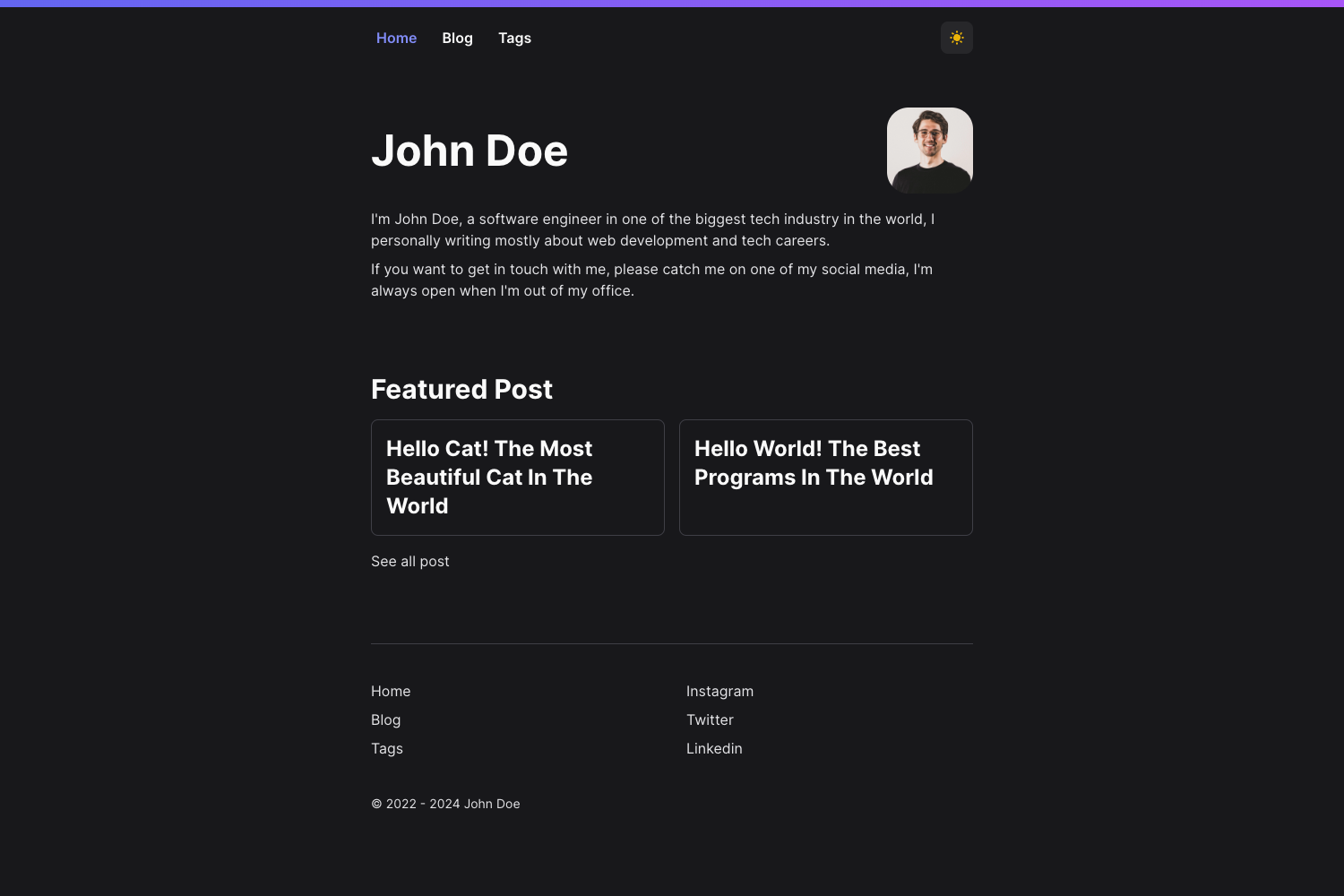
AstroRise is an open-source Astro starter template for building fully static, multi-language websites with a component-based architecture and Tailwind CSS v4 styling.
What is AstroRise?
AstroRise is a fully static Astro starter template that generates multi-language websites from JSON translation data and per-page content files. It takes translation files in an i18n directory plus page components written in .astro, and outputs static HTML for every language in LANG_LIST to the dist folder. The template runs on the Astro framework and can be opened in StackBlitz, CodeSandbox, or GitHub Codespaces directly from its repository. The project is based on the official Astro basics example, as the embedded cloud IDE links point to the withastro/astro examples tree.
Key Features
- Built-in internationalization — Pages live under
src/pages/[lang]/and translation files underi18n/[lang]/, with utilities likeloadpageContent,LANG_LIST, andDEFAULT_LANGfor per-locale content. - Tailwind CSS v4 styling — The color palette is defined in
src/styles/global.css, and the project adopts Shadcn's color configuration, allowing theme swapping via Shadcn-compatible theme generators such as teakcn. - Component variants — The Hero component ships with
simpleandsplitvariants; new variants can be added by creating an.astrofile in the component folder and registering it in that folder'sindex.astro. - Reusable BaseLayout — Every page is wrapped in a single
BaseLayoutcomponent that receivespageContent, keeping layout consistent across all pages and locales. - Blog search — Running
pnpm buildis required for the blog page's search functionality to work in production builds. - Sitemap support —
public/robots.txtreferences a sitemap index, and the site URL is configured inastro.config.mjs. - One-click cloud development — Badges in the README open the project in StackBlitz, CodeSandbox, and GitHub Codespaces.
- Standard Astro CLI — Commands for dev server, build, preview, adding integrations, and checking types are documented:
pnpm dev,pnpm build,pnpm preview,astro add, andastro check.
Who is it for?
- Indie developers who want a ready-made static site with multiple languages without wiring up i18n from scratch.
- Small teams shipping marketing or blog sites that need a consistent layout system and Tailwind-based theming.
- Content publishers who need a blog with client-side search and per-locale content management.
What can you do with AstroRise?
- Add a new page — Create a folder under
src/pages/[lang]/with anindex.astrofile, import theBaseLayoutandHerocomponents, definegetStaticPaths()for all languages, and create a matching JSON translation file ini18n/[lang]/. - Extend components — Create a new
.astrofile in an existing component folder and register it in the folder'sindex.astroto add a new type, then use it on a page by passing atypeprop. - Customize the theme — Change the color palette in
global.cssor apply a Shadcn-compatible theme to restyle the entire site.
How does AstroRise work?
Start by updating the site URL in astro.config.mjs and the sitemap line in public/robots.txt. Then run pnpm install, pnpm build (required for blog search), and pnpm dev to launch the dev server at localhost:4321. New pages follow a structured recipe: create a folder, add an index.astro, import layout and components, load translation data, and export getStaticPaths.
Pricing
AstroRise is free and open source, with no tiered plans or paid features mentioned in the documentation.
FAQ
Is AstroRise free?
Yes, AstroRise is an open-source template. You can clone it, modify it, and deploy it without paying any license fees.
Does AstroRise support multiple languages?
AstroRise includes built-in internationalization. Pages are organized under src/pages/[lang]/ and translation files live in i18n/[lang]/, with a LANG_LIST constant that defines the supported locales.
Why does the blog search require a build?
The template's blog search functionality only activates after running pnpm build. The dev server works fine, but the production build generates the necessary search index for the blog page.
How do I change the site's colors?
Colors are defined in src/styles/global.css using Shadcn's CSS variable configuration. You can edit those variables directly or apply a theme from a Shadcn-compatible generator.
What Node.js package manager should I use?
The README examples use pnpm for all commands, but standard Astro projects work with npm and yarn as well.