Template details
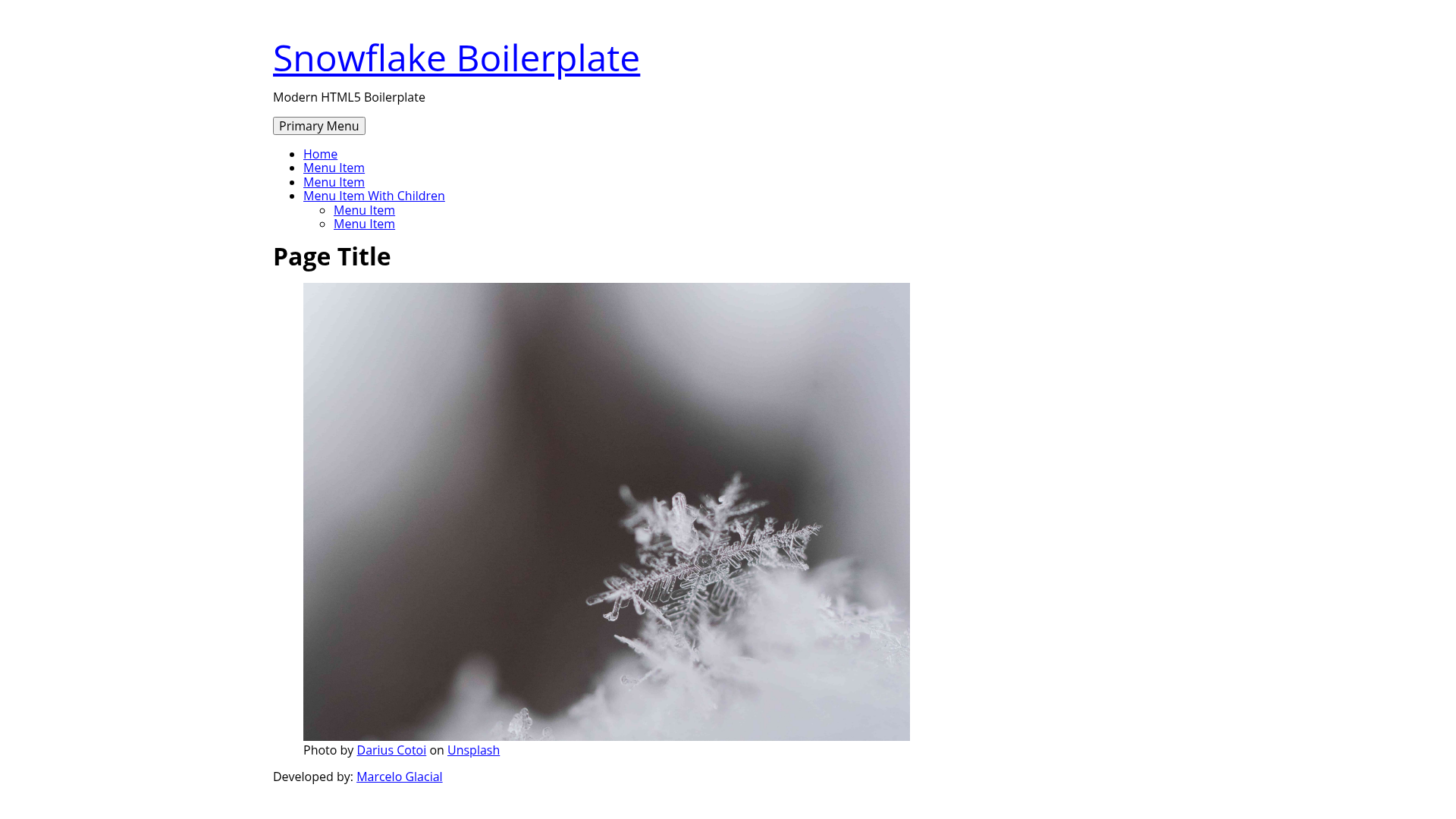
Snowflake Boilerplate
A HTML5 optimized boilerplate for static websites
About this template
Snowflake Boilerplate is an HTML5-optimized static website starter kit that bundles SASS, Webpack, and include-media into a minimal build pipeline. It is a small open-source GitHub project with 6 stars that serves as a basic scaffold for hand-coded static sites.
What is Snowflake Boilerplate?
Snowflake Boilerplate is a static site boilerplate for developers who want a pre-configured front-end workflow without a full framework. It takes plain HTML, SASS, and JavaScript source files as input and produces a production-ready static website with minified CSS and JavaScript plus optimized images as output. The boilerplate runs entirely on Node.js tooling (npm and Yarn) and has no server-side dependencies. The project site lists Underscores.me as its base template reference, and the repository metadata includes topics such as Handlebars, HTML5, SASS, and Webpack.
Key Features
- SASS ready — Write styles in SASS (scss syntax) and compile them to plain CSS through the build pipeline without extra configuration.
- Webpack ready — Bundle JavaScript modules with Webpack, using the pre-configured webpack setup that integrates with the rest of the build.
- Include-media ready — The include-media Sass library is pre-installed for clean, named media query breakpoints directly in your SASS files.
- Minified JS bundle on build — Running
yarn buildoutputs a single minified JavaScript file optimized for production. - Minified CSS bundle on build — The build step also concatenates and minifies all SASS output into a single CSS file.
- Optimized images on build — During the production build, images are automatically optimized to reduce file size.
- Hot reload on dev —
yarn startstarts a development server that watches source files and reloads the browser whenever HTML, SASS, or JS changes.
Who is it for?
- Front-end developers who want a lightweight starting point for static sites and prefer custom HTML and SASS over a framework.
- Freelancers prototyping client sites who need a quick scaffold with hot reload to iterate on responsive layouts.
- Students learning modern front-end tooling who can study a minimal, real-world Webpack and SASS setup in a small codebase.
What can you do with Snowflake Boilerplate?
- Static marketing sites: ship a fast, minified HTML/CSS/JS site with no backend, deployable to any static host.
- Design prototyping: use hot reload to edit SASS and HTML content and see changes instantly in the browser.
- Personal portfolio sites: build a simple portfolio from hand-written HTML and SASS, then run
yarn buildfor production files. - Learning projects: experiment with include-media breakpoints, Webpack configuration, and build performance in an isolated environment.
How does Snowflake Boilerplate work?
After installing npm, you run npm install yarn to get Yarn globally and then yarn install to fetch dependency packages. For development, yarn start launches a live-reloading server; for a production-ready output, yarn build runs the minification and image optimization pipeline documented in the README.
FAQ
Is Snowflake Boilerplate free?
Yes, the boilerplate is distributed through a public GitHub repository, and the page lists no license or pricing restrictions. You can download and adapt the starter code freely for your own projects.
What do I need to run it?
You need Node.js with npm installed on your machine. After installing Yarn with npm install yarn, you run yarn install to set up all build tools, including Webpack, SASS, and include-media.
Does it include a CMS or backend?
No, Snowflake Boilerplate is only for static websites. It outputs plain HTML, CSS, and JavaScript files, so you would pair it with a static host or a headless CMS separately.
What does the build command do?
yarn build minifies the JavaScript and CSS bundles, optimizes images, and copies the assets into a production folder. The resulting files are ready to upload to any web server or CDN.
Is there support for templating languages?
The README does not document template engine support. The repository metadata lists Handlebars as a topic, but the feature list on the page only covers SASS, Webpack, and image/asset processing.