Template details
Autm-rb
A minimal Jekyll theme for blogs and static sites, customizable via _config.yml and _data/, MIT licensed.
About this template
Autm-rb is a Jekyll theme that provides a minimal, no-frills layout for blogs and static websites, packaged as an open-source GitHub repository and available under the MIT license. Its tagline, "Another theme for jekyll," reflects its purpose as a simple starting point for Jekyll users who want a clean home page and post layout without a lot of built-in styling.
What is Autm-rb?
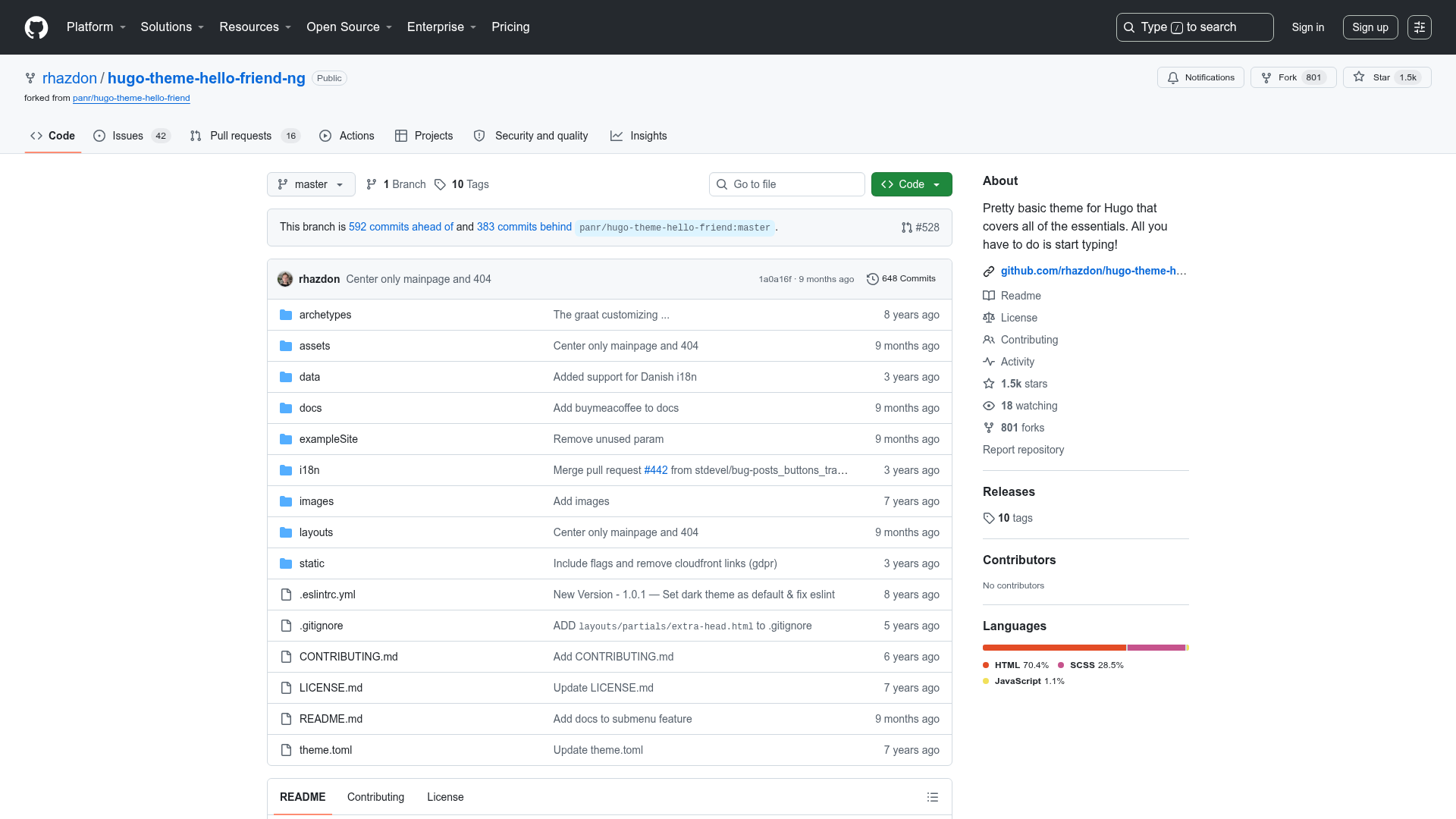
Autm-rb is a theme for Jekyll, the Ruby-based static site generator. It takes Markdown content and a YAML configuration file as input and produces a static HTML site that can be hosted anywhere, including GitHub Pages. The theme is maintained on GitHub with a live demo hosted at kirqe.github.io/autm-rb/. The repository metadata shows topics including jekyll-theme and jekyll-themes, indicating it is specifically designed for Jekyll users.
Key Features
- MIT License — The theme is free to use, modify, and redistribute under the permissive MIT license.
- Configuration via _config.yml — Site-wide settings are edited in the main Jekyll configuration file.
- Data-driven customization — Content and layout settings can be managed through files inside the _data/ directory, allowing separation of content from templates.
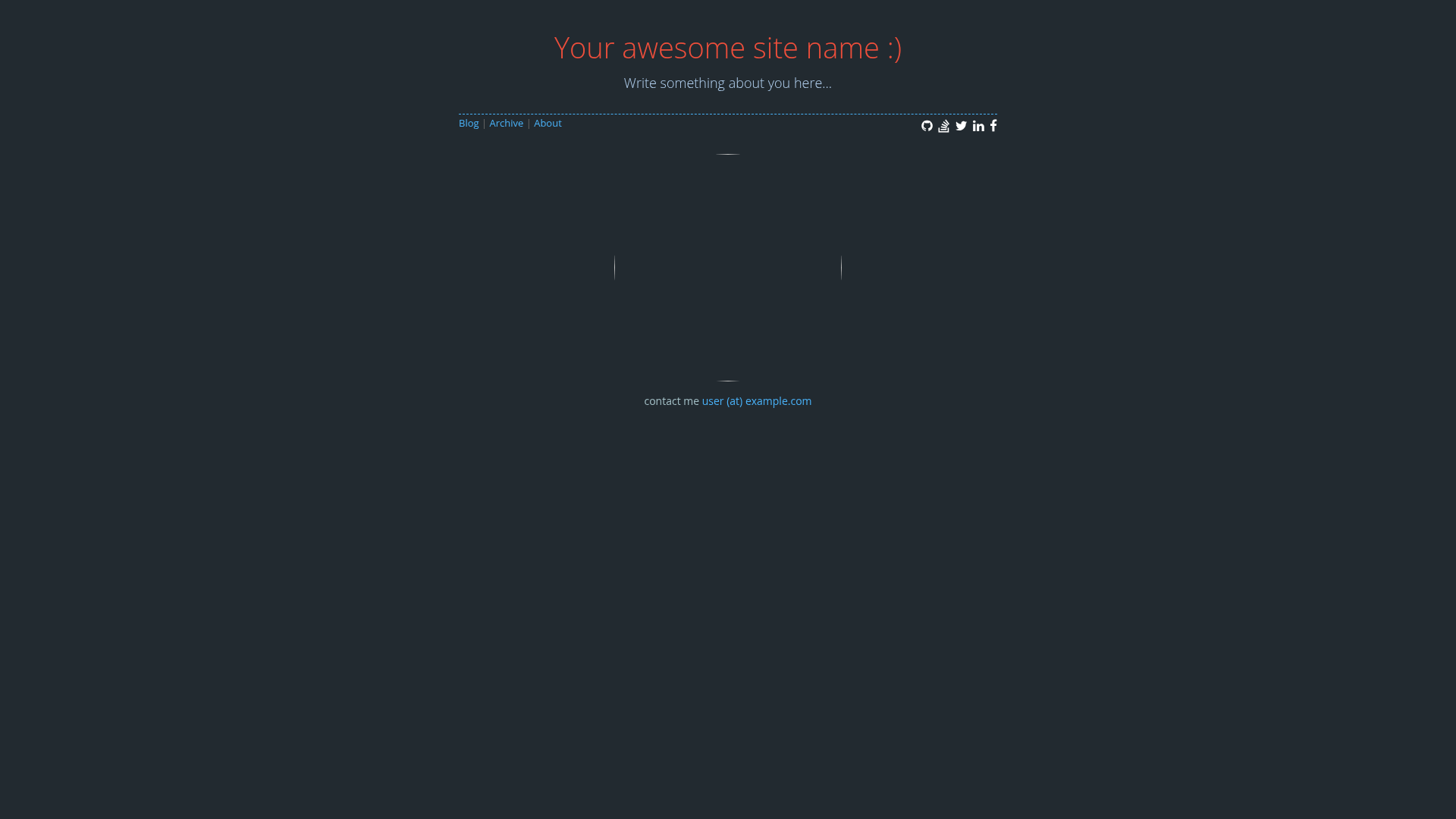
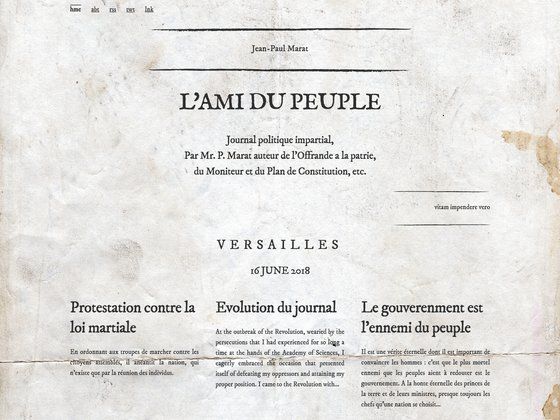
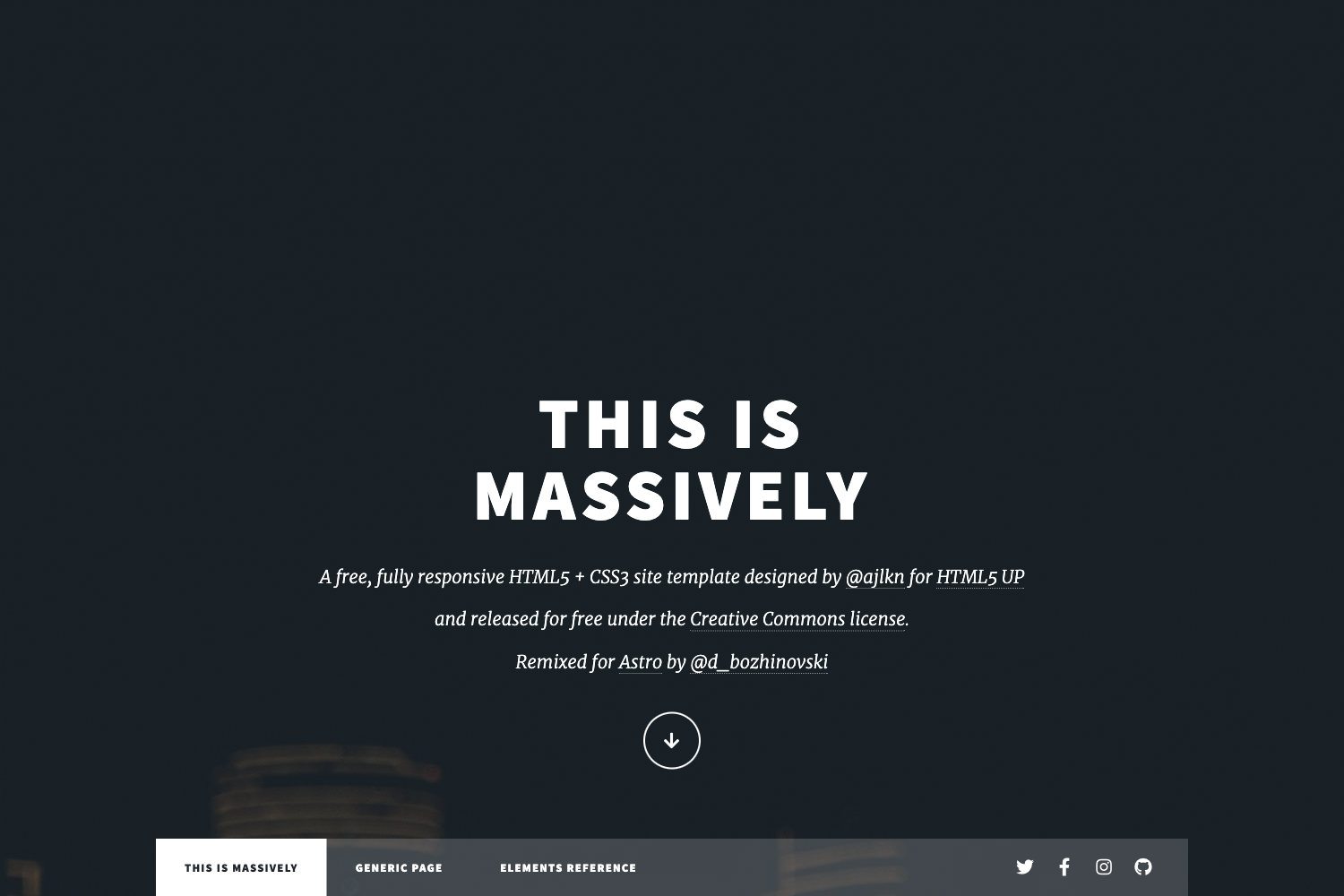
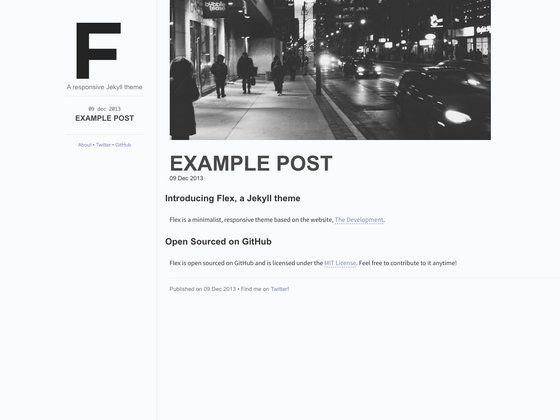
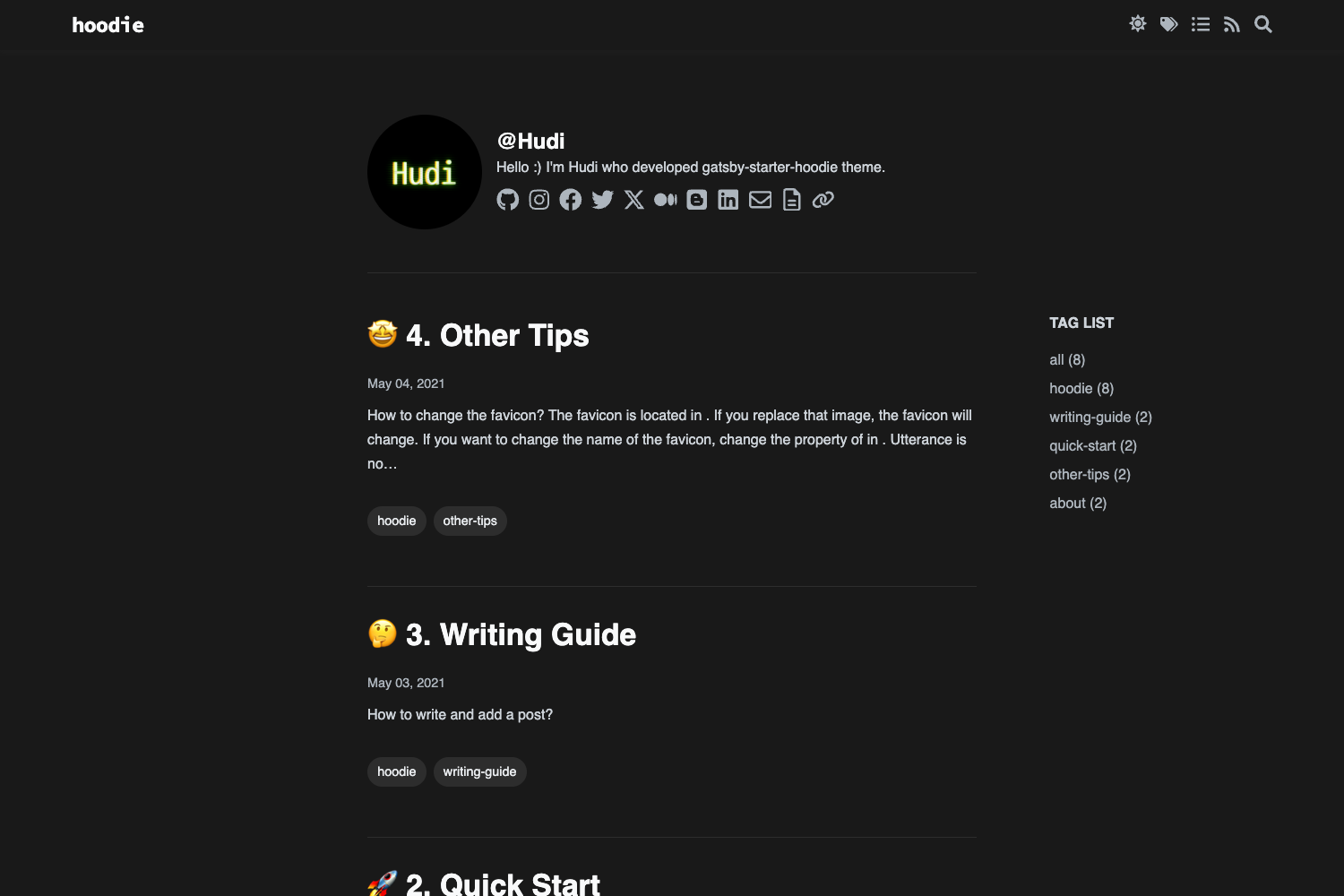
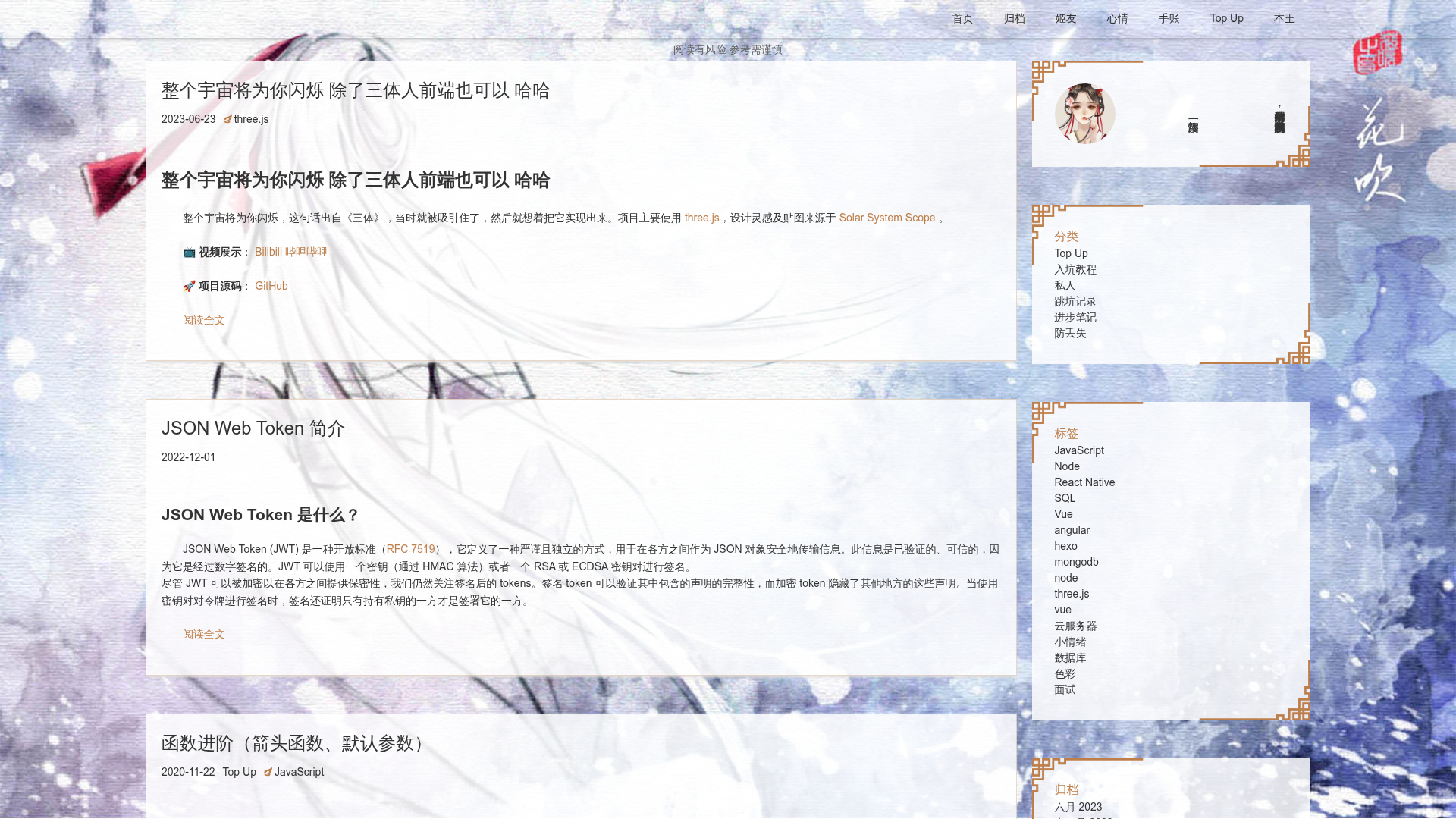
- Home page layout — A dedicated layout for the home page is included, as shown in the screenshots.
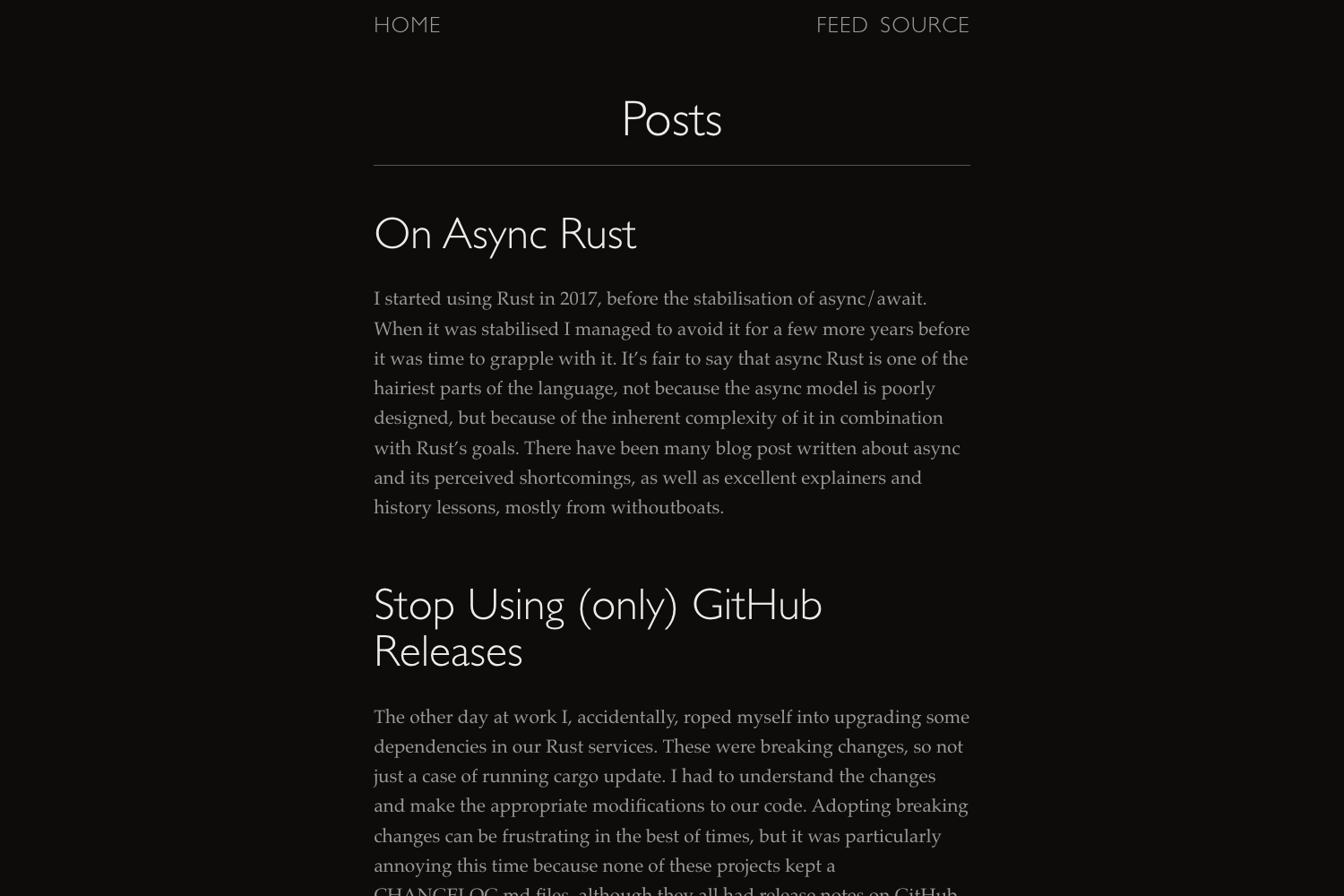
- Post layout — A separate layout for blog posts is provided, as shown in the screenshots.
- GitHub-hosted demo — A live preview is available at demo link so users can evaluate the theme before using it.
- Fork on GitHub — Users can fork the repository directly from the README to start their own site.
Who is it for?
- Jekyll beginners — Individuals who want a straightforward theme to start a blog without configuring complex style sheets.
- Developers — Those who prefer to customize layouts and data through files rather than a GUI, using standard Jekyll workflows.
- Static site enthusiasts — People who want a lightweight, fast-loading blog that outputs pure static HTML and can be deployed to any hosting service.
What can you do with Autm-rb?
- Launch a blog quickly — Use the built-in home and post layouts to set up a blog in minutes by editing configuration and adding Markdown files.
- Customize site-wide content — Modify _config.yml and _data/ files to change titles, navigation, and other global settings without touching the template code.
- Deploy to GitHub Pages — Because it's a Jekyll theme, it can be pushed to a GitHub repository and served via GitHub Pages with minimal setup.
How does Autm-rb work?
Autm-rb follows the standard Jekyll workflow: you edit _config.yml and the files in _data/, add your content as Markdown files, and run Jekyll to generate a static site. The README explicitly instructs users to edit those files before using the theme, indicating that the theme is designed to be customized before deployment.
Pricing
Autm-rb is free and open source under the MIT license, so there are no licensing fees or premium tiers.
FAQ
Is Autm-rb free?
Yes. The theme is released under the MIT license, which permits free use, modification, and distribution, including for commercial projects.
What do I need to use Autm-rb?
You need Jekyll installed on your machine, or you can rely on GitHub Pages which supports Jekyll themes natively. After forking the repository, you edit the configuration files.
What layouts does Autm-rb include?
Based on the screenshots, Autm-rb includes at least a home page layout and a blog post layout. These provide the basic structure for a personal blog or simple company site.
Can I use Autm-rb with GitHub Pages?
Yes, as a Jekyll theme it works with GitHub Pages. You can fork the repository and enable Pages on the resulting repository to get a live version.
How do I customize the theme?
The README instructs you to edit _config.yml and files inside the _data/ directory. These files control global settings and structured data used by the theme's templates.