Template details
Flex
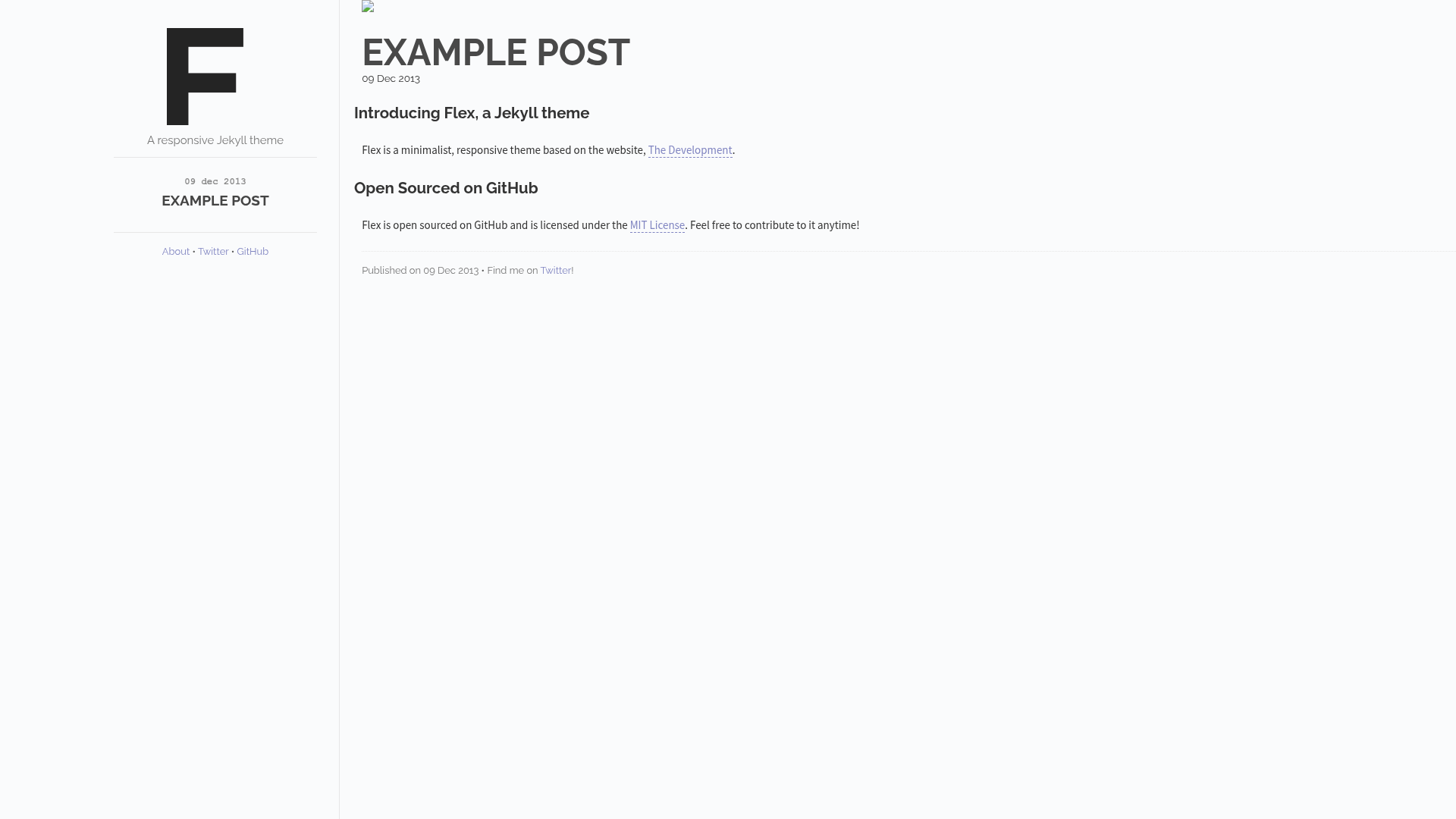
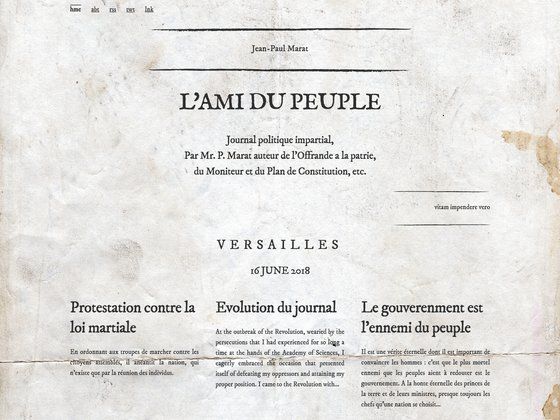
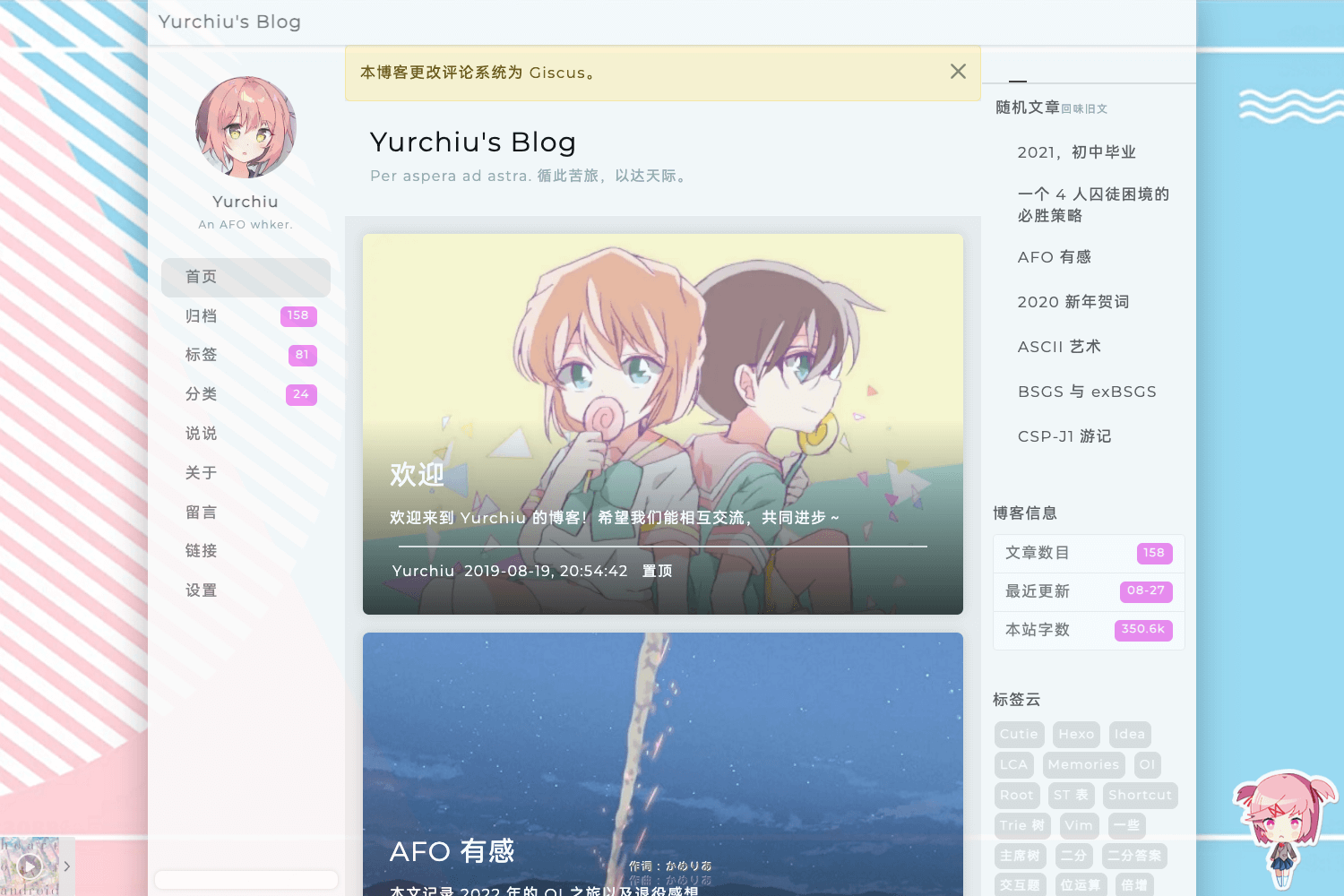
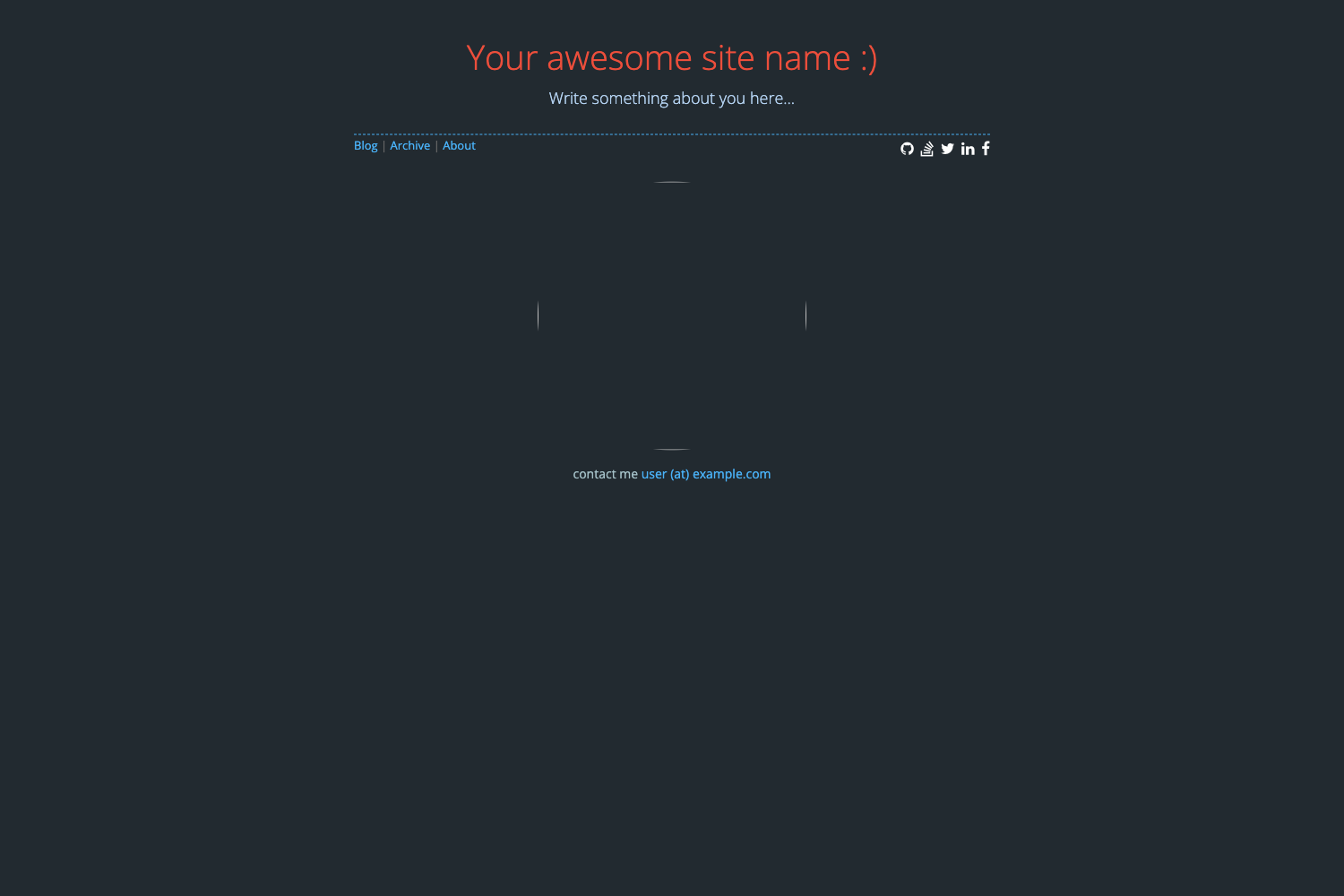
A responsive, flexible Jekyll theme based on The Development's first design.
About this template
Flex is a responsive, flexible Jekyll theme by Jeff Martin that provides a ready-made layout for static websites, styled after The Development's first design. A live demo is available at the-development.github.io/flex.
What is Flex?
Flex is a Jekyll theme for building static websites. It takes a standard Jekyll project and applies a responsive layout based on The Development's design. The theme runs on Jekyll, a Ruby-based static site generator, and produces plain HTML files ready to deploy anywhere. Jeff Martin created it, and it is released under the MIT license.
What makes Flex stand out?
- Responsive layout — The theme adapts to different screen sizes, making it suitable for mobile and desktop viewing.
- Flexible design — As the name suggests, Flex is built to be flexible and customizable for various content types.
- Based on a real design — The layout draws from The Development's first design, giving sites an editorial look.
- Simple Jekyll integration — Install with Jekyll, fork the repository, and run jekyll serve to start a local development server.
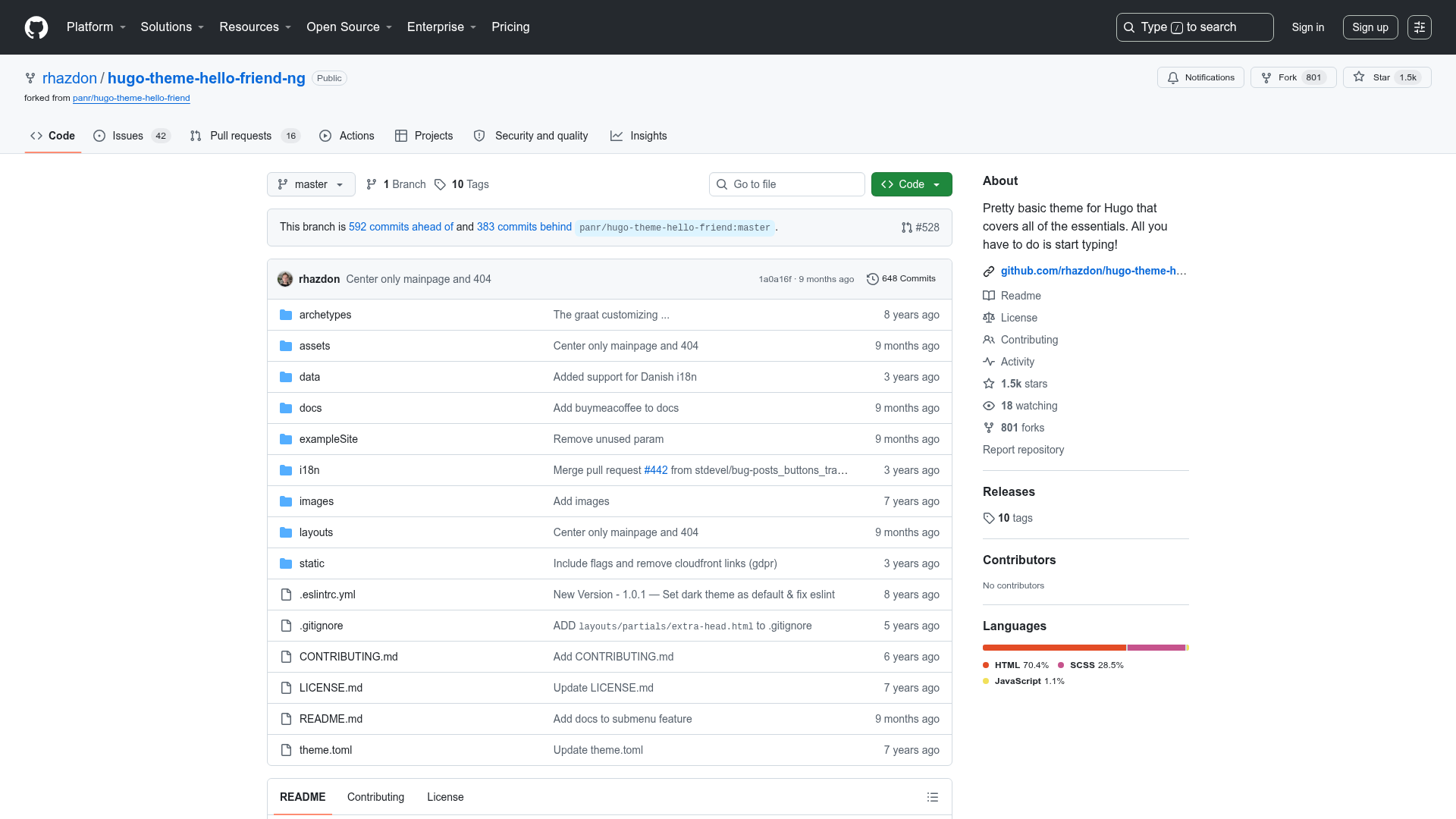
- Open-source contributions — Bugs and feature requests are handled via GitHub pull requests and issues, with a policy that feature ideas first open an issue to avoid bloat.
- MIT licensed — Free to use, modify, and distribute for personal and commercial projects.
Who should use Flex?
- Jekyll users — Developers already using Jekyll who want a ready-made responsive theme without building the front end from scratch.
- Bloggers — Writers who need a clean, readable layout for their posts and are comfortable with Jekyll's file-based workflow.
- Design-conscious developers — Those who appreciate the aesthetic of The Development's design and want a similar look for their projects.
Use cases
- Launch a personal site — Use Flex to quickly set up a personal homepage or blog with a responsive design.
- Prototype a client project — Fork the theme and customize it to match a client's brand, then deploy the static output.
- Learn Jekyll theming — Study the theme's structure to understand how Jekyll layouts, includes, and styles are organized.
How does Flex work?
The theme follows the standard Jekyll workflow: install Jekyll with gem install jekyll, fork the repository to your machine, then navigate into the directory and run jekyll serve --watch to preview the site locally. The theme handles the layout and styling, so content is added by editing Markdown or HTML files in the Jekyll structure.