Template details
Awesome Portfolio
A free developer portfolio template using React, TypeScript, and Tailwind CSS — edit one data file and deploy to Vercel.
About this template
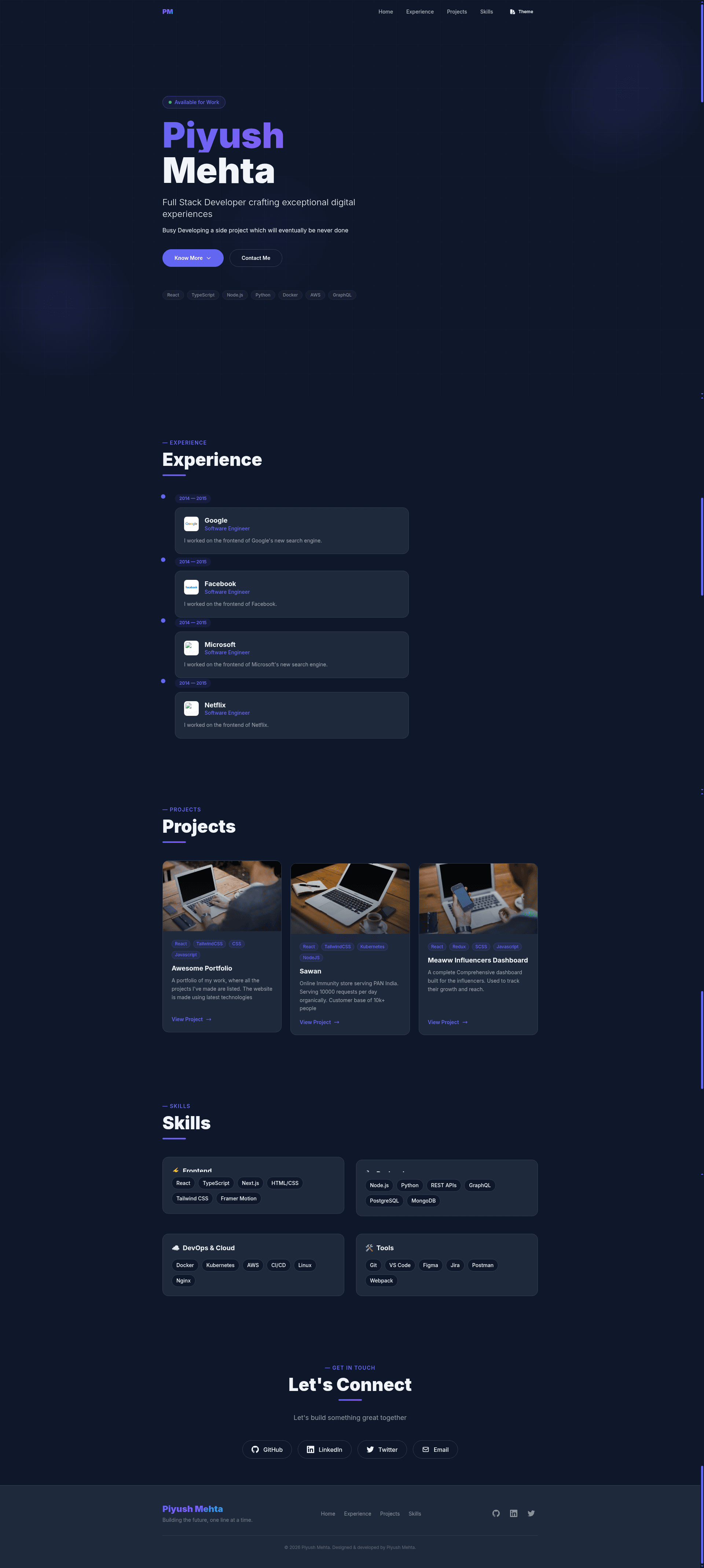
Awesome Portfolio is a free, open-source portfolio template for developers that uses React 18, TypeScript 5, and Vite 5 to generate a modern one-page site from a single data file.
What is Awesome Portfolio?
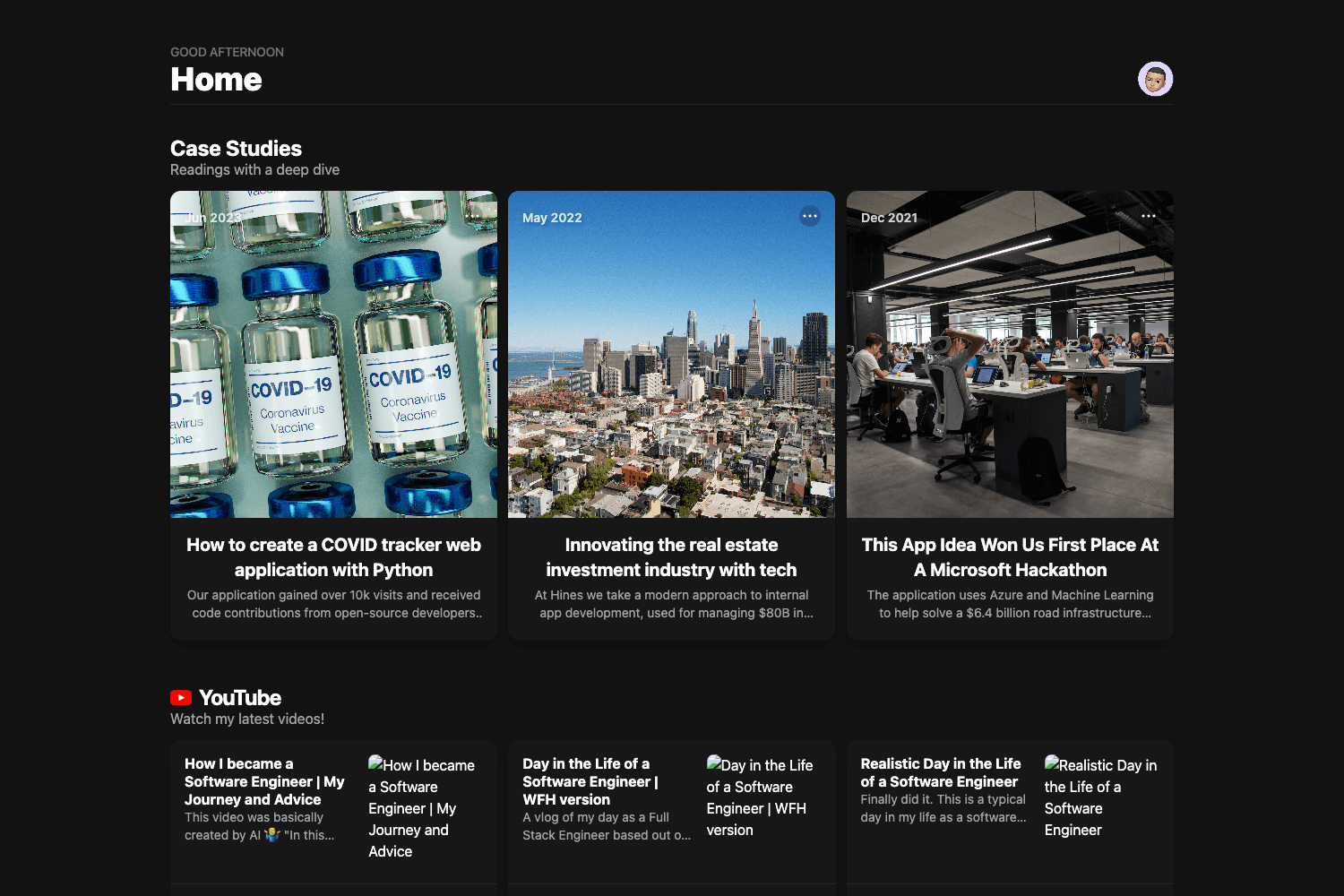
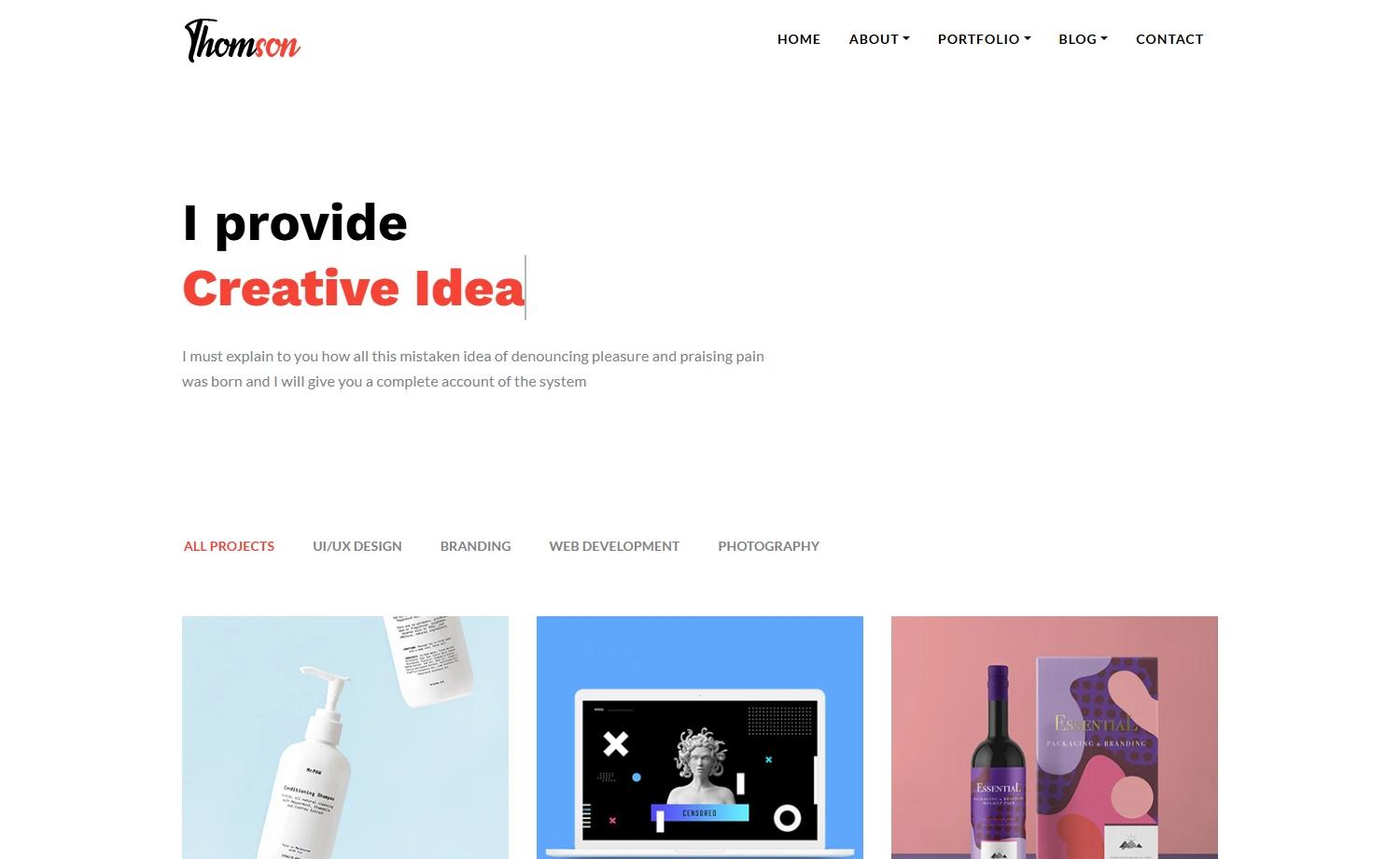
Awesome Portfolio is a customizable developer portfolio template distributed under the MIT license. It takes your personal details, social links, work experience, projects, and skills — all entered in one file named src/data/data.tsx — and renders a responsive one-page portfolio with a hero, about section, timeline, project cards, and skill badges. The template runs on React 18 with TypeScript 5, is bundled by Vite 5, and is built for deployment to Vercel with a one-click button. It was created by piyush97 and is available on GitHub as piyush97/awesome-portfolio.
Key Features
- Single-file customization — All content (name, URL, tagline, about text, greeting badge, social links, experience timeline, projects, and grouped skills) is controlled by exports in
src/data/data.tsx; no other file needs editing. - Modern tech stack — React 18 with TypeScript 5, bundled by Vite 5, styled with Tailwind CSS v3 and daisyUI v4, which provides built-in theme switching.
- Scroll-triggered animations — Uses framer-motion v11 to animate sections as the user scrolls, with no extra configuration.
- SEO meta tags — Uses react-helmet-async to manage document head meta tags, helping search engines index each page.
- One-click Vercel deployment — The repository includes a Vercel deploy button; set the build command to
npm run buildand output directory tobuild. - MIT licensed — The template is free to use, modify, and redistribute, with the license included in the repository.
Who is it for?
- Job-seeking developers — Create a clean portfolio that highlights experience, projects, and skills without writing custom front-end code.
- Students and recent graduates — Showcase coursework, internships, and side projects with a professional layout, then deploy to a free Vercel URL.
- Freelance engineers — Present services, past work, and contact links in one page that can be updated in minutes from a single data file.
- Open-source contributors — Use the template as a starting point to build a personal site and contribute improvements back to the project.
What can you do with Awesome Portfolio?
- Launch a personal site quickly: Clone the repository, edit
src/data/data.tsx, and runnpm startto preview a fully styled portfolio in under a minute. - Showcase professional history: Add a chronological experience timeline via the
EXPERIENCEexport, with each entry rendered as a card. - Display projects and skills: Populate the
projectsandSKILLS_GROUPEDexports to generate project cards and categorized skill badges that visitors can scan at a glance. - Deploy without a server: Use the Vercel button to set up hosting, with the required build command and output directory already documented.
How does Awesome Portfolio work?
The workflow is intentionally short: clone or use the GitHub template, run npm install to fetch dependencies, edit only src/data/data.tsx to replace placeholder content with your own, then use npm start for local development. When ready, run npm run build to produce static files in the build directory, which you can deploy to Vercel (via the provided button) or any static host.
FAQ
Is Awesome Portfolio free?
Yes. The repository is published under the MIT license, so using, modifying, and deploying the template is free, including for commercial purposes. There are no paid tiers, watermarks, or subscriptions associated with the template itself.
What tech stack does Awesome Portfolio use?
It uses React 18 with TypeScript 5, built with Vite 5. Styling is handled by Tailwind CSS v3 and daisyUI v4, animations come from framer-motion v11, and SEO meta tags are managed with react-helmet-async.
How do I customize the portfolio?
Edit a single file: src/data/data.tsx. It exports constants and arrays for your name, URL, tagline, about text, greeting text, social links, experience, projects, and grouped skills. After saving, the dev server rebuilds and your changes appear immediately.
Can I deploy it to Vercel?
Yes. The repository includes a Vercel deploy button. Configure the build command as npm run build and set the output directory to build. The same build output can be uploaded to any static site host.
Does it include a blog or multiple pages?
No. The template ships as a one-page portfolio with a single data file for content. It does not include routing, a blog, or a CMS; those would need to be added on top of the Vite base.