Template details
Next Notion Portfolio
Next.js portfolio template that uses Notion as a CMS to publish blog posts and showcase work.
About this template
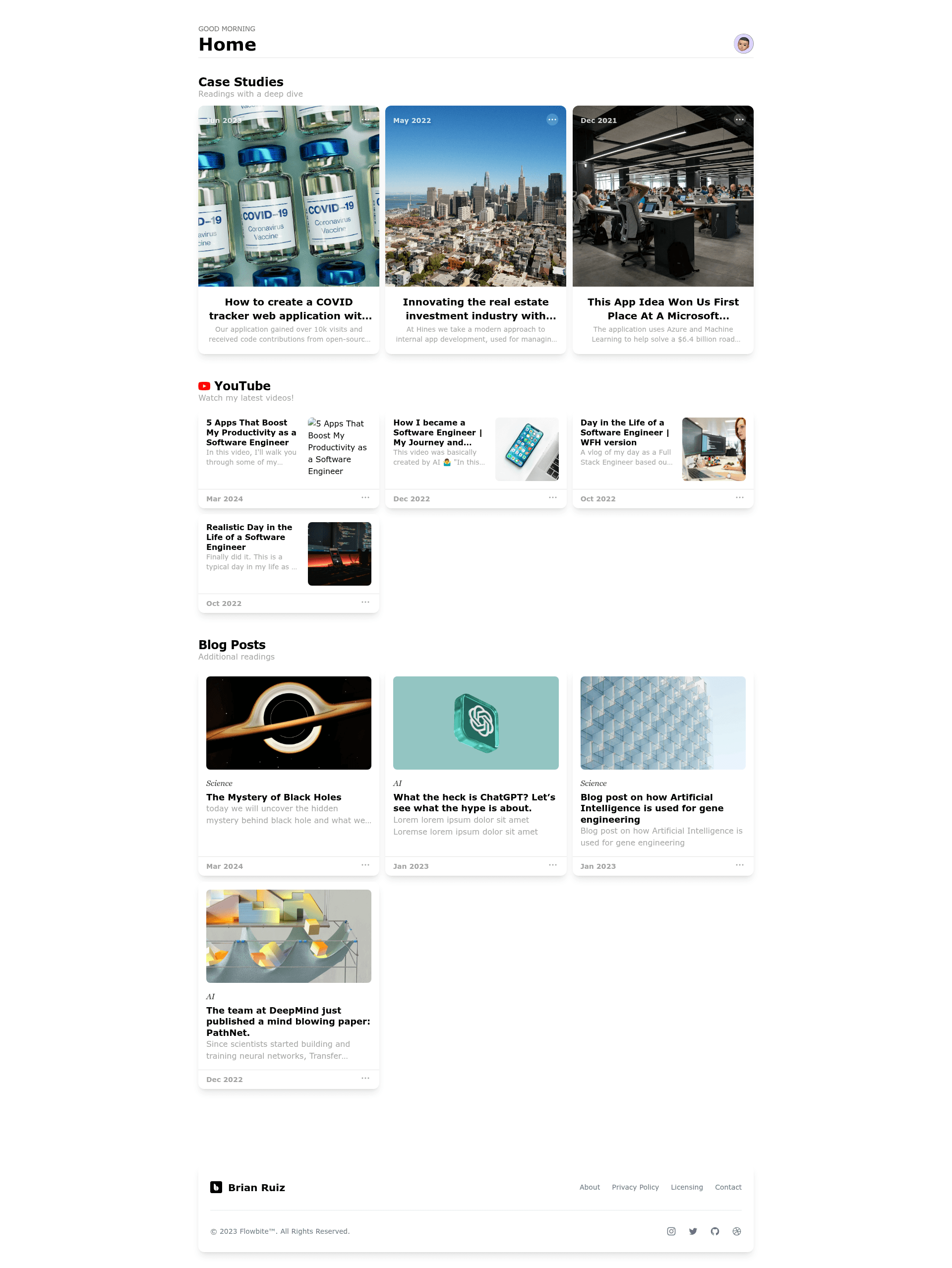
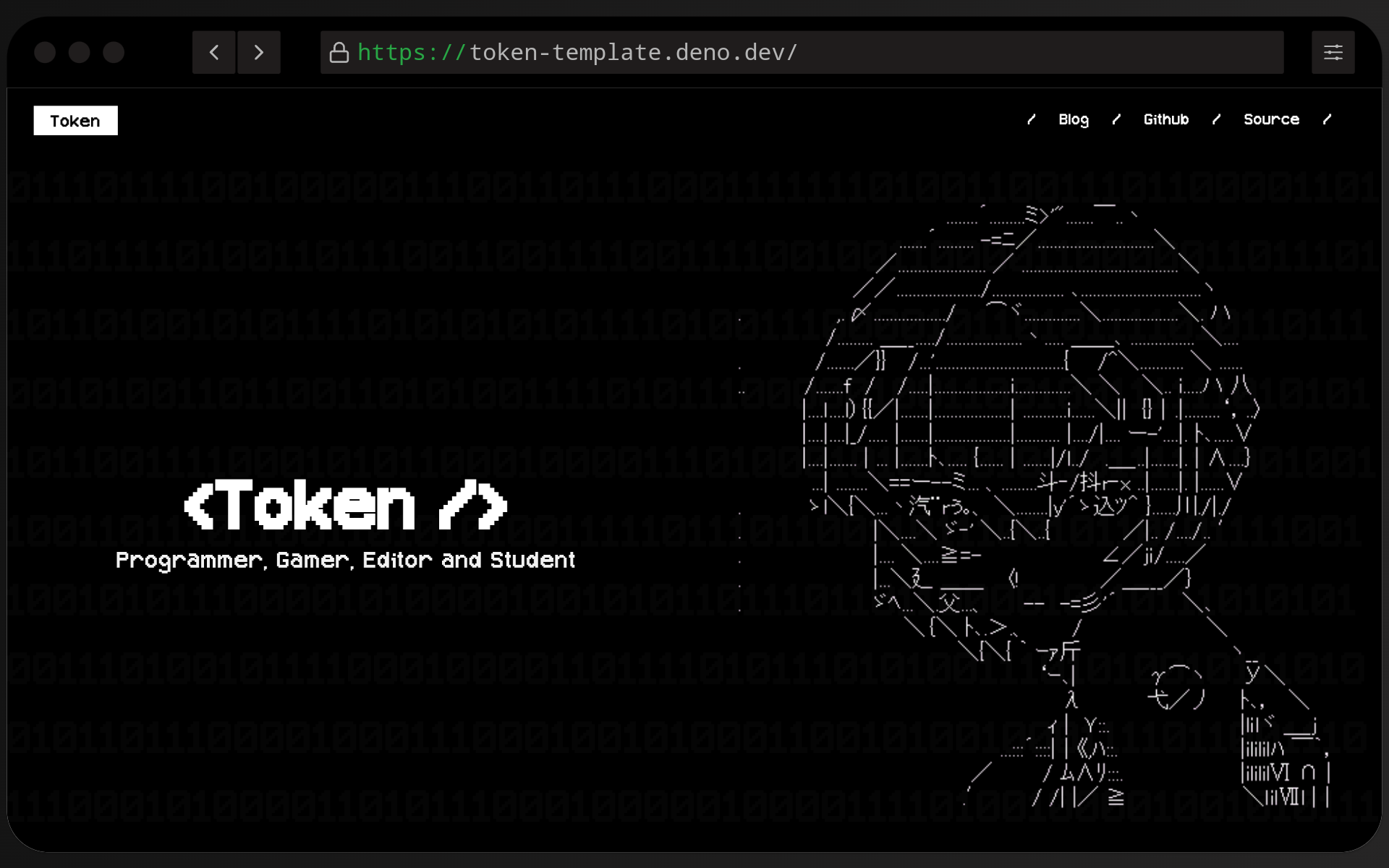
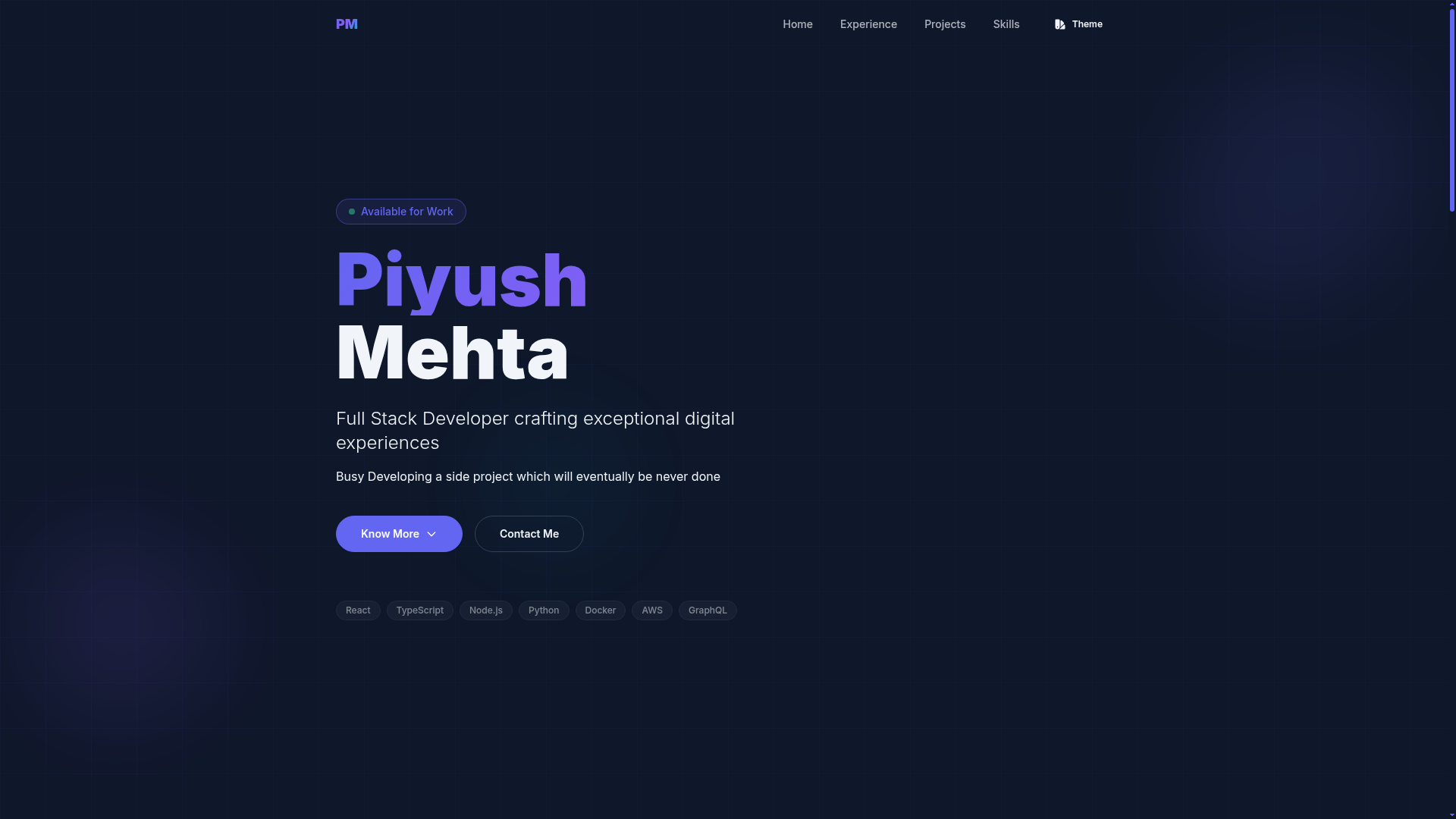
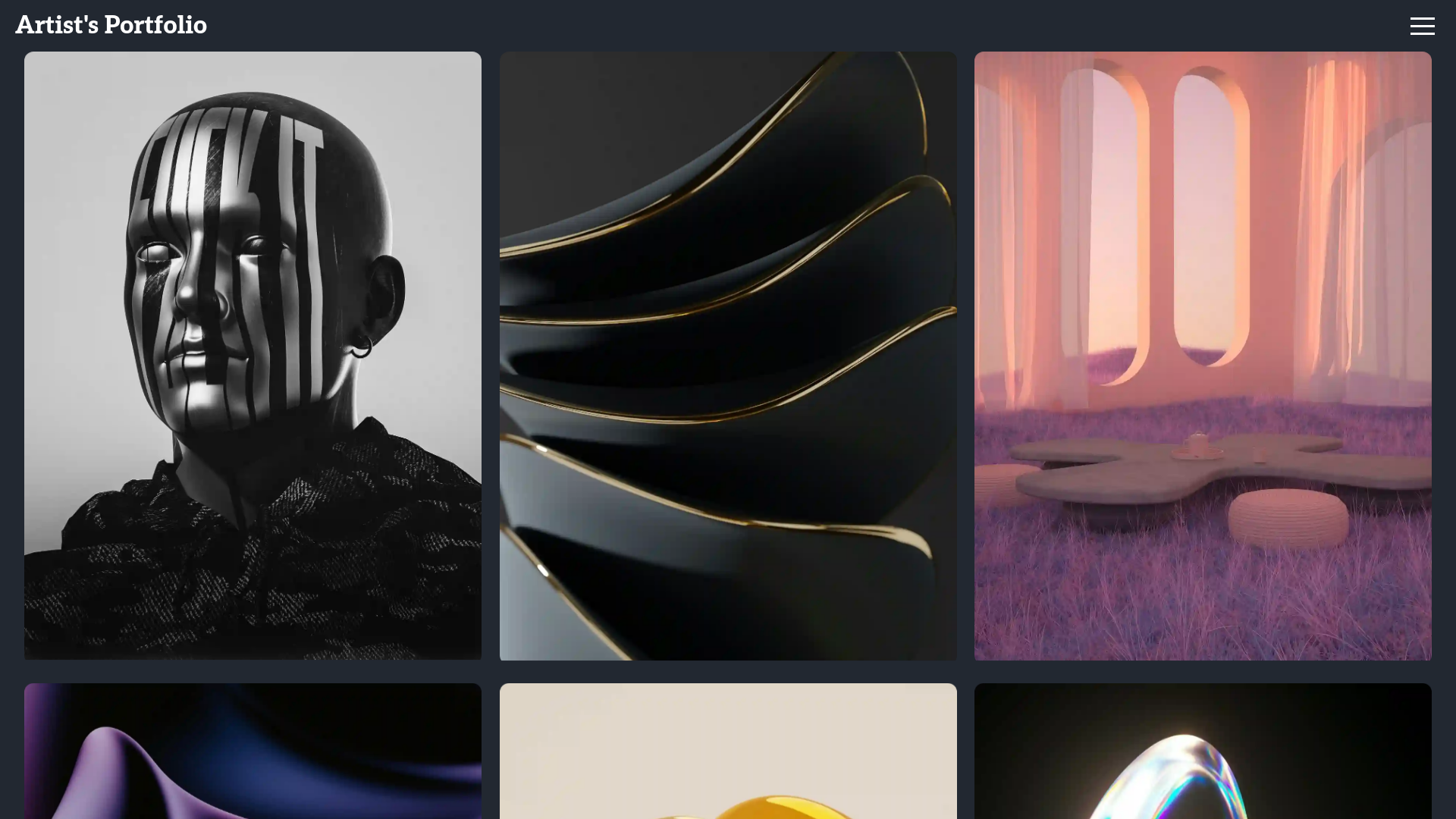
Next Notion Portfolio is a Next.js portfolio template that uses Notion as its content management system, turning Notion database pages into a blog-style portfolio website. You manage all content in Notion, and the template publishes it as a static and server-rendered site on Vercel.
What is Next Notion Portfolio?
Next Notion Portfolio is an open-source portfolio template built on Next.js and styled with Tailwind CSS. It takes two inputs — a Notion database ID and a private Notion API key — and produces a portfolio website where each Notion page becomes a blog post or project entry. The template is authored by Brian Ruiz (GitHub user BrianRuizy), and its public repository has 71 stars.
Key Features
- Notion as CMS — All content lives in a Notion database; the template uses the Notion API to fetch and render pages, so you never touch code to publish.
- Two-variable setup — Only two environment variables are required:
NOTION_API_KEYandNOTION_DATABASE_ID. The README includes a duplicate link for the "Portfolio Posts" Notion database. - Next.js and Tailwind CSS — The site runs on Next.js, giving you server-side rendering and static export options, and uses Tailwind CSS for styling.
- Vercel deployment — A one-click deployment link is provided to clone the project on Vercel and connect the environment variables.
- Blog-style layout — Presentations are structured as blog posts, making it suitable for case studies, articles, and project write-ups.
- Open source — The full source code is on GitHub, allowing you to customize layouts, routing, and styling.
Who is it for?
- Developers — Get a portfolio site online quickly by duplicating a Notion page, adding an API key, and deploying with Vercel.
- Content writers — Publish posts directly from Notion, which they already use for notes and drafts, without a separate CMS.
- Freelancers and creatives — Showcase work samples and write about projects in a clean, blog-style format.
What can you do with it?
- Publish blog posts: Create a new page in the linked Notion database, fill in the properties, and the post appears on the website.
- Maintain a project gallery: Organize projects in Notion with tags and statuses, then display them on a portfolio page.
- Deploy in minutes: Use the Vercel clone link to start a new project, set environment variables, and get a live URL.
How does it work?
Start by duplicating the "Portfolio Posts" Notion page and creating a Notion integration at developers.notion.com to get an API key. Then copy the database ID from the page URL, add both values as environment variables in your Vercel project, and deploy. The template fetches content from Notion at build time and serves it as a website.
FAQ
Do I need a paid Notion plan?
No, the setup works with a free Notion account. You only need to create an integration and share the database with it.
Is the template free to use?
Yes, the repository is open source and free. Hosting on Vercel has a generous free tier, so you can deploy without spending money.
What if I want to change the design?
Because the project is built with Next.js and Tailwind CSS, you can edit the source code to alter colors, fonts, layout, and add new components.
Do I need to know React to customize it?
The setup requires no coding, but customizing the template beyond content is easier if you are comfortable with React and Tailwind.