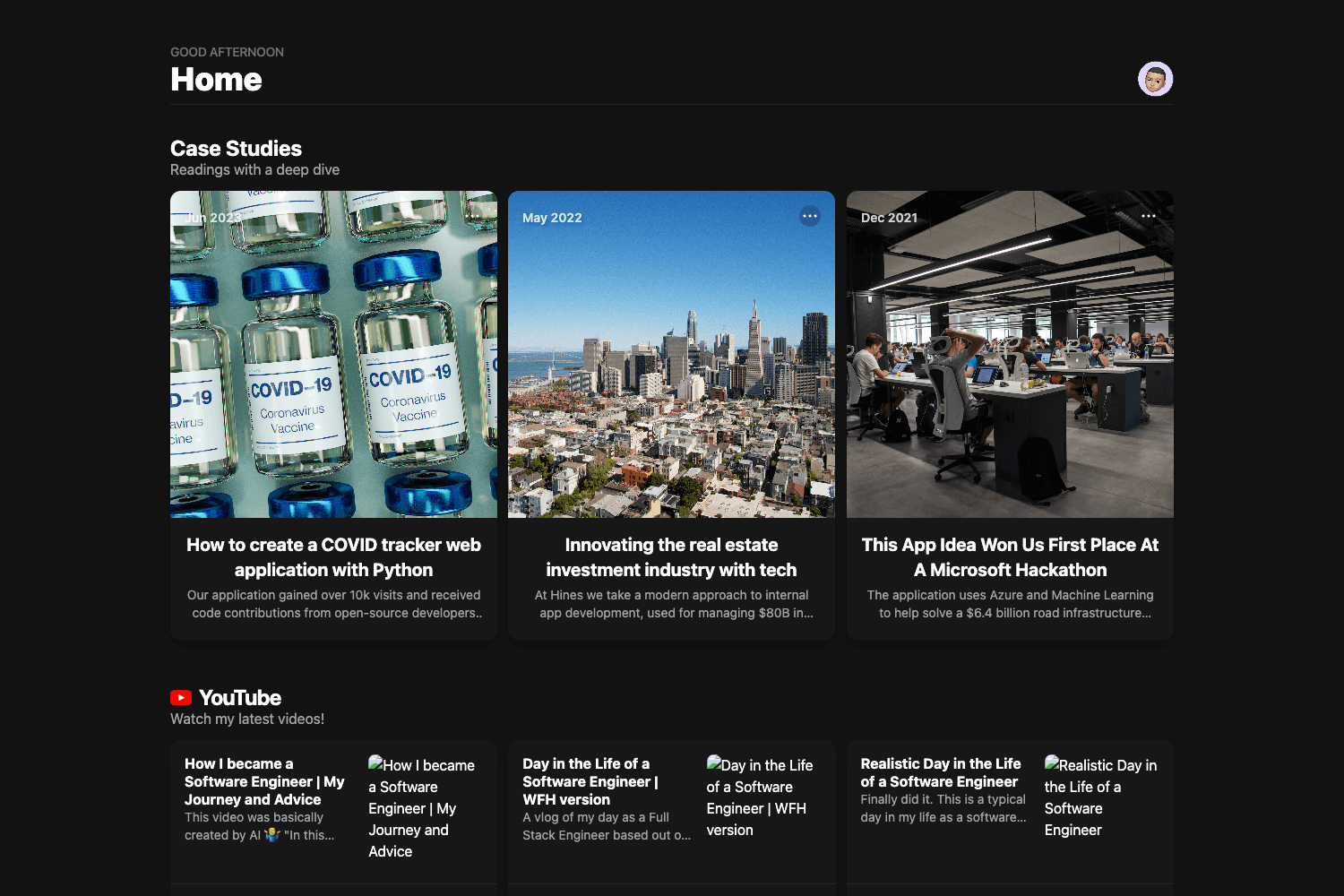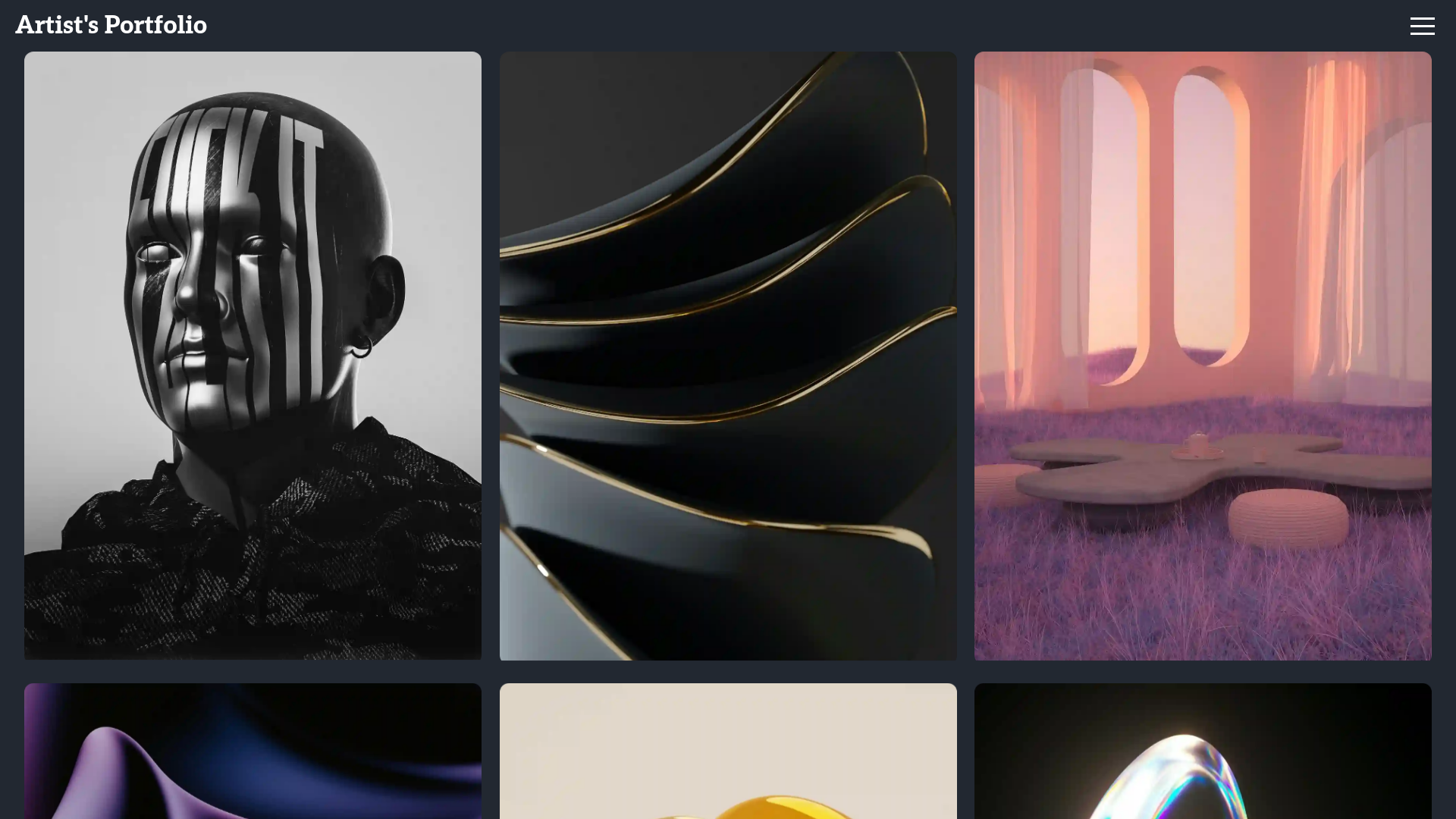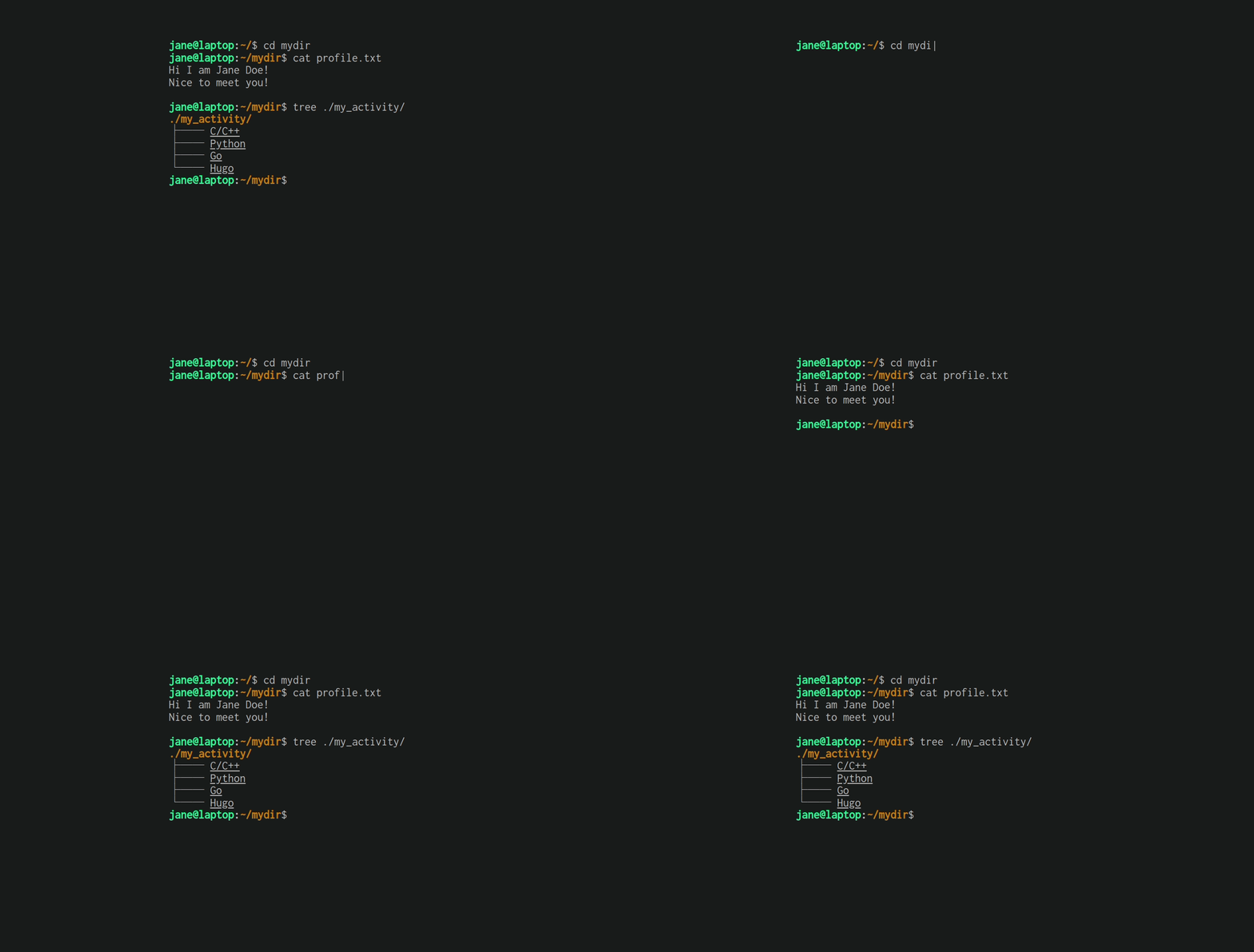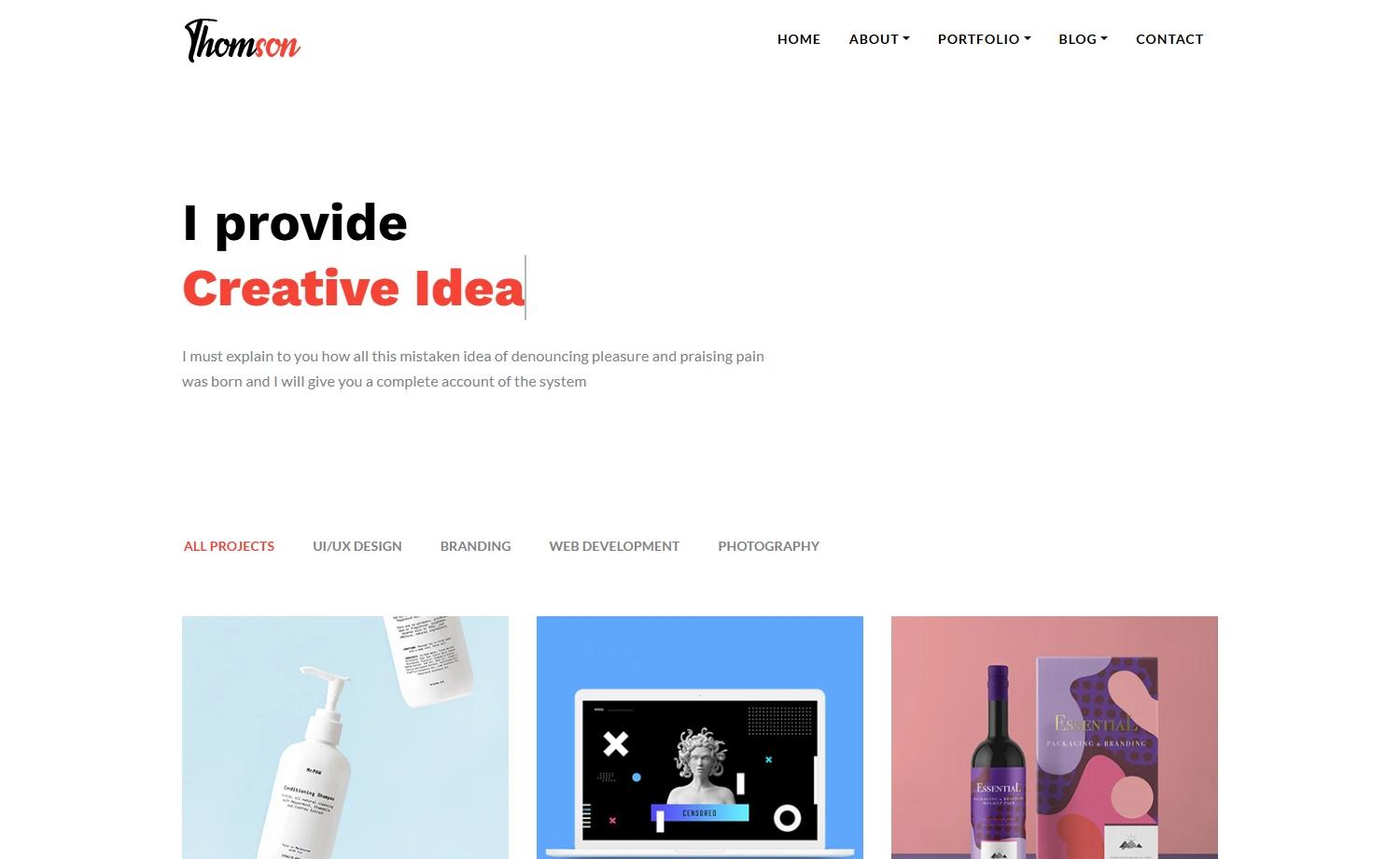
Template details
Token Template
Minimal black-and-white Astro + Tailwind CSS starter for personal portfolios and blogs, with MD, MDX, RSS, and sitemap support.
About this template
Token Template is a minimal black-and-white Astro and Tailwind CSS starter for building fully static personal portfolios and blogs, created by developer Arnav K and released under the ISC License.
What is Token Template?
Token Template is an open-source starter site built with the Astro static site generator and styled with Tailwind CSS. It takes Markdown (MD) and MDX files as its content source and outputs a fully static website that includes automatically generated RSS feeds and a sitemap. The template is designed to produce a sleek terminal-inspired black-and-white aesthetic, using custom fonts to reinforce the look. Its source code lives in the GitHub repository ArnavK-09/token-template, and the project actively welcomes contributions through pull requests.
Key Features
- Minimalist terminal design — the entire UI uses a black-and-white palette with custom fonts, giving the site a distinctive command-line feel.
- Astro + Tailwind CSS — the site is generated with Astro's static build system, and all styling is done with Tailwind CSS utility classes for quick customization.
- Markdown and MDX support — content for blog posts or documentation can be written in plain Markdown or MDX, allowing embedded components in MDX files.
- RSS feed and sitemap — the template generates an RSS feed and a sitemap automatically, which helps with content syndication and search engine crawling.
- Fully static output — no server-side dependencies or databases are required; the build produces plain HTML, CSS, and JavaScript files that can be hosted anywhere.
- Easy setup workflow — after cloning the repository, you run npm install and then npm run dev to start the local development server; a src/consts.ts file holds site configuration that should be updated with your details.
Who is it for?
- Developers creating a personal portfolio — you can clone the repo, update src/consts.ts, and start adding your projects and writing blog posts in Markdown.
- Bloggers who want a fast static site — the template's MD/MDX workflow plus RSS and sitemap generation make it suitable for maintaining a lightweight blog.
- Astro learners and tinkerers — since the codebase is minimal and uses Tailwind, it serves as a clear example of structuring an Astro content site.
What can you do with Token Template?
- Build a personal landing page — customize the terminal-inspired homepage with your name, bio, and links using Tailwind classes.
- Publish a blog — write posts as .md or .mdx files in the content directory and they become pages with RSS feed inclusion.
- Deploy a static site — run the build command to generate a static folder you can deploy to any static host or edge network.
How does Token Template work?
To get started, clone the repository, install dependencies with npm install, and run npm run dev to launch the development server. The template reads Markdown/MDX files from the content folder and compiles them into static pages during the build. You are expected to update src/consts.ts with your site metadata, and the README includes a full contributing guide for submitting bug fixes and features.
FAQ
Is Token Template free?
Yes, Token Template is open source and licensed under the ISC License, so you can use, modify, and distribute it freely for personal or commercial projects.
Does Token Template support MDX?
Yes, the template supports both Markdown (MD) and MDX content, allowing you to embed Astro components inside your Markdown files.
What should I update after cloning the repository?
The README advises updating the src/consts.ts file, which contains site-wide configuration such as your name and links. After that you can start writing content right away.
Do I need a server to run Token Template?
No, the output is fully static. The development server is only for local preview; the final build produces static files that require no server-side runtime.