Template details
Base.html
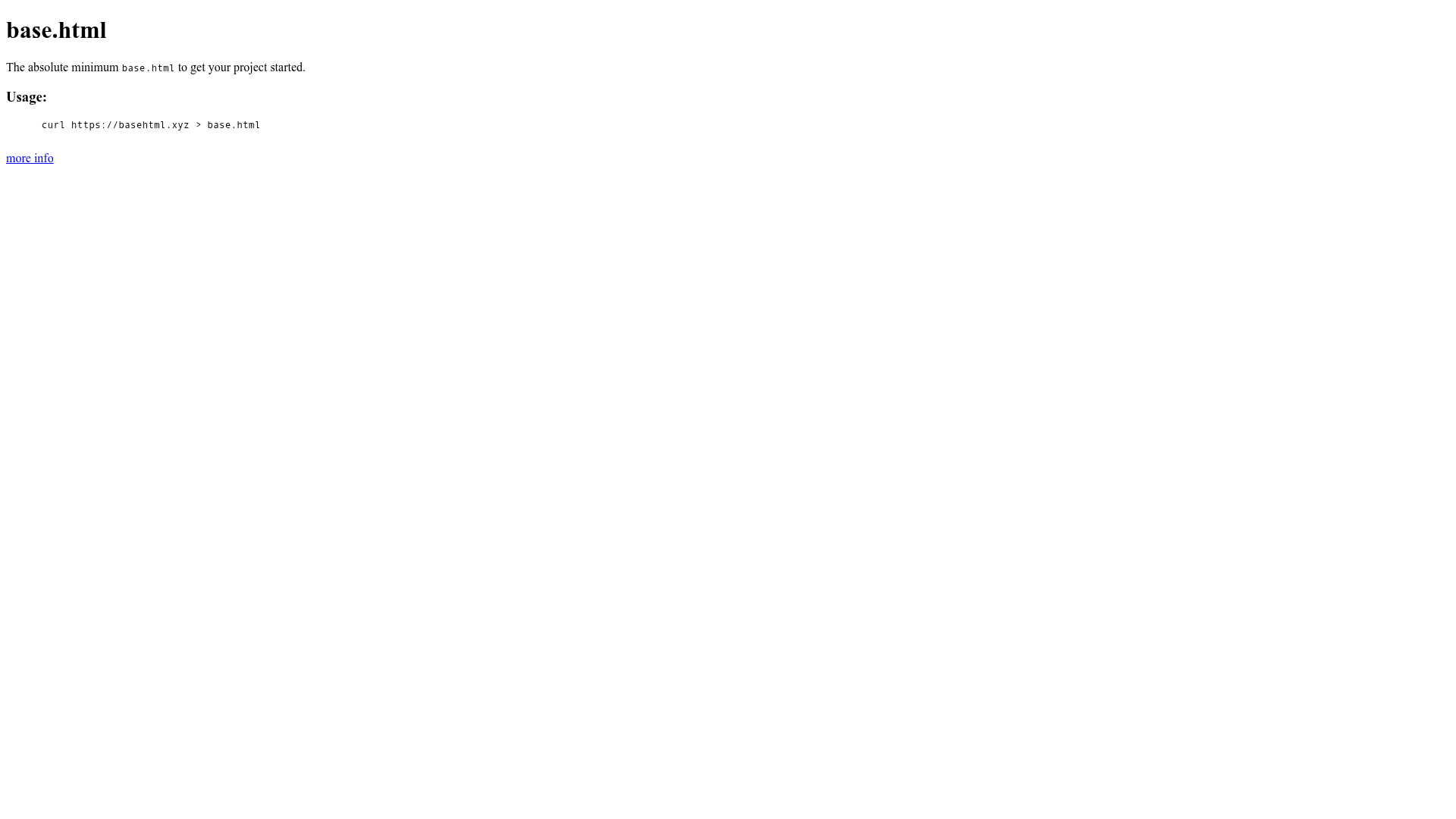
A minimal base.html file to get your project started
About this template
Base.html is a minimal, un-opinionated HTML5 base template distributed as a single file that you fetch with curl https://basehtml.xyz > base.html, designed to include only best practices common to 99% of web projects.
What is Base.html?
Base.html is a starting point for any web project: a single, hand-written HTML file that contains the minimum markup every site needs. The project lives on GitHub under the user sesh and intentionally excludes CSS resets, JavaScript libraries, and analytics code so you can make your own choices. It is not a framework or a build tool; it is a template you copy into your project and edit.
Key Features
- Minimal and un-opinionated — Includes only best practices that apply to 99% of web projects, avoiding forced decisions about JS/CSS layout.
- Single-file distribution — Fetch the entire template with one command:
curl https://basehtml.xyz > base.html. - No third-party dependencies — Deliberately omits jQuery, normalize.css, modernizr.js, and similar; you add whichever libraries you need.
- Broad browser compatibility — Nothing in the file breaks any browser, but also no code specifically adds support for older browsers (e.g., IE9 needs html5shiv for HTML5 elements).
- No CSS reset included — The template does not ship with a reset or normalize.css; you are free to include your preferred reset.
- No analytics bundled — Analytics is left out to keep the template neutral; the author recommends Fathom Analytics with a referral code if you need one.
- Favicon guidance — Suggests placing
favicon.icoin the site root and links to Audrey Feldroy's favicon-cheat-sheet. - Validated with htmlhint — Contributions must pass
htmlhintwith default settings to keep the file clean.
Who is it for?
- Web developers starting a new static or client-side-rendered project who want a clean, neutral HTML foundation.
- Developers who prefer making their own tooling choices — no CSS framework, JS library, or analytics is imposed.
- Educators and learners who want to see the minimal HTML structure recommended for new sites.
What can you do with Base.html?
- Start a new site quickly: Run
curl https://basehtml.xyz > base.htmlin your project folder, then open and edit the file. - Learn minimal HTML best practices: The template demonstrates what is needed (doctype, head elements, viewport meta, semantic markup) without extras.
- Use it as a base for your own stack: Drop in your preferred CSS reset, JS libraries, analytics snippet, and build tools on top of the clean, un-opinionated starting file.
How does Base.html work?
There is no installation or build process. You download the file once (or pin a copy into your repo), then treat it as your base.html. The file is plain HTML, so it works on any static host. If you contribute changes, you must run htmlhint with default settings before committing.
Pros and cons
- Pros: Minimal footprint, no dependency on third-party code, works in every browser, and leaves architectural decisions to you.
- Cons: You must add your own CSS reset, legacy-IE support (e.g., html5shiv for IE9), and analytics — none are included.
Alternatives
- HTML5 Boilerplate — the gold standard of HTML base templates, but much more comprehensive and opinionated.
- Josh Buchea's HEAD — a curated list of head elements rather than a single template file.
- Sitepoint's Minimal HTML Document — an example of the smallest valid HTML5 document, useful for reference.
FAQ
Is Base.html free?
Yes, Base.html is an open-source project hosted on GitHub, and the file can be downloaded or fetched with curl at no cost. No pricing or licensing fee is mentioned in the project documentation.
Does Base.html include a CSS reset?
No. The project deliberately excludes CSS resets and normalize.css so you can choose your own. If you want a reset, you must add it yourself.
What about old browser support?
The Base.html file itself does not break any browser, but it also does not include shims for older browsers. To use HTML5 elements in IE9, you need to include html5shiv separately.
How do I get Base.html?
Run curl https://basehtml.xyz > base.html in a terminal, or download the file from the GitHub repository. Then edit it to suit your project.
Where should I put my favicon?
The project recommends placing favicon.ico in the root of your site. The author also provides a set of small icons in sesh/favicons to avoid 404s.