Template details
Bluise
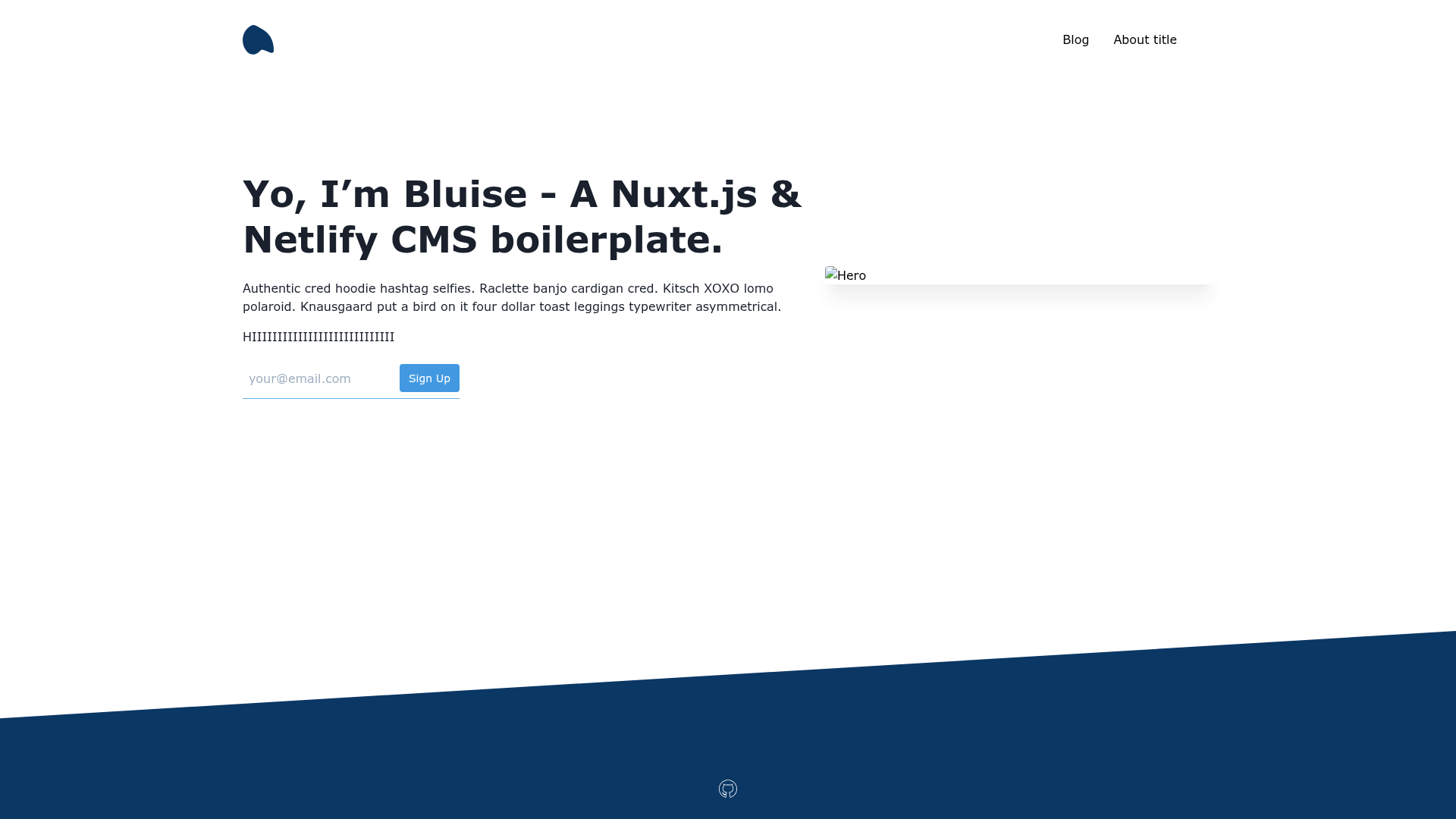
Bluise - A Nuxt.js & Netlify CMS boilerplate.
About this template
Bluise is a free, open-source Nuxt.js and Netlify CMS boilerplate for building a blog-ready static website with Tailwind CSS, PWA support, and one-click Netlify deployment.
What is Bluise?
Bluise is a boilerplate that combines Nuxt.js (a Vue.js framework for static site generation) with Netlify CMS to give developers a content-managed blog and dynamic pages out of the box. It accepts content edits made through the Netlify CMS admin panel and produces a fully static, SEO- and PWA-ready website after running the generate command. The project is maintained by the GitHub user gomah and is available under the repository gomah/bluise.
Key Features
- Blog with pagination — Includes a blog section with posts and pagination for browsing multiple articles.
- Netlify CMS integration — Content is editable through the Netlify CMS admin interface, with Netlify Identity and Git Gateway for authentication.
- Tailwind CSS styling — Uses Tailwind CSS for utility-first styling, plus a GitHub-markdown CSS (from github-markdown-tailwindcss) for readable markdown content.
- PWA ready — Includes a manifest and service worker support so the generated site can be installed as a progressive web app.
- SEO ready — Provides SEO-friendly metadata for both posts and pages, so each article can be optimized for search engines.
- Netlify Forms signup — Includes a signup form that works with Netlify Forms serverless handling.
- TypeScript — The codebase is written in TypeScript for type safety during development.
- Developer tooling — Comes with Commitlint and Husky for commit message conventions and Git hooks, and supports Yarn package management.
Who is it for?
- Developers — who want a pre-configured Nuxt.js + Tailwind CSS setup with a CMS instead of building from scratch.
- Content creators/bloggers — who need a simple way to publish posts via Netlify CMS without touching code.
- Small teams — who want a deployable static site on Netlify with SEO, PWA, and form collection without backend infrastructure.
What can you do with Bluise?
- Launch a blog — Create a blog with paginated posts and SEO metadata by adding markdown content through Netlify CMS.
- Deploy to Netlify — Use the one-click Deploy to Netlify button to spin up a live site, then enable Identity and Git Gateway for CMS access.
- Collect emails — Use the built-in signup form with Netlify Forms to gather subscribers without running a server.
- Build a PWA — Serve the generated static site as a progressive web app thanks to the included manifest and service worker configuration.
How does Bluise work?
Bluise runs on Nuxt.js, so the typical workflow is: install dependencies with Yarn, run the dev server with yarn dev for local editing, and build the static site with yarn generate. For CMS access, you deploy to Netlify, enable Identity and Git Gateway, and the admin panel becomes available to edit content through the repository.
Pros and cons
- Pros: Free and open source, TypeScript-based, includes PWA and SEO setup, integrates Netlify CMS and Forms, one-click deployment.
- Cons: No contact form under dynamic pages yet, no dynamic sections/widgets yet, no responsive CSS markdown yet, and no tests are included (these are listed as future additions in the repository).
FAQ
Is Bluise free?
Bluise is free and open source, released on GitHub under the gomah/bluise repository. You can use it for personal or commercial projects without license fees.
What does Bluise use for styling?
Bluise uses Tailwind CSS for utility-first styling and includes a GitHub-flavored markdown stylesheet for blog content, based on the github-markdown-tailwindcss project.
Does Bluise include a contact form?
Not yet. The repository lists a contact form under dynamic pages (the _slug route) as a planned feature, along with dynamic sections/widgets, responsive CSS markdown, and tests.
How do I deploy Bluise to Netlify?
You click the Deploy to Netlify button in the repository, which links to the gomah/bluise repo. After deploying, enable Netlify Identity, configure registration preferences, and enable Git Gateway to access the CMS admin.
What are the prerequisites for running Bluise locally?
You need Node.js and Yarn installed. Once installed, run yarn install to install dependencies, yarn dev for a hot-reload dev server at localhost:3000, and yarn generate for a production build.