Template details
Astro + ButterCMS Starter
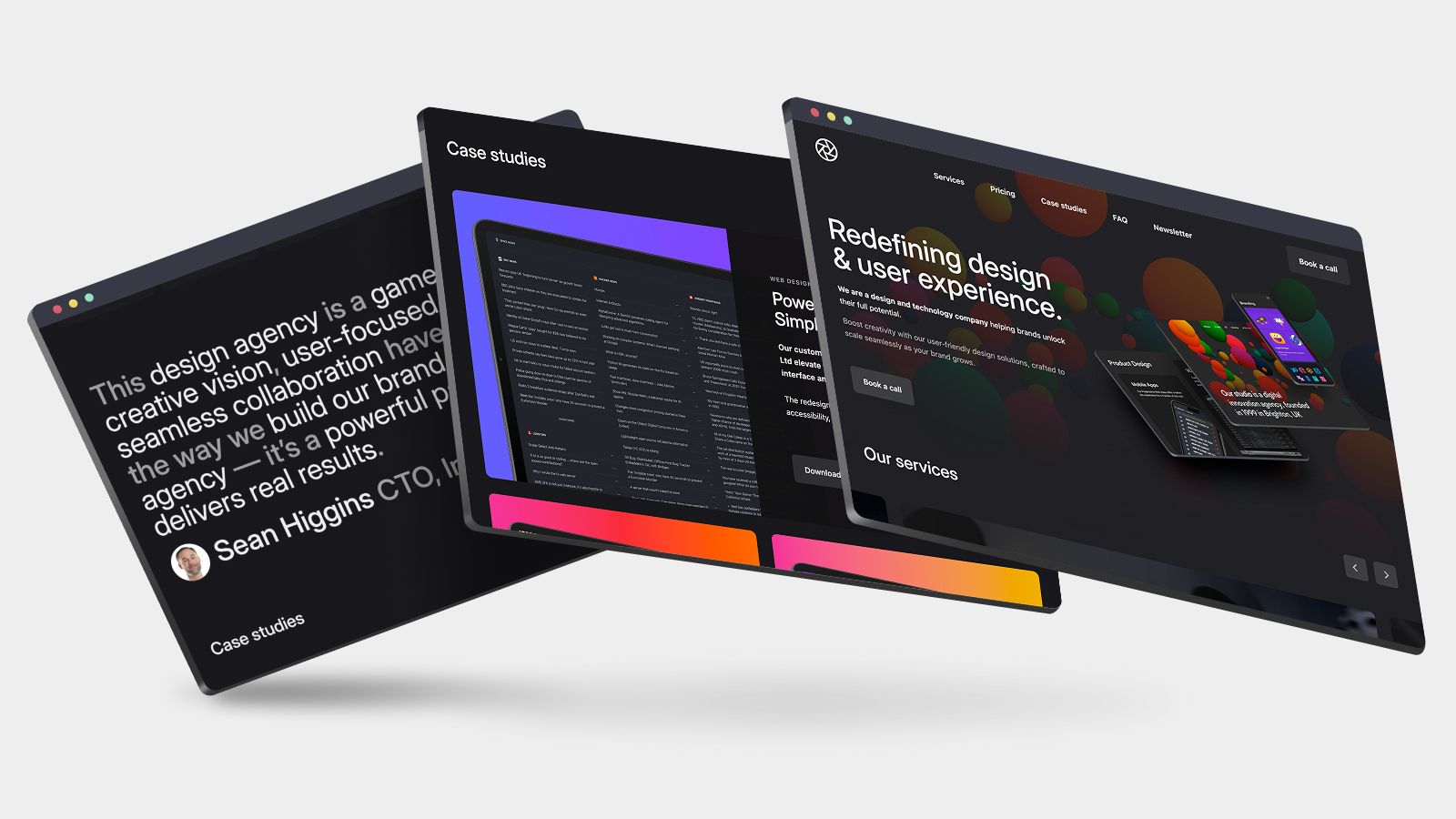
Drop-in proof-of-concept Astro app fully integrated with ButterCMS headless CMS, including blog, pages, and search.
About this template
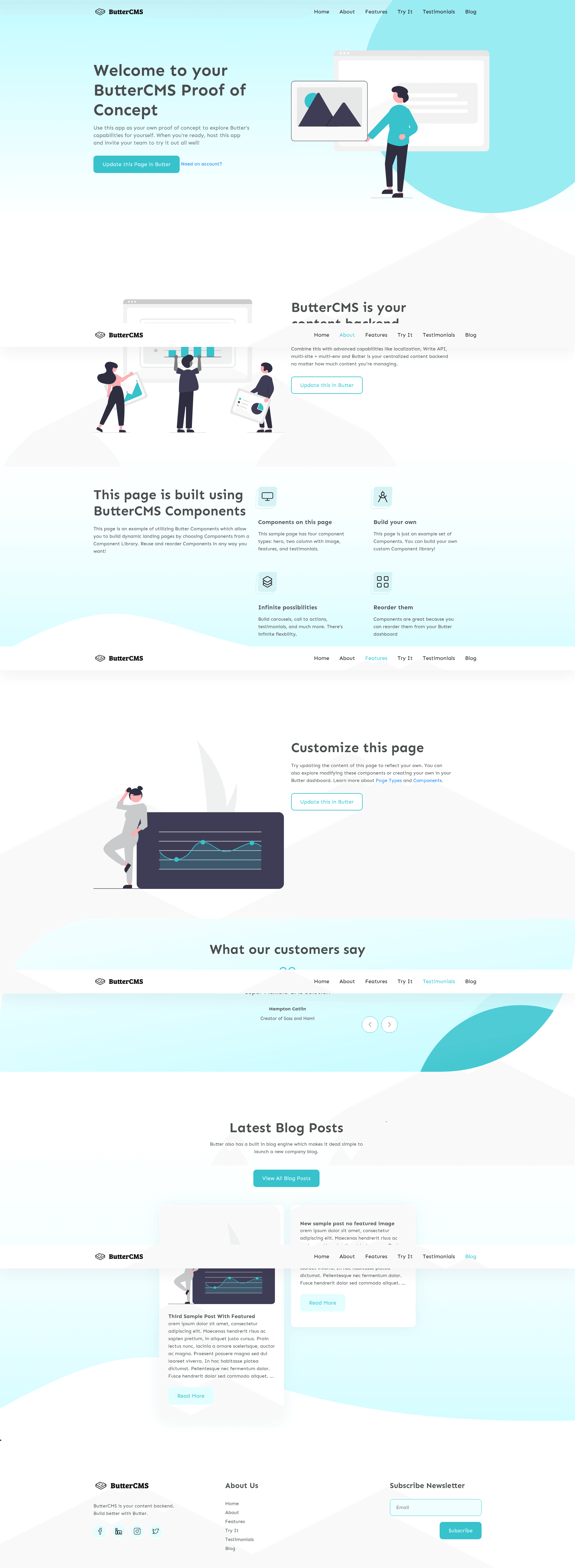
The Astro + ButterCMS Starter is an open-source boilerplate that combines the Astro static-site framework with the ButterCMS headless CMS to produce a fully integrated marketing site, blog, and searchable content hub.
What is the Astro + ButterCMS Starter?
The Astro + ButterCMS Starter is a drop-in proof-of-concept Astro app created by ButterCMS. It takes your ButterCMS API token as an environment variable and outputs a static site populated with dynamic sample content from your ButterCMS account, covering the main menu, pages, blog posts, categories, and tags. The site runs on Astro and is recommended for Node version 16. It is designed to be deployed to Vercel with a single click, and a live demo is hosted at Vercel.
Key Features
- Full ButterCMS integration — Fetches all sample content automatically when you sign up for a free ButterCMS trial, including main menu, pages, blog posts, categories, and tags.
- Built-in search — The custom theme includes implemented search functionality that works across the content pulled from ButterCMS.
- Draft preview support — Preview draft changes saved in your ButterCMS account by default; disable by setting ASTRO_APP_BUTTER_CMS_PREVIEW=false in your .env file.
- One-click Vercel deploy — The README provides a deploy button that clones the repository, sets the ASTRO_APP_BUTTER_CMS_API_KEY environment variable, and connects a webhook from ButterCMS.
- Local development workflow — Clone the repo, run npm install, add your API token to .env, and start the dev server with npm run start on localhost:4321.
- Webhook configuration — ButterCMS webhook settings are pointed to https://buttercms.com/webhooks/ for content publishing automation.
Who is it for?
- Developers evaluating ButterCMS — Use the starter to see how Astro and ButterCMS work together with minimal setup before building a custom implementation.
- Agencies building content-driven sites — The included pages, blog, and search features give you a reusable foundation for marketing sites where the client edits content in ButterCMS.
- Content teams needing draft workflows — The built-in draft preview mode lets editors review changes before they are published.
What can you do with it?
- Content editors: Create and edit blog posts, pages, categories, and tags in ButterCMS, and those changes appear on the Astro site through the configured API.
- Developers: Extend the starter as a base for a custom Astro site, using Astro components and the ButterCMS integration to manage content separately from code.
- Site owners: Deploy the starter to Vercel and have a live site with search and blog capabilities running within minutes.
How does it work?
Start by cloning the repository and running npm install. Next, set your ButterCMS API token as the ASTRO_APP_BUTTER_CMS_API_KEY environment variable in a .env file. Then run npm run start to launch the local server at localhost:4321. To go live, use the provided Vercel deploy button, which creates a copy of the project and configures the environment automatically.
Pros and cons
- Free and open source — The starter code is available on GitHub with an MIT-style license implied by the public repository.
- Quick start — The one-click Vercel deployment eliminates manual hosting configuration.
- Requires a ButterCMS account — The template cannot function without a valid API token, though a free trial is available.
- Specific to ButterCMS — The content models are tied to ButterCMS; switching to another headless CMS would require custom adapter work.
Pricing
The template itself is free, and the source code is publicly available. To use it with live content, you need a ButterCMS account; the project mentions that signing up for a free trial automatically creates all sample content. No paid tier details are provided in the README.
FAQ
Do I need a ButterCMS account to use this starter?
Yes. The starter fetches content from your ButterCMS account using the ASTRO_APP_BUTTER_CMS_API_KEY environment variable. Without a valid API token, the site has no content to display. ButterCMS provides a free trial that populates the sample content.
What Node.js version is recommended?
The README shows a badge recommending Node v16. Since Astro requires a modern Node runtime, using v16 or later is the intended setup.
How do I disable draft previewing?
Set ASTRO_APP_BUTTER_CMS_PREVIEW=false in your .env file. By default, the starter allows previewing draft changes saved in your ButterCMS account.
How do I deploy this to production?
The README provides a one-click Vercel deploy button that clones the repository, sets the required environment variables, and deploys the project. After deployment, webhooks from ButterCMS trigger rebuilds when content changes.