Template details
Next.js Firebase Authentication Starter
Next.js + Firebase starter with GraphQL auth, Stripe/PayPal payments, and TypeScript for course platforms.
About this template
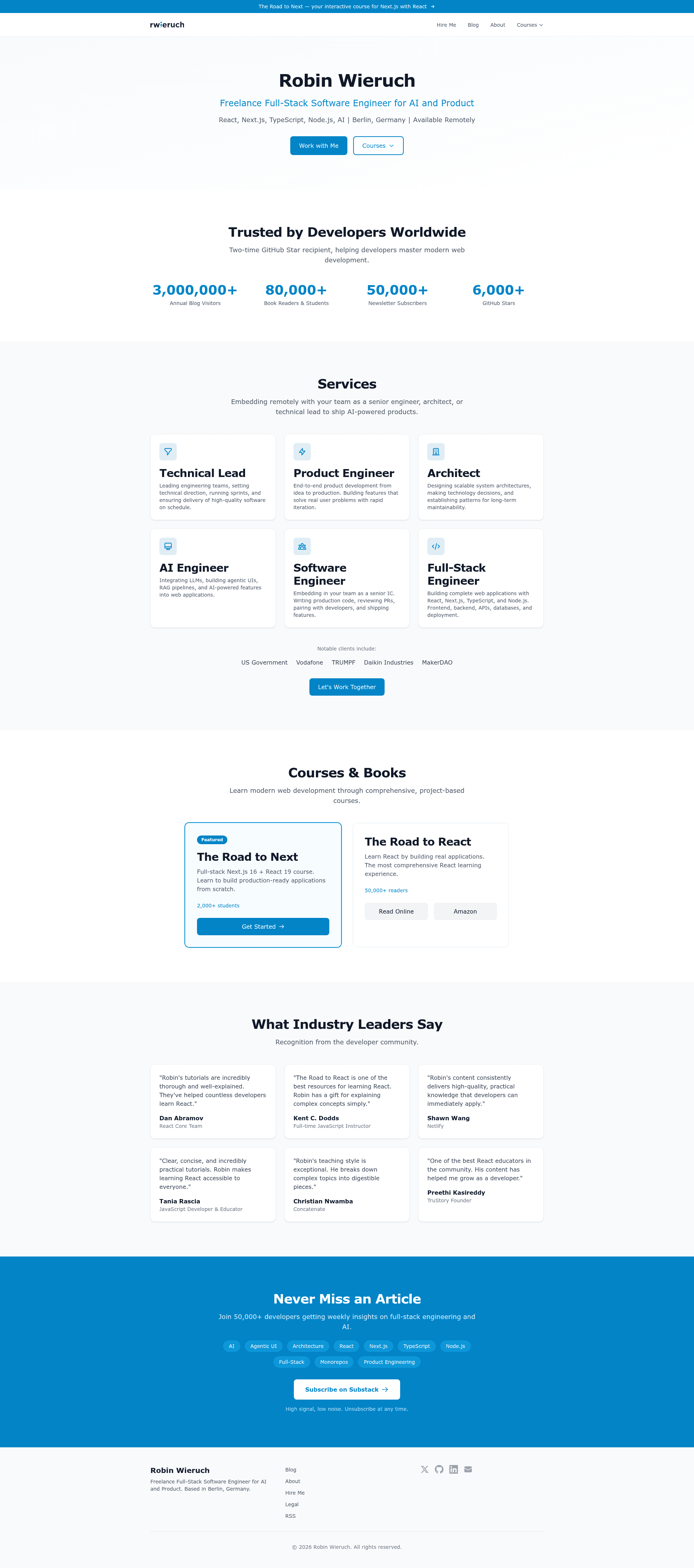
The Next.js Firebase Authentication Starter is an open-source boilerplate for building course platforms with Firebase authentication, GraphQL, and Stripe/PayPal payments. It provides a complete foundation for a paid online course site, including user management, protected routes, payment processing, and affiliate features, and it is maintained by Robin Wieruch as the public repository rwieruch/nextjs-firebase-authentication.
What is the Next.js Firebase Authentication Starter?
This starter is a Next.js application that pairs server-side user management via GraphQL and Firebase with client and server-side route protection. It accepts environment variables for Firebase, Stripe, PayPal, and other services as input, and produces a running web app with sign-in, sign-up, sign-out, email change, password change, and password reset flows. The codebase is written in TypeScript, styled with Ant Design and Styled Components, and tested with Jest and React Testing Library. A live demo of the resulting course platform is available at courses.robinwieruch.de.
What makes the Next.js Firebase Authentication Starter stand out?
- Firebase Authentication — Implements sign in, sign up, sign out, email change, password change, and password reset through a GraphQL API, with Firebase's Email/Password sign-in method.
- Protected Routes — Uses Next.js authorization together with Firebase sessions to guard both client and server-side pages.
- Payments — Integrates Stripe Checkout and PayPal Checkout for one-time payments, and includes a Stripe webhook endpoint for development via the Stripe CLI.
- Styling — Combines the Ant Design component library with Styled Components and page transitions for consistent UI.
- TypeScript — Full TypeScript support across the entire project.
- Testing — Includes Jest, React Testing Library, and Apollo Mocks to test the GraphQL layer.
- Coupons and Affiliates — Built-in discount coupons and a partner program for affiliate marketing.
- Observability — Sentry error tracking is configured via the SENTRY_DSN environment variable.
Who should use the Next.js Firebase Authentication Starter?
- Course creators who want to sell online courses and quickly launch a site with user accounts, payments, and password reset without building these features from scratch.
- Next.js developers who need a production-ready reference for integrating Firebase Auth with GraphQL and protected routes.
- Indie hackers building a paid membership or digital product platform who want Stripe and PayPal support plus coupon and affiliate tooling out of the box.
What can you do with the Next.js Firebase Authentication Starter?
- Launch a paid course site: Deploy a working platform where visitors sign up, browse courses, pay via Stripe or PayPal, and access protected content.
- Build a membership community: Extend the starter with custom pages and membership tiers, relying on the existing authentication and authorization flows.
- Run promotions: Use the coupon and partner program features to offer discounts and track affiliate referrals.
How does the Next.js Firebase Authentication Starter work?
Clone the repository, create a .env file with your Firebase, Stripe, PayPal, and other service keys, and generate a firebaseServiceAccountKey.json from the Firebase Admin SDK. After running yarn install and yarn run dev, the app is available at localhost:3000. For Stripe webhooks in development, use stripe listen --forward-to localhost:3000/api/stripe-webhook and copy the returned secret into STRIPE_WEBHOOK_SECRET.
Pros and cons
- Open source — The full source is publicly available on GitHub, with no licensing cost to reuse.
- Production-oriented — Includes testing, TypeScript, page transitions, Sentry, and coupon/affiliate features beyond a basic starter.
- Requires setup — You must configure Firebase, Stripe, PayPal, and optional services like Sentry, ConvertKit, and S3 before the app can run.
Pricing
The starter is free to clone and use; it is published as a public GitHub repository (rwieruch/nextjs-firebase-authentication, 654 stars). No paid tiers are mentioned.
FAQ
Is the Next.js Firebase Authentication Starter free?
Yes, the template is free and open source. You can clone it directly from the public GitHub repository without paying a license fee, though you will need your own Firebase, Stripe, and PayPal accounts for full functionality.
What services do I need to configure?
You need a Firebase project with Email/Password sign-in enabled, a Stripe account, and a PayPal developer account. The README also lists optional environment variables for Sentry, ConvertKit, Slack, and S3 storage.
How do I run it locally?
Clone the repository, create a .env file using the variables listed in the README, generate a Firebase service account key and place it as firebaseServiceAccountKey.json in the project root, then run yarn install and yarn run dev and visit localhost:3000.
Does it support TypeScript?
Yes, the entire codebase is written in TypeScript, so you get type checking across components, GraphQL queries, and server-side code.
How do I test Stripe payments in development?
Use the Stripe CLI: run stripe listen --forward-to localhost:3000/api/stripe-webhook, copy the webhook signing secret into STRIPE_WEBHOOK_SECRET, then use stripe payment_intents create --amount=100 --currency=usd to fake a payment.