Template details
Hexo Theme Fact
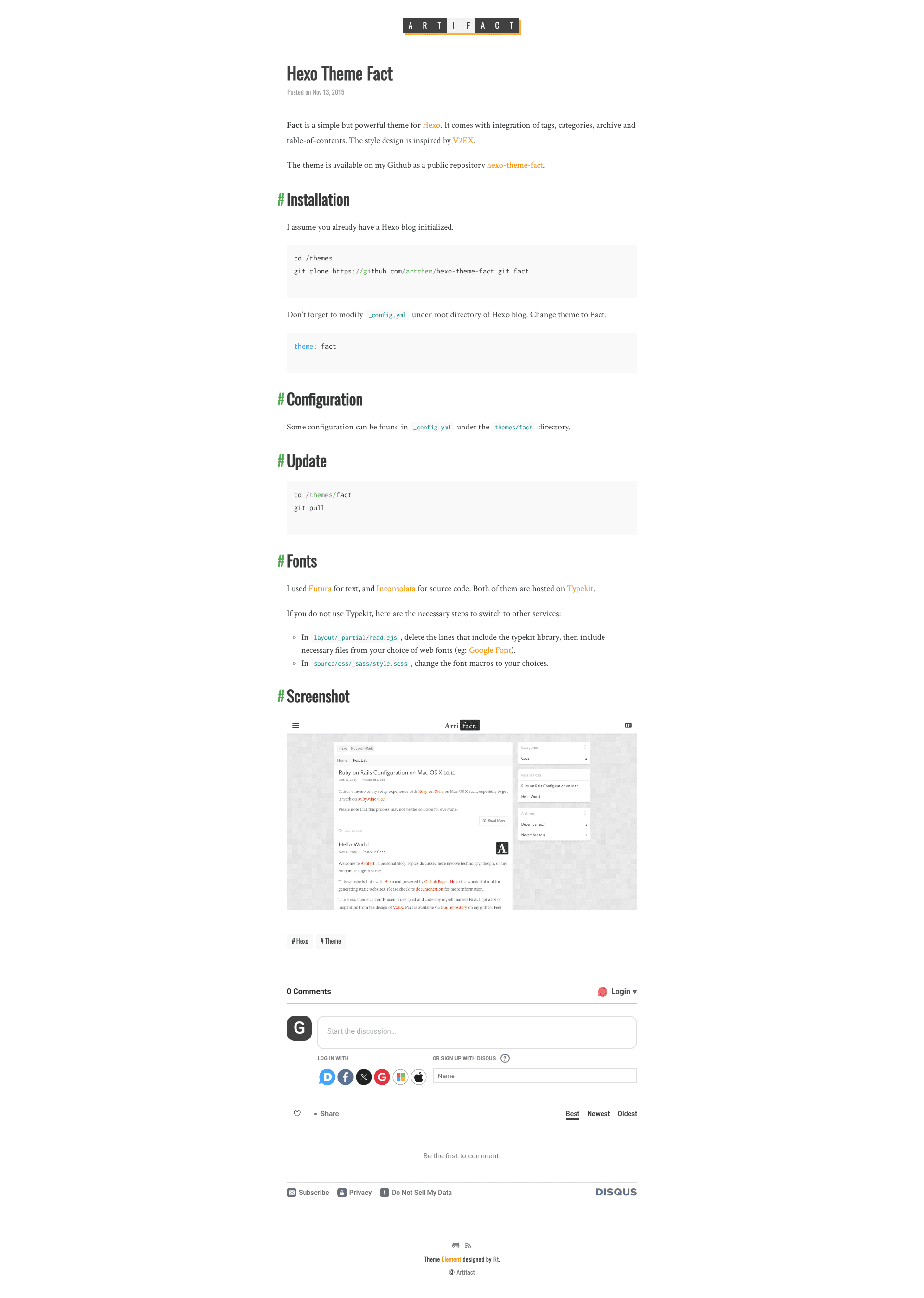
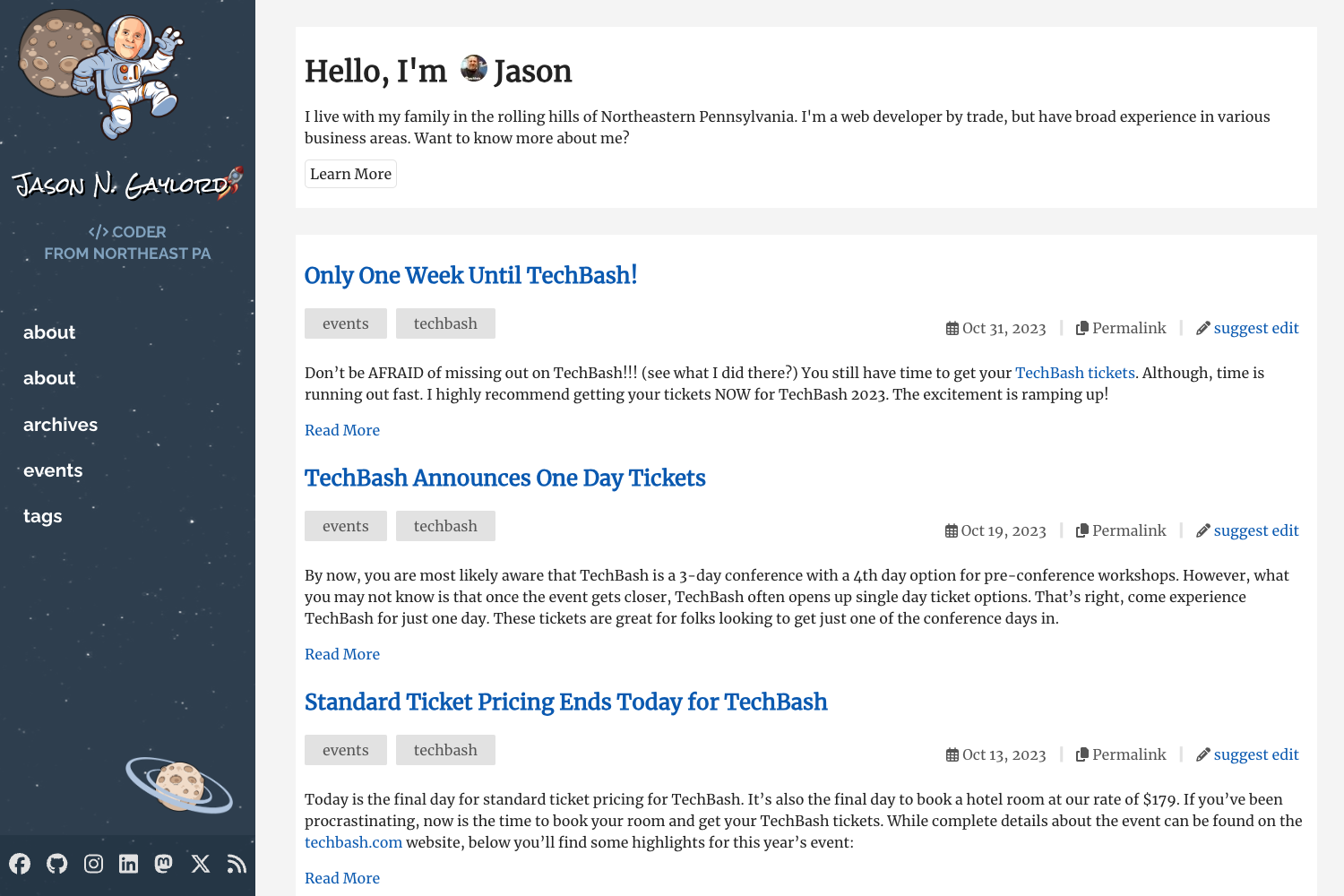
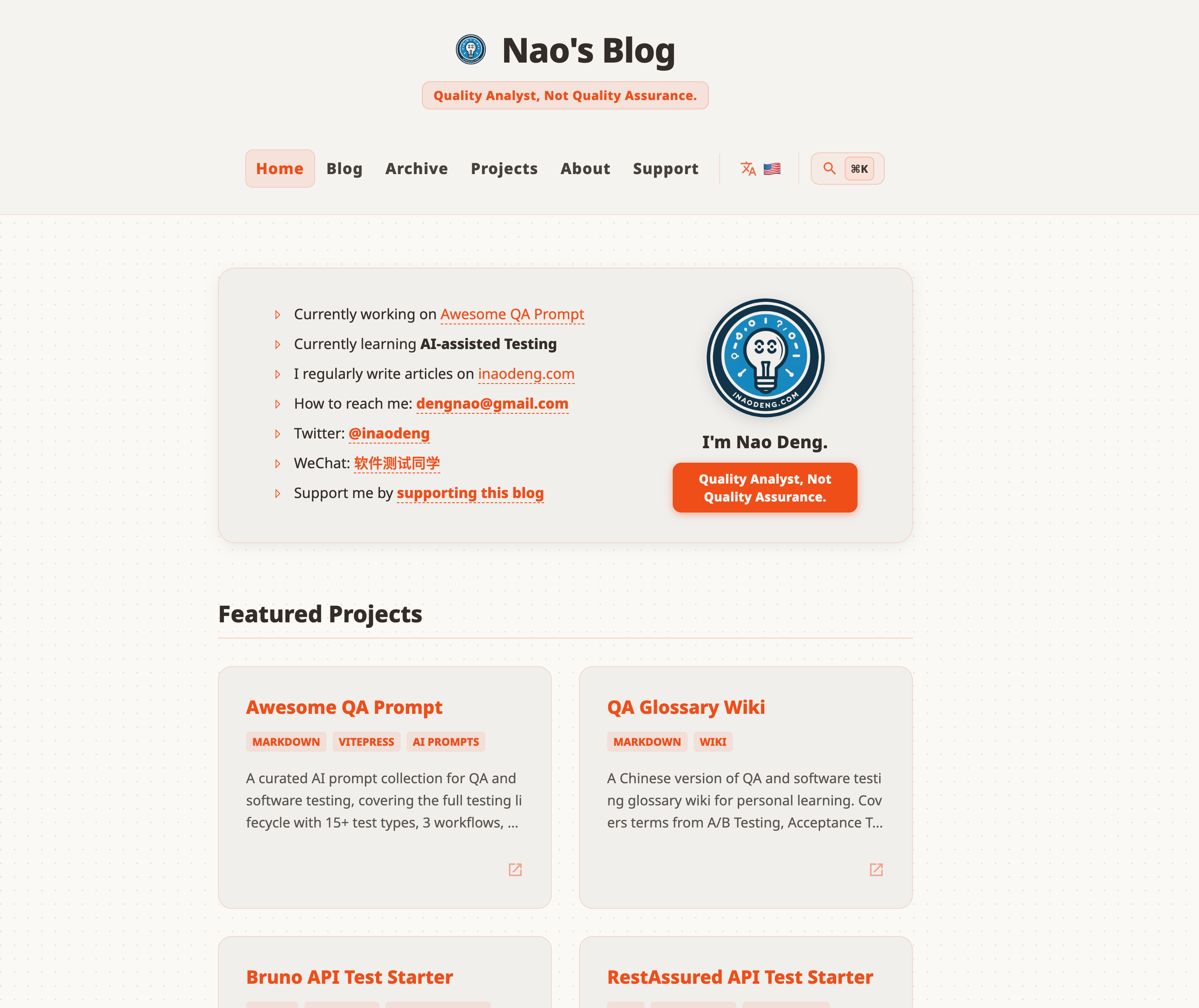
A simple Hexo theme inspired by V2EX, with tags, categories, archive, and table-of-contents built in.
About this template
Hexo Theme Fact is a minimalist Hexo theme that brings V2EX-inspired styling and built-in support for tags, categories, archives, and table-of-contents to any Hexo-powered blog. Created by developer artchen and available on GitHub, it gives static site owners a simple way to organize long-form content without adding a single plugin.
What is Hexo Theme Fact?
Hexo Theme Fact is a blog theme for the Hexo static site generator, distributed as a Git repository under artchen/hexo-theme-fact. It takes a standard Hexo blog and renders it as a static site with a V2EX-like design, including automatic pages for tags, categories, and archives, plus a table-of-contents on article pages. The theme is written using EJS layouts and Sass stylesheets, and is configured through a _config.yml file in the theme directory.
What makes Hexo Theme Fact stand out?
- V2EX-inspired design — The layout and typography are modeled on the look of V2EX, a popular tech community forum, giving blogs a familiar discussion-board feel.
- Built-in tags and categories — Posts are automatically organized into tag and category pages, with no extra Hexo plugins required.
- Automatic archives — The theme generates a chronological archive view for all published posts.
- Table of contents — Long articles get a generated table of contents, pulled from the post's headings.
- Typekit font integration — Defaults to Futura for body text and Inconsolata for code, both loaded from Typekit; the README documents how to swap in Google Fonts instead.
- Simple installation — Clone the repo into the Hexo
themes/folder and settheme: factin the main_config.yml. - Easy updates — Pull the latest commit from the Git repository to update the theme.
- Sass-based styles — All styling lives in
source/css/_sass/style.scss, so typography and colors are customizable through font macros.
Who should use Hexo Theme Fact?
- Hexo bloggers — Anyone running a Hexo blog who wants a clean, discussion-board-style theme with automatic content organization.
- Developers — Users comfortable editing EJS templates and Sass can restyle the theme or change font loading.
- Self-hosted static site owners — Those who prefer a no-plugin setup, since tags, categories, archives, and TOC are handled by the theme itself.
Use cases
- Personal tech blogs: Publish articles with automatic tag, category, and archive pages, so readers can browse posts by topic.
- Documentation-style writing: Use the built-in table of contents to help readers navigate long technical guides.
- Community-themed sites: Recreate a V2EX-like browsing experience on a static blog without JavaScript frameworks.
How does Hexo Theme Fact work?
After a Hexo blog is initialized, the user clones the theme repository into the themes/ directory and sets theme: fact in the blog's root _config.yml. The theme reads existing Hexo content (posts, tags, categories) and renders static HTML. Updates are applied by running git pull inside the themes/fact folder.
Pros and cons
- Pros: No extra plugins for core features; straightforward Git-based install and update; font choices documented for replacement.
- Cons: Default fonts rely on Typekit, so switching to Google Fonts requires editing
head.ejsandstyle.scss; the theme only works with Hexo, not other static site generators.
FAQ
Is Hexo Theme Fact free?
Yes. The theme is open source on GitHub under the artchen/hexo-theme-fact repository, and installation is done by cloning the repository directly.
How do I install Hexo Theme Fact?
From your Hexo folder, run git clone https://github.com/artchen/hexo-theme-fact.git themes/fact, then edit the root _config.yml to set theme: fact.
How do I update the theme?
Inside the themes/fact directory, run git pull to fetch the latest commit from the GitHub repository.
Can I use fonts other than Futura and Inconsolata?
Yes. Remove the Typekit script from layout/_partial/head.ejs, add your preferred web font service (such as Google Fonts), and update the font macros in source/css/_sass/style.scss.
What does the theme support out of the box?
Tags, categories, archive pages, and table-of-contents are included. The theme does not require Hexo plugins for these features.