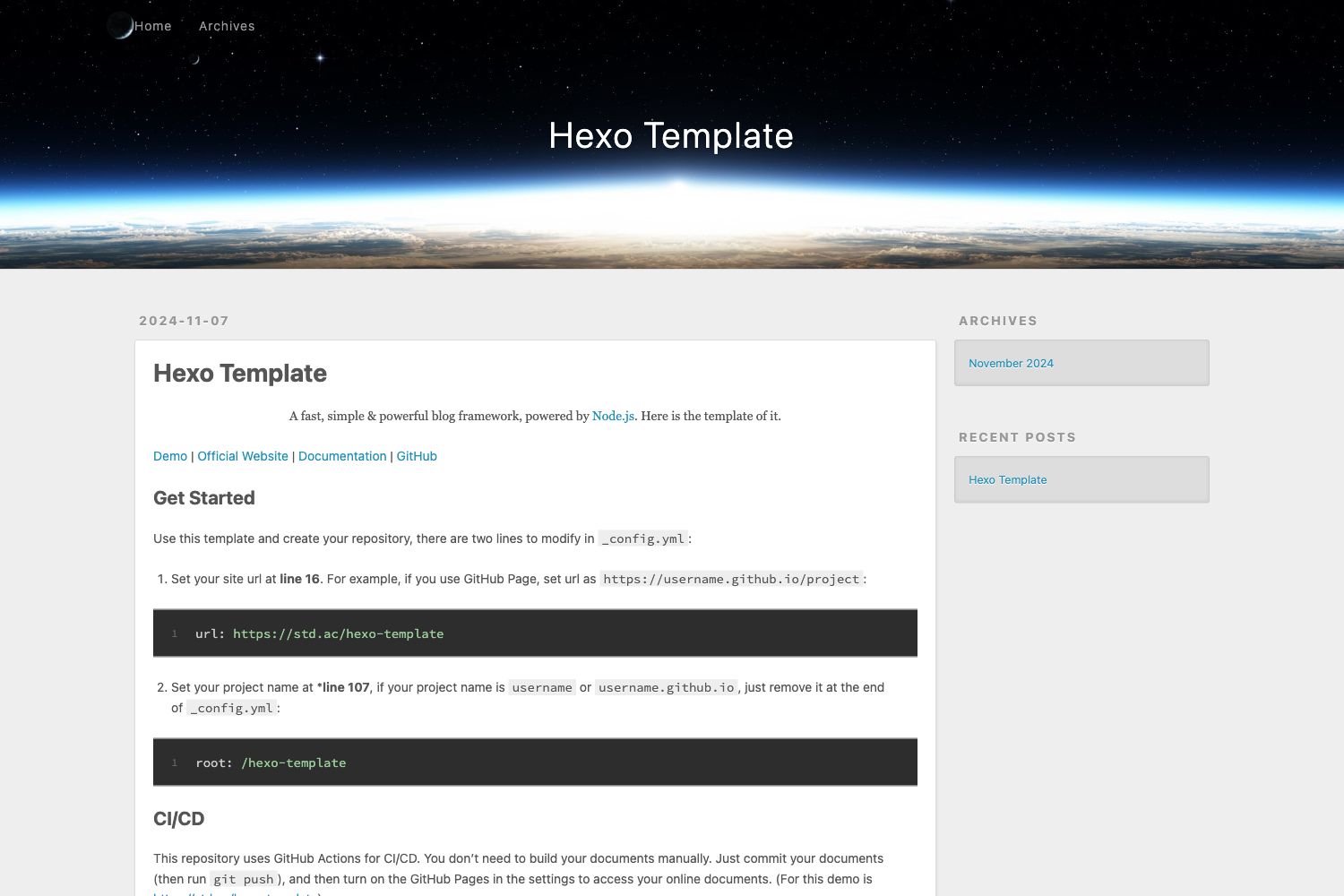
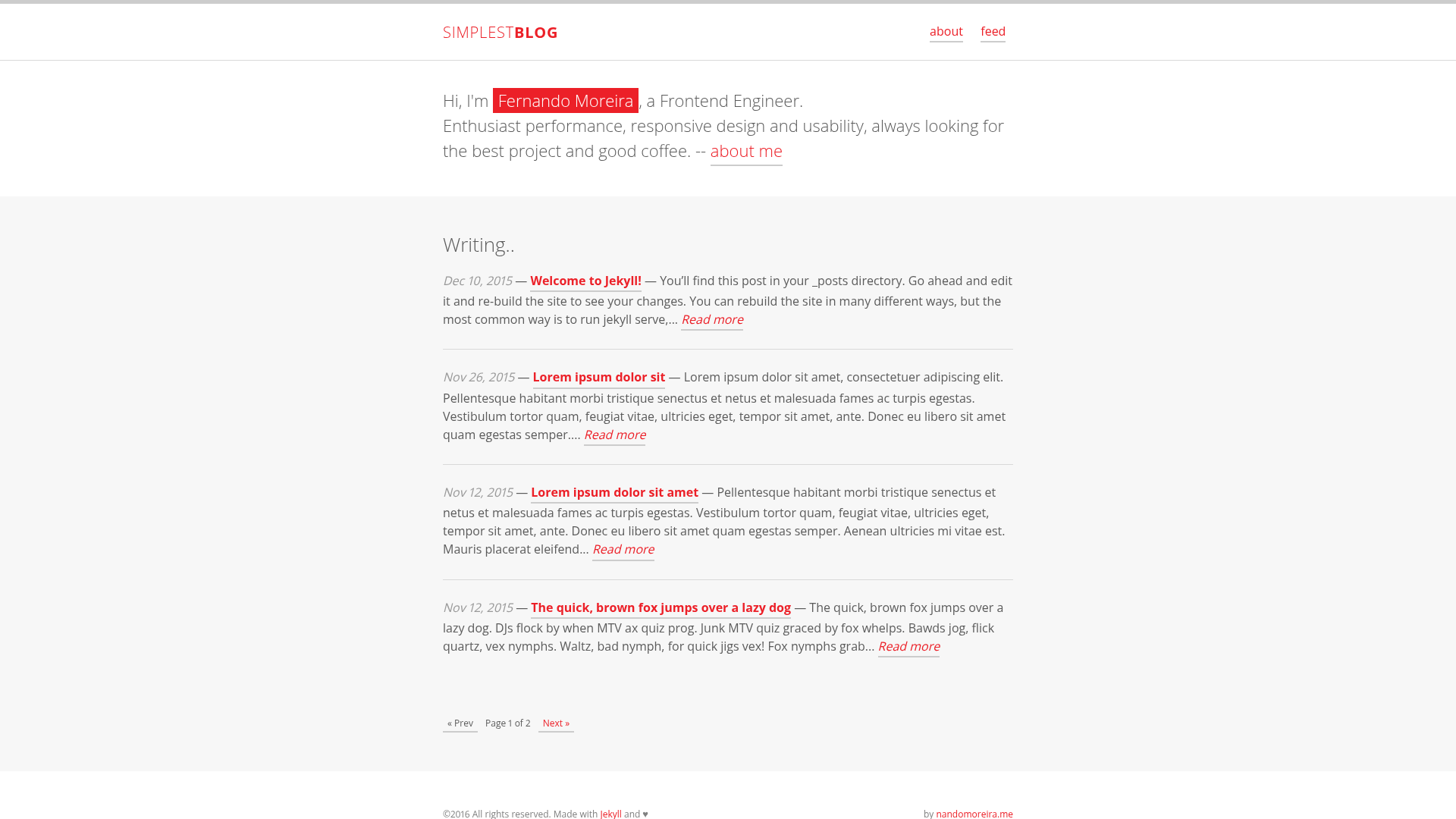
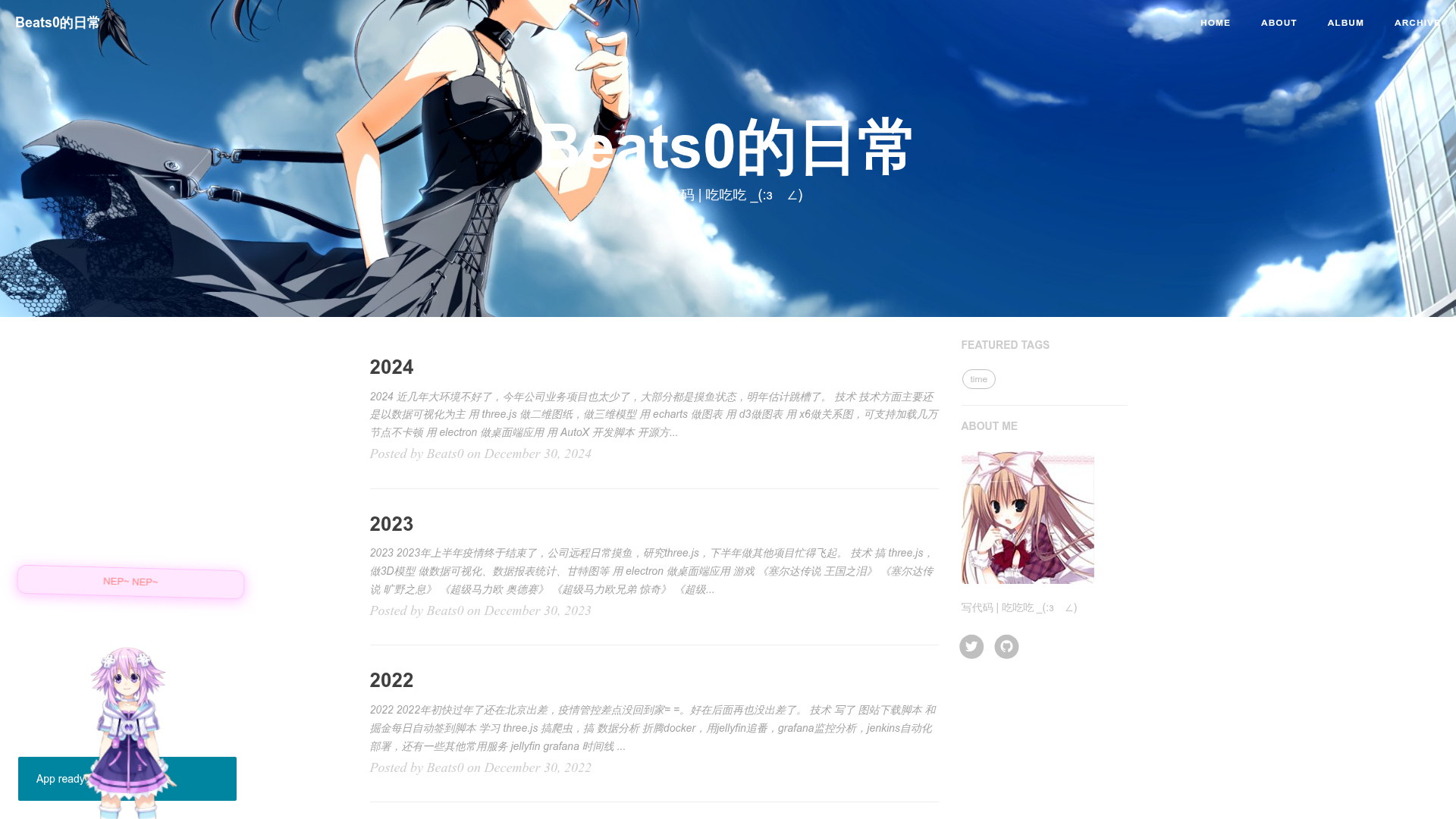
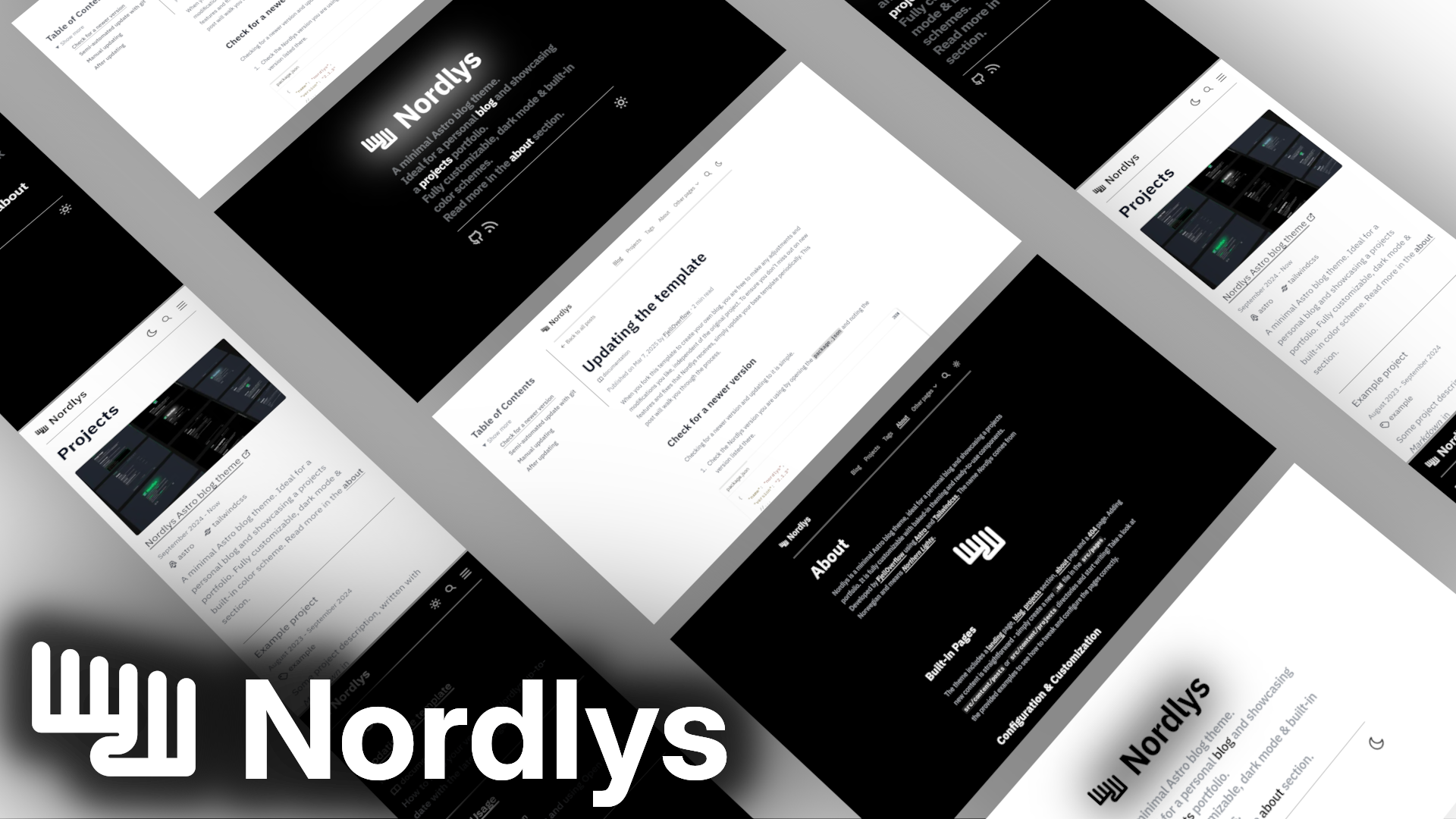
Template details
Reporter
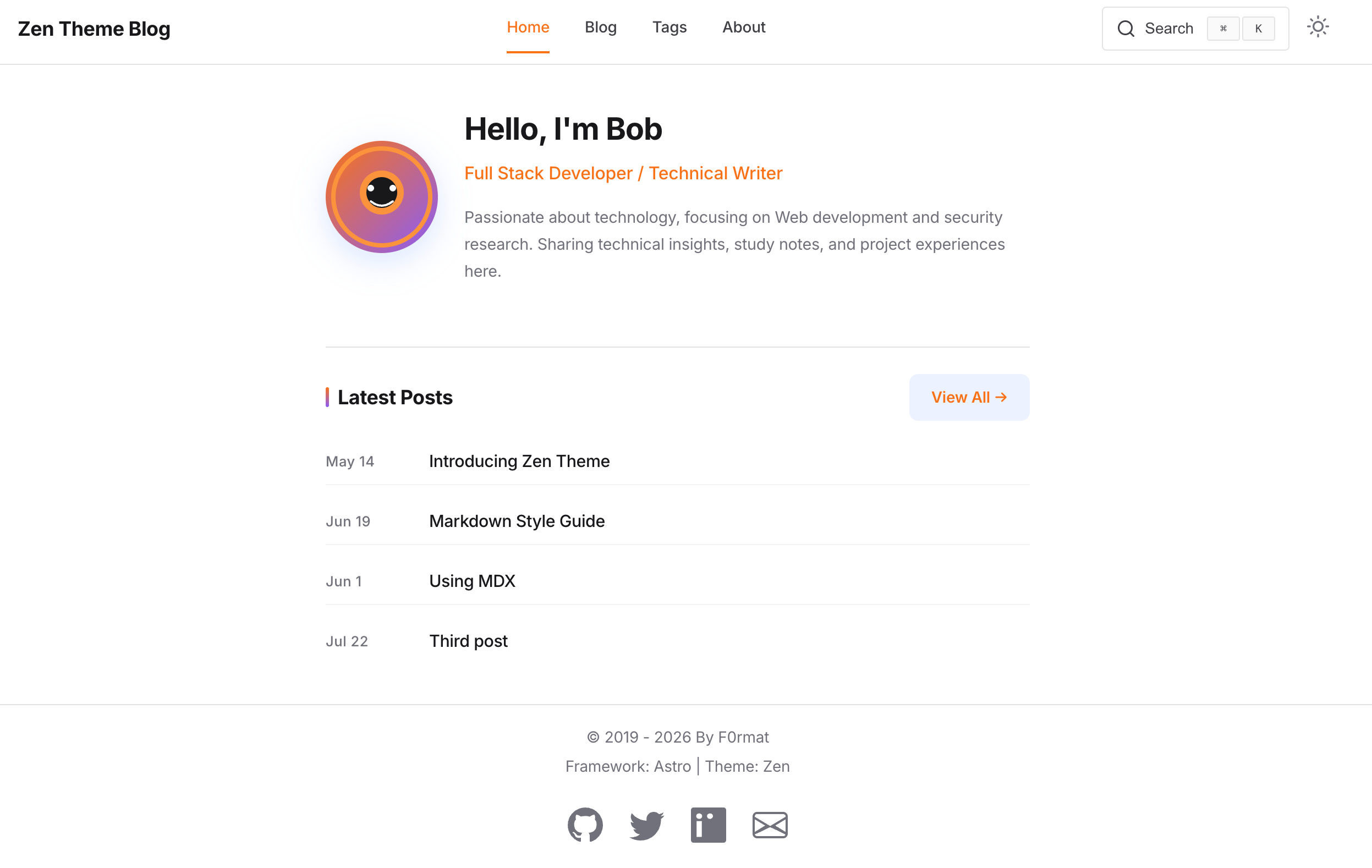
Reporter is a free Bootstrap personal blog template from Themefisher.
About this template
Reporter is a free Bootstrap-based personal blog template created and maintained by Themefisher. It provides a set of hand-editable HTML and CSS files that you can either use directly by opening index.html in a browser or build into a production-ready static site using a Gulp-based workflow.
What is Reporter?
Reporter is a free Bootstrap blog template designed for personal blogs, built by Themefisher. The template takes plain HTML and CSS files as its source and outputs a static blog website that runs in any browser. It includes a live demo and documentation that walks through both basic and advanced usage.
Key Features
- Free and open source — Released under the MIT license, so the code is free to use and modify for personal or commercial projects.
- Built with Bootstrap — The template is styled with the Bootstrap framework, giving you a responsive grid and reusable UI components out of the box.
- Gulp-powered workflow — An advanced setup uses Gulp to run a local development server with live reload, watch source files, and produce a production build.
- Production build output — Running
npm run buildgenerates athemefolder containing all of your customized files, ready to deploy. - No build tools needed for basic use — You can simply edit the HTML and CSS files in the
themefolder and openindex.htmlto preview changes. - Official documentation — A dedicated documentation site at docs.themefisher.com/reporter explains installation, customization, and build steps.
- GitHub issue tracking — The project uses GitHub Issues for bug reports, and the repository is available for download.
Who is it for?
- Personal bloggers — Writers who want a ready-made Bootstrap blog layout without starting from scratch.
- Front-end developers — Developers who need a lightweight HTML/CSS starting point and prefer a Gulp build process for asset handling.
- Beginners — Those new to web development who can edit static files and open them directly in a browser without setting up tooling.
What can you do with it?
- Launch a personal blog — Use the template as the foundation for a personal writing site, customizing the content in the HTML files.
- Learn Bootstrap workflows — Study how Themefisher structures a Gulp-based Bootstrap template and reuse the build process in your own projects.
- Prototype a blog design — Quickly produce a working static prototype that can be handed off or wired up to a backend later.
How does Reporter work?
Reporter can be used in two ways. For basic usage, download the zip from GitHub, open the theme folder, edit the HTML and CSS files, and preview index.html in your browser. For advanced usage, install Node.js and the Gulp CLI globally, run npm install to install dependencies, then npm run dev to start a live-reload development server. When finished, npm run build creates a production-ready theme folder.
Pricing and License
Reporter is free. The template's code is released under the MIT license, while the demo images are not included in that license and are only for demonstration purposes.
FAQ
Is Reporter free?
Yes, Reporter is completely free. The code is available on GitHub under the MIT license, so you can use and modify it without charge.
Does Reporter require Node.js to use?
No, not for basic use. You can edit the HTML and CSS files directly and open them in a browser. Node.js and Gulp are only needed for the advanced workflow with live reload and production builds.
How do I get the production version of my blog?
Run npm run build from the terminal after following the advanced setup. The command outputs a theme folder with all your changes, which you can deploy as your main theme.
How do I report a bug?
Reporter uses GitHub Issues as its official bug tracker. Search the existing issues first, and if your problem isn't listed, open a new issue on the themefisher/reporter repository.