Template details
Bento Hugo Theme
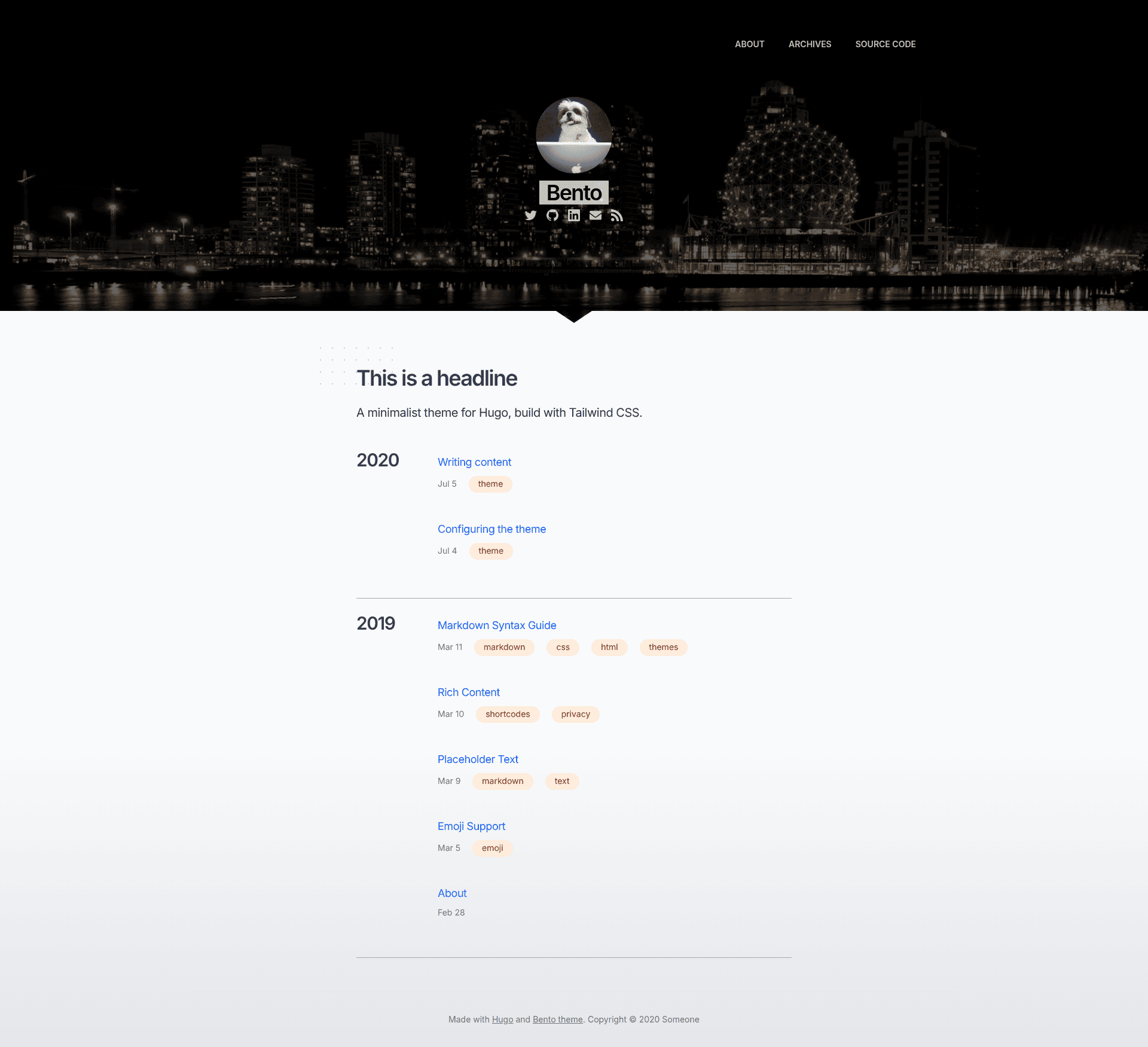
A minimalist Hugo theme built with Tailwind CSS for fast, responsive blogs and personal websites.
About this template
Bento is a minimalist Hugo theme built with Tailwind CSS that transforms Markdown content into a fast, responsive static website. It is maintained by Leonardo Faria and released under the MIT license.
What is the Bento Hugo theme?
The Bento Hugo theme is a free, open-source theme for the Hugo static site generator. It accepts Markdown posts and configuration from a config.toml file, and outputs a static website with a clean, minimalist design inspired by Casper and Medium. The theme is designed for blogs, personal websites, and simple portfolios, and can be customized with Tailwind CSS classes and overridden layouts.
Key features
- Tailwind CSS with PostCSS — Compiles to a very small CSS file, keeping the site lightweight.
- Lighthouse 100% score — The demo site achieves a perfect 100% performance score in Google Lighthouse tests.
- Analytics and comment integrations — Built-in support for Google Analytics, Fathom Analytics, Umami, and Disqus comments.
- GitHub-style syntax highlighting — Code blocks are highlighted using GitHub's theme.
- Full content RSS — Automatically generates an RSS feed for all posts.
- Turbolinks — Enables no-refresh page navigation by swapping content in place.
- Custom top bar links — Allows you to configure navigation links without editing layouts.
- Subtle animations — Adds lightweight motion effects for a polished feel.
- Categories and tags — Supports Hugo taxonomies; tags appear on the archives page.
- Responsive layout — Adapts to mobile and desktop screens.
Who should use the Bento Hugo theme?
- Independent bloggers — Publish Markdown-based posts and automatically get an RSS feed and clean typography.
- Developers and designers — Quickly set up a personal site with Tailwind CSS, then customize styles or add custom HTML inside Markdown.
- Privacy-conscious site owners — Choose Fathom Analytics or Umami instead of Google Analytics for lighter, privacy-friendly tracking.
- Open-source contributors — The theme is on GitHub and accepts pull requests and issues, making it easy to contribute improvements.
What can you do with the Bento Hugo theme?
- Launch a blog — Write posts in Markdown, assign categories and tags, and get a fast, searchable site.
- Create a personal landing page — The home page shows a headline, description, and all posts; override
layouts/index.htmlfor a custom layout. - Add comments and analytics — Enable Disqus for discussions and choose among three analytics providers through the config file.
- Customize with Tailwind — Write custom HTML inside posts and style it with Tailwind utility classes.
How does the Bento Hugo theme work?
Installation is done via git submodule add to place the theme under themes/bento. Copy the example config.toml and package.json from the repository, run npm install, then start Hugo's local server with npm run dev to preview at localhost:1313. To update the theme, run git submodule update --remote --merge.
Pricing
The Bento Hugo theme is free and open-source under the MIT license. There are no paid tiers or premium features.
FAQ
Is the Bento Hugo theme free?
Yes, it is released under the MIT license, so you can use, modify, and redistribute it without cost.
Does the theme support analytics?
Yes, it includes built-in integrations for Google Analytics, Fathom Analytics, and Umami, which you can enable through the config file.
Can I use the theme for a portfolio?
The default home page lists posts, but you can create a custom layouts/index.html to show portfolio items, and the minimalist design works well for personal sites.
What is the default home page content?
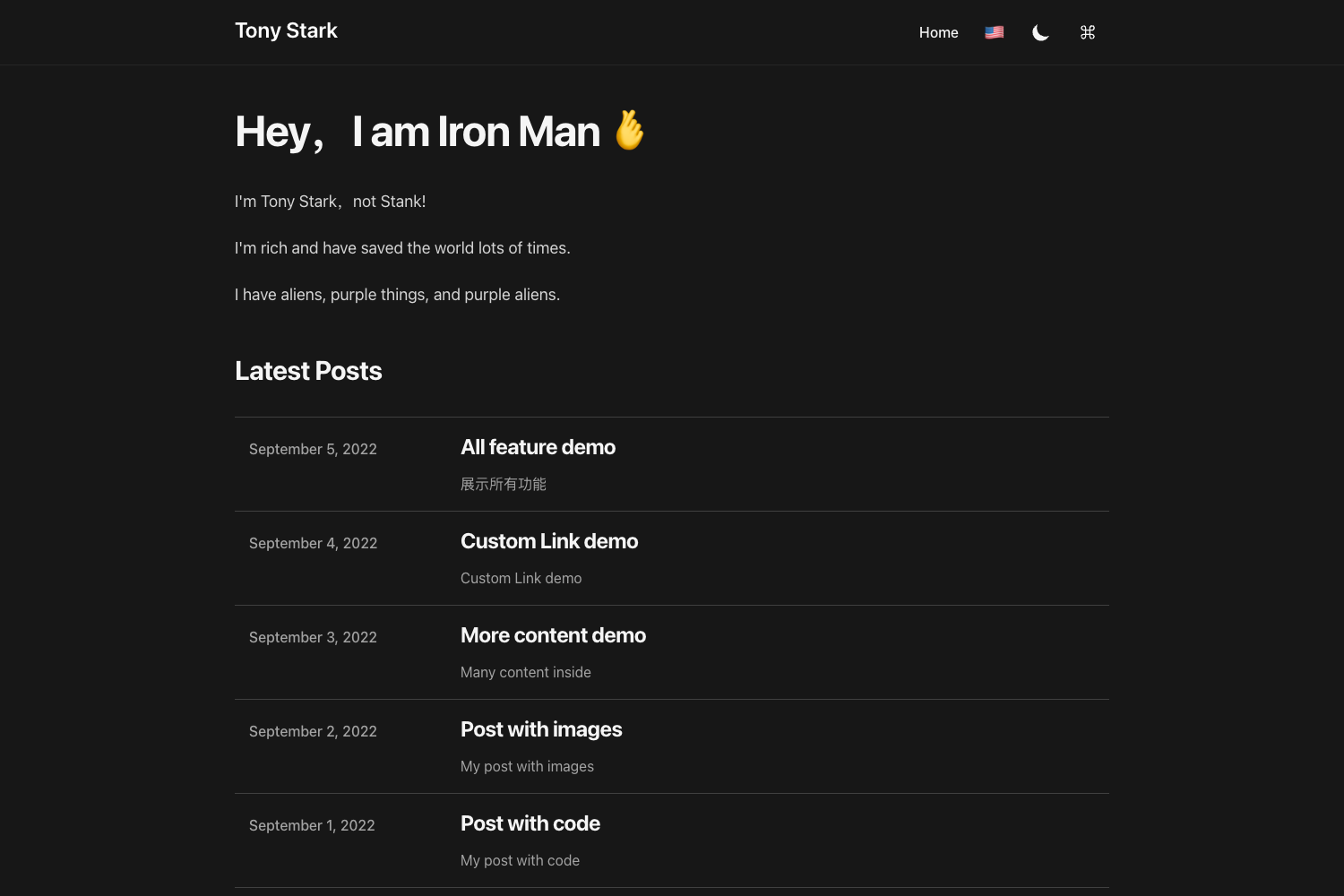
By default, it shows a headline, a description, and a list of all posts. Tags and categories are supported and shown on the archives page.
How do I update the theme after installing?
Run git submodule update --remote --merge inside your Hugo site folder to pull the latest changes from the theme's repository.