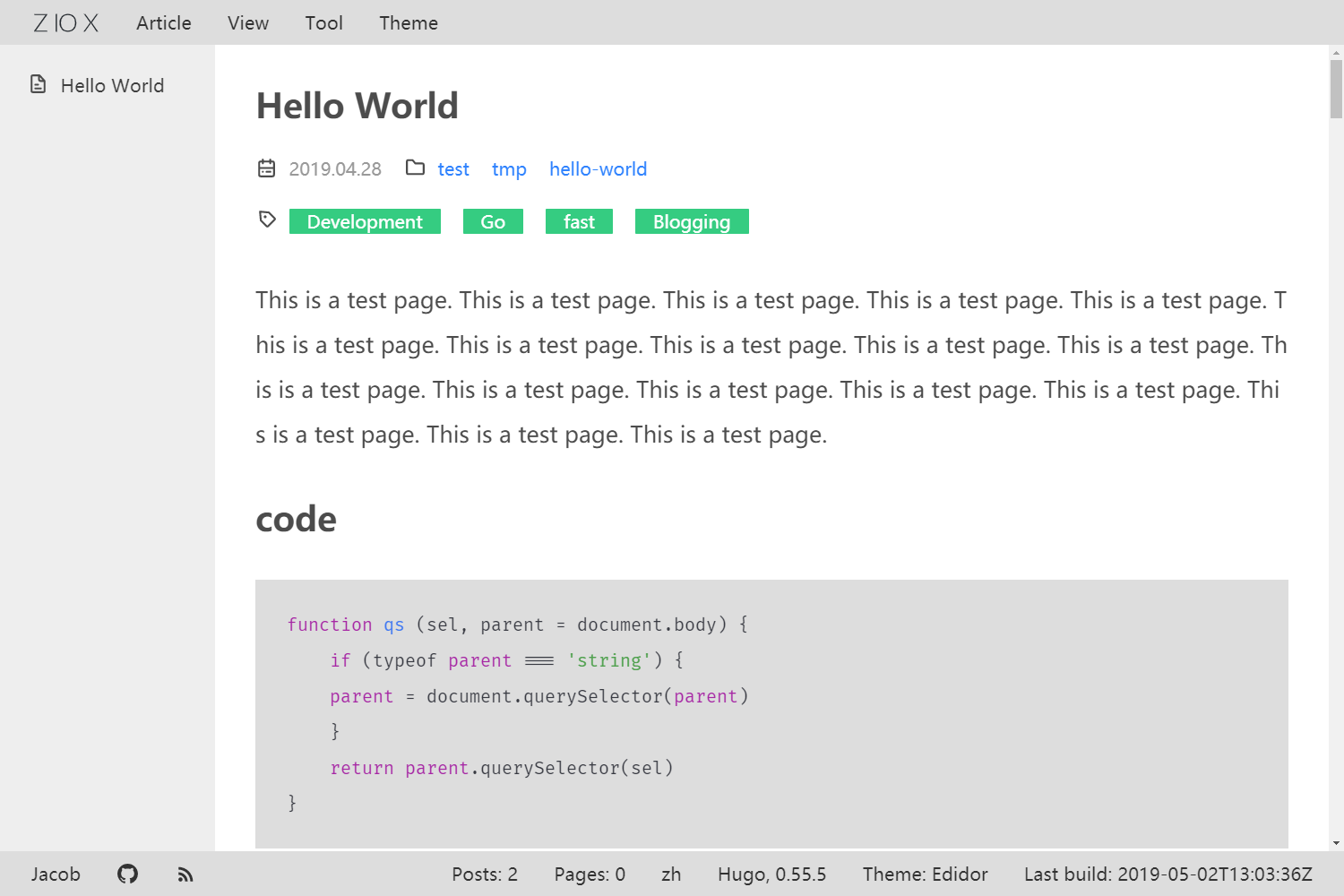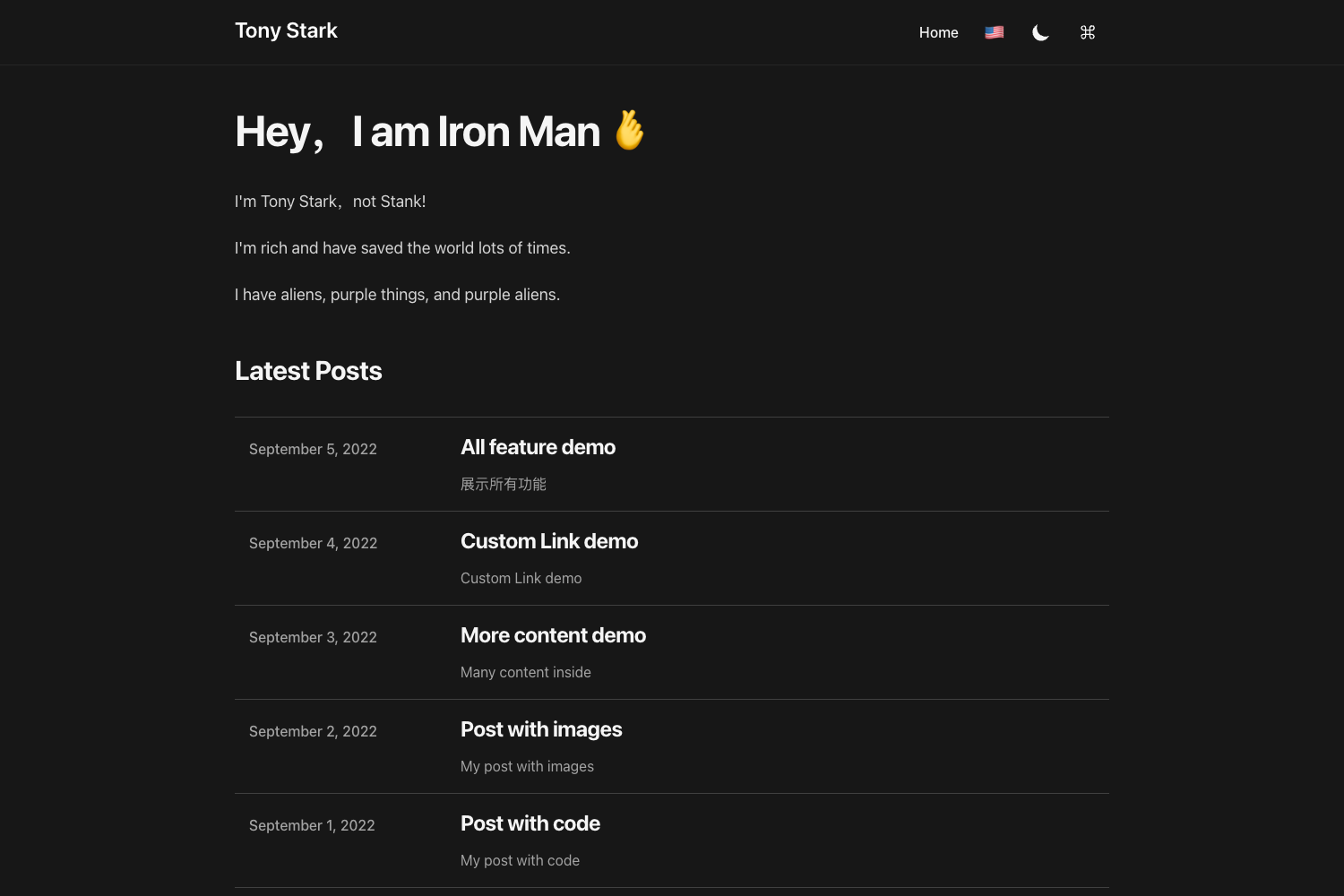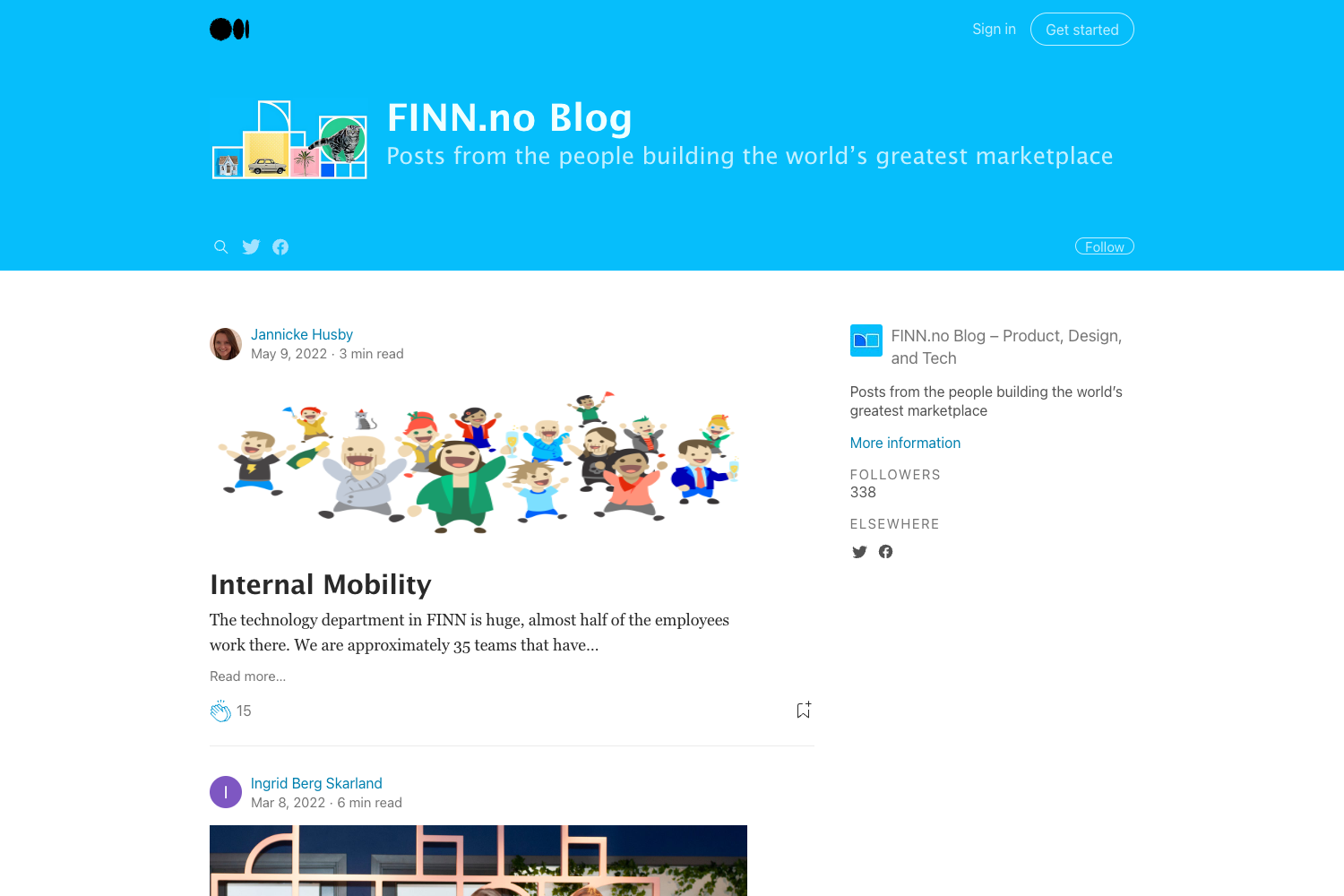
Template details
Hexo Theme Zurb Foundation
Simple plain Zurb foundation theme for the static site generator hexo.js
About this template
Hexo Theme Zurb Foundation is a Hexo theme built on Zurb Foundation 5+ that renders static sites with a responsive layout, configurable sidebar widgets, and Fancybox integration. This plain, simple theme is designed for the static site generator Hexo and is currently marked as a work in progress.
What is Hexo Theme Zurb Foundation?
Hexo Theme Zurb Foundation is a theme for the Hexo static site generator that uses Zurb Foundation 5+ as its front-end framework. It takes Hexo's generated content and wraps it in a blog-style layout with a header menu, sidebar, and content area. The theme is installed by cloning the GitHub repository into Hexo's themes directory and enabling it in _config.yml. It was created by chrisjlee and requires Hexo 3.0 or newer.
Key Features
- Zurb Foundation 5+ – The theme is built on Zurb Foundation 5+, providing a responsive grid system and reusable UI components out of the box.
- Five built-in widgets – The sidebar comes with category, tag, tagcloud, archives, and recent_posts widgets, all enabled by default and editable in the
widgetsconfig list. - Configurable menu – A navigation menu in the header is defined in
_config.ymlwith entries such as Home and Archives. - Fancybox integration – Fancybox support is available and can be toggled with the
fancyboxsetting. - RSS link – An RSS feed link is configurable via the
rsssetting. - Read More links – The
excerpt_linksetting controls the "Read More" text on excerpted articles and can be disabled withfalse. - Sidebar positioning – The sidebar can be placed on the left, right, bottom, or disabled entirely using the
sidebarsetting. - Analytics and social profiles – The config supports Google Analytics ID, favicon path, Twitter ID, and Google+ ID.
Who is it for?
- Hexo bloggers who want a straightforward, plain theme with all the classic sidebar widgets like archives and tags.
- Developers familiar with Zurb Foundation who prefer its grid and component styling over other CSS frameworks.
- Site owners who want easy customization – nearly every visual element is controlled through the single
_config.ymlfile.
What can you do with it?
- Launch a Hexo blog quickly: install the theme, set the theme name in
_config.yml, and begin publishing Markdown posts. - Reorder sidebar widgets: edit the
widgetslist to show only the widgets you need and control their order. - Shift the sidebar: change the
sidebarvalue toleft,right,bottom, orfalseto match your layout preference. - Add tracking and social links: fill in the
google_analytics,twitter, andgoogle_plusoptions to connect your site to external services.
How does it work?
After cloning the repository into Hexo's themes folder, you set the theme value in _config.yml to zurb-foundation. The theme reads the site configuration to populate the menu, widgets, sidebar, and footer. For development, you can run hexo generate --watch alongside browser-sync to preview the generated public folder live.
FAQ
Does Hexo Theme Zurb Foundation require Hexo 3.0?
Yes. The README lists Hexo 3.0+ as a requirement in its development section.
What widgets are included?
The theme includes five widgets: category, tag, tagcloud, archives, and recent_posts. They are all enabled by default and can be edited in the widgets configuration option.
How do I update the theme?
Navigate to the theme directory and run git pull to fetch the latest changes from the repository.
Is the theme free?
The theme is hosted on GitHub and can be cloned with git clone; the README does not mention any pricing or license, and the repository is publicly accessible.