Template details
Bigspring Light Astro
A highly customizable Astro theme designed specifically for SaaS & marketing websites.
About this template
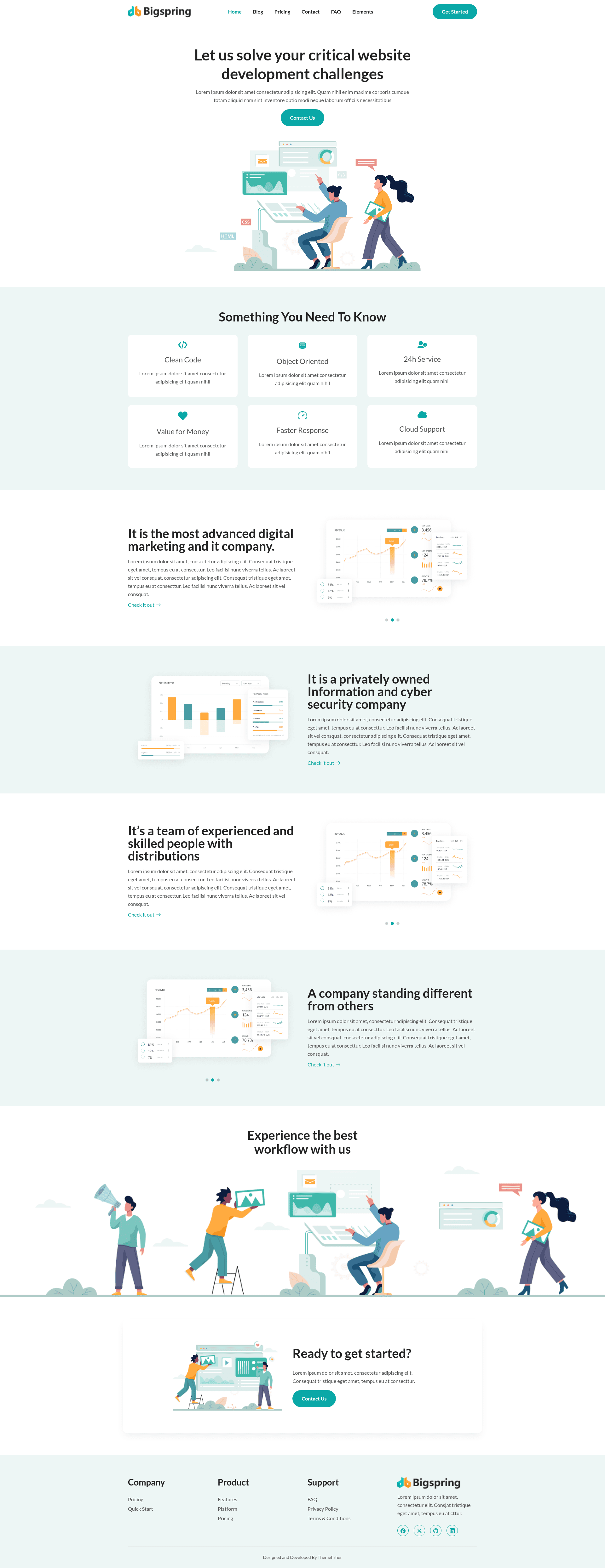
Bigspring Light Astro is an open-source Astro theme from Themefisher for building SaaS and marketing websites, with 10+ pre-designed pages, Tailwind CSS styling, and a reported 95+ Google PageSpeed score.
What is Bigspring Light Astro?
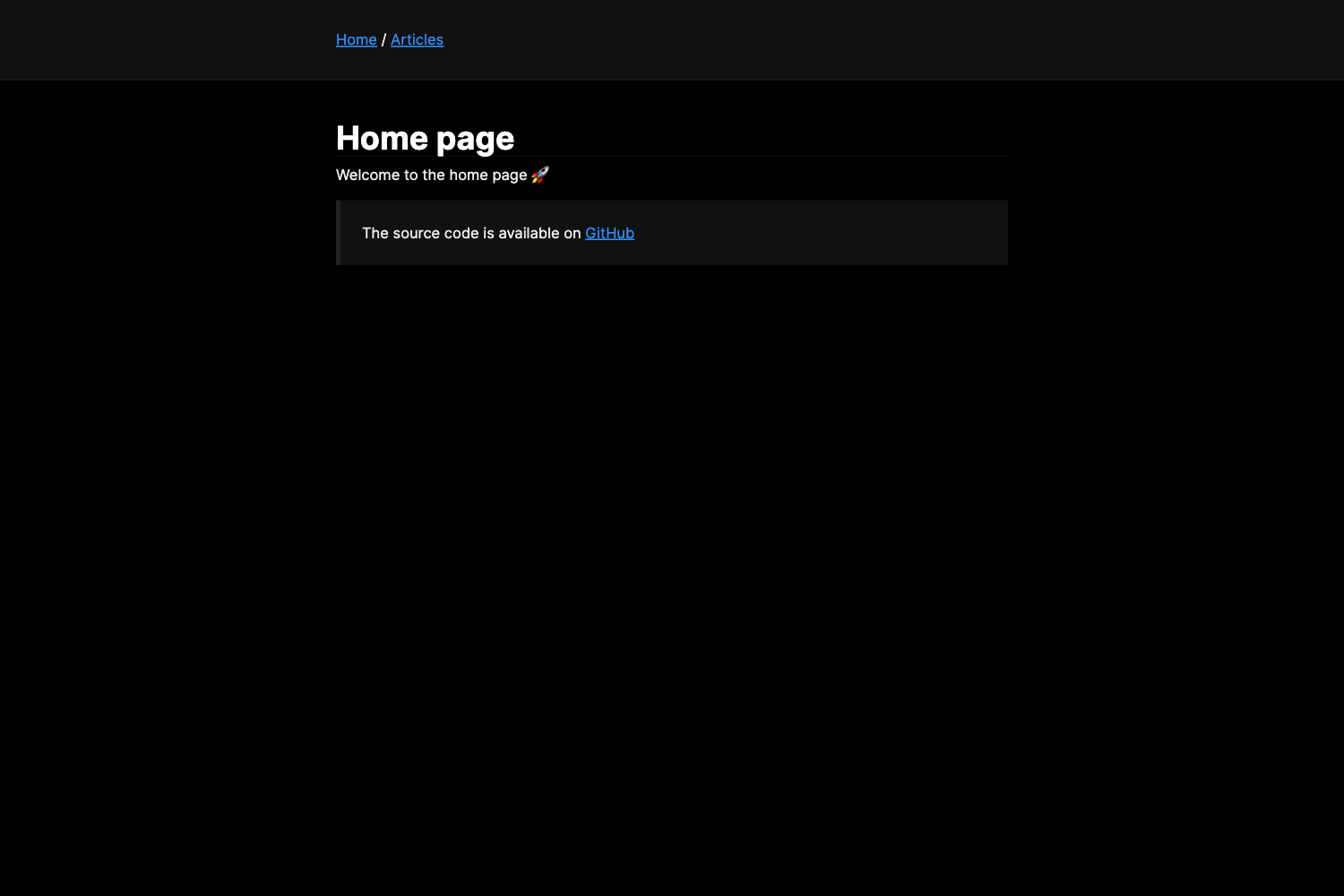
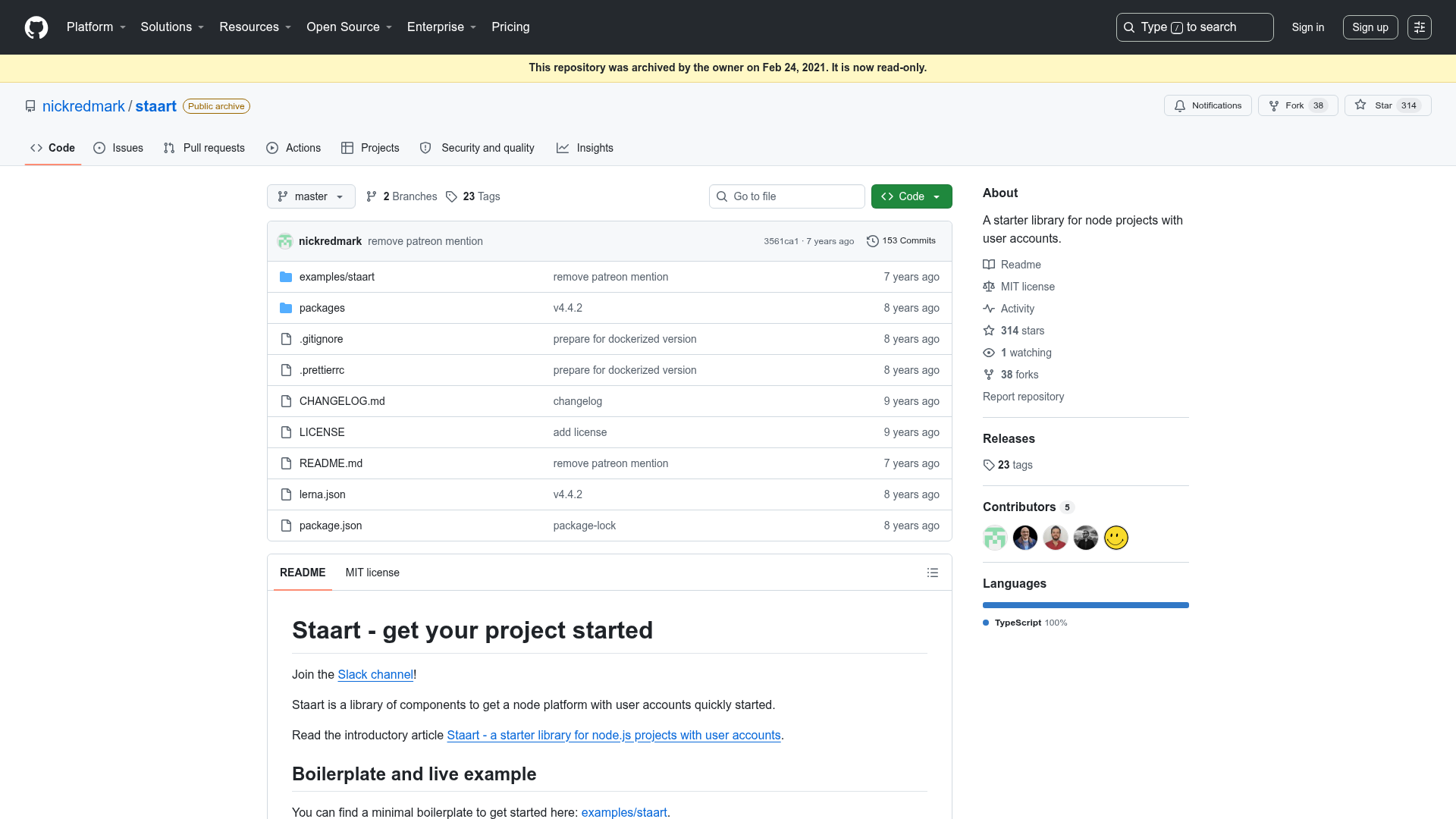
Bigspring Light Astro is a highly customizable Astro theme created specifically for SaaS and marketing websites. It takes website content written in Markdown or MDX and produces a static site with a home page, blog, pricing, contact, FAQ, elements, privacy policy, terms and conditions, and 404 pages. The theme runs on Astro (the repository badge references Astro 6.0.0-beta.17) and is maintained by Themefisher, who also offer custom development services.
Key Features
- 10+ Pre-Designed Pages — Includes a home page, blog listing, blog single, pricing, contact, FAQ, elements showcase, privacy policy, terms and conditions, and a 404 page.
- Highly Customizable — Color scheme, fonts, menu, social links, and SEO meta tags can be adjusted to match a brand.
- Fast by Default — The project reports a 95+ Google PageSpeed score and links to a PageSpeed test showing 100% on desktop.
- Markdown / MDX Content — Write and update content in Markdown or MDX; MDX components are auto-imported, and draft pages and posts are supported.
- Netlify Pre-Configured — Netlify settings are included, so deploying the theme requires minimal setup.
- Contact Form Support — A contact page with form functionality is part of the template.
- OG Image Support — Social sharing images are supported via Open Graph meta tags.
- Built with Tailwind CSS — The theme uses the Tailwind CSS framework for styling and is fully responsive on desktops, tablets, and smartphones.
Who should use Bigspring Light Astro?
Bigspring Light Astro suits SaaS founders and startup teams who need a marketing site with a blog and pricing page quickly. It also fits freelance developers and web agencies that want a customizable Astro starter to reskin for client projects, and content editors who prefer writing in Markdown/MDX without touching code.
What can you do with Bigspring Light Astro?
- SaaS startups: Launch a landing page that links to pricing, FAQ, and contact sections, plus a blog for content marketing.
- Marketing teams: Publish posts and pages in Markdown or MDX and manage SEO meta tags and social links without a custom build.
- Freelancers and agencies: Use the pre-designed pages and Tailwind CSS base as a starting point for client sites, then customize color and fonts per brand.
- Developers: Leverage the Netlify pre-configuration and npm scripts (npm run dev for local preview, npm run build for production) to ship a static site.
How does Bigspring Light Astro work?
The theme is installed locally after downloading the template, with Node.js as the only prerequisite. Running npm install installs dependencies, then npm run dev starts a live-reloading preview in the browser, and npm run build creates a production build. For editors, the repository is pre-configured with Sitepins, a Git-based headless CMS, which offers a visual editing flow without code changes.
Pros and cons
- Pros: Free and open source under the MIT license; fast performance with a 95+ PageSpeed score; extensive customization options; easy content editing through Markdown/MDX and Sitepins.
- Cons: The included images are for demonstration only and have their own licenses; the theme is built against Astro 6.0.0-beta.17, so it may contain beta-stage changes.
FAQ
Is Bigspring Light Astro free?
Yes, the code is released under the MIT license, so it can be used freely for personal or commercial projects. The images included in the demo are for demonstration only and have their own licenses.
What Astro version does it use?
The repository badge references Astro 6.0.0-beta.17, so the theme is built against a beta release of Astro 6. Users should verify compatibility with the version of Astro they intend to deploy.
Does it include a contact form?
The theme has a contact page with contact form support, and the repository includes the necessary structure for receiving submissions.
Can I edit content without coding?
Yes. The template is pre-configured with Sitepins, a Git-based headless CMS. Using the "Edit with Sitepins" button lets you clone the repository and edit text, images, and configuration visually.
What deployment options are supported?
Netlify settings are pre-configured, and since it's a static Astro build, the output can be hosted on any static hosting service.