Template details
Gatsby MDX Netlify CMS Starter
Gatsby starter combining MDX and Netlify CMS, letting editors insert React components in the CMS admin panel.
About this template
Gatsby MDX Netlify CMS Starter is a Gatsby boilerplate that wires MDX and Netlify CMS together so content editors can insert React components directly from the CMS admin panel.
What is Gatsby MDX Netlify CMS Starter?
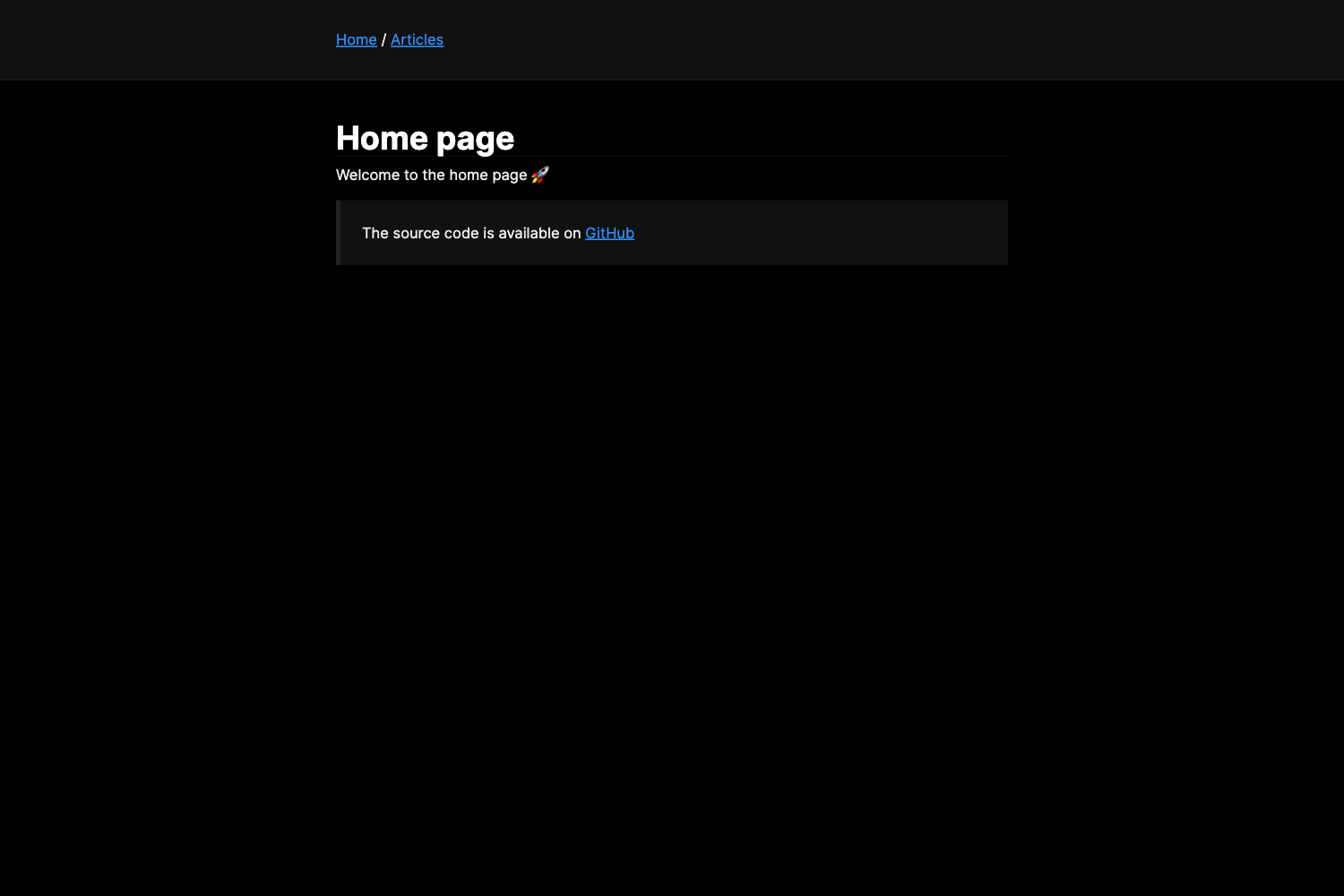
This starter is extended from the default Gatsby starter and demonstrates how to combine Gatsby-MDX with Netlify CMS in a structured setup. It takes Markdown (.md) and MDX (.mdx) files as content inputs and generates a static Gatsby site as output, while exposing an editable Netlify CMS admin interface at the /admin route. The repository lives on GitHub under renvrant/gatsby-mdx-netlify-cms-starter and includes example pages, page templates, CMS widget registration, and a component whitelist.
Key Features
- MDX support in CMS editing — Editors can write Markdown with embedded React components directly in Netlify CMS; example widgets are provided for inserting buttons or testimonials into content.
- Automatic page generation — .md and .mdx files placed in the content directory are automatically read as pages, with no manual route setup.
- Template selection via templateKey — A hidden
templateKeyfrontmatter field is used by theCMSTemplatecomponent to map a page to a specific template, falling back to a default if none match. - Frontmatter markdown rendering — The
RenderMarkdowncore component parses MDX strings stored in frontmatter fields using@mdx/runtime, so CMS fields can contain rich React-powered content. - CMS page visibility control — Pages can be hidden from the editable list in Netlify CMS.
- Custom widgets and previews — The src/cms directory provides utilities for registering Netlify CMS widgets, previews, and the
cms-components.constants.jswhitelist of components included in the MDX render scope. - HTML element swapping — Default HTML elements in posts can be replaced with React components for finer layout control.
Who is it for?
- Gatsby developers — Use the starter to bootstrap a project where Netlify CMS editors can compose pages with React components instead of being limited to plain Markdown.
- Agencies and freelancers — Ship a maintainable base to clients who manage content through Netlify CMS, with call-to-action blocks and other custom components ready to use.
- Teams building documentation sites — Take advantage of MDX to render live React component examples inside docs, while non-technical writers update content in the CMS.
What can you do with it?
- Add interactive elements to blog posts — Editors insert buttons, testimonials, or other React components directly in the CMS without writing JSX.
- Create multiple page layouts — Use
templateKeyto let editors choose from different page templates for different pages. - Build a component-driven documentation site — Use MDX to render live components inside markdown pages, while the CMS handles content workflow.
How does it work?
Run yarn develop or npm run develop to start the development server at localhost:8000. The local admin panel is available at localhost:8000/admin; log in with your Netlify credentials. Content files live in src/pages, and the CMSTemplate component inspects the templateKey frontmatter value to decide which page template to render. For production, run yarn build to generate the static site, which can be deployed to Netlify with the included deploy button.
Pros and cons
Pros:
- Full MDX support inside Netlify CMS gives editors a more expressive authoring experience than plain Markdown.
- Template key system enables flexible page layouts without developer intervention.
- The starter includes working examples for widgets, previews, and component whitelists, speeding up customization.
Cons:
- Local development does not hot-reload changes to .md files; you must stop the server, run
rm -rf .cache, and restart. - The local admin panel reflects the state of the GitHub master branch, not your local uncommitted changes.
FAQ
How do I access the Netlify CMS admin panel in this starter?
While the development server is running, go to localhost:8000/admin and log in with your Netlify credentials. This admin panel lets you edit Markdown content and verify changes to the CMS configuration, though it reads from the GitHub master branch rather than your local files.
Why don't my markdown edits hot reload during development?
The development server reads local .md files but does not hot reload them. To see a markdown change, stop the server, remove the gatsby cache with rm -rf .cache, and restart the server.
What is the templateKey field used for?
It is a hidden frontmatter value that the CMSTemplate component reads to determine which page template to render. If no template matches the key, the component falls back to a default template.
Can editors create new pages from the CMS?
Yes, CMS-created pages live in the content directory and can be created there. Other pages in the site can be modified from the CMS, but they cannot be created or deleted.
What does RenderMarkdown do?
It is a core component that parses an MDX string from frontmatter fields using @mdx/runtime and renders it with the whitelisted React components. This is how CMS fields with a markdown editor produce rich, component-driven content.