Template details
BizFlow
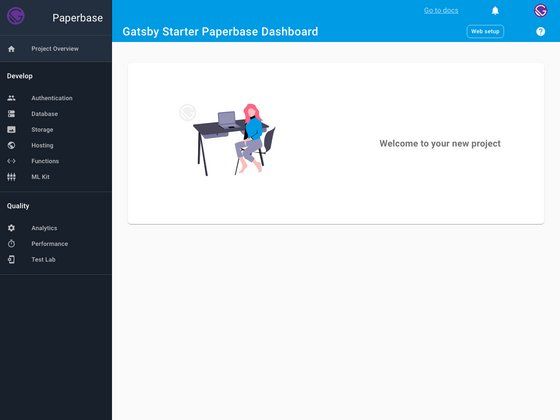
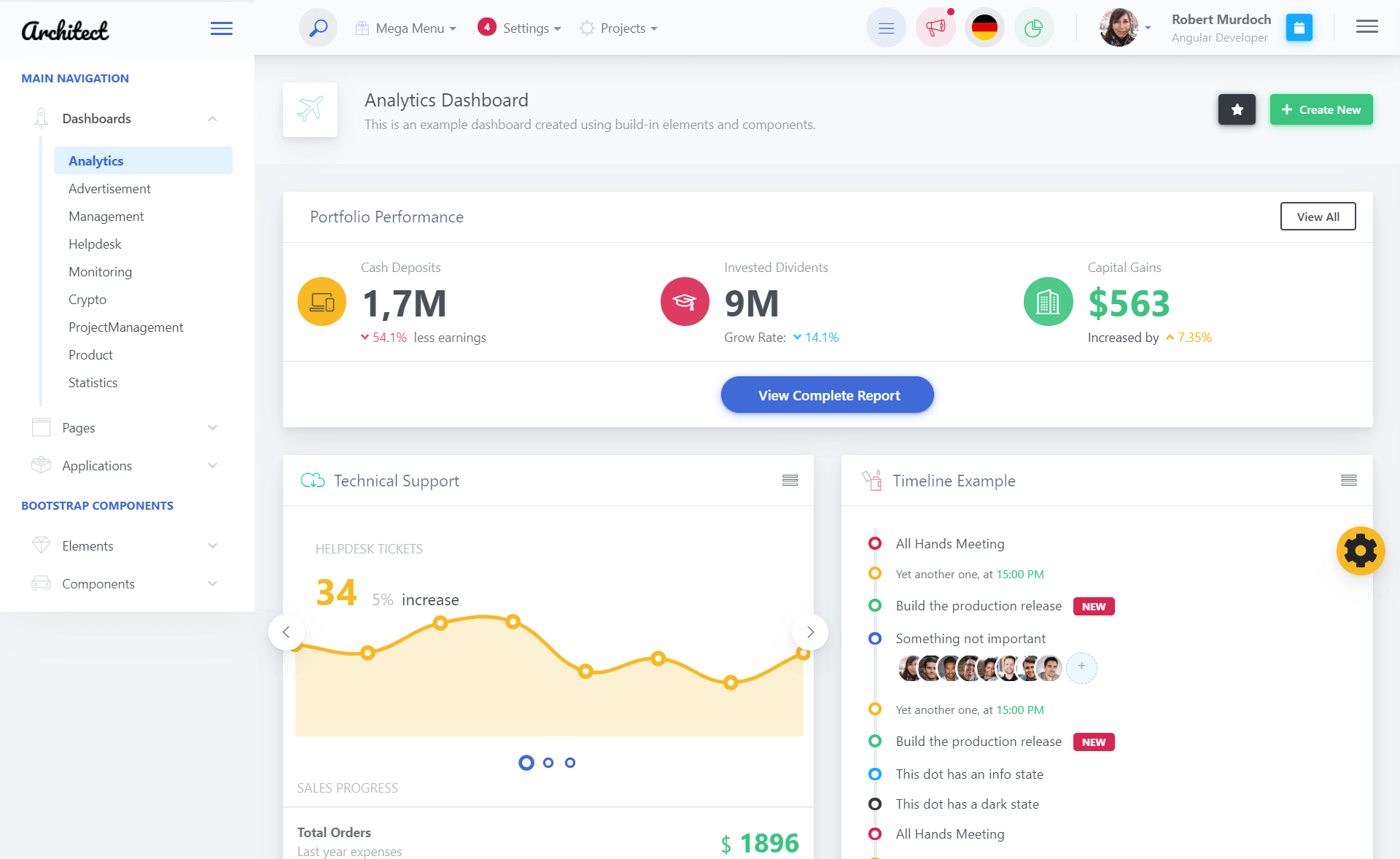
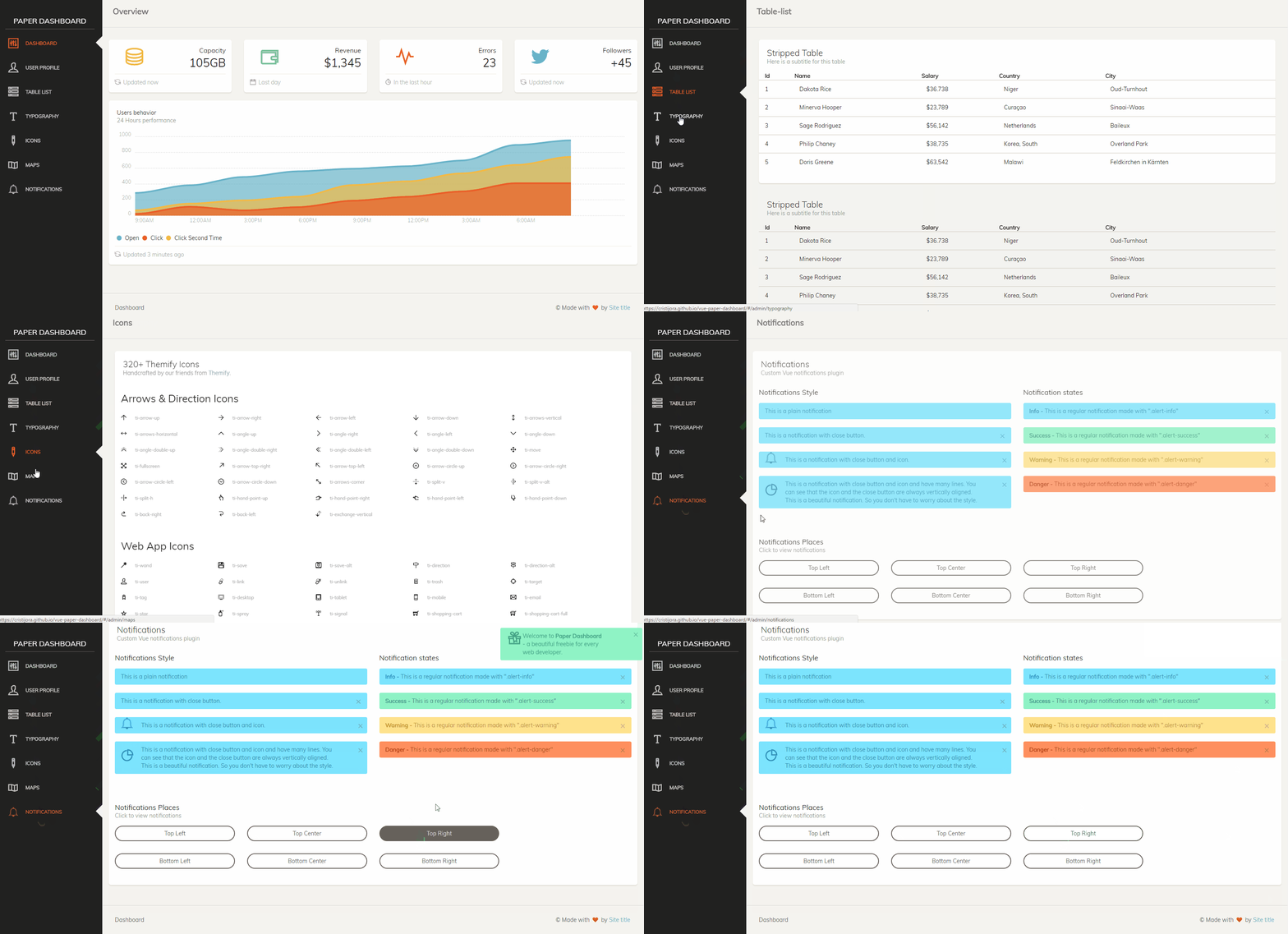
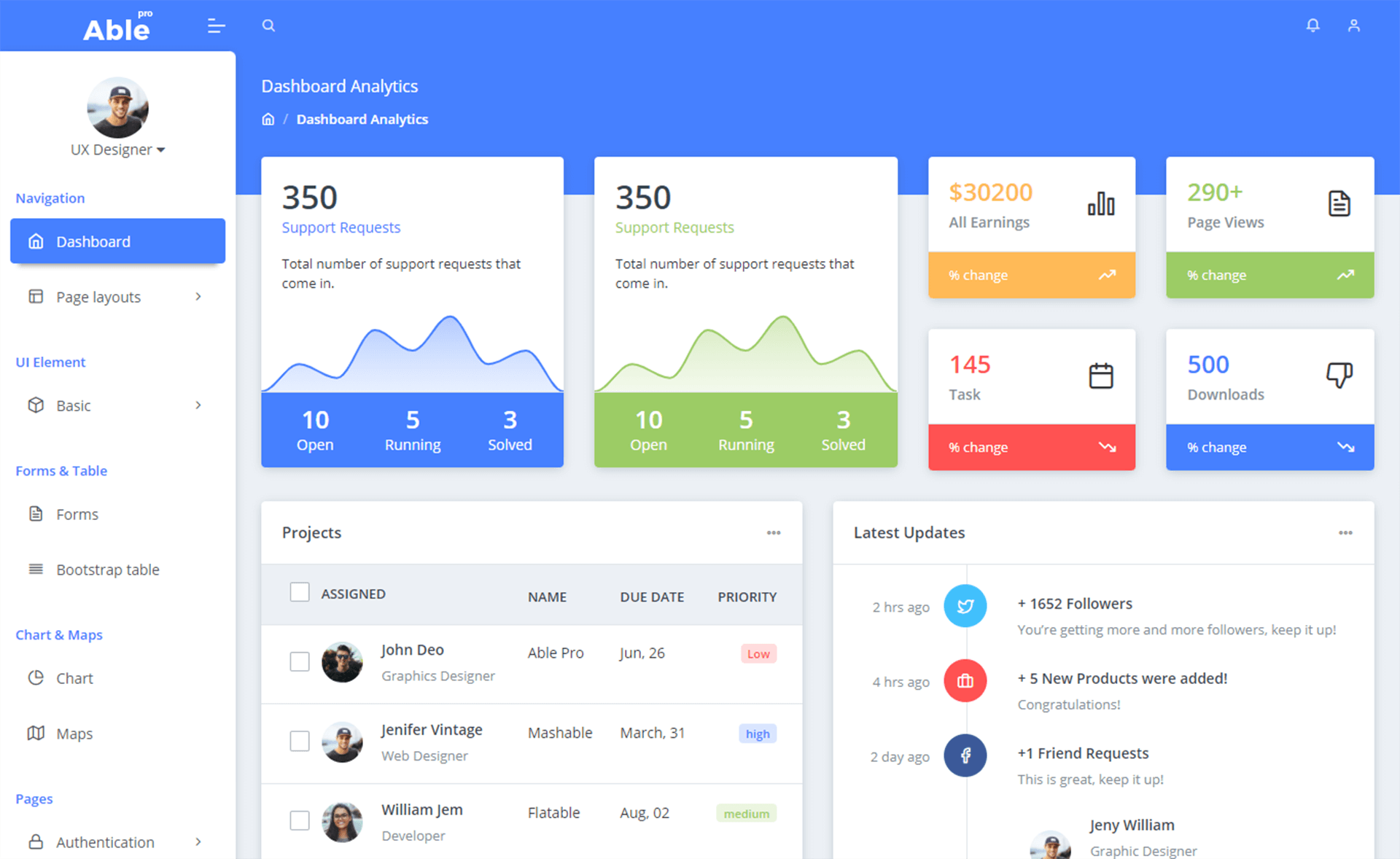
Open-source business workflow dashboard built with React, TailwindCSS, and Framer Motion.
About this template
BizFlow is an open-source business workflow dashboard template built with React (Vite), TailwindCSS, and Framer Motion, offering task management, team collaboration, and analytics tracking for businesses, freelancers, and students.
What is BizFlow?
BizFlow is a frontend-only web application template for building responsive business dashboards. It takes configuration and content through React components and produces an animated, mobile-first dashboard UI with pages for analytics, contact, and general workflow management. The template uses Vite as its build tool, TailwindCSS for styling, Framer Motion for animations, and ESLint for code quality, and it is publicly deployed on Vercel at biz-flow-alpha.vercel.app. The project is maintained by Aditya Domle and is released under the MIT license.
Key Features
- Responsive & Mobile-First — The layout adapts to all screen sizes using a mobile-first TailwindCSS approach.
- Modular Components — Reusable UI components live in
src/components, while route-based pages are insrc/pages, making the codebase easy to extend. - Smooth Animations — Framer Motion powers transitions between views and element entrances.
- Theme Support — Light and dark mode are included, configurable through Tailwind theming.
- Frontend-Only — The template has no backend server; you can connect any backend API for data persistence and business logic.
- GA4 Analytics Integration — Google Analytics 4 tracking covers page views, scroll depth, time on page, session duration, button clicks, form submissions, newsletter signups, external links, and pricing plan interactions. An analytics dashboard is available at
/analyticsand a testing page at/analytics-test. - Contact Page with Email — The contact page supports environment-variable email configuration, Gmail App Passwords, SendGrid, and Mailgun, and includes validation, loading states, and success/error messages.
- Open Source & MIT Licensed — The project includes contributor guidelines, a code of conduct, and GitHub Discussions for community support.
Who is it for?
- Freelancers and solopreneurs — organize client projects and track tasks without paying for commercial project management software.
- Small business teams — collaborate on shared workflows and monitor performance through the built-in analytics dashboard.
- Students and developers — learn React, TailwindCSS, and Framer Motion by reading and modifying a real-world template.
- Startup founders — prototype an internal operations dashboard quickly using the existing analytics and contact modules.
What can you do with BizFlow?
- Track business operations: Manage tasks and review key metrics, popular pages, and referrer data on the analytics page.
- Capture leads and inquiries: Use the contact page's multiple contact methods, business hours, social links, and FAQ; form submissions trigger notification and confirmation emails.
- Measure user behavior: Instrument any component with the included
useScrollTracking,useTimeTracking,trackButtonClick, andtrackFormSubmissionhooks for event tracking. - Customize the UI: Alter components, configuration files, and themes to rebrand and rearrange the dashboard for your own use.
How does BizFlow work?
- Clone the repository and run
npm installto install dependencies. - Run
npm run devto start the Vite development server atlocalhost:5173. - Copy
env.exampleto.env, add your GA4 Measurement ID, and setREACT_APP_ANALYTICS_ENABLED=true. - Deploy to Vercel using the included
vercel.jsonconfiguration.
FAQ
Is BizFlow free?
Yes, BizFlow is open source under the MIT license, so you can use, modify, and distribute it freely, including in commercial projects.
What do I need to run BizFlow?
You need Node.js and npm to install dependencies. The frontend runs on Vite, so no database or server is required; you'll want a backend API only if you need to persist data.
How do I set up analytics?
Create a GA4 property, copy your Measurement ID into a .env file as REACT_APP_GA4_MEASUREMENT_ID, and set REACT_APP_ANALYTICS_ENABLED=true. The template then tracks page views, scroll depth, time on page, and custom events automatically.
Can I change the email service?
Yes, the contact page reads email credentials from environment variables and works with Gmail App Passwords, SendGrid, and Mailgun; see api/contact.js for service-specific configuration.