Template details
Vue Paper Dashboard
Creative Tim Paper Dashboard made for Vue
About this template
Vue Paper Dashboard is a free, MIT-licensed admin dashboard template that ports Creative Tim's Paper Dashboard UI into a Vue.js single-page application built with vue-router.
What is the Vue Paper Dashboard?
Vue Paper Dashboard is the Vue.js edition of Creative Tim's Paper Dashboard, a Bootstrap-based admin UI theme. It takes the original HTML/CSS template and re-implements it as a Vue application, using vue-router for client-side navigation between dashboard sections. The project is hosted on GitHub under the name vue-paper-dashboard, has a live demo at cristijora.github.io/vue-paper-dashboard, and comes with official documentation at vuejs.creative-tim.com. The repository description states it as "Creative Tim Paper Dashboard made for Vue."
Key Features
- Vue.js + vue-router — the template is explicitly designed as a Vue version that includes vue-router, giving you a ready-made SPA navigation structure.
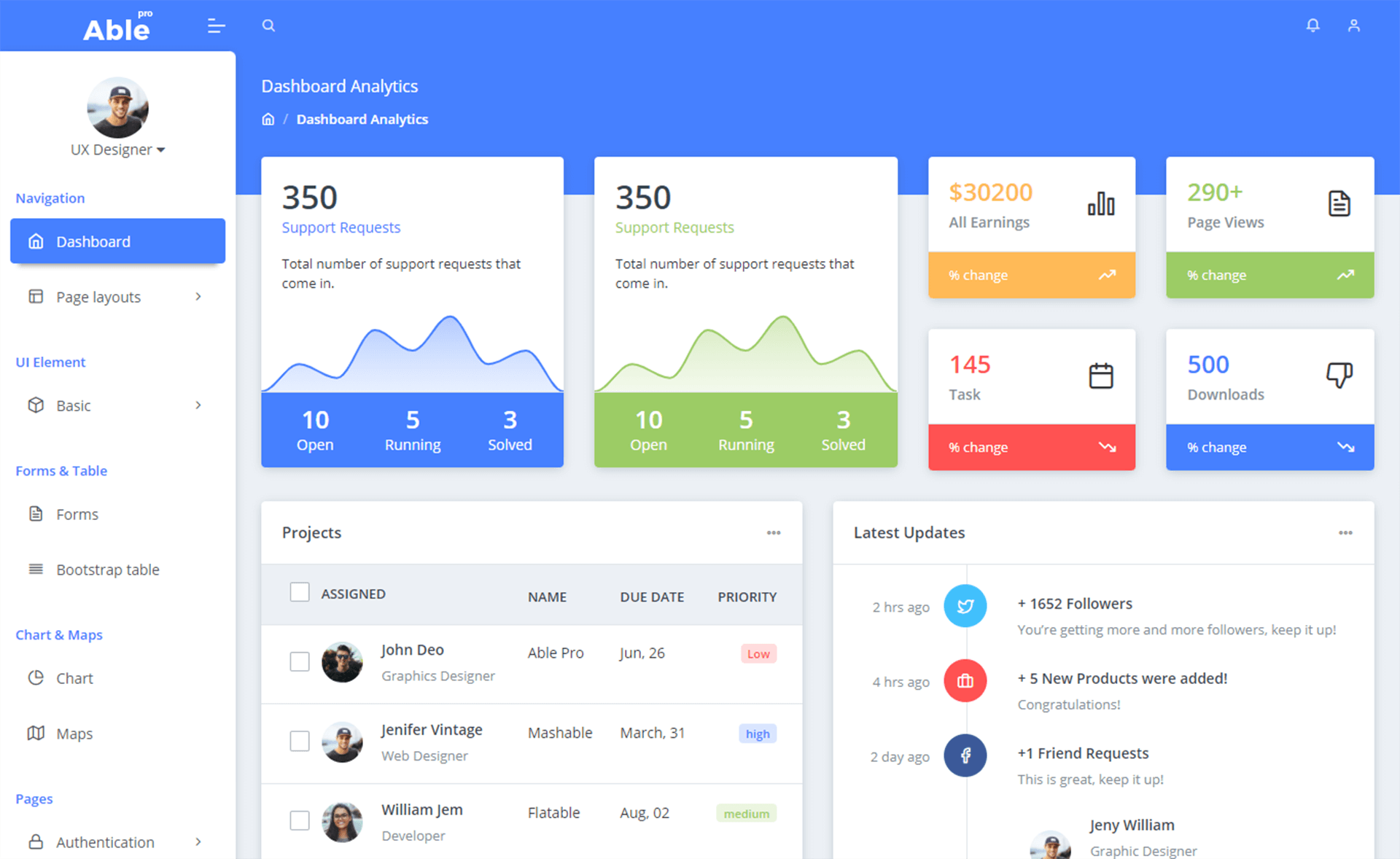
- Paper Dashboard design — it inherits the visual style, typography, and layout components of Creative Tim's Paper Dashboard, which is built on Bootstrap.
- Vue CLI workflow — the build commands
npm run dev,npm run build, andnpm run lintfollow the standard Vue CLI setup, with hot reload on localhost:8080 during development. - One-click Genezio deployment — the README provides a deploy button so you can push the repository to Genezio's platform and get a hosted instance without configuring a server.
- Documentation provided — a dedicated documentation page walks through installation, components, and usage.
- MIT license — you can use, modify, and redistribute the template for personal or commercial projects without licensing fees.
- Nuxt variant exists — a separate Nuxt version is linked in the README, though it's noted as outdated and based on Bootstrap 3.
Who is it for?
- Vue developers — those who want a pre-styled admin dashboard instead of hand-coding layout, navigation, and components.
- Startup teams — startups that need an internal back-office or analytics dashboard quickly and want to spend time on business logic, not UI.
- UI learners — developers who want to study a real-world vue-router setup, including how routes and views are organized.
What can you do with it?
- Build an admin dashboard — use the template as the foundation for your own admin panel, replacing placeholder content with your data.
- Prototype internal tools — quickly mock up a tool interface (e.g., user management, reports) using the included design components.
- Deploy a demo to Genezio — click the deploy button in the README to publish a live version of the dashboard for others to see.
How does the template work?
The README documents a standard Vue CLI development loop: run npm install to fetch dependencies, then npm run dev to serve the app with hot reload at localhost:8080. For production, npm run build creates a minified bundle, and npm run lint checks code style. The project also links to the Vue CLI guide for "detailed explanation on how things work."
Pricing
The template is open source under the MIT license, so it is free to use and available for commercial projects. No pricing tiers or paid upgrades are listed in the repository.