Template details
Blog
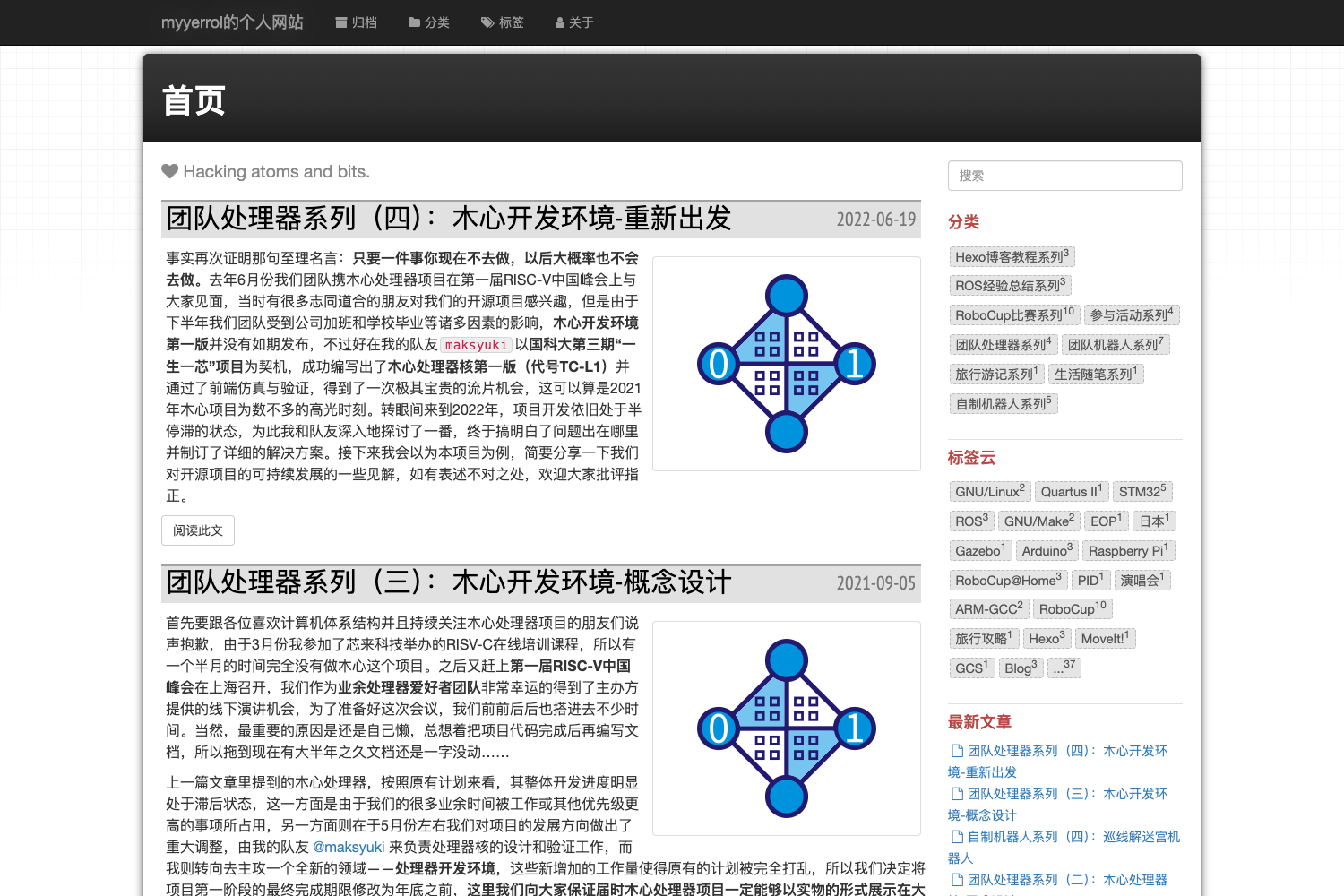
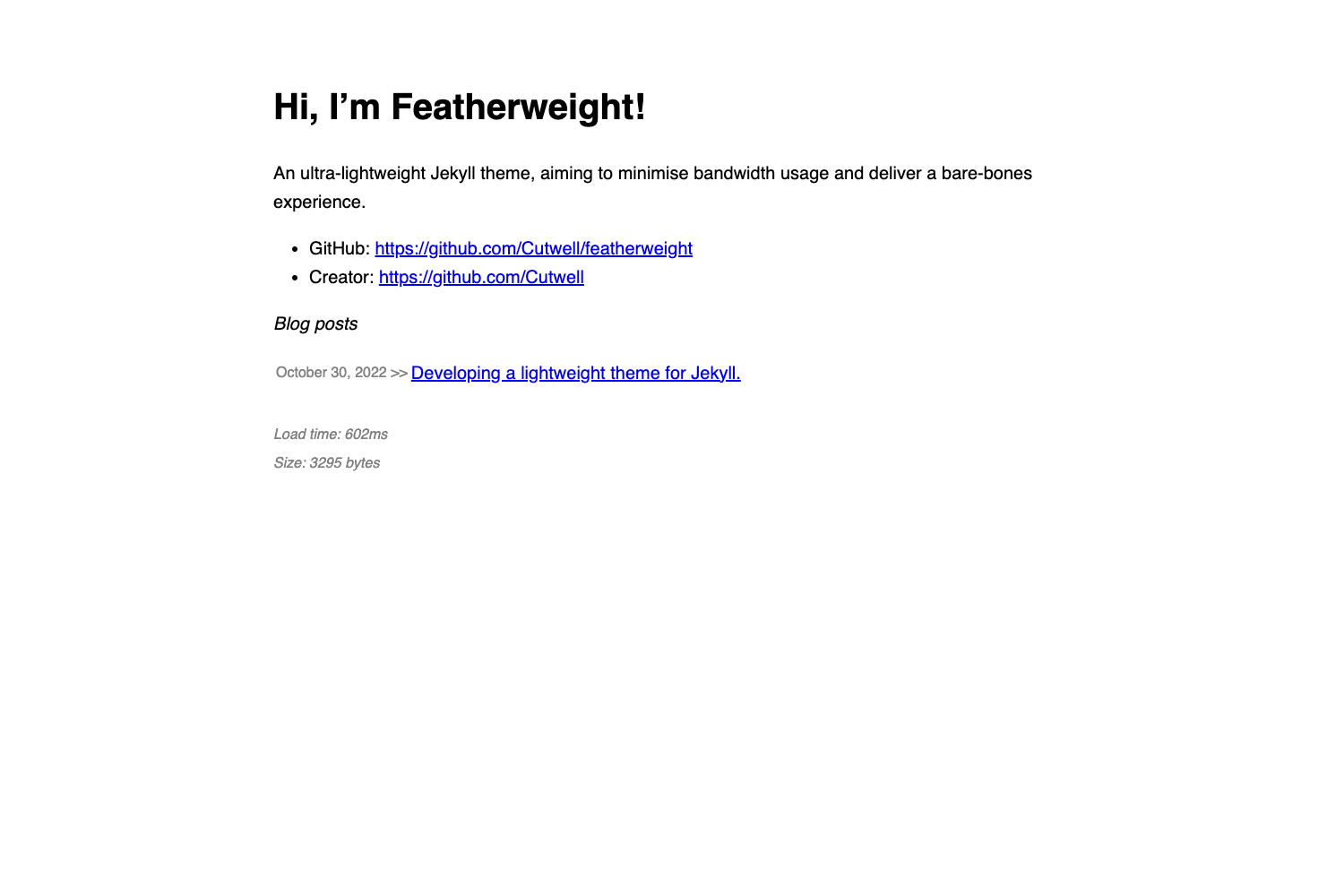
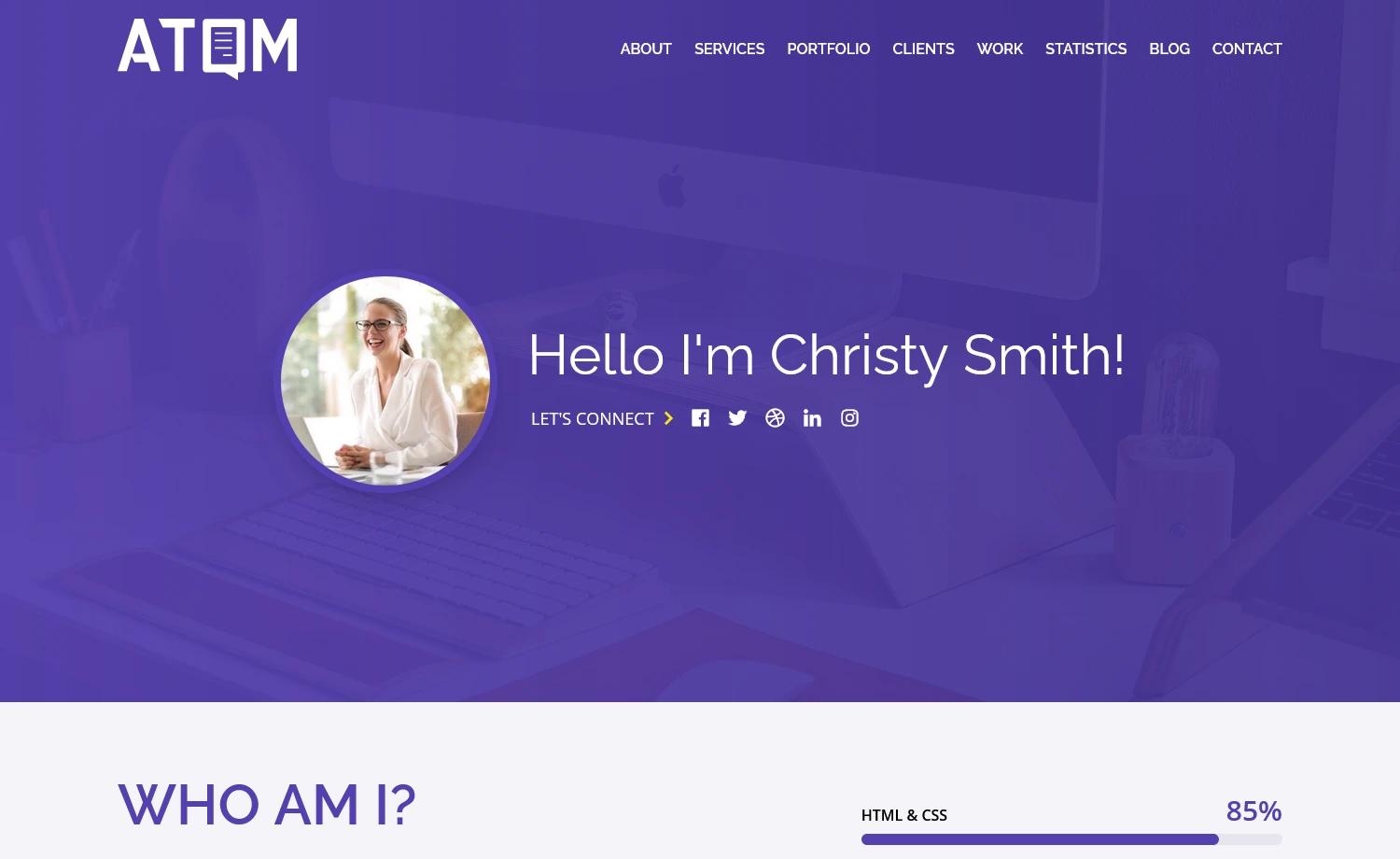
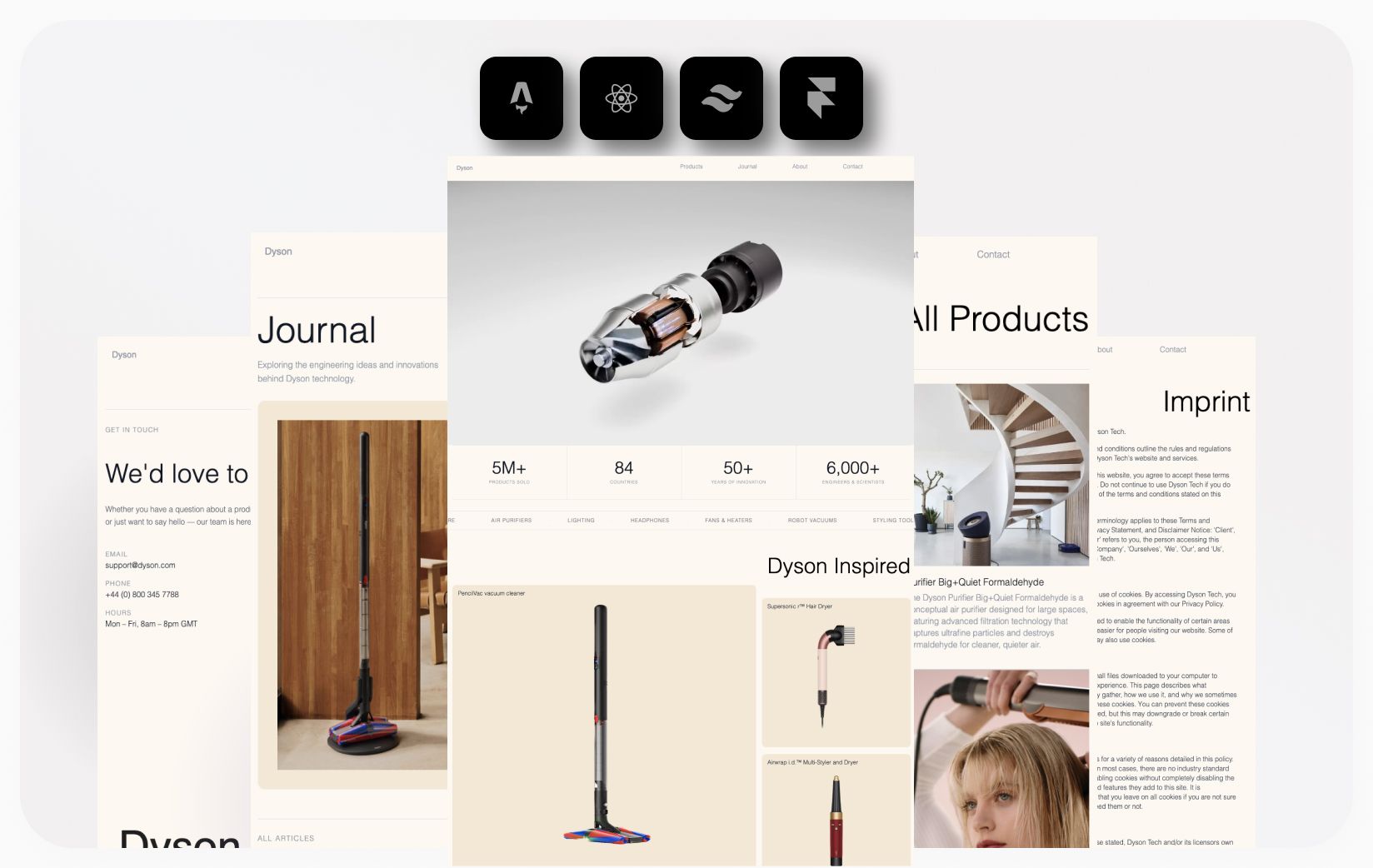
A minimalistic blog theme built with Jekyll and Tailwind CSS, ready for GitHub Pages.
About this template
Blog
Blog is a minimalistic Jekyll theme styled with Tailwind CSS v3, designed for building fast static blogs on GitHub Pages.
What is Blog?
Blog is a minimalistic blog theme built on Jekyll, a static site generator written in Ruby, and Tailwind CSS, a utility-first CSS framework. It takes Markdown files placed in the _posts/ directory and generates a static website through Jekyll's build process. The theme is intended for deployment on GitHub Pages, as indicated by its repository topics. The project is maintained by @liagason on Twitter.
Key Features
- Jekyll-based — Uses Jekyll's standard conventions, including a
_posts/directory for blog post Markdown files and anassets/directory for images and downloadable files. - Tailwind CSS v3 — Styled with Tailwind CSS version 3, providing utility-first styling that keeps the CSS lean and customizable.
- Minimalistic design — The theme is explicitly described as minimalistic, focusing on content without distracting UI elements.
- GitHub Pages ready — Listed under the
github-pagestopic, signaling that it is configured to work with GitHub Pages hosting. - MIT licensed code — All directories except
_posts/,assets/files/, andassets/images/are MIT Licensed (where applicable), allowing reuse of the theme's code. - Content license clarity — The README warns that files in
_posts/,assets/files/, andassets/images/may be subject to copyrights, so sample content must be handled separately.
Who is it for?
- Personal bloggers who prefer a clean, minimal writing environment and want to publish markdown posts as a static site on GitHub Pages.
- Jekyll developers looking for a starting point that already integrates Tailwind CSS, saving setup time.
- Open-source contributors who want a permissively licensed theme (MIT) that they can fork and modify.
What can you do with Blog?
- Start a personal blog: Create a new Markdown file in
_posts/, write content, and push to a GitHub repository to publish a static blog. - Customize the design: Use Tailwind utility classes in the theme's layouts to adjust colors, typography, and spacing without writing custom CSS.
- Learn Jekyll structure: Explore the Jekyll directory layout and see how posts and assets are organized in a minimal setup.
How does Blog work?
As a Jekyll theme, Blog follows the standard Jekyll workflow: write posts as Markdown files in the _posts/ directory, run jekyll build to generate static HTML, and deploy the resulting _site folder — or let GitHub Pages build automatically on push. The Tailwind CSS v3 styling is applied through Jekyll's asset pipeline or linked stylesheets.
Pros and cons
- Pros: MIT-licensed code (except sample content), uses modern Tailwind CSS v3, designed for GitHub Pages deployment, minimal footprint.
- Cons: The README explicitly states that content inside
_posts/,assets/files/, andassets/images/may be subject to copyrights, so you cannot freely reuse sample posts or media without checking their origins.
Pricing
Blog is free and open-source. Its code is released under the MIT License (where applicable), meaning you can use it for personal or commercial projects without paying a fee.
FAQ
Does Blog work with GitHub Pages?
Yes. The repository lists github-pages as a topic, indicating that Blog is designed to be built and hosted on GitHub Pages. You can simply push the repository to GitHub and enable Pages in the repository settings.
What CSS framework does Blog use?
Blog uses Tailwind CSS version 3. The theme's styling is built with Tailwind's utility-first approach, which keeps the generated CSS small and lets you customize the design directly in the HTML templates.
What license is Blog released under?
All files outside the _posts/, assets/files/, and assets/images/ directories are MIT Licensed (where applicable). The content in those three directories may be subject to copyrights and should not be reused without permission.
How do I write a blog post with Blog?
Create a Markdown file in the _posts/ directory following Jekyll's naming convention (e.g., YYYY-MM-DD-title.md), add YAML front matter for title and date, and write your content. Jekyll will automatically convert it to a static HTML page during the build.
Who maintains Blog?
The repository's contact is @liagason on Twitter, who is the apparent maintainer of the theme.