Template details
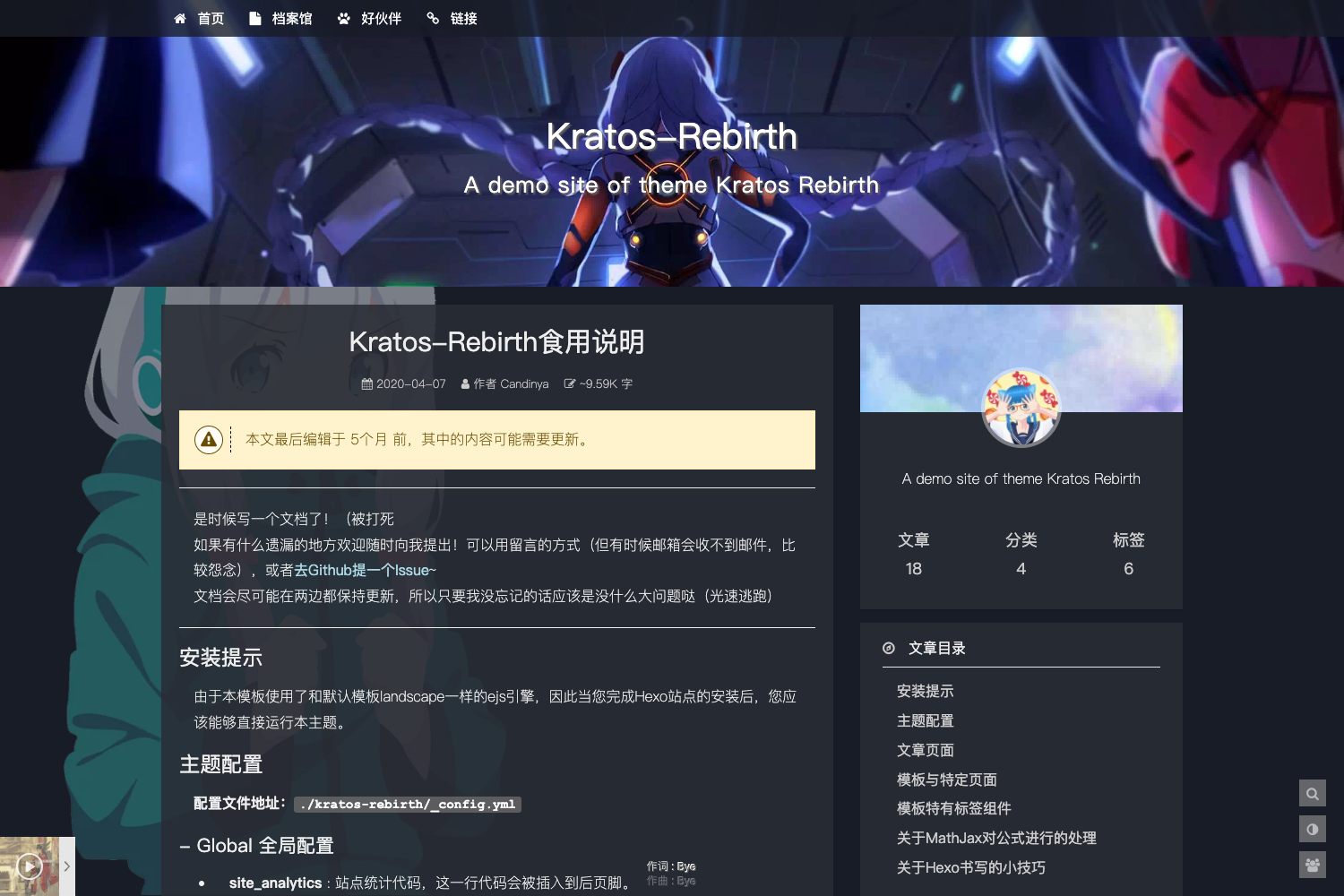
Hexo Theme Freemind Plus
A Bootstrap-based Hexo blog theme forked from hexo-theme-freemind with extra features like analytics, comments, and local search.
About this template
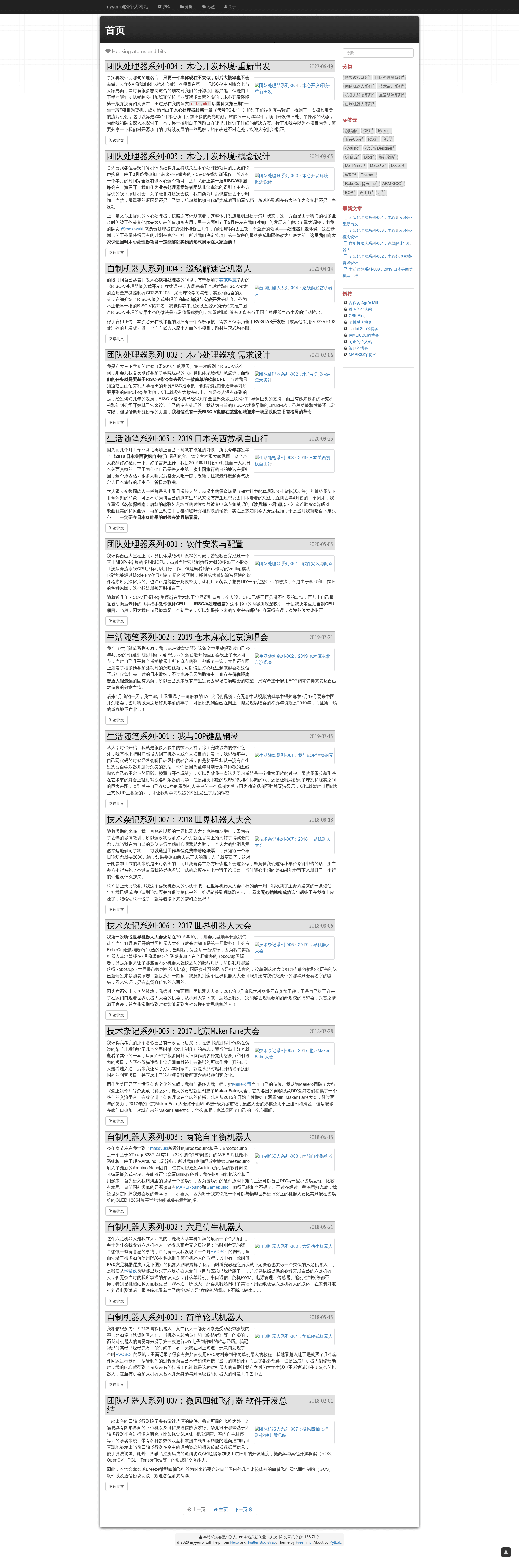
Hexo Theme Freemind Plus is a Bootstrap-based Hexo blog theme that extends the original hexo-theme-freemind with extra features such as built-in analytics, multiple comment systems, local search, and MathJax formula support.
What is Hexo Theme Freemind Plus?
Hexo Theme Freemind Plus is a blog theme for the Hexo static site generator, developed by myyerrol as a fork of the hexo-theme-freemind project. It takes your Hexo site's Markdown posts and pages and renders them as a Bootstrap-based blog with configurable widgets, analytics, comments, and search. The theme requires Hexo version 3.0 or higher and Node.js version 10.24.1 or higher, and it is installed by cloning the repository into your blog's themes directory.
Key Features
- Multiple comment systems — Supports Waline, Gitalk, comment.js, and Disqus; Waline is enabled by default and configurable with server URL, language, dark mode, comment metadata, login mode, word limit, and page size.
- Built-in analytics and statistics — Includes Baidu and Google analytics site ID settings, plus article word count statistics through the hexo-wordcount plugin.
- Local and third-party search — Built-in article local search via hexo-generator-search, with an optional Swiftype key configuration.
- 17 Bootstrap theme styles — Switch the look with a single configuration value: bootstrap, cerulean, cosmo, cyborg, darkly, flatly, journal, lumen, paper, readable, sandstone, simplex, slate, spacelab, superhero, united, and yeti.
- MathJax and code highlighting — Enable complex mathematical formula rendering and choose from multiple code highlighting schemes in the article settings.
- Bilingual Chinese/English support — The entire theme interface can be configured in Chinese or English, and the repository provides a separate Chinese README.
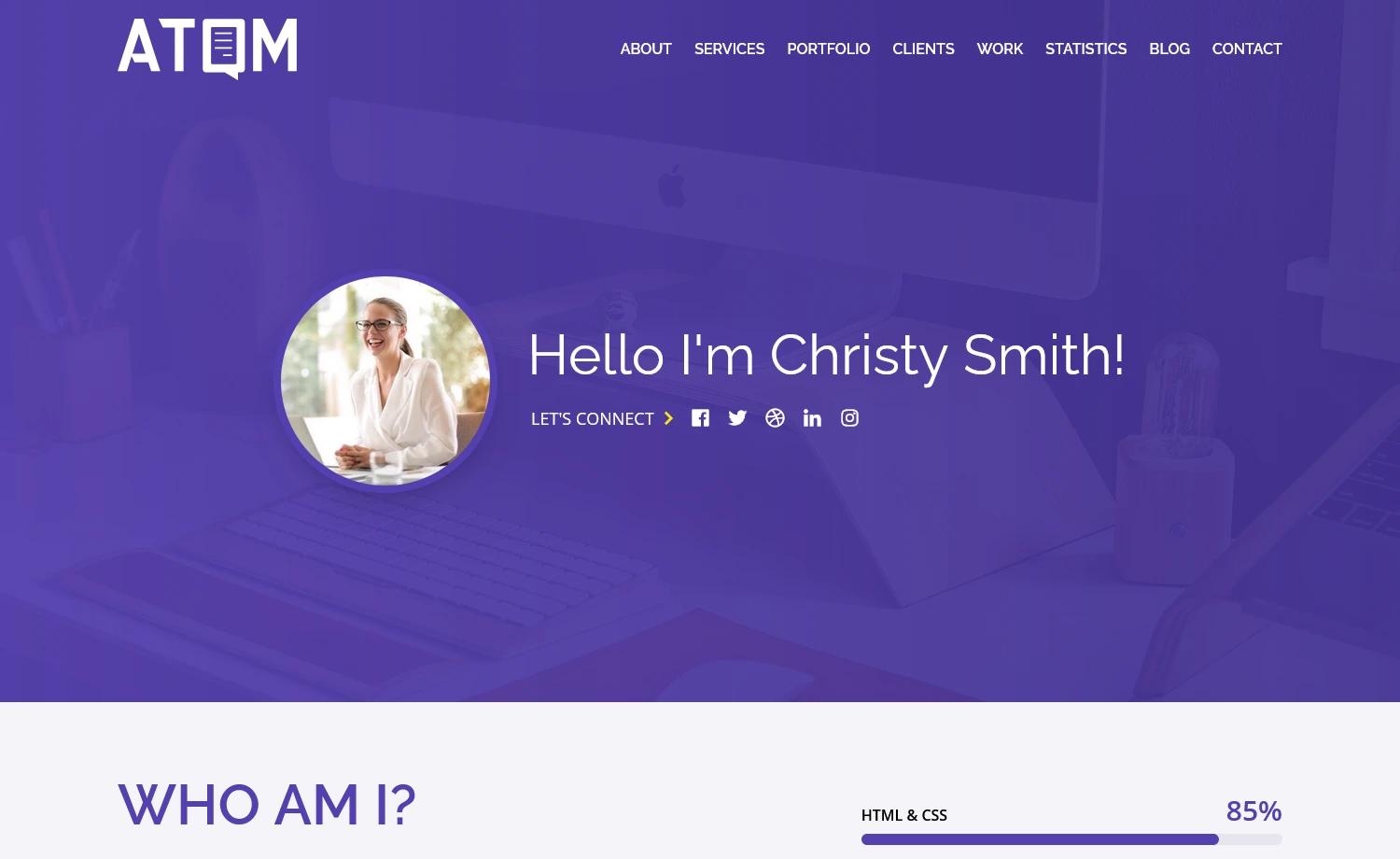
- Custom about, categories, and tags pages — The theme includes layouts for about, categories, and tags, with an about page that supports Markdown introductions, skill bars, social icons, and a timeline.
- Widgets and automatic directory — Includes widgets for search, category, tag cloud, recent posts, links, and recent comments, and supports an auto-following article table of contents.
Who should use this theme?
- Hexo bloggers who want a Bootstrap-styled theme with built-in analytics, search, and social links without installing many separate plugins.
- Developers and technical writers who publish math-heavy or code-heavy posts and need MathJax and flexible code highlighting.
- Chinese and English content creators who need a bilingual interface and can use the included Chinese README and configuration comments.
- Users who like hexo-theme-freemind but want a maintained fork with updated source code and extra features like local search and a custom about page.
Use cases
- Personal blogging — Set up a personal blog with Google Analytics, Baidu analytics, and Waline comments in a single configuration file.
- Technical documentation — Publish posts with complex formulas and code blocks, and help readers navigate with an auto-following table of contents.
- Bilingual audience engagement — Write content in Chinese or English and let visitors comment with Gitalk or Disqus, with the UI language switched via configuration.
How does it work?
To install, clone the repository into themes/freemind-plus, then run npm install hexo-tag-bootstrap hexo-generator-search hexo-wordcount --save to install the required plugins. Next, set theme: freemind-plus in the blog's _config.yml, copy the theme's _config_temp.yml to _config.yml, and customize the settings. Finally, create about, categories, and tags folders under source, each containing an index.html file with YAML front matter that specifies the corresponding layout.
Pricing
This theme is free and open source. The GitHub repository includes a LICENSE file, and you can clone, modify, and use the theme without cost.
Alternatives
Alternatives include the original hexo-theme-freemind, which this project is forked from, and NexT, another widely used Hexo theme with a different default design.
FAQ
Is Hexo Theme Freemind Plus free?
Yes, it is an open-source Hexo theme available on GitHub. The repository includes a LICENSE file, and you can clone, modify, and use it without paying.
Which comment systems are supported?
The theme supports Waline, Gitalk, comment.js, and Disqus. Waline is enabled by default; the others can be enabled in the theme's _config.yml with GitHub or Disqus credentials.
What Hexo version is required?
The theme requires Hexo version 3.0 or higher and Node.js version 10.24.1 or higher. It also depends on the hexo-tag-bootstrap plugin version 0.0.8 or higher.
Does it support math formulas?
Yes. The article settings include a MathJax option that is enabled by default, so you can write complex mathematical formulas in your posts.
How do I customize the theme?
After installation, copy the theme's _config_temp.yml file to _config.yml in the theme directory. Edit settings for analytics, appearance (including 17 Bootstrap styles), comments, menu, links, about page, push verification, search, and widgets.