Template details
Featherweight
Ultra-lightweight Jekyll theme for minimal-bandwidth websites
About this template
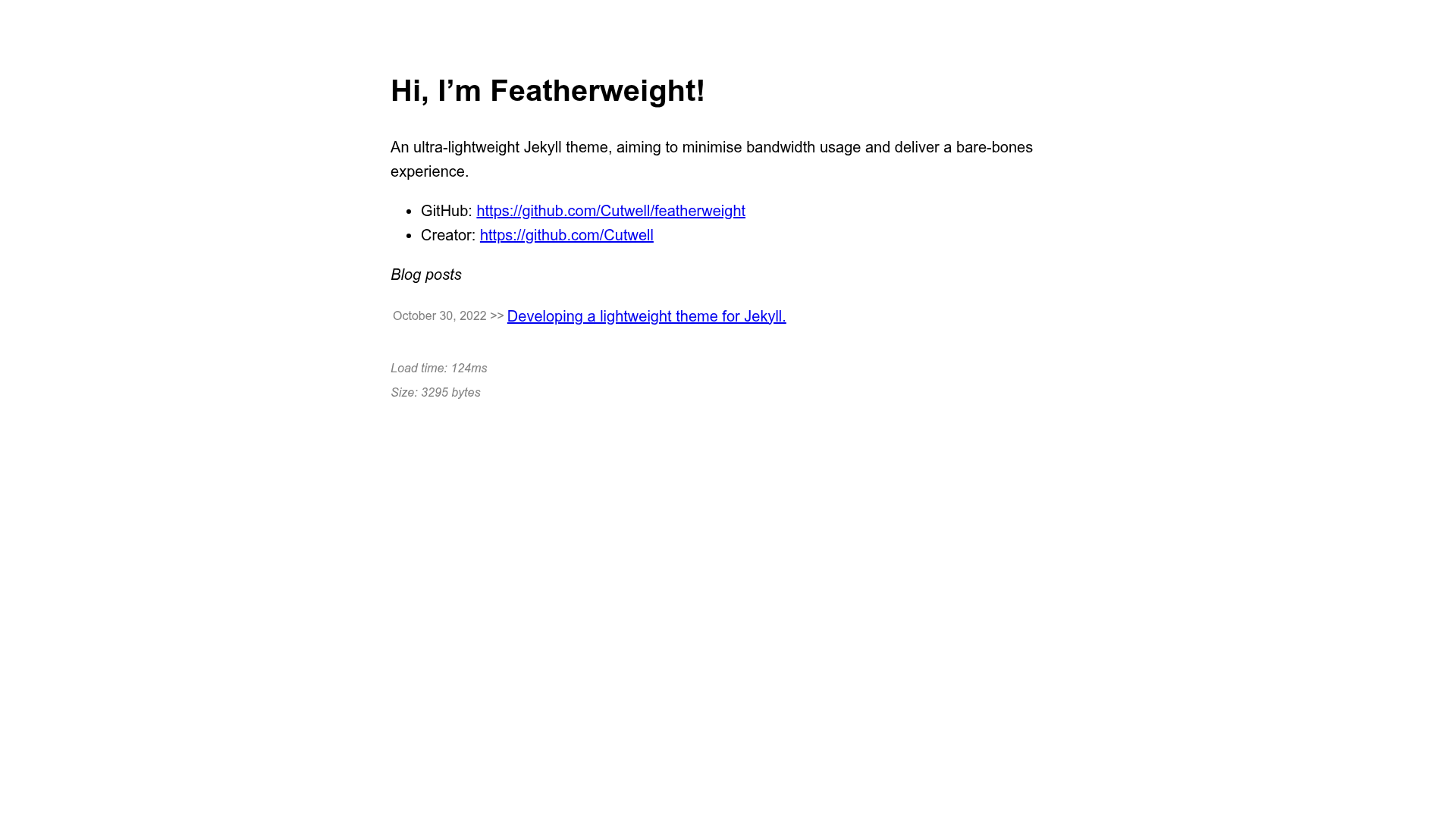
Featherweight is an ultra-lightweight Jekyll theme built to minimize bandwidth usage, targeting page sizes of approximately 1kb.
What is Featherweight?
Featherweight is a Jekyll theme that takes standard Markdown content with YAML front matter and produces a static site with pre-compressed HTML, an RSS feed, a sitemap, and an optional blog listing. It runs on Jekyll, is distributed as a Ruby gem, and supports remote theme usage on GitHub Pages. The theme is maintained by Cutwell, as indicated by the repository and included GitHub Actions workflow.
Key Features
- Ultra-lightweight pages — The theme targets page sizes of approximately 1kb, minimizing bandwidth usage for both hosting and visitors.
- gzip pre-compression with Zopfli — Files are pre-compressed using the jekyll-zopfli plugin, achieving better compression than standard gzip and avoiding server-side compression overhead.
- Brotli compression — Pages are also compressed with Google's Brotli algorithm, with
.gzand.htmlfallbacks for browsers without Brotli support. - Image reflow protection — The Cutwell/jekyll-anti-image-reflow gem sets image width and height attributes to prevent layout shift during lazy loading, without overriding existing styling.
- Optional cosmetic upgrades — Toggleable settings in
_config.ymlenable SEO metadata, estimated reading time, page load time and size in the footer, social media footer links, blog list on homepage, basic CSS styling (based on the "58 bytes of CSS" gist), and favicon generation. - Remote theme support — Can be used as a remote Jekyll theme by specifying
theme: featherweightin_config.ymland adding the gem to a Gemfile, with an example at Cutwell/cutwell.github.io. - GitHub Actions workflow included — A
build_and_deploy.ymlaction is provided to build the site on pushes and deploy to thegh-pagesbranch, circumventing GitHub Pages' built-in plugin restrictions. - Blog post support — Blog posts are written in GitHub-flavoured Markdown with YAML front matter, placed in
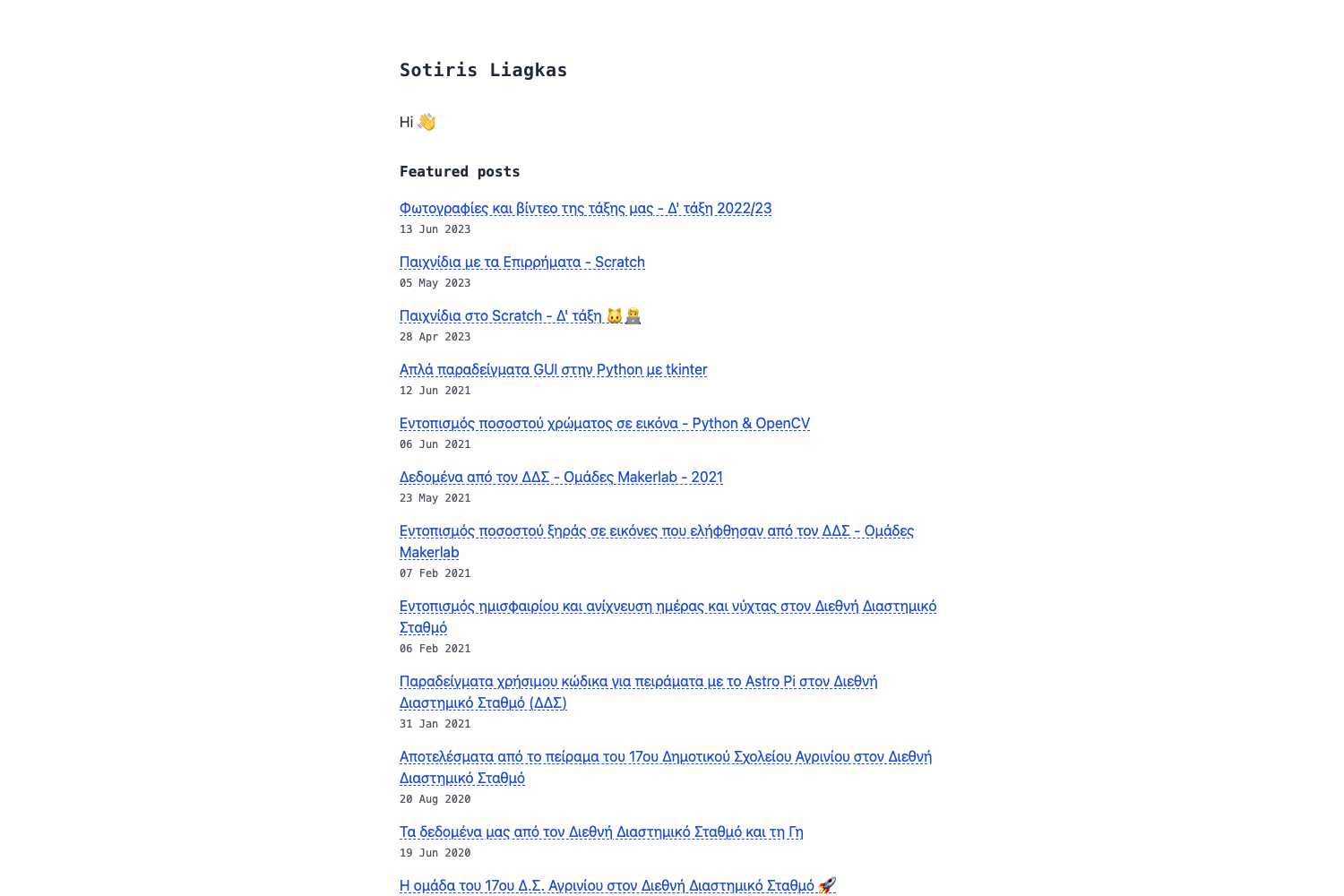
_pages/, and named using theYYYY-MM-DD-title.mdconvention to appear in the blog list.
Who is it for?
Featherweight is for developers and site owners who want a nearly zero-weight Jekyll theme for personal blogs, portfolios, or documentation sites. It is especially suited for those hosting on GitHub Pages who want to circumvent the platform's restricted plugin list. Users who care about performance budgets and low-bandwidth visitors will find the gzip and Brotli pre-compression features useful.
What can you do with Featherweight?
- Personal bloggers: Publish Markdown-based blog posts with reading time estimates, social media sharing metadata, and an RSS feed at
/feed, all within a page budget of about 1kb. - GitHub Pages users: Use the provided GitHub Actions workflow to build the Jekyll site with unsupported gems and deploy to the
gh-pagesbranch, enabling the theme's compression plugins. - Performance-focused site owners: Pre-compress all pages with Zopfli gzip and Brotli to reduce transfer size, and enable anti-image-reflow to prevent layout shift on lazy-loaded images.
How does Featherweight work?
To build a Featherweight site, clone the repository, run bundle install, then bundle exec jekyll serve for a local server. For remote theme use, copy _config.yml, create a Gemfile with gem 'featherweight', and add the build workflow if deploying on GitHub Pages. Posts are created as blank Markdown files in _pages/ with a front matter block specifying layout: post, a title, description, and optional image.
Pros and cons
- Pro: Page size around 1kb, significantly lighter than most themes.
- Pro: Includes Zopfli and Brotli compression for reduced bandwidth.
- Pro: Simple blog post workflow with YAML front matter.
- Con: The built-in GitHub Pages build doesn't run unsupported gems, requiring a custom GitHub Action for full features.
- Con: Cosmetic features like SEO, reading time, and load time require enabling and add to page weight.
Pricing
The theme is free and open-source, distributed as a Ruby gem on RubyGems and available on GitHub. No commercial license or payment information is mentioned.
FAQ
Is Featherweight free?
Yes, Featherweight is a free Jekyll theme distributed as an open-source Ruby gem. You can use it for personal or commercial projects without any stated cost.
How do I install Featherweight?
Add gem 'featherweight', '~> 0.7.6' to your Gemfile and set theme: featherweight in _config.yml. For local development, clone the repository and run bundle install followed by bundle exec jekyll serve.
Does Featherweight work on GitHub Pages?
GitHub Pages' built-in build won't run the unsupported gems this theme relies on. Use the included build_and_deploy.yml GitHub Action to build the site on pushes and deploy to the gh-pages branch, or use the Cutwell/jekyll-build-action for remote theme setups.
How do I write a blog post with Featherweight?
Create a blank .md file in _pages/ with front matter containing layout: post, a title, a description, and an optional image. Write the post in GitHub-flavoured Markdown below the front matter. Name the file using the YYYY-MM-DD-title.md convention or it won't appear in the blog list.
What compression formats does Featherweight use?
The theme pre-compresses pages with Zopfli (a more aggressive gzip encoder) and Brotli. It serves .br files where supported, with .gz and .html fallbacks for browsers that don't support Brotli.