Template details
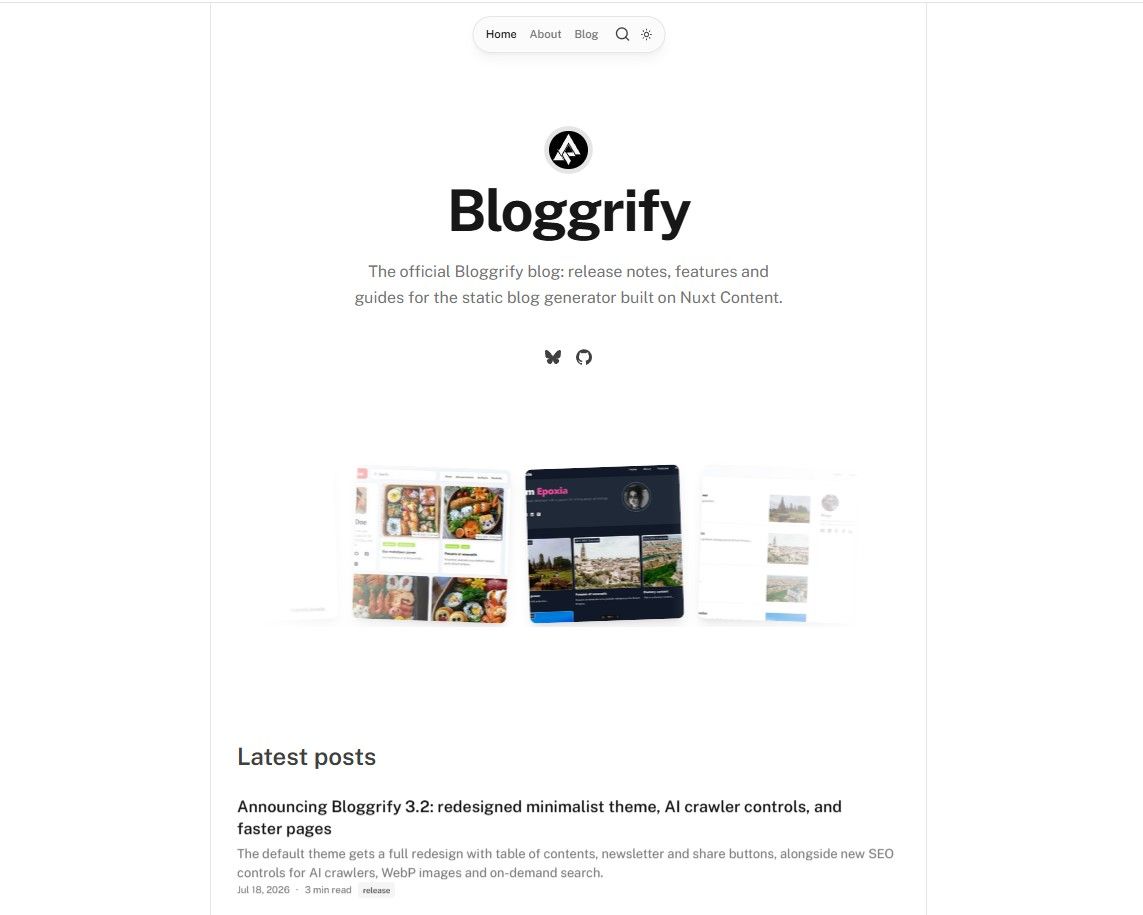
Bloggrify
A Nuxt layer that turns Markdown files into a blog with pre-configured SEO, analytics, and themes.
About this template
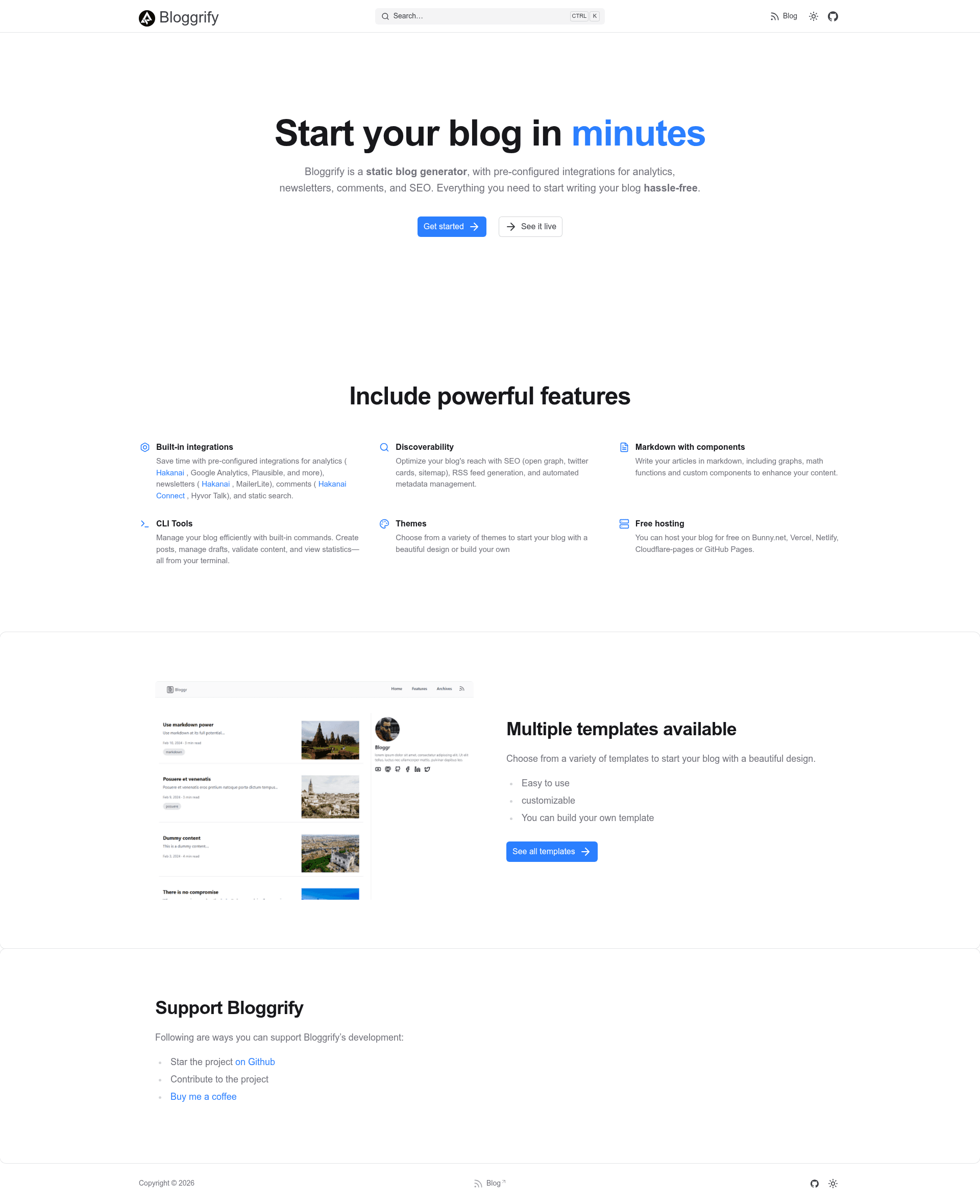
Bloggrify is an open-source Nuxt layer that turns Markdown files into a production-ready blog, bundling themes, SEO, analytics, comments, and newsletters under a single config file.
What is Bloggrify?
Bloggrify is a Nuxt layer built on Nuxt Content that converts Markdown files into a static, SEO-optimized blog. You provide Markdown files as input and get a deployable blog with themes, RSS, sitemap, and analytics pre-configured. The project is open-source (MIT licensed) and maintained on GitHub.
Key Features
- Pre-configured analytics — Supports seven providers out of the box: Google Analytics, Plausible, Pirsch, Umami, Fathom, Hakanai Pulse, and Openpanel, so you don't have to wire up tracking yourself.
- Newsletter and comment integrations — MailerLite and Hakanai Broadcast for newsletters; Hakanai Connect and Hyvor Talk for comments; plus social sharing components included.
- SEO and performance built in — Nuxt SEO modules handle sitemap, robots, and schema.org; an RSS feed is generated automatically; the setup targets 90+ Lighthouse scores.
- Content components — Ready-to-use embed components for YouTube, Instagram, and Vimeo, plus Mermaid diagram rendering, KaTeX math support, multi-author bylines, and tag/category filtering.
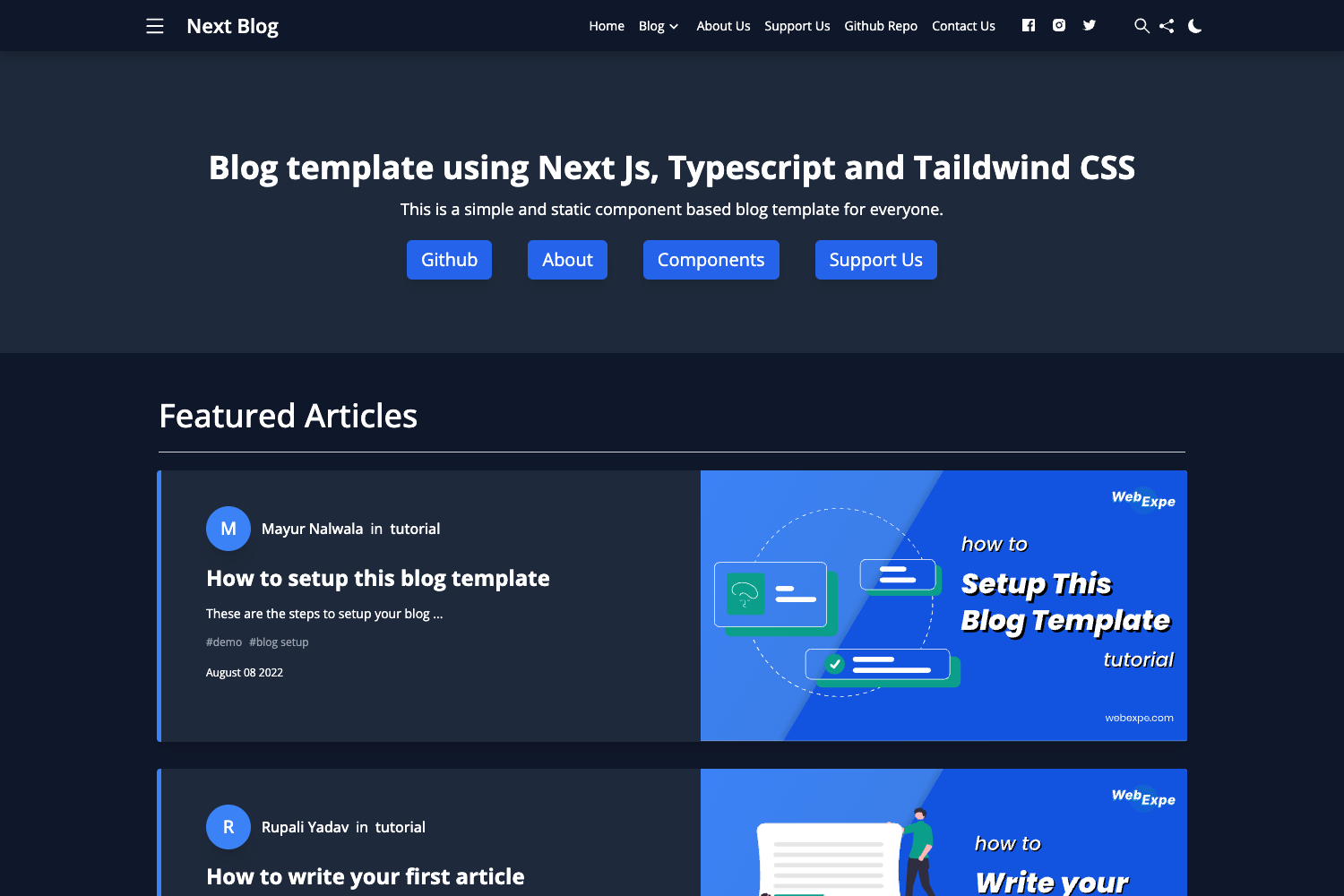
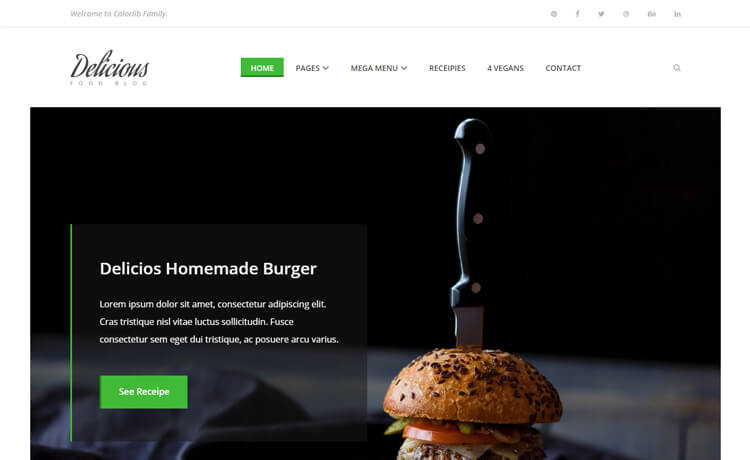
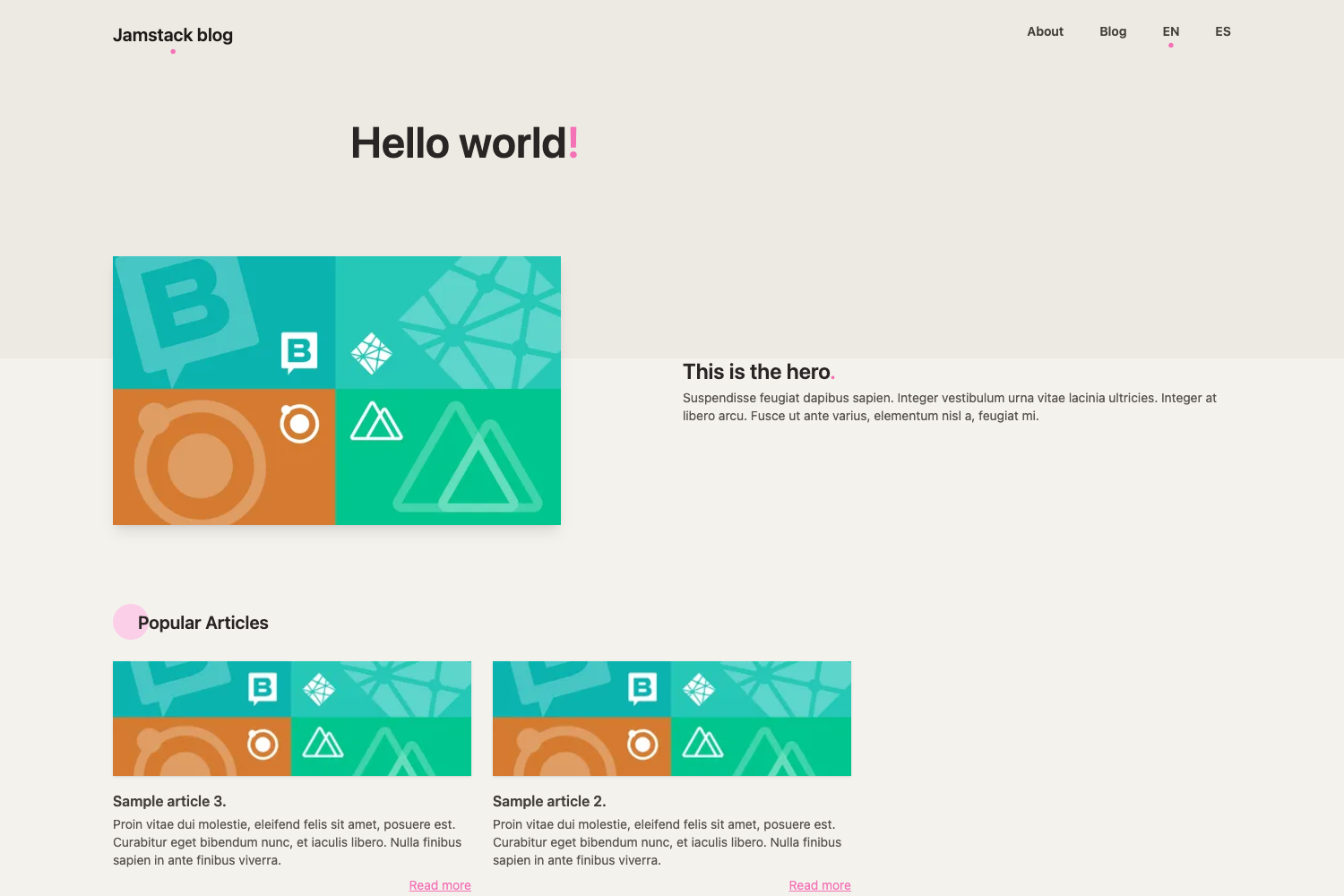
- Multiple professional themes — Minimalist (bundled free theme), Mistral (free), Bento (paid), and Epoxia (paid), all responsive, accessible, with dark mode and single-file configuration.
- Tech stack — Built with Nuxt 4, Nuxt Content, Vue, and Tailwind CSS, inheriting the full Nuxt ecosystem.
Who is it for?
Bloggrify targets developers who want to run a blog on Nuxt without spending days integrating analytics, comments, and newsletters. It suits developers who already write content in Markdown and want a static site generator with SEO defaults, and it also fits teams looking for a consistent blog theme across a multi-author publication.
What can you do with Bloggrify?
- Developers — Launch a blog by dropping Markdown files into the content directory and setting one config file; deploy as a static site to any host.
- Technical writers — Write posts in Markdown (or with MDC syntax) and get a themed blog with RSS, sitemap, and comments without touching templates.
- Site owners — Choose between free and paid themes, enable analytics from one provider, and connect a newsletter service to grow an audience.
How does Bloggrify work?
Bloggrify works as a Nuxt layer: you add it to a Nuxt project, place Markdown files in the content folder, and customize behavior through a single configuration file. It uses Nuxt Content for file-based content management and Nuxt's static generation to output a fully static site.
Pricing
Bloggrify itself is open-source under the MIT license. Two of the listed themes — Minimalist and Mistral — are free, while Bento and Epoxia are paid themes. The author also accepts optional support via Buy Me a Coffee.
Alternatives
A prominent alternative is Docus, which is also built on Nuxt Content but focuses on documentation sites rather than blogs. (This is mentioned in the repository description.)
FAQ
Is Bloggrify free?
Yes, the core Bloggrify layer is open-source under the MIT license. The Minimalist and Mistral themes are free; Bento and Epoxia are paid themes with no dollar amounts listed on the page.
Does Bloggrify require a CMS?
No, Bloggrify uses file-based Markdown content via Nuxt Content. You write posts as Markdown files, and Bloggrify generates the blog around them.
Which analytics providers can I use?
Bloggrify pre-configures seven analytics providers: Google Analytics, Plausible, Pirsch, Umami, Fathom, Hakanai Pulse, and Openpanel. You enable one through the config file.
Can I use Bloggrify for a multi-author blog?
Yes, Bloggrify includes multi-author support and tag/category filtering, so you can structure posts by author and topic.
Is the output a static site?
Yes, Bloggrify is built for static site generation via Nuxt, producing a blog that can be hosted on any static host.