Template details
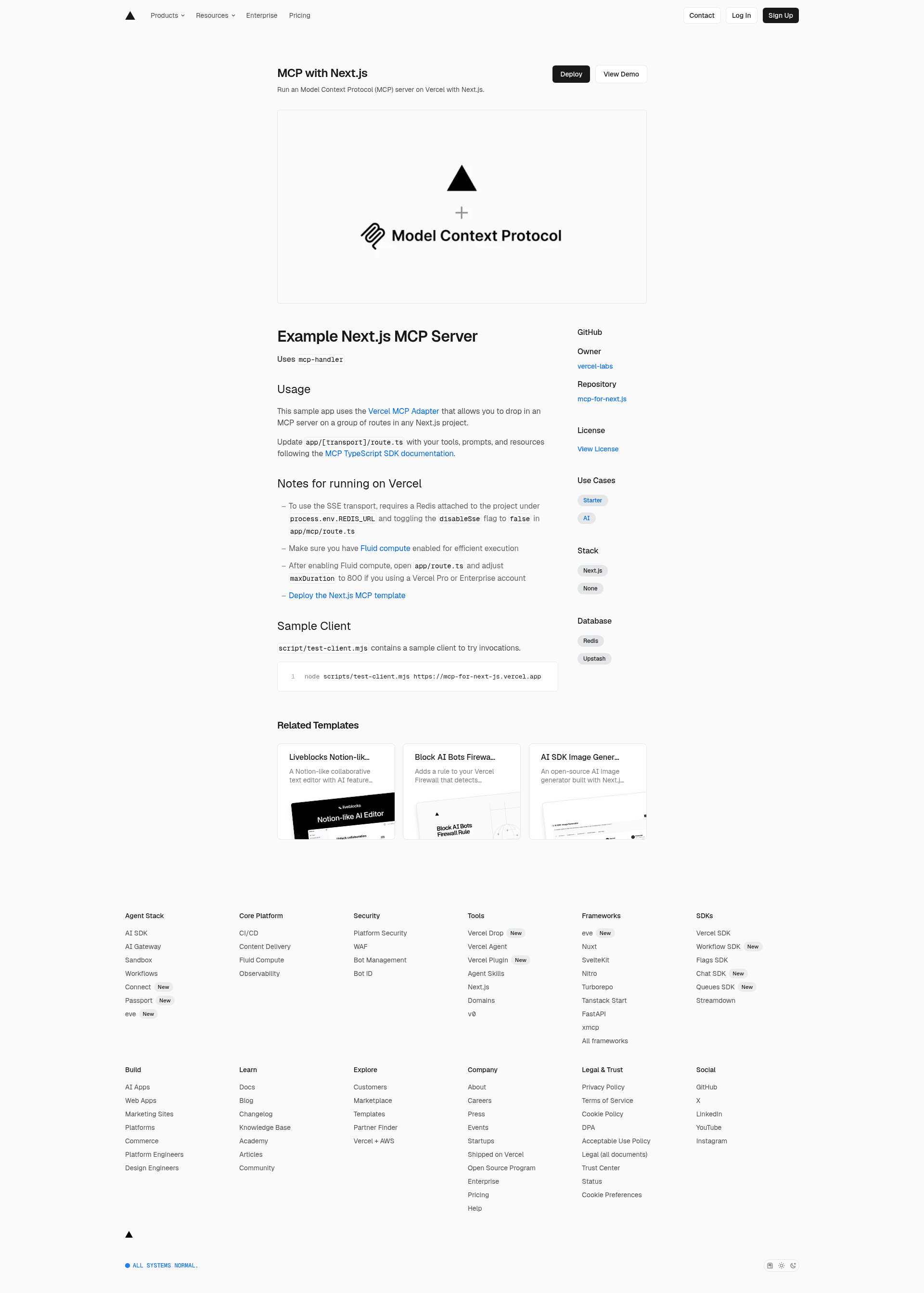
Next.js MCP Server
Run a stateless Model Context Protocol (MCP) server on Next.js App Router, deployable to Vercel.
About this template
The Next.js MCP Server template is a boilerplate for adding a stateless Model Context Protocol (MCP) server to a Next.js App Router application, deployable to Vercel.
What is the Next.js MCP Server template?
This template uses mcp-handler 2 and the MCP TypeScript SDK v2 to serve MCP tools, prompts, and resources from a Next.js route handler. It takes MCP client requests over HTTP and returns MCP protocol responses, running at http://localhost:3000/mcp in development. The template is designed for developers who want to expose MCP capabilities from a Next.js application without managing a separate server process.
Key Features
- Stateless design — Runs without Redis or any persistent storage, using
mcp-handler2 and the MCP TypeScript SDK v2. - Native MCP protocol — Serves the current 2026-07-28 MCP protocol natively.
- Streamable HTTP compatibility — Supports stateless clients using the 2025-era Streamable HTTP transport through a built-in compatibility layer.
- No HTTP+SSE — The deprecated HTTP+SSE transport is not supported; legacy clients must use the compatibility layer.
- Vercel-ready — Requires Node.js 20 or later and Fluid compute enabled on Vercel for efficient execution.
- Sample client included —
scripts/test-client.mjsconnects over Streamable HTTP, lists available tools, and calls anechotool, runnable withpnpm test:client.
Who is it for?
- Next.js developers who want to add MCP endpoints to an existing App Router project.
- Vercel users who need a serverless MCP deployment without managing infrastructure.
- AI tool builders who want to expose custom tools and resources to MCP-compatible clients.
What can you do with it?
- MCP client developers: Connect to the server URL with any MCP client to list tools and invoke them, as the sample client demonstrates.
- AI application developers: Define your own tools, prompts, and resources in
app/mcp/route.tsfollowing the MCP TypeScript SDK v2 documentation, then serve them from the same route.
How does the template work?
Edit app/mcp/route.ts to add your MCP tools, prompts, and resources. Start the Next.js application and point an MCP client to http://localhost:3000/mcp. On Vercel, deploy with Fluid compute enabled and Node.js 20 or later, then use your deployed URL as the MCP endpoint.
FAQ
Does the template require Redis?
No, Redis is not required. The server is stateless and uses mcp-handler 2, so no external storage or caching layer is needed.
Which MCP transports are supported?
The current 2026-07-28 MCP protocol is served natively. Stateless clients using the 2025-era Streamable HTTP transport are supported via a compatibility layer. The deprecated HTTP+SSE transport is not supported.
What Node.js version is required?
Node.js 20 or later is required, and Vercel deployments should enable Fluid compute for efficient execution.
How do I test the MCP server?
Run pnpm test:client -- https://your-deployed-url to connect over Streamable HTTP, list tools, and call the echo tool. The sample client script is located at scripts/test-client.mjs.