Template details
Boot-Vue
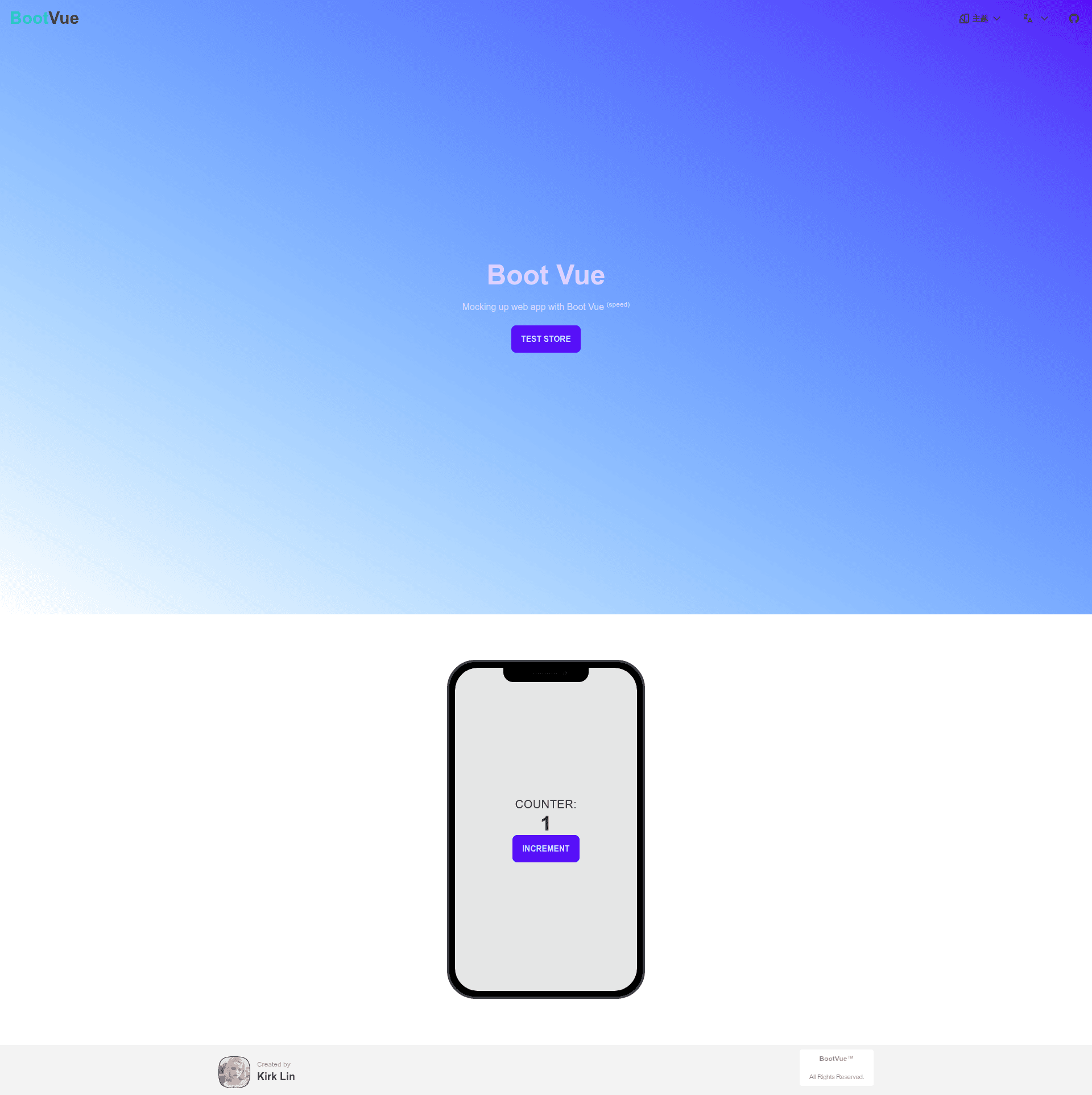
Boot Vue is a lightning fast Vue 3 template with strongly typed TypeScript, UnoCSS, DaisyUI, Vue Router, Pinia, and Netlify support.
About this template
Boot-Vue is a free, open-source Vue 3 + Vite starter template that scaffolds a production-ready web app with TypeScript, UnoCSS, and DaisyUI styling, Pinia state management, and one-command deployment to Netlify.
What is Boot-Vue?
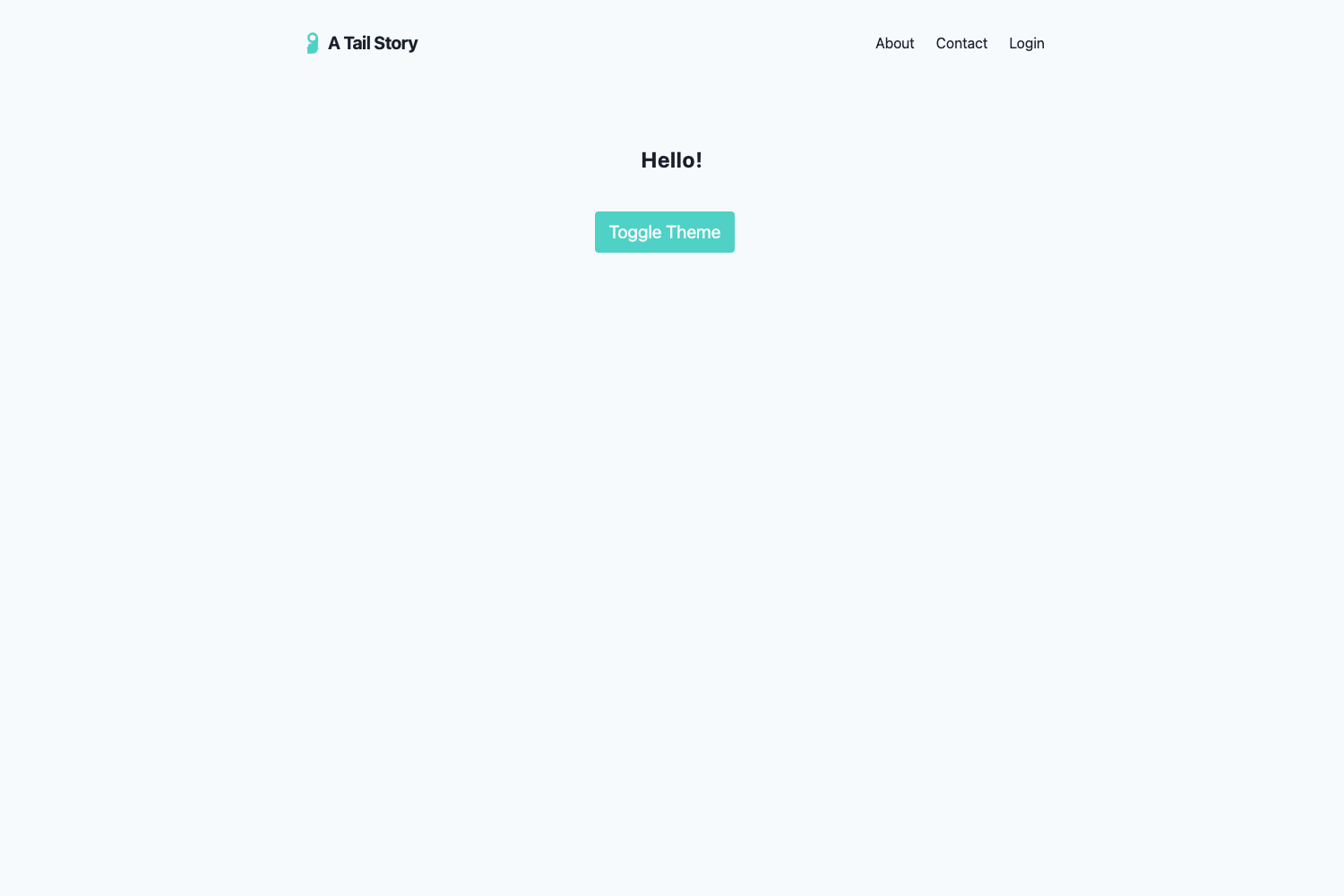
Boot-Vue is an opinionated starter template built on Vue 3, Vite, and pnpm. It takes a GitHub repository template or a degit command as input and outputs a fully configured single-page application with a structured src directory, routing, state management, and styling. The template is created by kirklin and is published on GitHub under the repository name boot-vue. It provides a well-organized directory with src/components, src/layouts (including Navbar and Footer), src/views (with home and errorPages), src/router, src/store, src/styles, and src/types, making it easy to navigate and extend.
Key Features
- Vue 3 and
<script setup>syntax — Uses the latest Composition API syntax with the new<script setup>block for cleaner components. - TypeScript — Strongly typed throughout the codebase for better developer experience and maintainability.
- Vite and pnpm — Lightning-fast dev server and builds, with pnpm as the package manager for efficient dependency management.
- UnoCSS — An instant on-demand atomic CSS engine that generates styles without a build step, keeping the app lightweight.
- DaisyUI — A free, open-source Tailwind CSS component library that ships with ready-made components and themes.
- Vue Router v4 — Official router with route modules organized under
src/router/routes/modules. - Pinia — Official state management solution, configured in
src/store. - Auto-importing — Components are auto-imported from
src/components, and Composition API and other utilities are auto-imported via unplugin-auto-import. - NProgress — Page loading progress feedback displayed at the top while navigating.
- Internationalization — Pre-configured locales in
src/locales, with a built-in language switch component in the Navbar. - Chinese font preset — Includes unocss-preset-chinese for better Chinese typography support.
- Netlify ready — Zero-config deployment to Netlify with a single workflow.
Who is it for?
Boot-Vue is aimed at Vue developers who want to skip configuration and start building immediately. It suits solo developers creating personal projects or MVPs, teams needing a consistent code style and structure, and anyone who wants a pre-configured setup with TypeScript, UnoCSS, DaisyUI, and Pinia.
What can you do with Boot-Vue?
- Frontend developers — Generate a new project with
npx degit kirklin/boot-vue my-app, then runpnpm iandpnpm run devto start coding on http://localhost:8888. - Team leads — Use the GitHub template feature to create a standardized repository for your team, ensuring consistent tooling and code organization.
- Open source contributors — Fork the template and customize it for your own starter, or leverage its pre-configured ESLint rules via @kirklin/eslint-config.
How does Boot-Vue work?
Boot-Vue works as a starter that you clone or generate from the GitHub template. After cloning with npx degit kirklin/boot-vue my-app, install dependencies with pnpm i, then run pnpm run dev for development. For production, pnpm run build outputs a dist folder ready to be served. Deployment to Netlify requires only selecting the repository on Netlify; the template also includes a Docker production build that exposes the app on port 80.
Pricing
Boot-Vue is free and open source. There are no paid tiers or subscriptions; you can use it for any project, commercial or personal.
FAQ
Is Boot-Vue free?
Yes, Boot-Vue is free and open source. You can use it without any licensing fees, including for commercial projects.
How do I start a new project with Boot-Vue?
Use npx degit kirklin/boot-vue my-app to clone the template, then cd my-app, pnpm i, and pnpm run dev to launch the dev server at http://localhost:8888.
Does Boot-Vue support internationalization?
Yes, Boot-Vue is I18n-ready with locale files in the src/locales directory. It includes a language switch component in the Navbar, currently offering English and Simplified Chinese versions of the README.
What styling does Boot-Vue use?
Boot-Vue uses UnoCSS for atomic CSS and DaisyUI, a Tailwind CSS component library, for pre-designed components. This combination provides on-demand styling without a separate build step.
Does Boot-Vue come with tests?
The repository includes a test directory with Jest snapshot test results, indicating test infrastructure is set up in the template.