Template details
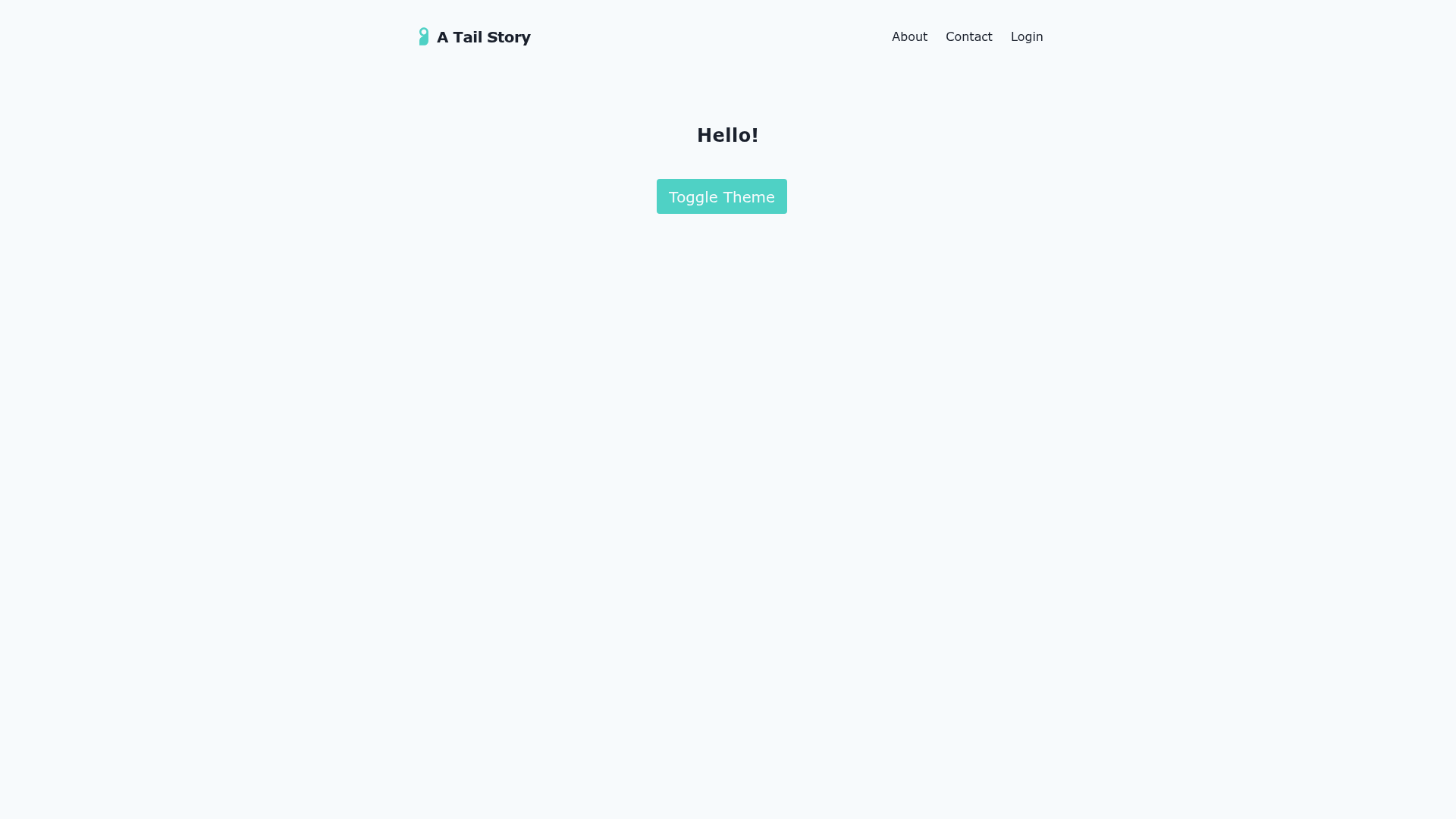
Tail Story
Gatsby starter combining Tailwind CSS, Firebase authentication, and Stripe subscriptions.
About this template
Tail Story is a Gatsby starter (boilerplate) that pairs Tailwind CSS styling with Firebase authentication and a Stripe Customer Portal for managing subscriptions.
What is Tail Story?
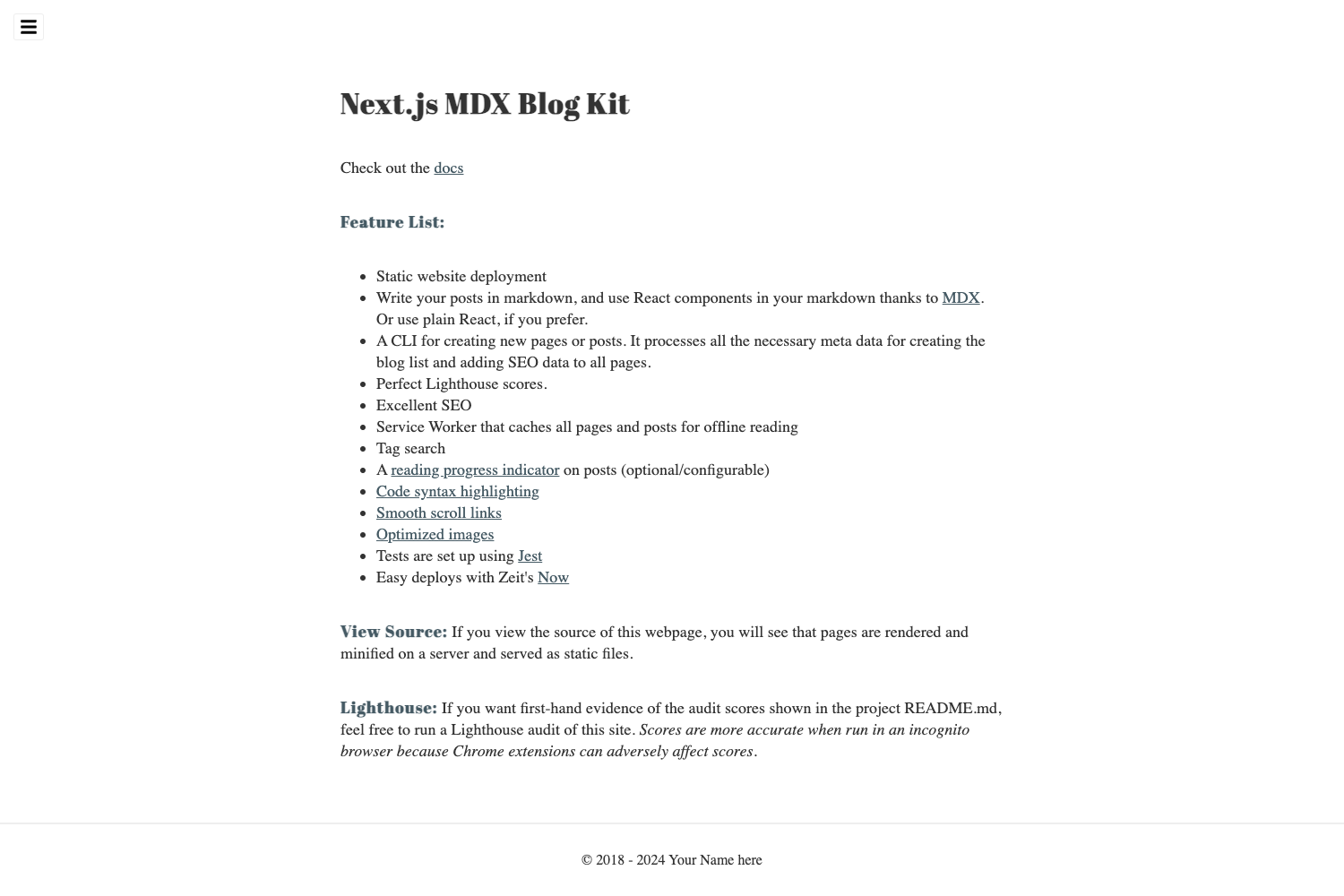
Tail Story is a Gatsby starter that takes Firebase and Stripe environment variables as input and produces a Gatsby site where users can sign up via email or social logins, have their user object stored in Firestore, and manage their Stripe subscription through Stripe's hosted Customer Portal. It runs on Gatsby, the React-based static site generator, and is built on the shoulders of three existing open-source projects: gatsby-starter-tailwind by Taylor Bryant, gatsby-theme-firebase by epilande, and the Stripe Customer Portal pattern from a Netlify blog post. The repository has 15 stars and a live demo hosted at https://tail-story.netlify.app/.
Key Features
- Gatsby + Tailwind CSS — The site is styled with Tailwind, a utility-first CSS framework, and inherits the project structure from gatsby-starter-tailwind.
- Firebase authentication — Uses gatsby-theme-firebase to support email and social logins; the authenticated user object is stored in Firestore.
- Stripe Customer Portal — Users can manage their subscription plans through Stripe's Customer Portal instead of a custom billing UI.
- Firebase Functions for Stripe webhooks — A deploy.sh script exports Stripe secret key, webhook signing secret (STRIPE_SIGNING_UPD_SUB), default price plan, and return URL so Firebase Functions can react to Stripe events like add subscription and update subscription.
- Environment variable configuration — Requires FIREBASE_API_KEY, FIREBASE_AUTH_DOMAIN, FIREBASE_DATABASE_URL, FIREBASE_PROJECT_ID, FIREBASE_STORAGE_BUCKET, FIREBASE_MESSAGING_SENDER_ID, and FIREBASE_APP_ID in a .env.development file for local development; Netlify deployments use the Netlify UI to set these variables.
- Local development workflow — Run
yarn && yarn devfrom the project directory to start the Gatsby development server.
Who is it for?
Tail Story is for developers who want to skip the 40-60% of work that authentication and payments typically add to a project. It suits Gatsby users who need a Tailwind-styled front end with Firebase auth and Stripe subscriptions wired together. Freelancers and agencies can use it as a starting point for client sites that require a membership or subscription billing component. Indie hackers building a SaaS MVP can fork it to get a functional auth-and-billing flow without building from scratch.
What can you do with Tail Story?
- SaaS founders: spin up a Gatsby landing page with user sign-up and Stripe subscription management in a few commands.
- Membership site builders: use Firebase email/social login to gate content and let members manage payments through the Stripe Customer Portal.
- Gatsby developers: study a working reference implementation that connects gatsby-theme-firebase to Stripe webhooks via Firebase Functions.
How does Tail Story work?
Set your Firebase and Stripe environment variables, then run yarn && yarn dev to start the development server. To handle Stripe events, you set up Firebase Functions with firebase init functions, add the Stripe webhook logic to index.js, and deploy with sh deploy.sh from the functions directory. The addSubscription hook creates a Stripe customer on sign up; the updateSubscription webhook updates your database when subscriptions change.
FAQ
Does Tail Story require my own Firebase and Stripe accounts?
Yes. You need to supply Firebase API keys and a Stripe secret key in environment variables. These services handle authentication and payment processing.
Which environment variables are needed?
For local development you need FIREBASE_API_KEY, FIREBASE_AUTH_DOMAIN, FIREBASE_DATABASE_URL, FIREBASE_PROJECT_ID, FIREBASE_STORAGE_BUCKET, FIREBASE_MESSAGING_SENDER_ID, and FIREBASE_APP_ID in a .env.development file. The deploy.sh script exports Stripe-related variables: STRIPE_TOKEN, STRIPE_SIGNING_UPD_SUB, STRIPE_DEFAULT_PRICE_PLAN, and STRIPE_RETURN_URL.
How do I deploy Tail Story to Netlify?
Add the required environment variables in the Netlify UI, then connect the repository to Netlify. A .env.production file is also needed if you want to test gatsby build && serve locally.
Does Tail Story include Stripe billing UI?
No. It delegates subscription management to the Stripe Customer Portal, which Stripe hosts, so you don't need to build a billing interface.