Template details
Bootblog
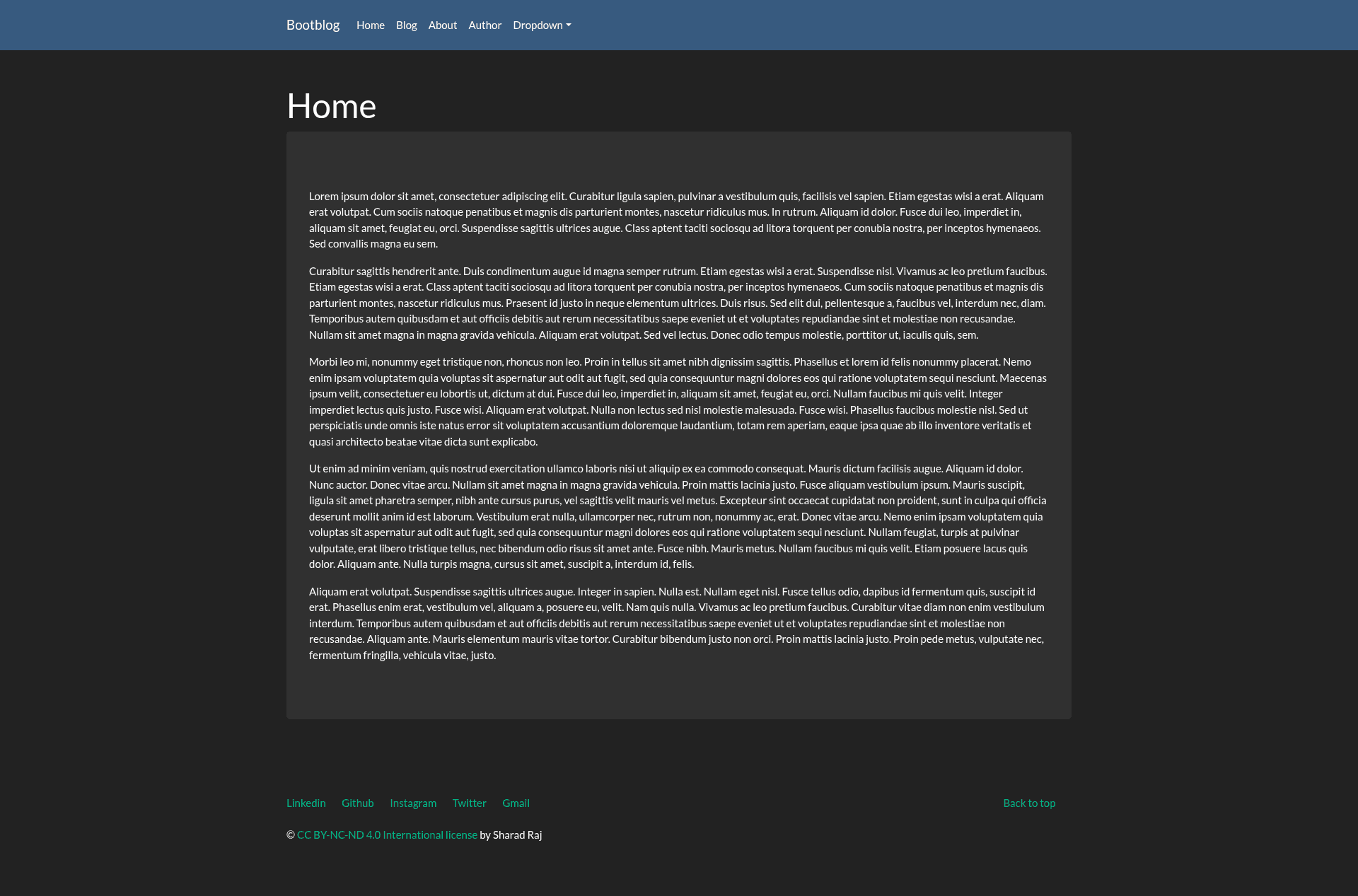
A minimal, responsive Jekyll blog theme powered by Bootstrap, with portfolio, about, and custom 404 pages.
About this template
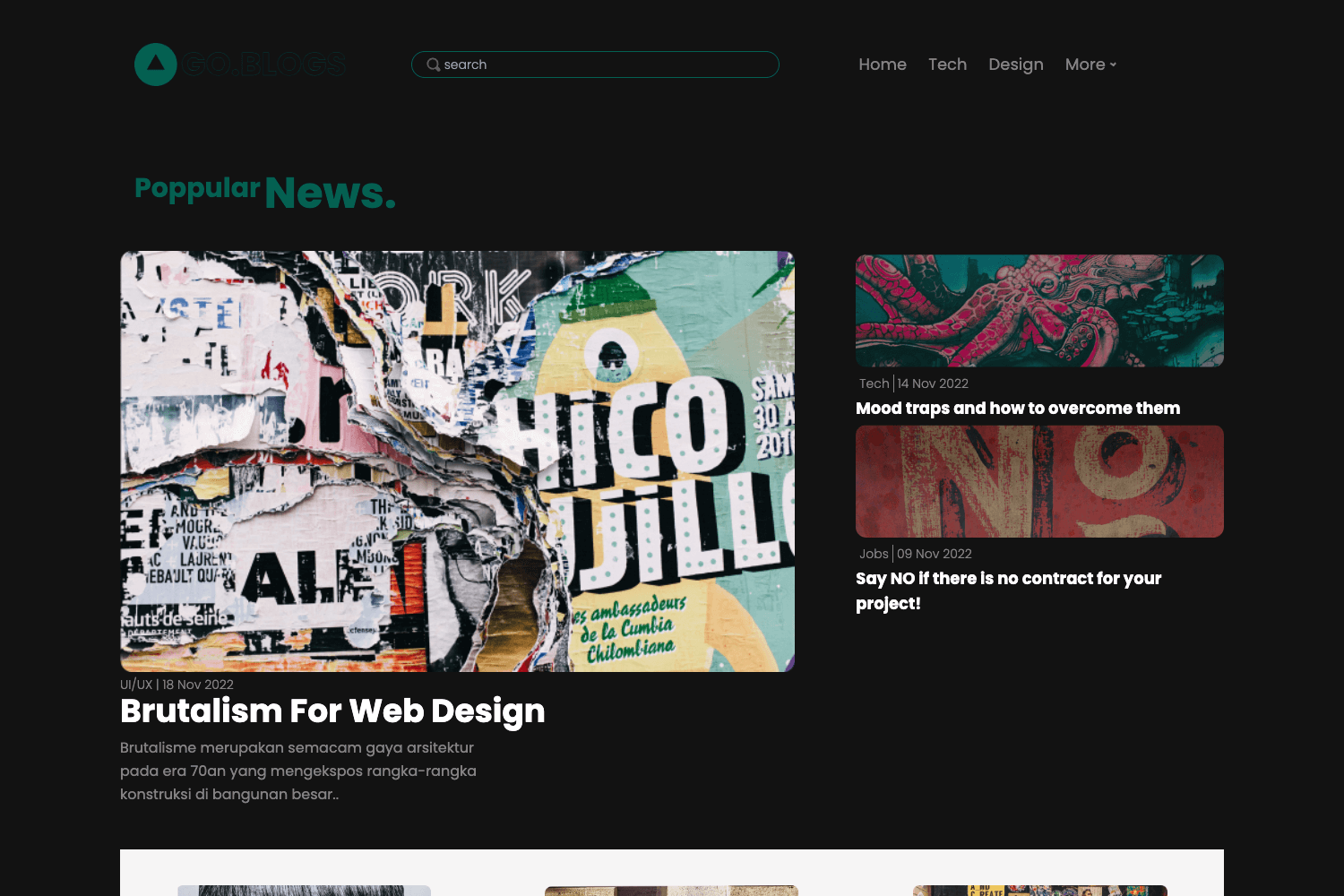
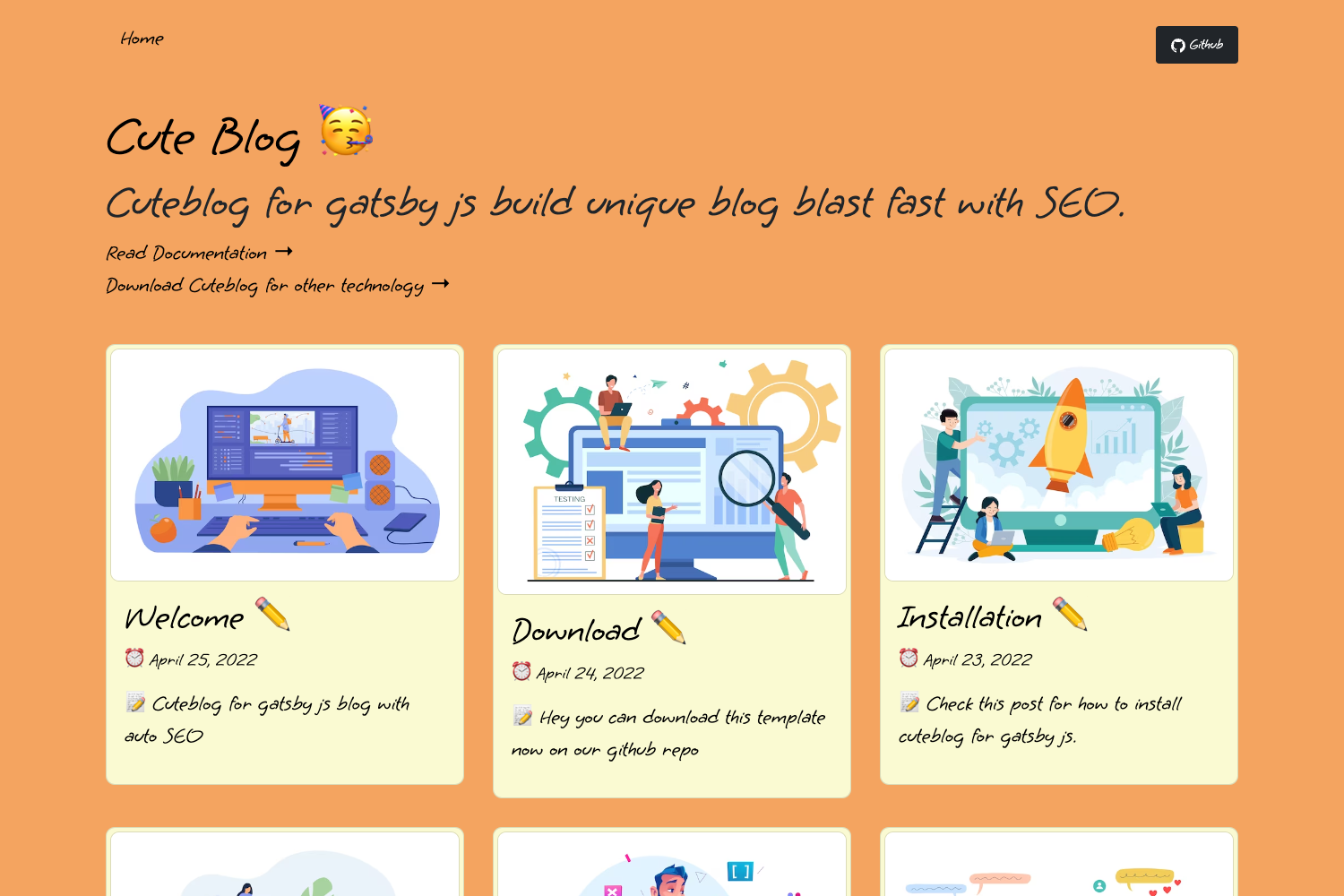
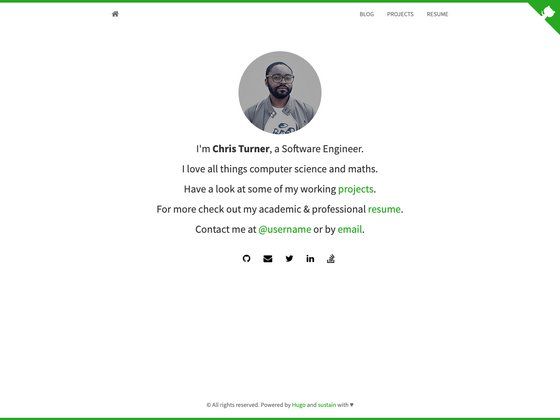
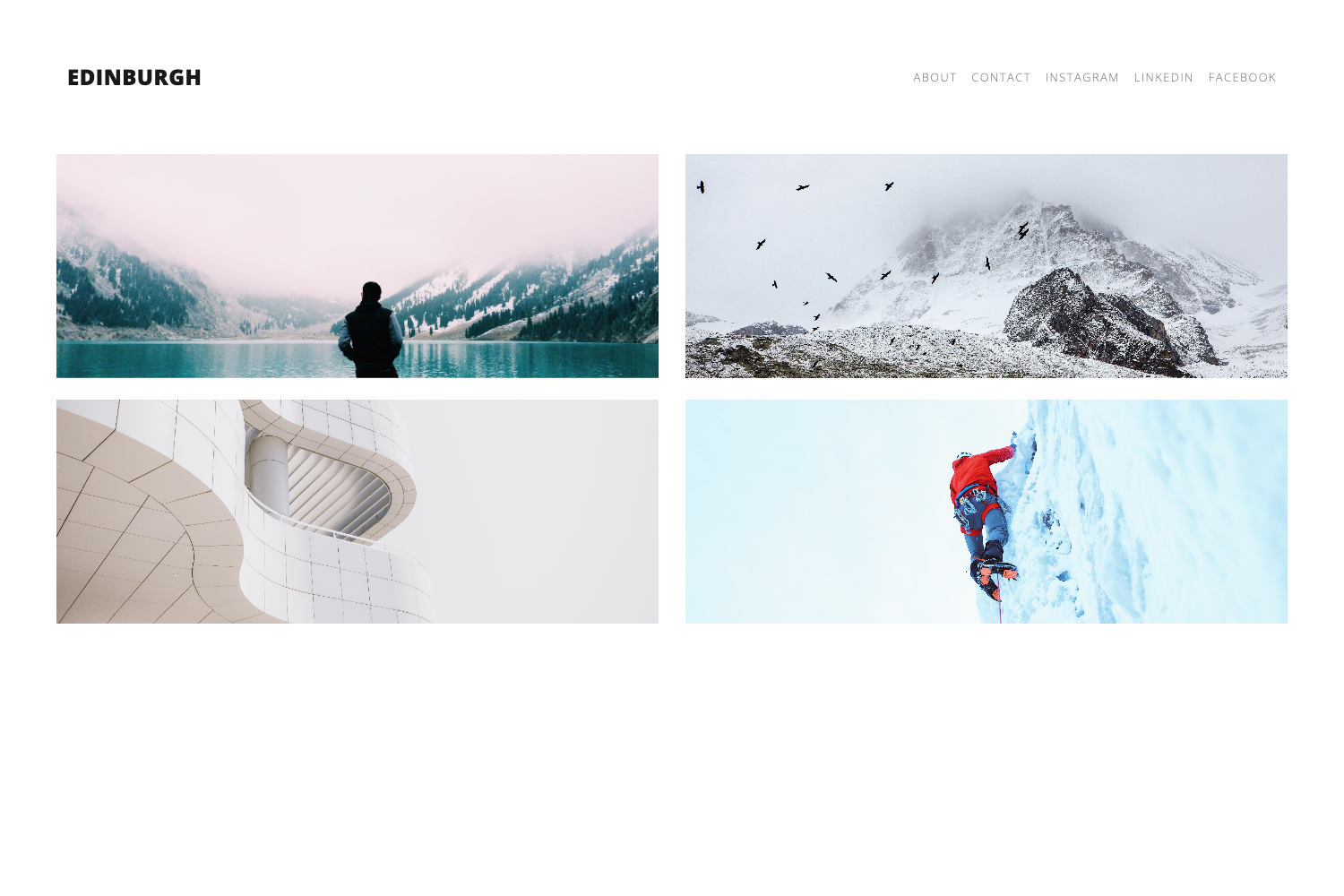
Bootblog is a minimal, responsive Jekyll blog theme powered by Bootstrap, created by sharadcodes. It provides a complete static blog with built-in portfolio, about, and custom 404 pages, ready to be cloned and configured through a single _config.yml file.
What is Bootblog?
Bootblog is a Jekyll blog theme that uses Bootstrap for styling. It takes Jekyll site content — posts written in Markdown, configuration in _config.yml, and files placed in the appropriate Jekyll directories — and renders a static blog with a home page, blog index, post pages, a portfolio page, an about page, and a custom 404 error page. The theme is created by sharadcodes and distributed via a public GitHub repository at https://github.com/sharadcodes/bootblog.
Key Features
- Bootstrap styling — The entire layout is built on Bootstrap, so the grid, forms, navigation, and utilities behave consistently and are responsive by default.
- Responsive design — Screenshots in the repository show the blog index, post pages, and navigation rendering cleanly on a mobile viewport, confirming that the theme adapts to small screens.
- Portfolio layout — A dedicated portfolio page is included, letting you showcase projects or work samples alongside your blog.
- About page — An about page layout is part of the theme, ready for a personal bio or site description.
- Custom 404 page — The repository includes a screenshot of a custom 404 error page, so missing URLs display a branded page instead of a browser default.
- Two-level navigation menu — The navbar supports dropdown menus that go two levels deep, useful for grouping blog categories or subpages.
- Jekyll-native workflow — Content is written in Markdown and rendered to static HTML by Jekyll; there is no database or server-side processing, so the site is fast and can be hosted anywhere.
Who is it for?
- Jekyll developers — They can clone the repo, run
jekyll serve, and have a working blog in seconds, then customize the layout files and_config.ymlto fit their needs. - Bloggers seeking a Bootstrap-based theme — They get a clean, mobile-friendly design without having to write custom HTML and CSS for every component.
- Portfolio site owners — The included portfolio and about pages make it easy to present work samples and a bio next to blog posts.
What can you do with Bootblog?
- Launch a blog quickly — Clone the repository, edit
_config.ymlto set your site title and description, add Markdown posts to the_postsfolder, and runjekyll serve. - Create a portfolio page — Use the built-in portfolio layout to list projects, and link to it from the navigation menu.
- Organize content with dropdowns — The two-level navbar menu lets you group related pages or blog categories without writing JavaScript.
- Show a branded 404 page — The custom 404 layout gives visitors a styled error page, which can be edited to match your branding.
How does Bootblog work?
- Clone the repository:
git clone https://github.com/sharadcodes/bootblog.git - Enter the folder:
cd bootblog - Start the Jekyll server:
jekyll serve - Open the localhost address that Jekyll prints in the terminal (typically http://localhost:4000).
- Edit
_config.ymlto change site-wide settings like the site name, description, and navigation links.
FAQ
How do I install Bootblog?
Clone the GitHub repository, enter the folder, and run jekyll serve. The theme documentation lists these steps and notes that you should edit _config.yml after installation.
Is Bootblog responsive?
Yes — the repository screenshots include separate mobile views of the blog page and a post example, and the theme uses Bootstrap, which is responsive by design.
Does Bootblog include a portfolio page?
Yes, a portfolio layout is included, and a screenshot of it appears in the repository's preview images alongside the home, blog, post, about, and 404 pages.
Can I change the colors and layout?
Yes, since it is a Jekyll theme, you can modify the HTML in the layout files and the styles — Bootstrap's variables can be overridden if you include a custom stylesheet.
Where can I see a live demo?
The GitHub repository links to a demo at https://www.sharad.cf/bootblog.