Template details
Yassi Theme
A modern, minimal Hugo theme with timeline blog layout, dark mode, and flexible project showcase options.
About this template
Yassi Theme is a modern, minimal Hugo theme built for personal sites, combining a timeline-style blog layout, dark mode, flexible project showcase modes, and optional fuzzy search and comments.
What is Yassi Theme?
Yassi Theme is a Hugo static-site theme that takes Markdown content — blog posts and project pages with front matter for metadata — and renders a responsive, mobile-first website. It was built for the personal site yassi.dev and is distributed under the MIT License. The theme's configuration lives in hugo.toml, where you control project carousels, accent colors, social links, analytics, search, and comments.
Key Features
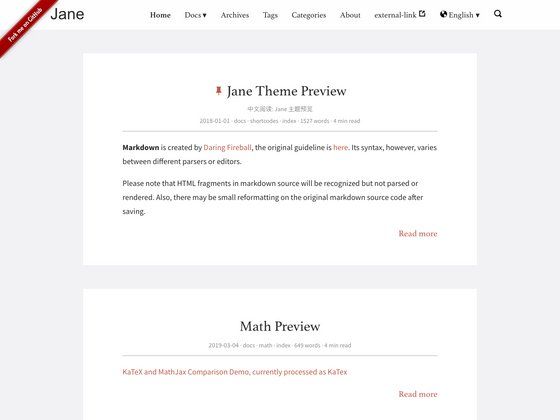
- Timeline blog layout — Posts appear on a vertical timeline with dates on the left, hover-highlighted dots, category badges, and optional project entries marked with a "PROJECT" badge.
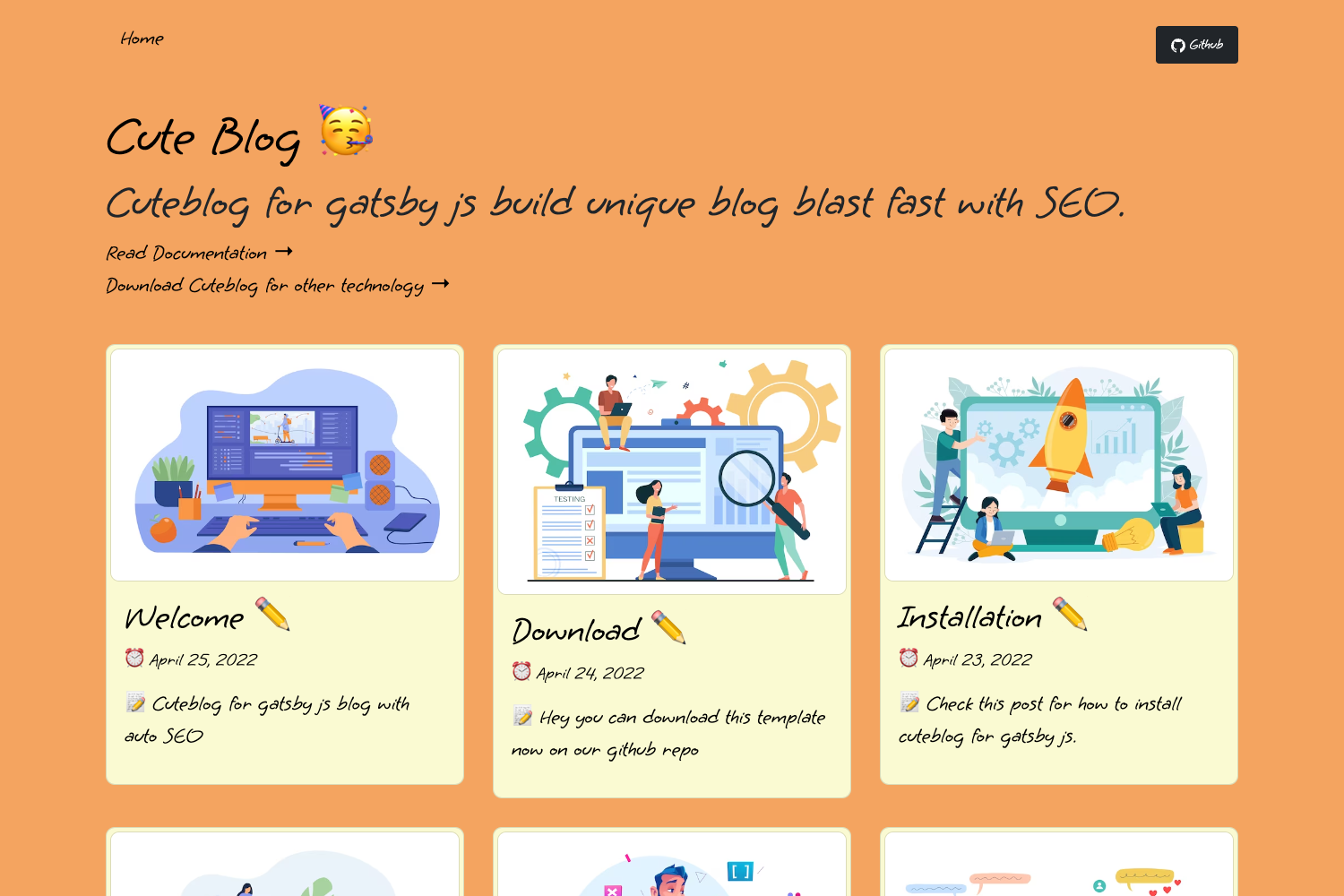
- Flexible project showcase — Projects can display as a horizontal carousel (3 at a time on desktop), a full-width carousel (4 at a time), or a 3-column grid; each mode supports touch swipe on mobile.
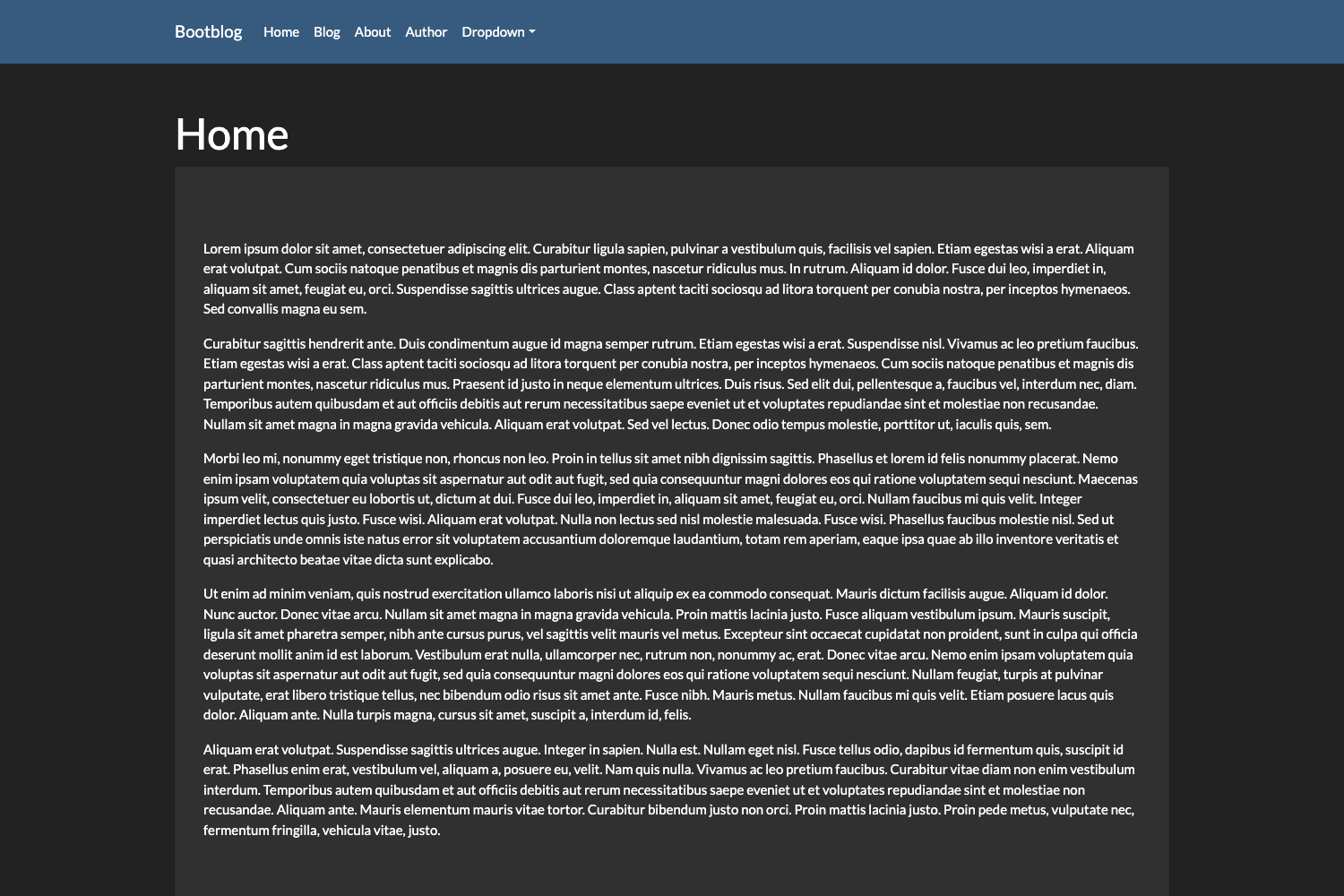
- Dark mode with persistence — Toggle between light and dark themes; the choice is stored in localStorage and syncs with giscus comments without reloading.
- Taxonomy displays — Tags and categories render as weighted word clouds, colored badges on posts, and clickable term links.
- Fuse.js fuzzy search — Optional search indexes posts and projects; open with the slash key or Ctrl/Cmd+K, shows up to 10 results with color-coded section badges.
- Giscus comments — Lightweight commenting via GitHub Discussions, configurable through hugo.toml, with dynamic theme switching.
- Google Analytics 4 support — Built-in GA4 integration using Hugo's internal analytics template; only included in production builds.
- Social media links — Configurable icons for GitHub, Twitter/X, Facebook, LinkedIn, Instagram, TikTok, and Snapchat with brand-specific hover colors.
Who is it for?
Yassi Theme suits personal bloggers who want a clean timeline-based reading experience, developers building a portfolio to showcase projects with carousel or grid layouts, and writers who need a fast, privacy-friendly site with optional comments and search. It also fits anyone migrating from a heavier platform to Hugo who wants a minimal theme with practical extras like syntax highlighting and responsive images.
What can you do with Yassi Theme?
- Personal bloggers: publish posts with tags, categories, and a timeline view that includes a custom starting-point message.
- Developer portfolio owners: feature selected projects on the homepage with configurable ordering via weight, and optionally mix them into the timeline.
- Site owners needing feedback: enable Giscus comments so readers can discuss posts through GitHub Discussions.
- Privacy-conscious editors: rely on the theme's robots.txt handling and lazy-loaded comments to keep the site lightweight.
How does Yassi Theme work?
Install it by adding the theme as a git submodule and setting theme = "yassi" in hugo.toml. Content lives in content/posts and content/projects with TOML front matter; parameters such as accentColor, enableSearch, and the giscus block are read from the config. The theme automatically generates the homepage from _index.md and the projects page from the projects folder.
FAQ
Does Yassi Theme support dark mode?
Yes. Yassi Theme has a light/dark toggle with smooth transitions, detects the system preference on first visit, and saves the user's choice in localStorage. All UI elements, including code blocks and the search modal, adapt to the chosen theme.
Can I add comments to my posts?
Yes, via Giscus. Set enabled = true in the giscus config section and provide your GitHub repository ID, category, and category ID from giscus.app. Comments appear at the bottom of individual post and project pages and sync with the theme's dark mode toggle.
What projects shows up in the featured carousel?
Projects with featured = true in their front matter appear in the carousel or grid on the homepage; the weight parameter controls their order. All projects always appear on the /projects/ page.
Is Yassi Theme free?
Yassi Theme is released under the MIT License, so you can use and modify it freely, including for commercial purposes.