Template details
Bootstrap Igloo
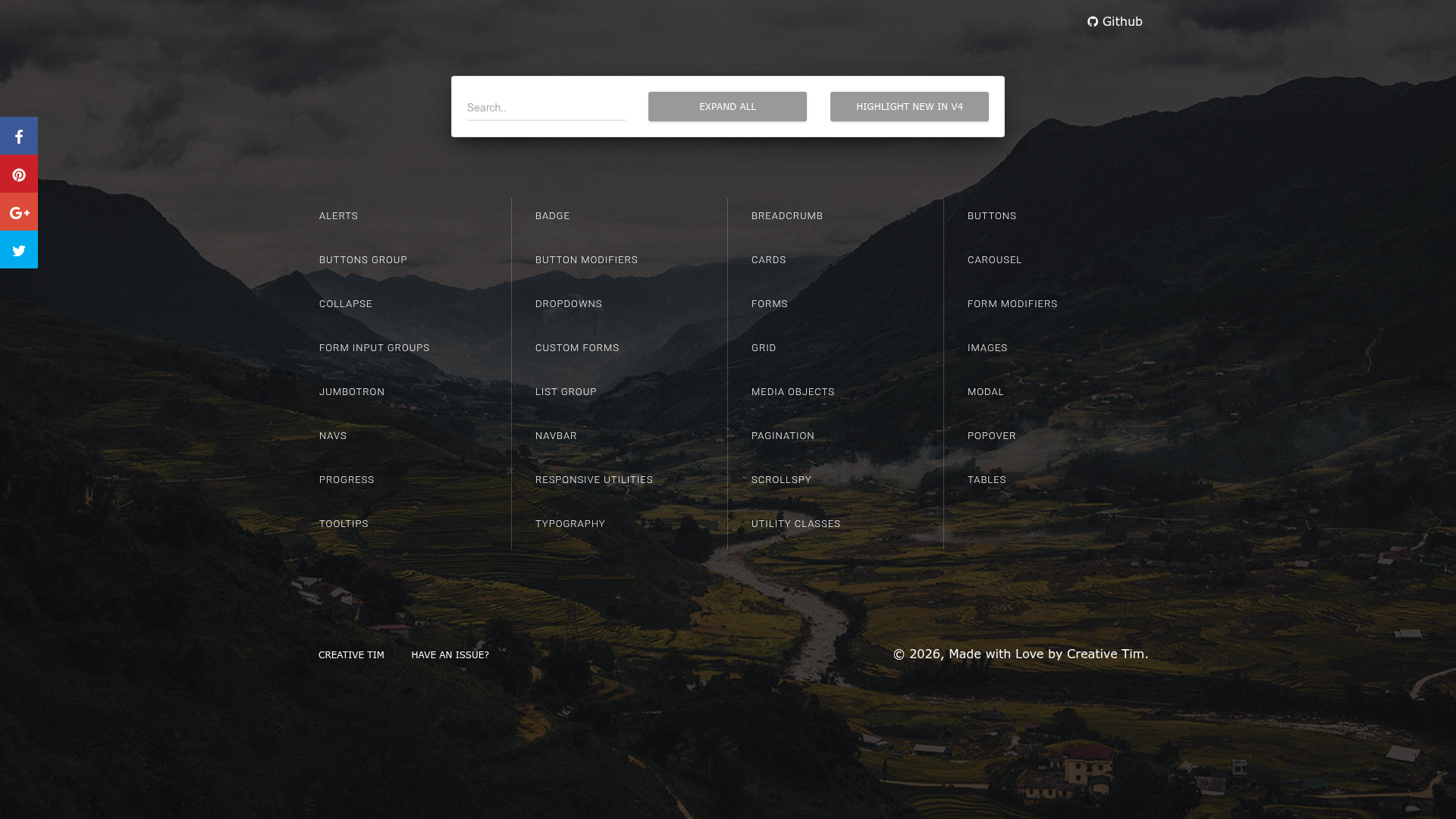
Bootstrap Igloo is a set of free cubes (bricks, blocks, modules) for Bootstrap 4.
About this template
Bootstrap Igloo is a free, MIT-licensed collection of reusable UI cubes (bricks, blocks, and modules) built for Bootstrap 4 that you copy-paste directly into a Bootstrap starter template.
What is Bootstrap Igloo?
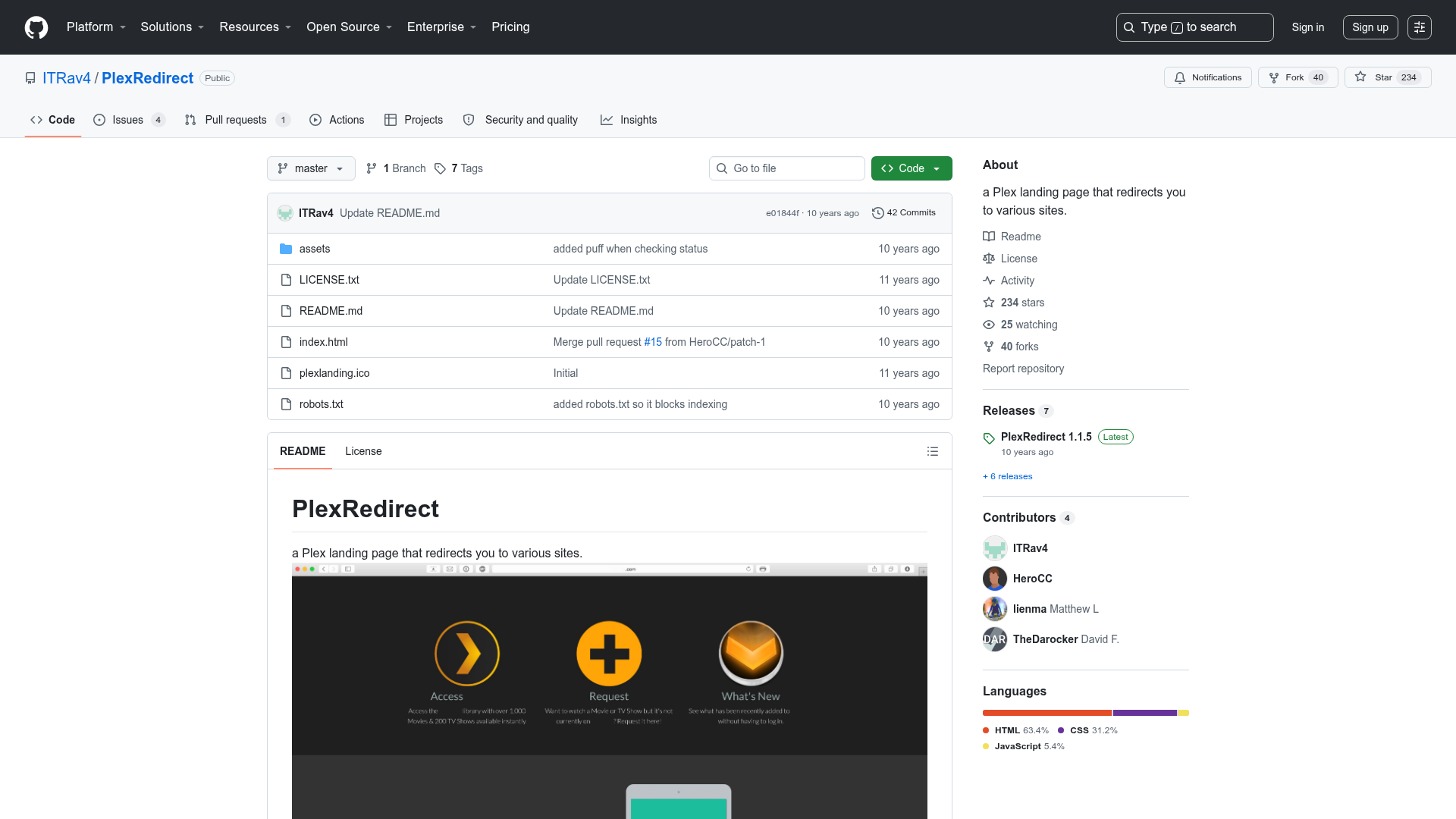
Bootstrap Igloo is a GitHub-hosted project (and website at http://www.bootstrapigloo.com) offering a set of free cubes—called bricks, blocks, or modules—for the Bootstrap 4 framework. Each cube is a self-contained HTML snippet you can drop into the body of your page. The project needs no build step, no extra CSS to configure, and no JavaScript beyond Bootstrap itself; you take a cube's markup and paste it where you need it. The repository is open source and accepts contributions from the community.
Key Features
- Free cubes — The entire collection is free to use, with no purchase or registration required.
- Bootstrap 4 compatibility — Every cube is built for Bootstrap 4, so it works with the framework's grid, utilities, and components.
- Copy-paste installation — To use a cube, copy its HTML and paste it into the body of a standard Bootstrap starter template.
- MIT license — The repository is released under the MIT license, permitting personal and commercial use with attribution.
- Bricks, blocks, and modules — The project uses these three terms interchangeably to describe the same reusable UI sections.
- Open to contributions — Pull requests are welcome; for major changes to existing cubes, contributors are asked to open an issue first.
- HTML5 markup — The cubes are written in HTML5, aligning with modern web standards.
Who is it for?
- Front-end developers — Developers who build Bootstrap 4 sites can assemble common UI sections by copying cubes instead of writing markup from scratch.
- Prototypers and designers — Anyone creating quick mockups can mix and match cubes to lay out a page rapidly.
- Bootstrap learners — Students learning Bootstrap 4 can inspect individual cubes to understand how components and layout patterns are structured.
- Hobbyist website owners — People making personal or small-business sites can pull in ready-made components without hiring a developer.
Use cases
- Landing page assembly — Combine hero, feature, and footer cubes into a single-page layout in minutes.
- Section prototyping — Test different content blocks by replacing one cube with another in your HTML body.
- Learning resource — Study the HTML structure of each cube to see how Bootstrap 4 classes create common UI patterns.
How does Bootstrap Igloo work?
Installation follows Bootstrap's official starter template. First, create a page using the Bootstrap 4 starter template, which loads the required CSS and JavaScript. Then browse Bootstrap Igloo to find a cube you want, copy its HTML snippet, and paste it into the body of your template. Repeat for as many cubes as you need; no build tools or package managers are required.
Pricing
Bootstrap Igloo is free to use. The code is open source under the MIT license, so there are no paid tiers or subscriptions.
FAQ
Is Bootstrap Igloo free?
Yes, Bootstrap Igloo is completely free. The entire set of cubes is released under the MIT license, meaning you can use it in personal and commercial projects without paying anything.
How do I install a Bootstrap Igloo cube?
Start with Bootstrap 4's starter template, which includes the framework's CSS and JavaScript. Copy the HTML of the cube you want and paste it into the body section of your HTML file. No extra configuration is needed.
What do the terms brick, block, and module mean?
In Bootstrap Igloo, brick, block, and module are three names for the same thing: a reusable cube (UI section) of Bootstrap 4 markup. The project uses these terms interchangeably to describe the components in the collection.
Can I contribute to Bootstrap Igloo?
Yes. The project welcomes pull requests. For major changes to existing cubes, contributors are asked to open an issue first to discuss the proposed change before submitting code.
Does Bootstrap Igloo support Bootstrap 5?
The project explicitly targets Bootstrap 4. There is no mention of Bootstrap 5 compatibility in the repository, so cubes should be assumed to work only with Bootstrap 4 unless you adapt them yourself.