Template details
Aviato
Free Bootstrap 3 e-commerce front-end template with 25+ components, 30 page layouts, and a Gulp build workflow.
About this template
Aviato is a free Bootstrap 3 e-commerce front-end template by Themefisher that ships with 25+ reusable components and 30 ready-to-use page layouts for building an online storefront.
What is Aviato?
Aviato is a static HTML/CSS/JS template built on Bootstrap 3.3.7, designed to give developers a complete e-commerce storefront UI. It takes no dynamic input—it is a set of HTML files and styles that you edit, and it produces a fully styled static website you can open directly in a browser or build to a production theme folder. It was designed and developed by Themefisher and distributed on GitHub under the MIT license.
Key Features
- Bootstrap 3.3.7 framework — The entire UI is built on Bootstrap 3.3.7 and includes more than 25 custom components layered on top of its default set.
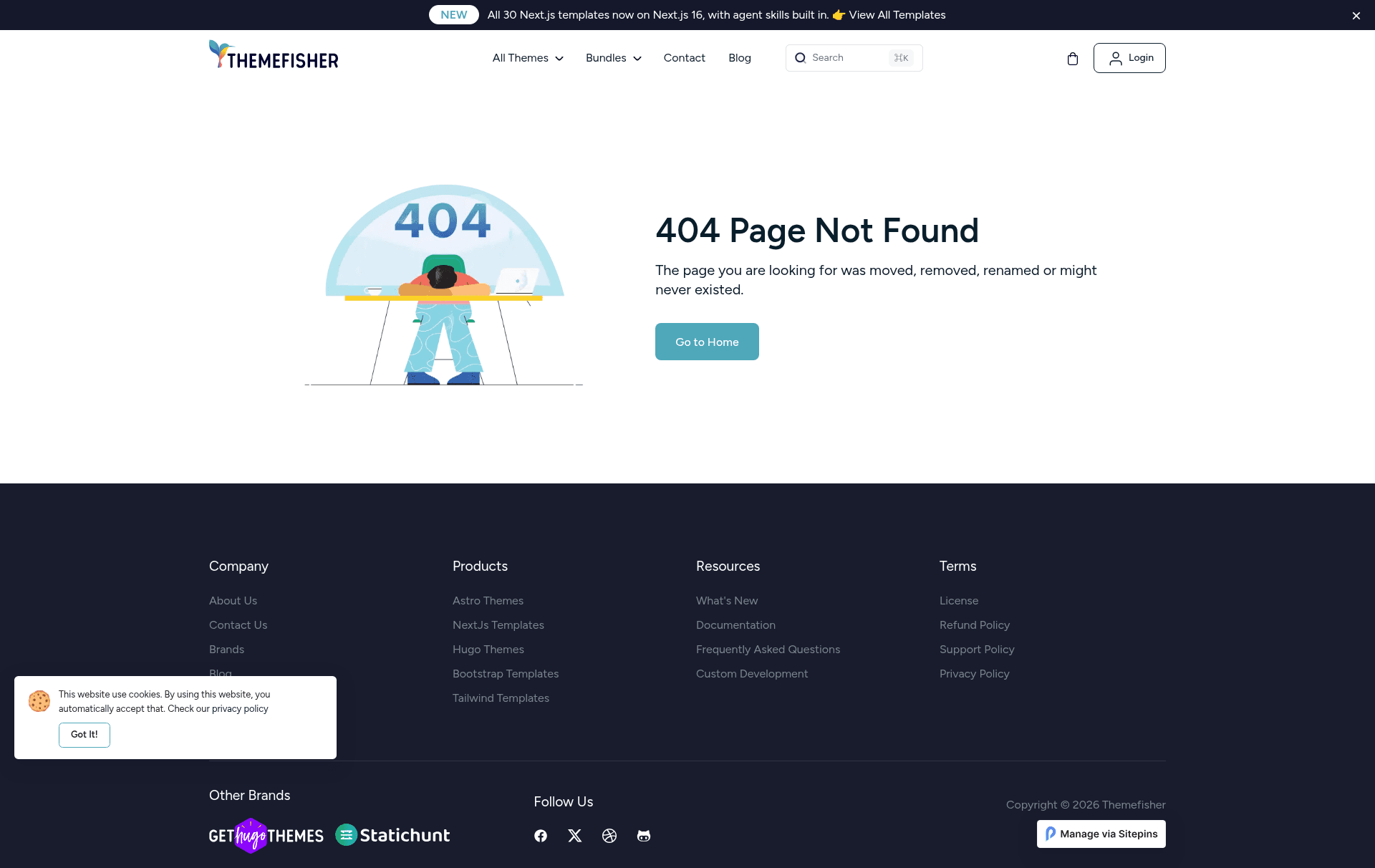
- 30 page layouts — The template covers the full store journey: Home, About, Pricing, Shop, Product Single, Cart, Empty Cart, Checkout, Order Confirmation, Purchase Confirmation, Payment Confirmation, Dashboard, Address, FAQ, Blog Grid, Blog Full Width, Blog Left Sidebar, Blog Right Sidebar, Blog Single, Contact, 404, Coming Soon, Login, Signup, Forget Password, Alerts, Buttons, and Typography.
- Gulp build workflow — Includes
package.jsonscripts for local development;npm run devstarts a live-reload preview andnpm run buildgenerates a production-ready theme folder. - E-commerce-specific pages — Cart, checkout, order confirmation, payment confirmation, and a customer dashboard are all included, so the shopping process is fully wired.
- Third-party integrations — Bundles Slick slider, Ekko Lightbox, Bootstrap TouchSpin, Instafeed, Smooth Scroll, and SyoTimer plugins.
- UI starter kit — Alerts, buttons, and typography pages showcase component styling and serve as a style guide.
Who is Aviato for?
- E-commerce store owners can assemble a catalog with shop listing, product detail, cart, and checkout pages without writing the HTML from scratch.
- Front-end developers get a Bootstrap 3 base with a Gulp toolchain to speed up static site builds and prototyping.
- Startups and agencies can use the dashboard, pricing, FAQ, contact, and blog layouts to construct a services or SaaS-style marketing site.
What can you do with Aviato?
- Build a full storefront: Combine the Shop, Product Single, Cart, Empty Cart, Checkout, and Confirmation pages into a complete purchasing flow.
- Prototype a dashboard: The Dashboard, Profile Details, Address, and Orders pages give a starting point for customer account areas.
- Create a marketing site: Reuse the Pricing, FAQ, Contact, About, and multiple Blog layouts to add standard informational pages.
How does Aviato work?
Download the ZIP from GitHub or clone the repository. For basic customization, edit the HTML and CSS files inside the theme folder and open index.html in a browser. For advanced usage, install Node.js and the Gulp CLI, run npm install, then npm run dev to preview with live reload, and npm run build to output a production-ready theme folder.
Pricing
Aviato is free to use under the MIT license, with no tiered pricing or paid plans listed on the repository.
FAQ
Is Aviato free?
Yes, Aviato is released under the MIT license. That means you can use, modify, and distribute the code in personal and commercial projects, as long as you keep the copyright notice. The template is available for free on GitHub.
Does Aviato work without a build tool?
Yes. For basic usage you can directly edit the files in the theme folder and open index.html in any browser. The Gulp workflow is only needed for advanced customization and live-reload development.
Which Bootstrap version does Aviato use?
Aviato uses Bootstrap 3.3.7. It does not use Bootstrap 4 or Bootstrap 5, so keep that in mind if you plan to migrate to a newer version of Bootstrap.
Are the images in Aviato included in the license?
No. The demo images are for illustration only and retain their own licenses. Themefisher states they do not have permission to share those images, so you must replace them with your own assets.