Template details
Next.js Commerce
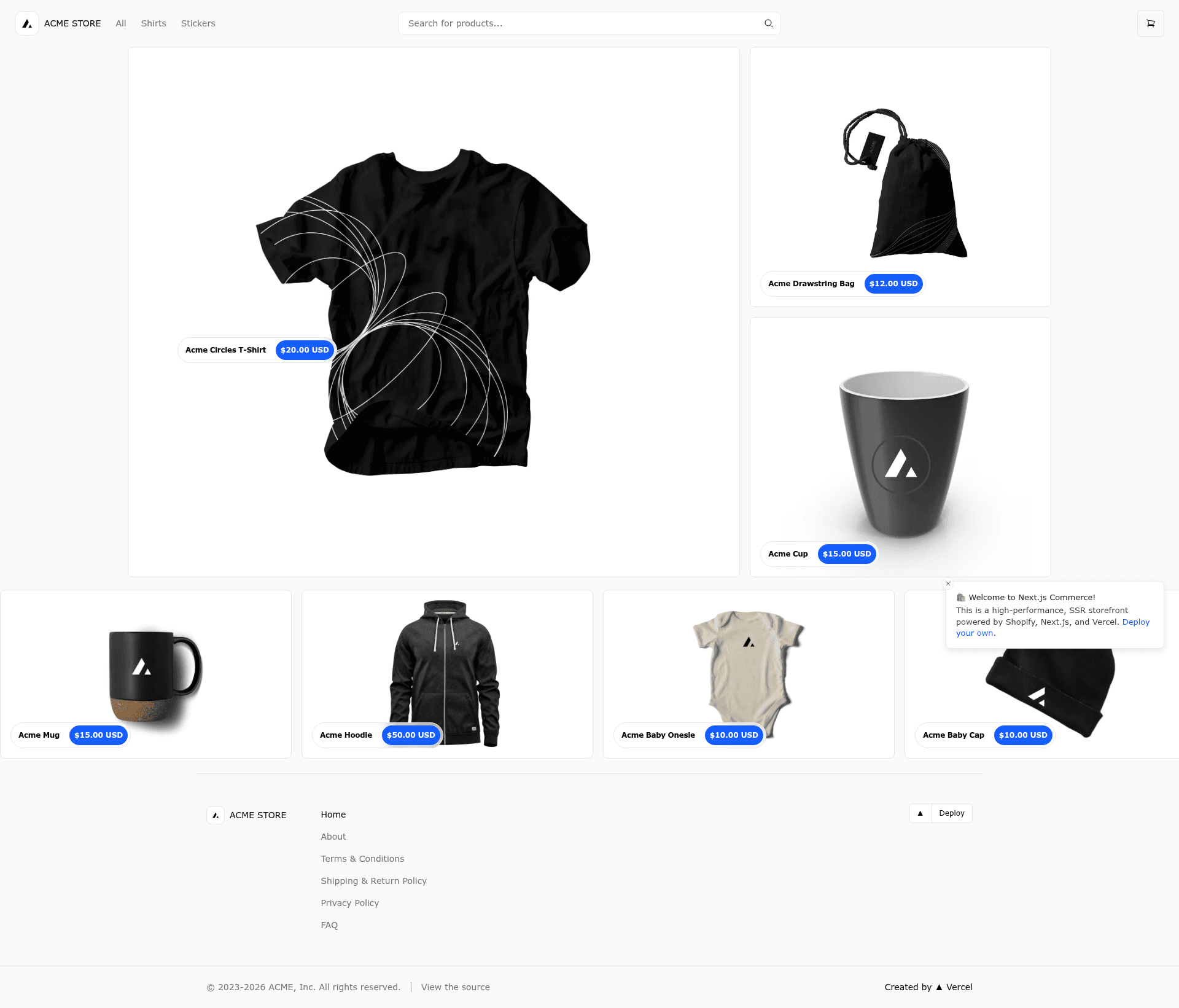
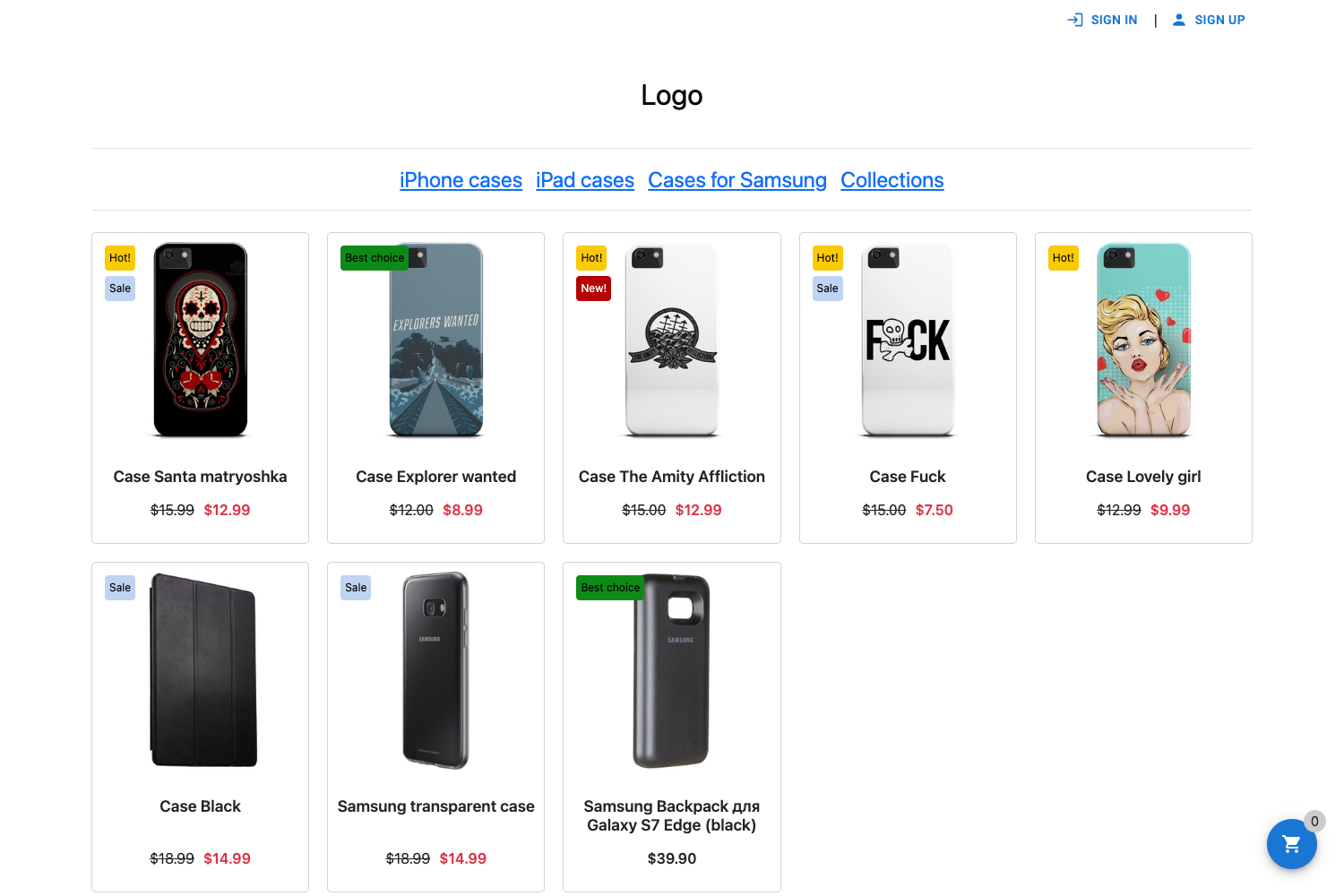
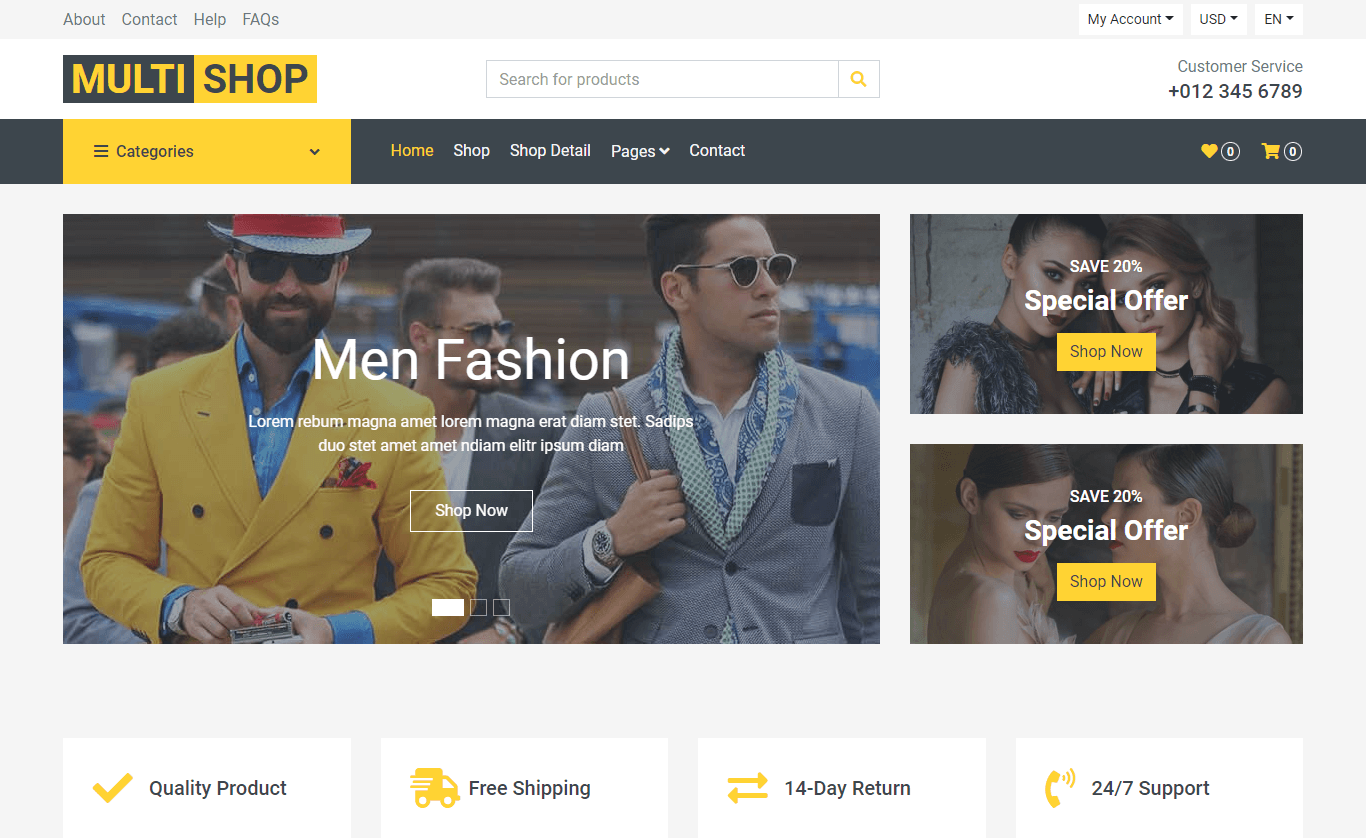
A high-performance, server-rendered Next.js App Router ecommerce template with Shopify and headless commerce integrations.
About this template
Next.js Commerce is a production-ready, server-rendered ecommerce storefront template built on the Next.js App Router by Vercel, designed for headless commerce with Shopify as the primary backend.
What is Next.js Commerce?
Next.js Commerce is an open-source ecommerce application template maintained by Vercel, built on the Next.js App Router. It consumes a headless commerce backend (defaulting to Shopify) and produces a fully functional storefront with product listing, cart, and checkout flows, using React Server Components, Server Actions, Suspense, and useOptimistic throughout. The repository currently has over 14,000 GitHub stars and powers the live demo at demo.vercel.store.
What makes Next.js Commerce stand out?
- React Server Components and Server Actions — the entire storefront runs on the Next.js App Router, using server-side rendering by default to deliver fast, high-performance page loads.
- Shopify as primary provider — Vercel actively maintains the Shopify integration, making it the most battle-tested version of the template.
- Extensible provider architecture — replacing the
lib/shopifyfile with another backend implementation lets any commerce platform power the same template, as demonstrated by BigCommerce, Medusa, Saleor, Wix, and 7 other community ports. - Orama search integration — an official integration that adds typeahead with dynamic re-rendering, vector-based similarity search, and pure browser or CDN execution.
- React Bricks CMS integration — pages, product detail views, and footer content can be edited visually through the React Bricks headless CMS.
- One-click Vercel deployment — the Deploy with Vercel button clones the repository, selects the Shopify integration, and copies required environment variables like
COMPANY_NAMEandSITE_NAME. - Local development workflow — the README documents an exact setup: install Vercel CLI, link the project, pull env vars with
vercel env pull, then runpnpm installandpnpm devonlocalhost:3000.
Who is it for?
- Ecommerce developers — build a modern, server-rendered headless storefront without starting from scratch, then customize components and data flow.
- Agencies and freelancers — launch client stores quickly via the Vercel deploy button and the official Shopify integration guide.
- Commerce platform teams — fork the repository and swap out the data layer to produce a similar template for their own backend, as many providers already have.
What can you do with Next.js Commerce?
- Store owners — launch a Shopify-powered headless storefront with server-rendered product pages, cart, and checkout that can be deployed to Vercel in one click.
- Developers — extend the storefront with custom features, add Orama for vector-based search and typeahead, or integrate React Bricks to make content editable visually.
- Platform integrators — adapt the template to alternative backends by changing only the commerce data-access layer, leaving the UI and routing mostly intact.
How does Next.js Commerce work?
The template uses environment variables defined in .env.example to connect to Shopify. To run locally, you install the Vercel CLI, link the project to Vercel and GitHub, pull environment variables with vercel env pull, then install dependencies with pnpm. After pnpm dev, the storefront runs at localhost:3000.
FAQ
Is Next.js Commerce free?
The template is publicly available on GitHub, so it is free to use. You still pay for your chosen commerce backend (such as Shopify) and for hosting on Vercel or other platforms.
Which commerce providers are supported?
Shopify is the only provider actively maintained by Vercel. The community offers ports for BigCommerce, Ecwid, Geins, Medusa, Prodigy Commerce, Saleor, Shopware, Swell, Umbraco, Wix, and Fourthwall, each with its own demo.
Does Next.js Commerce use React Server Components?
Yes. The template is built on the Next.js App Router and uses React Server Components, Server Actions, Suspense, and the useOptimistic hook to handle server-rendered product data and state updates.
How do I deploy Next.js Commerce?
You can click the Deploy with Vercel button on the README, which clones the repository, adds the Shopify integration, and sets the COMPANY_NAME and SITE_NAME environment variables automatically. Alternately, run it locally and deploy via Vercel CLI.