Template details
Brook
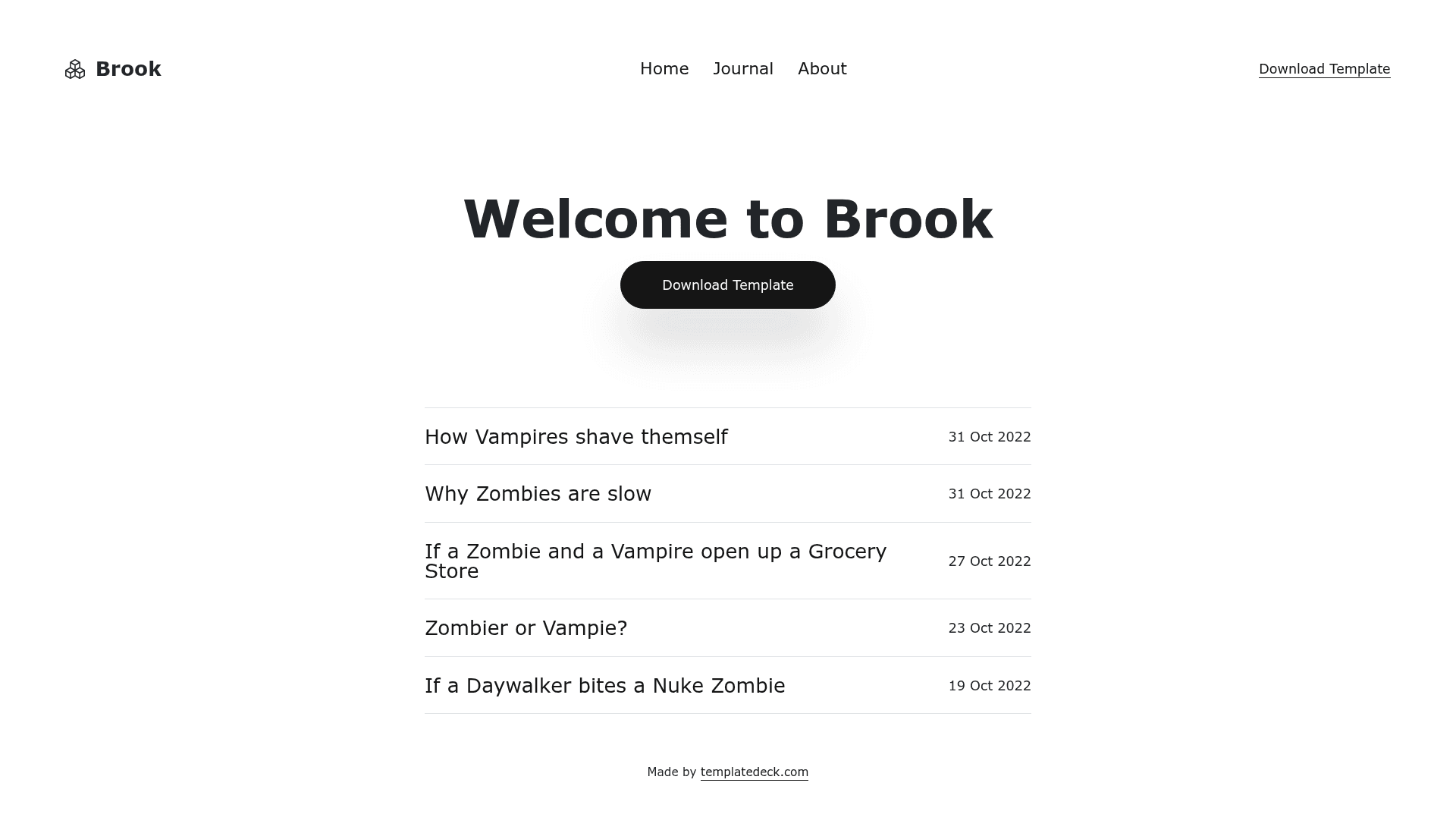
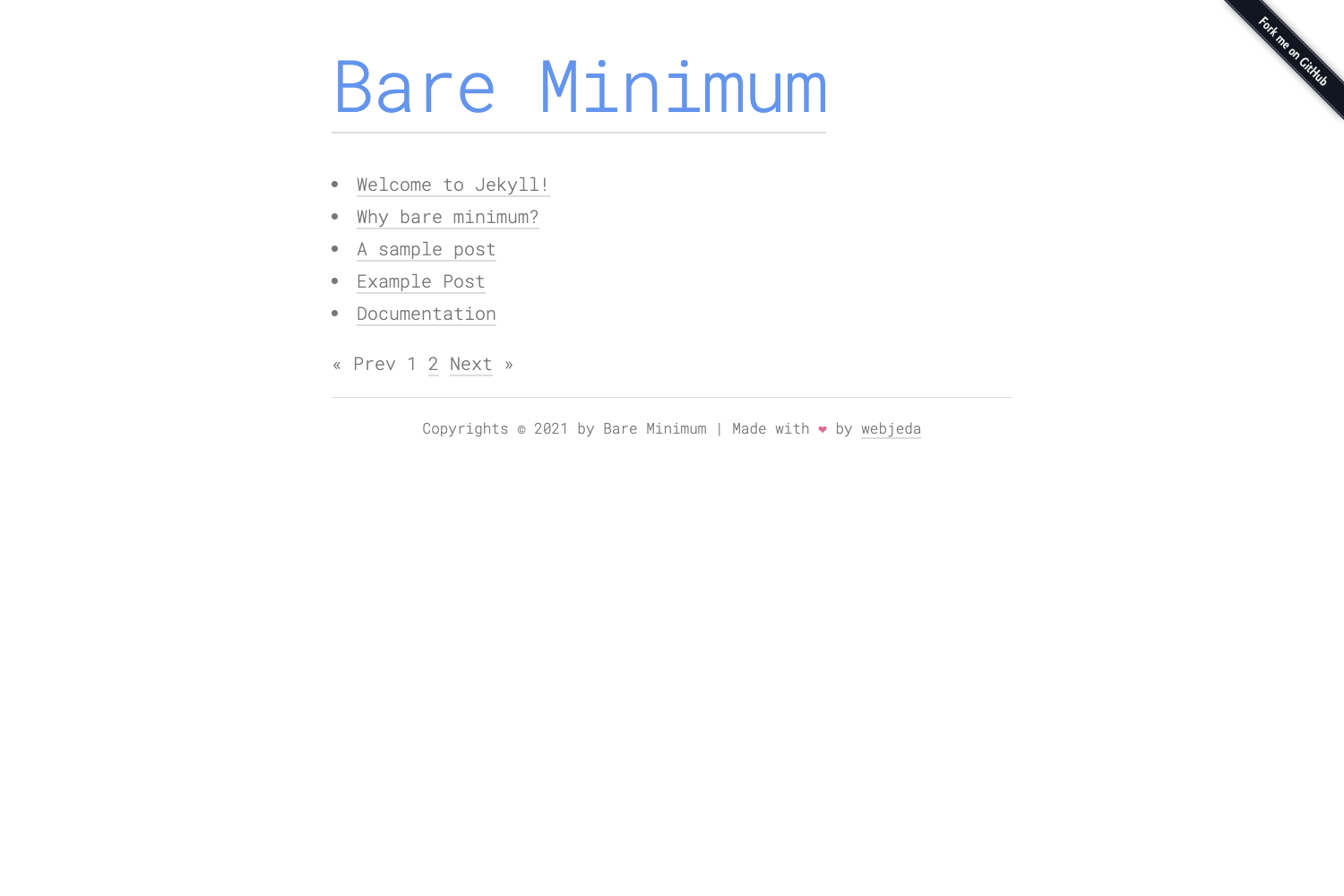
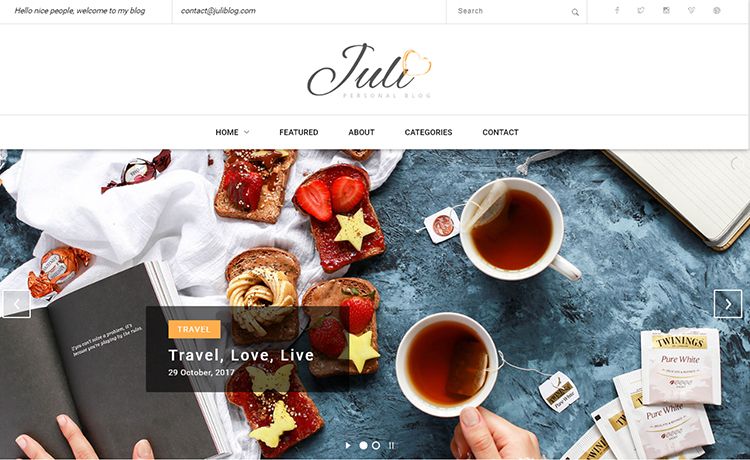
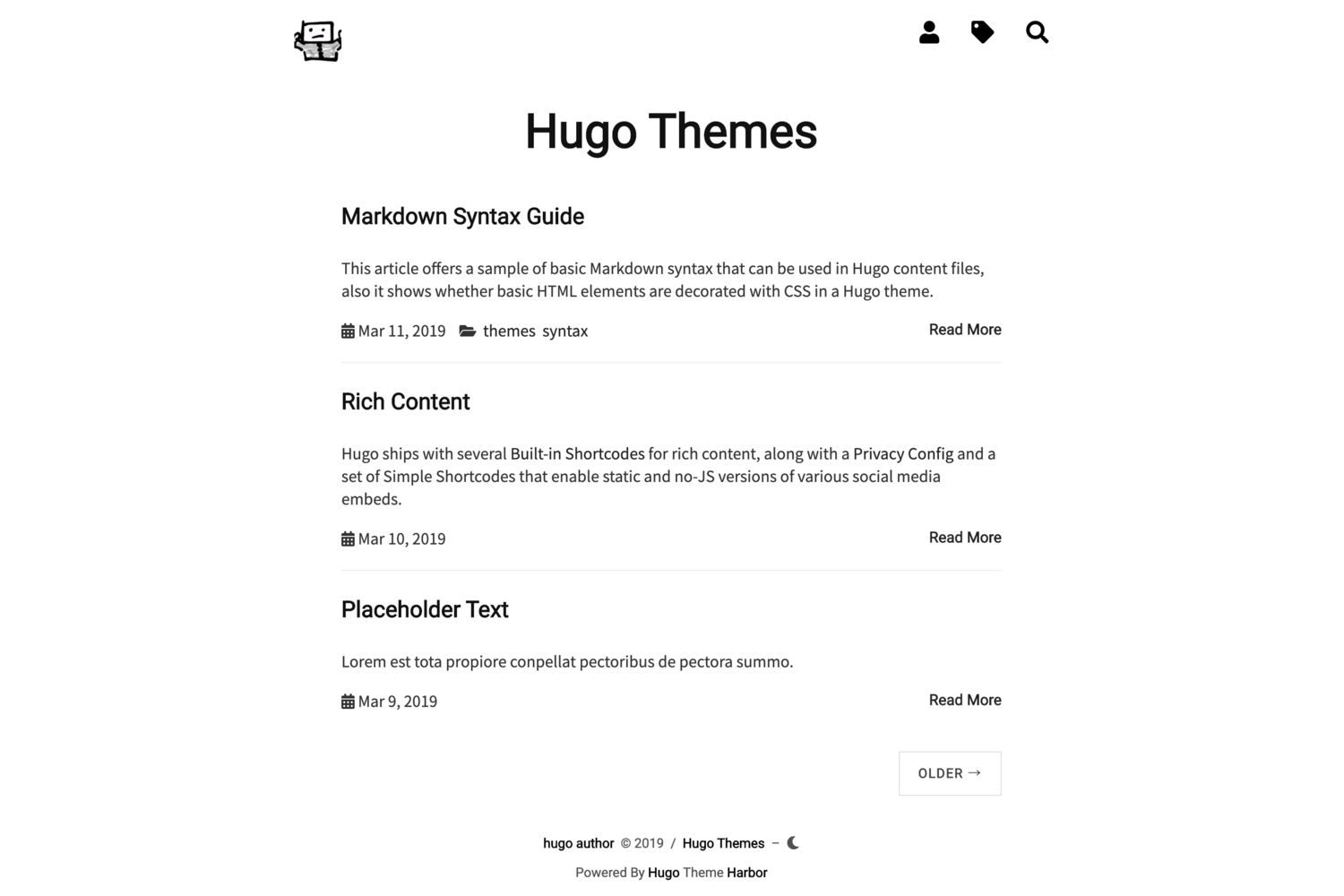
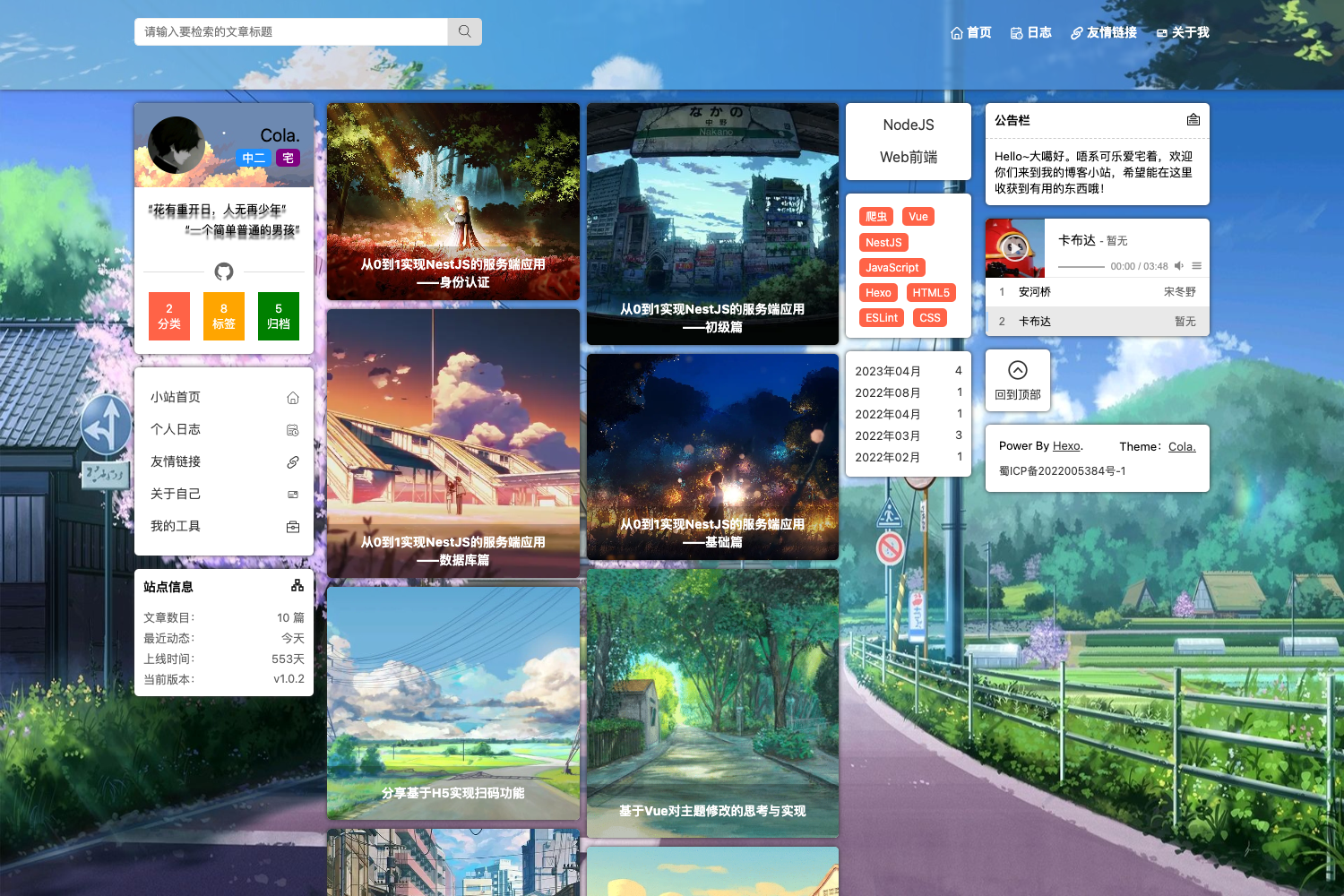
Free Bootstrap 5 and Eleventy blog template with clean layout, post grid, category pages, author section, and dark mode.
About this template
Brook is a free, open-source blog template that pairs Bootstrap 5 for responsive styling with the Eleventy 3 static site generator to produce a clean, responsive static blog for writers and content creators.
What is Brook?
Brook is a blog template that takes content written as markdown files or other supported data sources and builds a static HTML site with a clean blog layout, post grid, category pages, author section, and newsletter signup. It runs on Eleventy 3, which requires Node.js 18 or newer, and uses Bootstrap 5 for its CSS framework. The template is part of the TemplateDeck collection and is released under the MIT license, meaning it is free to use, modify, and redistribute.
Key Features
- Clean blog layout — A minimalist design focused on readability, with a responsive grid that adapts to mobile and desktop screens.
- Post grid — A structured grid for displaying multiple blog posts, making it easy for readers to browse content.
- Category pages — Automatically generated pages that group posts by category, improving site navigation.
- Author section — A dedicated area to display author information, giving each post a personal touch.
- Newsletter signup — A built-in signup section for collecting email addresses directly from the page.
- Responsive design — Built with Bootstrap 5's grid system, so the layout works on any screen size.
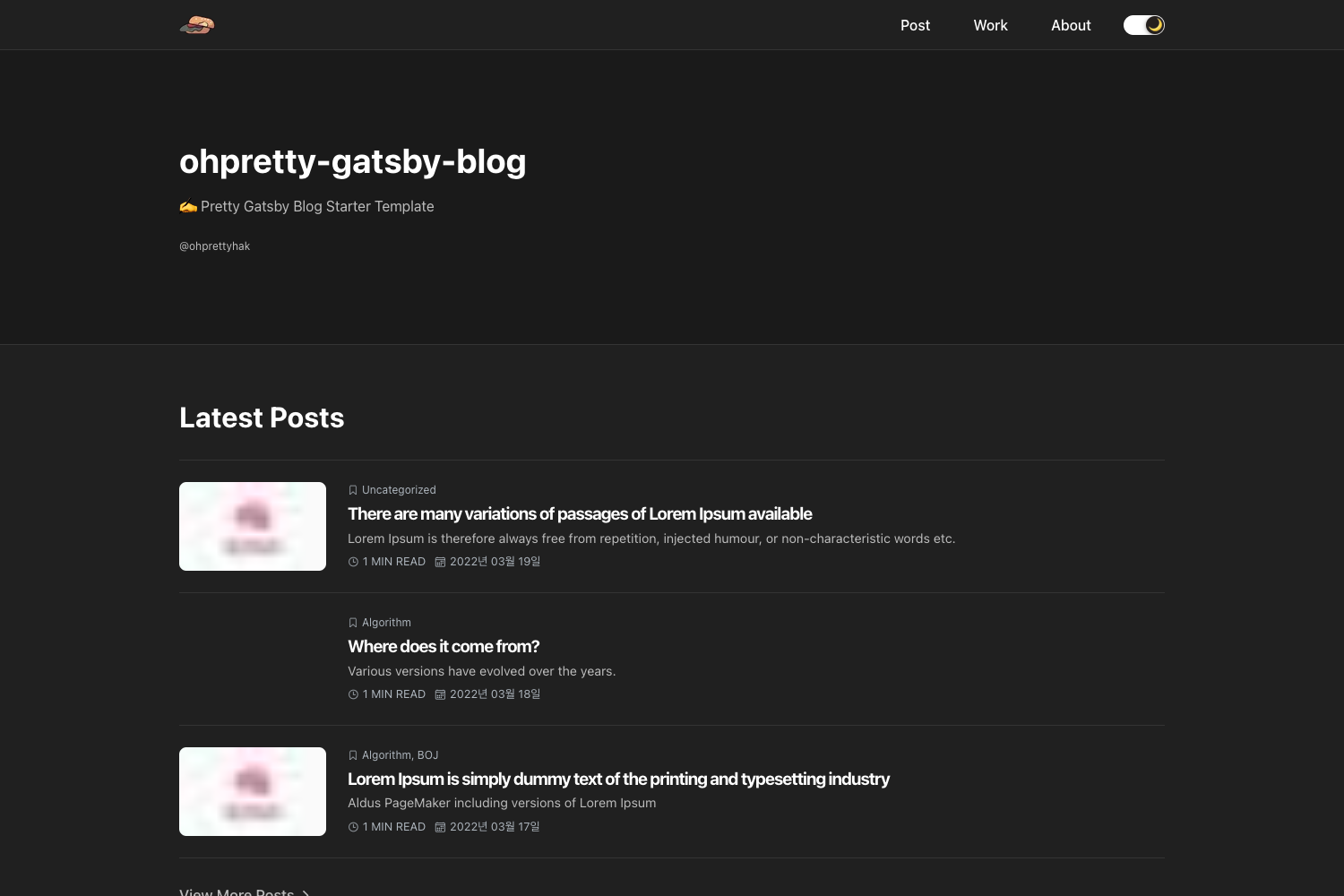
- Dark mode support — Includes a dark theme option for users who prefer lower light levels.
- Gulp-based build — Uses Gulp to compile SCSS, minify CSS, and purge unused styles, with separate development and production build commands.
Who is it for?
- Writers and bloggers — You can publish a clean, minimalist blog without needing to write custom CSS or JavaScript; just edit the HTML in the
/publicfolder and upload it to any web server. - Front-end developers — You can leverage the Eleventy-powered source to build a custom static site using Nunjucks templates, SCSS, and Gulp automation, with support for markdown, frontmatter, and API data sources.
- Hobbyists learning static site generation — The project structure provides a complete working example of a modern Eleventy site, including watch mode with BrowserSync for live reloading during development.
What can you do with Brook?
- Create a personal blog: Write posts in markdown, add images to the
/publicfolder, and deploy the static files to any hosting service without a backend. - Build a content-centric marketing site: Use the category pages and newsletter signup to structure articles and grow an email list.
- Learn Eleventy and Bootstrap 5: Study how the Gulp tasks compile SCSS and how Nunjucks templates render data, using this template as a reference.
How does Brook work?
Brook provides two workflows: a simple one for beginners and a developer-oriented one. Beginners can take the pre-built /public folder, edit the HTML content, replace images, and upload it to a server. Developers can clone the repository, run npm install, and use the available commands: npm run build-dev outputs an unminified site to /dev, npm run watch starts a development server with BrowserSync and auto-rebuild on file changes, and npm run build creates an optimized production site in /public. All commands require Node.js 18 or newer.
Pricing
Brook is free and open-source under the MIT license. You can download it from TemplateDeck without any cost, and there are no subscription fees or usage limits.
FAQ
Is Brook free to use?
Yes, Brook is completely free. It is released under the MIT license, so you can use it for personal or commercial projects, modify it, and even redistribute your modified version without paying any fees.
What are the requirements for building Brook?
To build Brook from source, you need Node.js version 18 or later installed on your machine. The installation process involves cloning the repository and running npm install to fetch all dependencies, including Eleventy, Gulp, and Bootstrap 5.
Can I use Brook without knowing Eleventy?
Yes, you can use the pre-built /public folder that contains the final HTML, CSS, and JavaScript files. Edit the HTML directly, add your images, and upload the folder to any web server. No command line or build tools are required for this workflow.
What does the production build output look like?
When you run npm run build, Brook compiles and minifies the CSS, purges unused CSS rules, and minifies the HTML. The optimized files are placed in the /public directory, which you can deploy directly to your web server.
Does Brook support dark mode?
Yes, Brook includes dark mode support as one of its listed features. The template provides a dark theme option for users who prefer reduced brightness.