Template details
Harbor
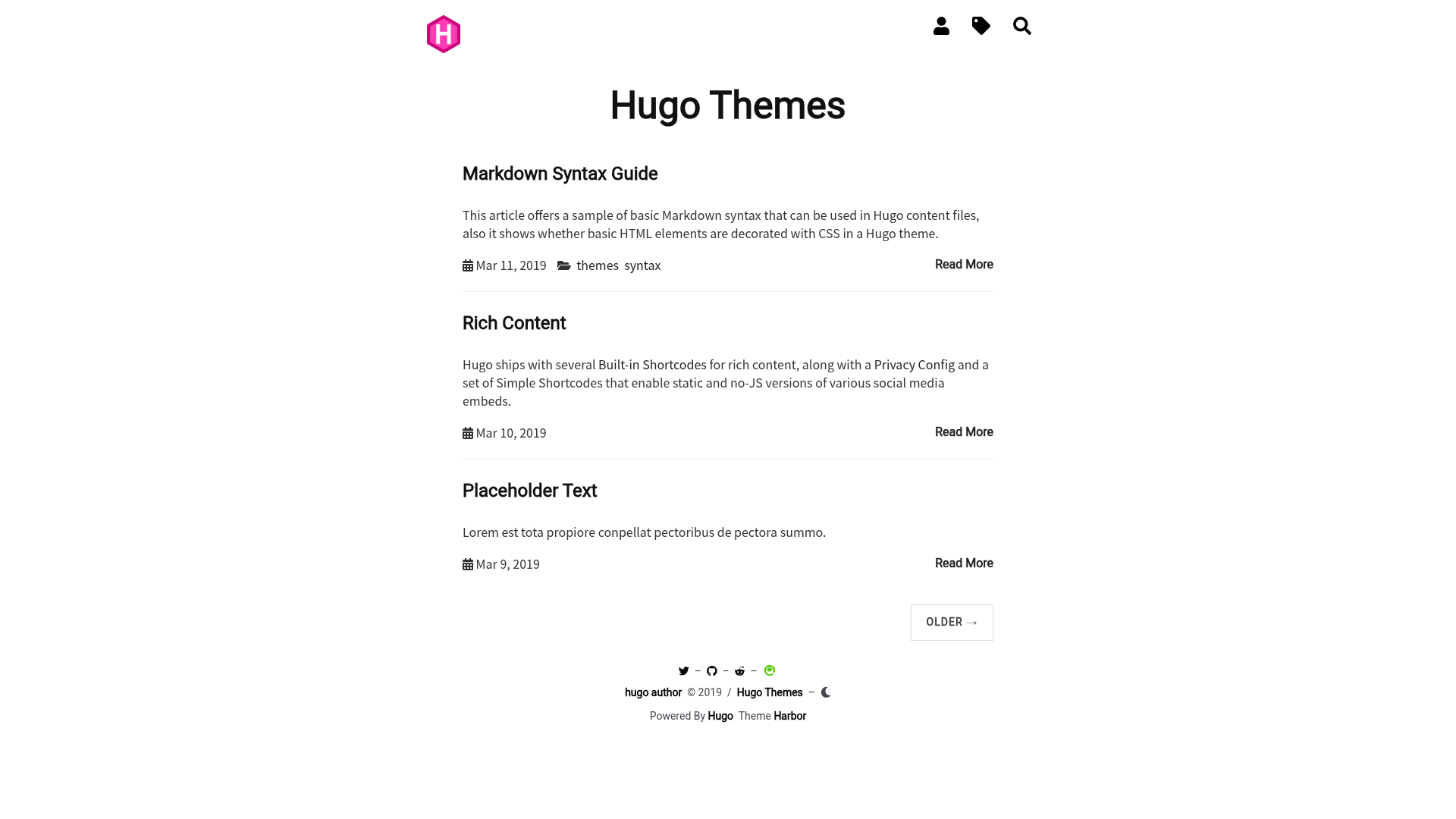
Simple and minimal personal blog theme for Hugo with tags, categories, archives, search, dark mode, and analytics.
About this template
Harbor is a simple, minimal personal blog theme for the Hugo static site generator, providing a responsive, dark-mode-ready blog with built-in search, tags, categories, archives, and analytics integrations.
What is Harbor?
Harbor is a simple and minimal personal blog theme for the Hugo static site generator, created by matsuyoshi30. It takes Markdown content and a config.toml as input and outputs a static blog site with responsive design, dark mode, search, and archive pages. The theme is open-sourced under the MIT license and available on GitHub and the Hugo Themes gallery.
Key Features
- Tags, categories, and archives — Built-in support for organizing posts with tags and categories, plus optional archive pages created via an
archives.mdcontent file. - Analytics integration — Configure Google Analytics, Goatcounter, or Matomo directly from config.toml, so no extra snippet code is needed.
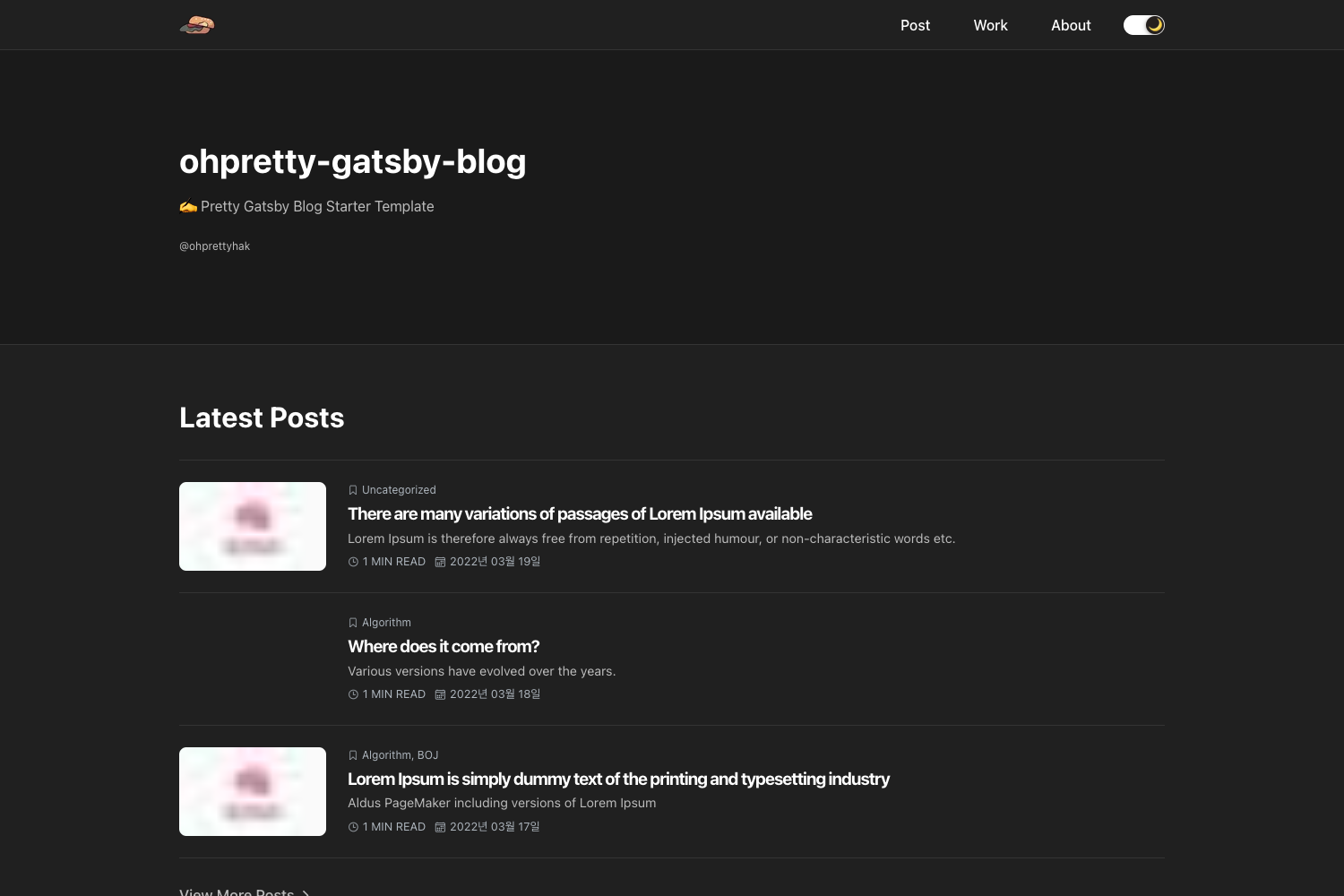
- Dark mode — Includes a dark color scheme; the theme page shows both light and dark screenshots.
- Syntax highlighting — Leverages Hugo's built-in syntax highlighting; you enable it by following the standard Hugo docs.
- Search entire blog posts — A dedicated search page that indexes all posts; you enable it by creating
search.mdwith the "search" layout. - Table of Contents — Auto-generates a TOC when a post is longer than 400 words and the frontmatter
tocis set to true. - Disqus comments — Optional Disqus integration via a shortname in config.toml; individual posts can disable comments.
- Social media links — Add unlimited social links using Font Awesome icons through the
params.socialarray.
Who is it for?
- Personal bloggers — People who want a clean, text-focused blog without visual clutter, with built-in search and archives.
- Hugo developers — Developers who like to customize navigation, colors, and analytics by editing config.toml and frontmatter.
- Privacy-conscious writers — Writers who want to avoid heavy JavaScript frameworks; Harbor outputs plain static HTML/CSS/JS from Hugo.
What can you do with Harbor?
- Launch a blog quickly — Install via git submodule, set
theme = "harbor"in config.toml, and start writing Markdown posts. - Add traffic analytics — Choose between Google Analytics, Goatcounter, or Matomo and set the corresponding parameters in config.toml.
- Customize navigation and social icons — Use
params.navandparams.socialarrays to define menu items and social links with Font Awesome classes. - Override the theme's CSS — Point the
customCSSparameter to a CSS file in your static directory to restyle Harbor without forking the theme.
How does Harbor work?
Harbor is installed as a Hugo theme by adding its GitHub repository as a git submodule under the themes directory. Once the theme is set in config.toml, you populate content using Markdown files with optional frontmatter keys for tags, TOC, back-to-top, and comment disabling. The theme comes with an exampleSite demonstrating the full configuration.
FAQ
Is Harbor free?
Yes, Harbor is released under the MIT license, so it is free to use, modify, and redistribute for personal or commercial projects.
Does Harbor support dark mode?
Yes, Harbor includes a built-in dark mode color scheme. The theme's page shows both light and dark screenshots, and the layout adapts automatically.
How do I enable search in Harbor?
Create a file named search.md in your content directory with the frontmatter setting layout to "search" and a title like "Search". Then add a navigation item pointing to /search/ with the Font Awesome search icon.
Can I use Disqus comments with Harbor?
Yes. Set your Disqus shortname in config.toml under services.disqus. To disable comments on a specific post, set disable_comments = true in that post's frontmatter.