Template details
Papaya
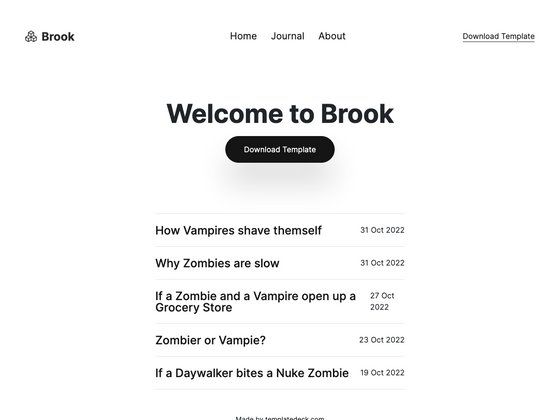
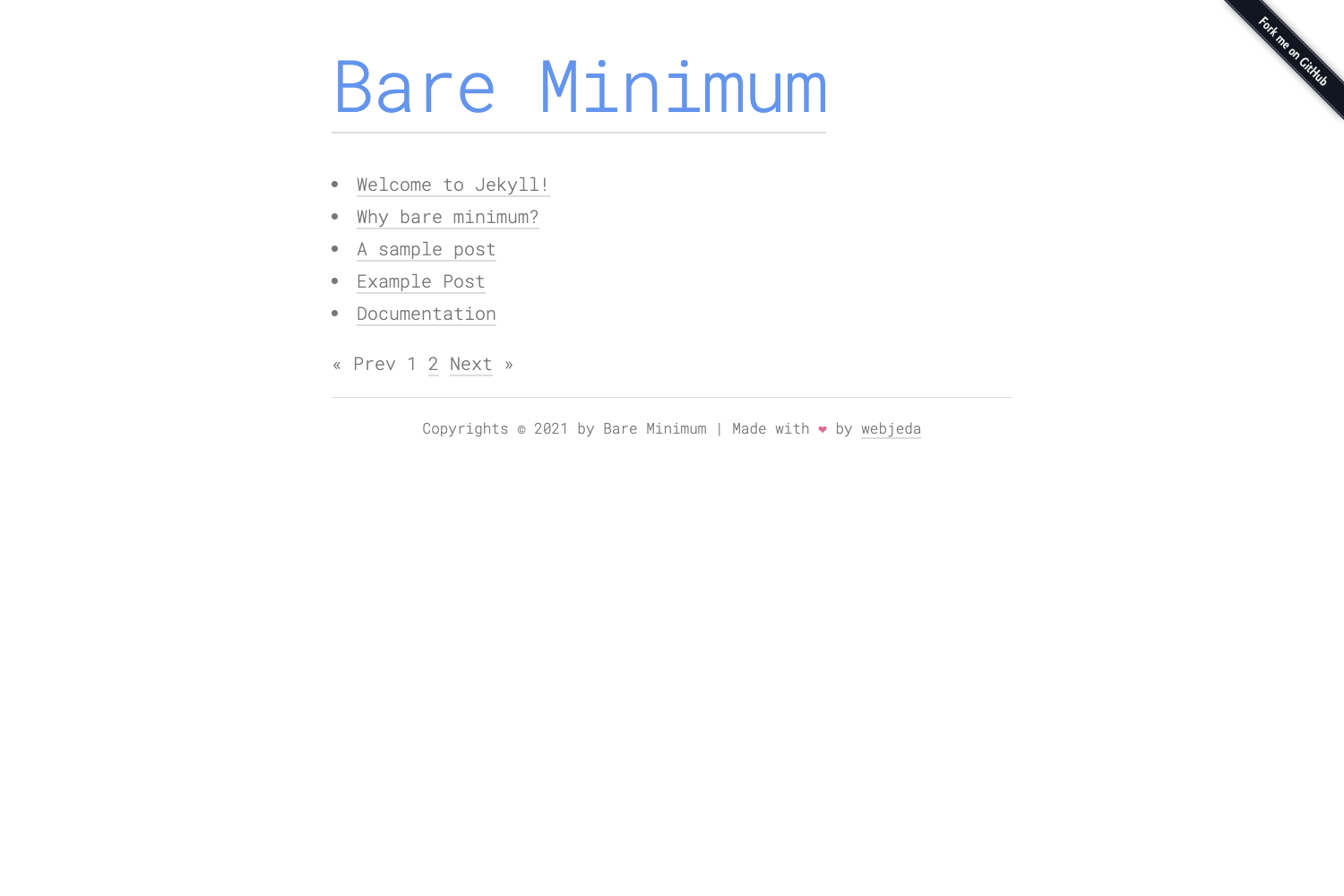
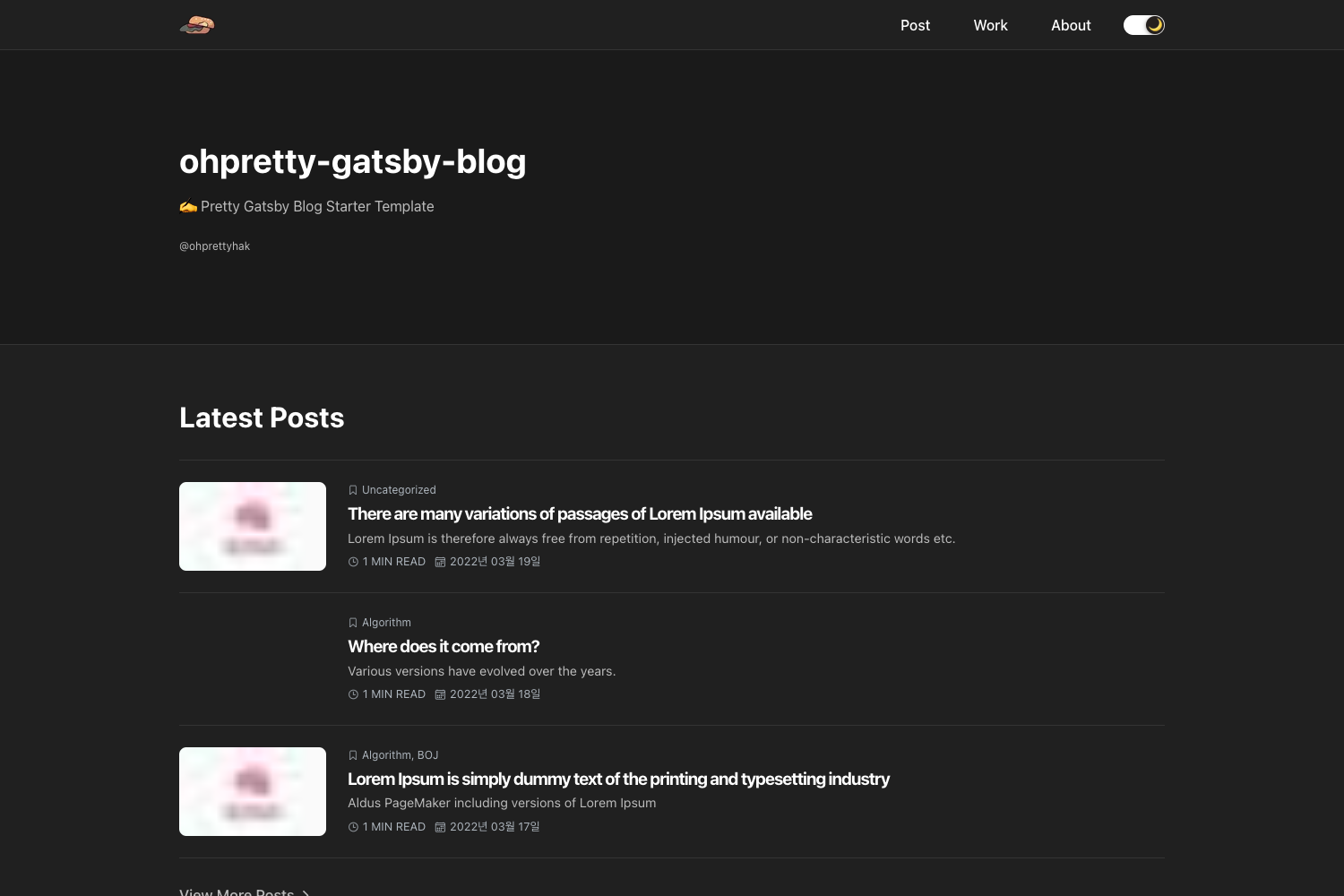
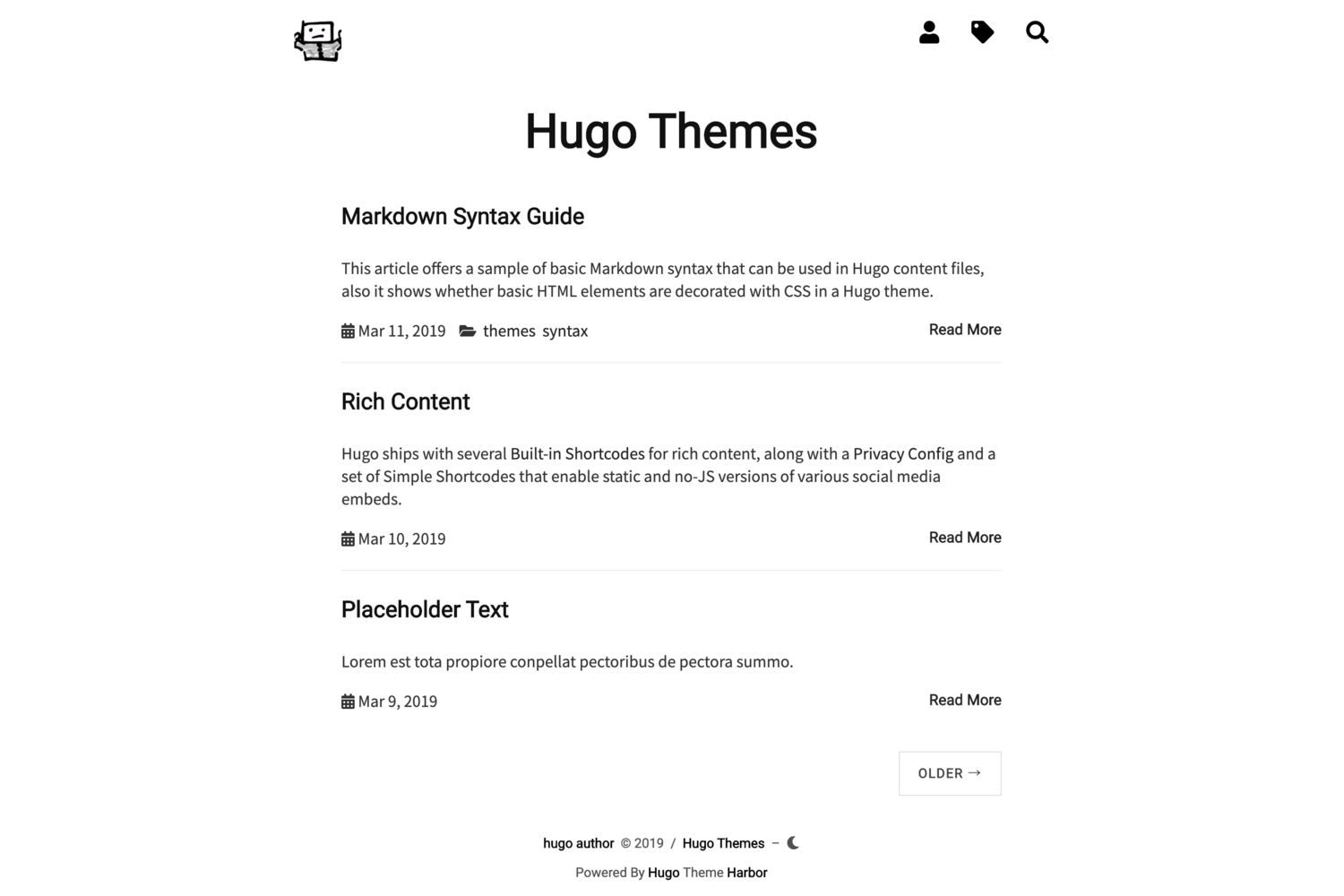
Minimalist Hugo theme with social buttons and analytics.
About this template
Papaya is a minimalist Hugo theme that adds social sharing buttons and analytics integration to a Hugo blog or personal site.
What is Papaya?
Papaya is a minimalist theme built for Hugo, the static site generator. It takes a standard Hugo site configuration file (config.toml) as input and produces a static website with social sharing buttons, optional Google Analytics tracking, and optional Google AdSense advertising. The theme is installed by cloning it into the themes directory of a Hugo project and setting theme to "papaya" in the configuration file. The project is distributed as a free Hugo theme on GitHub.
Key Features
- Social sharing buttons — Posts can be shared on Twitter with a configured via handle; the Twitter handle is set in the social section of config.toml.
- Google Analytics integration — Add your Google Analytics tracking ID (e.g., UA-000000000-1) via the googleAnalytics parameter to start measuring site traffic.
- Google AdSense support — Set the googleAdSense parameter with your publisher ID to display AdSense ads on the site.
- Feather icon menu — Navigation menu items reference Feather icon names (like home, edit, tag) via the pre attribute, giving a clean icon set without extra assets.
- Per-post author override — A default authorName appears on the home page, but each individual post can define its own author.
- Configurable date format — The dateFormat parameter controls how dates render (for example, "Jan 2, 2006").
- Tags taxonomy — The theme includes a tags taxonomy so content can be organized under a /tags/ section.
Who is it for?
Bloggers who want a clean, no-frills Hugo theme without heavy JavaScript or styling frameworks. Developers who need a minimal starting point for a personal site or portfolio and are comfortable editing config.toml. Site owners who want Google Analytics and AdSense integrated without writing custom template code.
What can you do with Papaya?
- Personal bloggers: Publish markdown posts with optional per-post authors and let readers share posts on Twitter via your handle.
- Hobbyist site owners: Launch a personal homepage in minutes by cloning the theme, editing config.toml, and running hugo server.
- Content publishers: Add Google Analytics and AdSense to track audience behavior and earn ad revenue with minimal configuration.
How does Papaya work?
First, install Hugo on your machine. Then clone or download the Papaya theme into your project's themes directory, update config.toml to set theme to "papaya", and run hugo server to preview the site locally at localhost:1313. The theme reads your configuration for menu items, social links, analytics codes, and date formatting, and renders a static site that can be deployed anywhere.