Template details
Brutalist-Minimalist Gohugo Theme
A minimal Hugo theme for blogs and documentation with brutalist design, KaTeX math, print styles, and a book catalog feature.
About this template
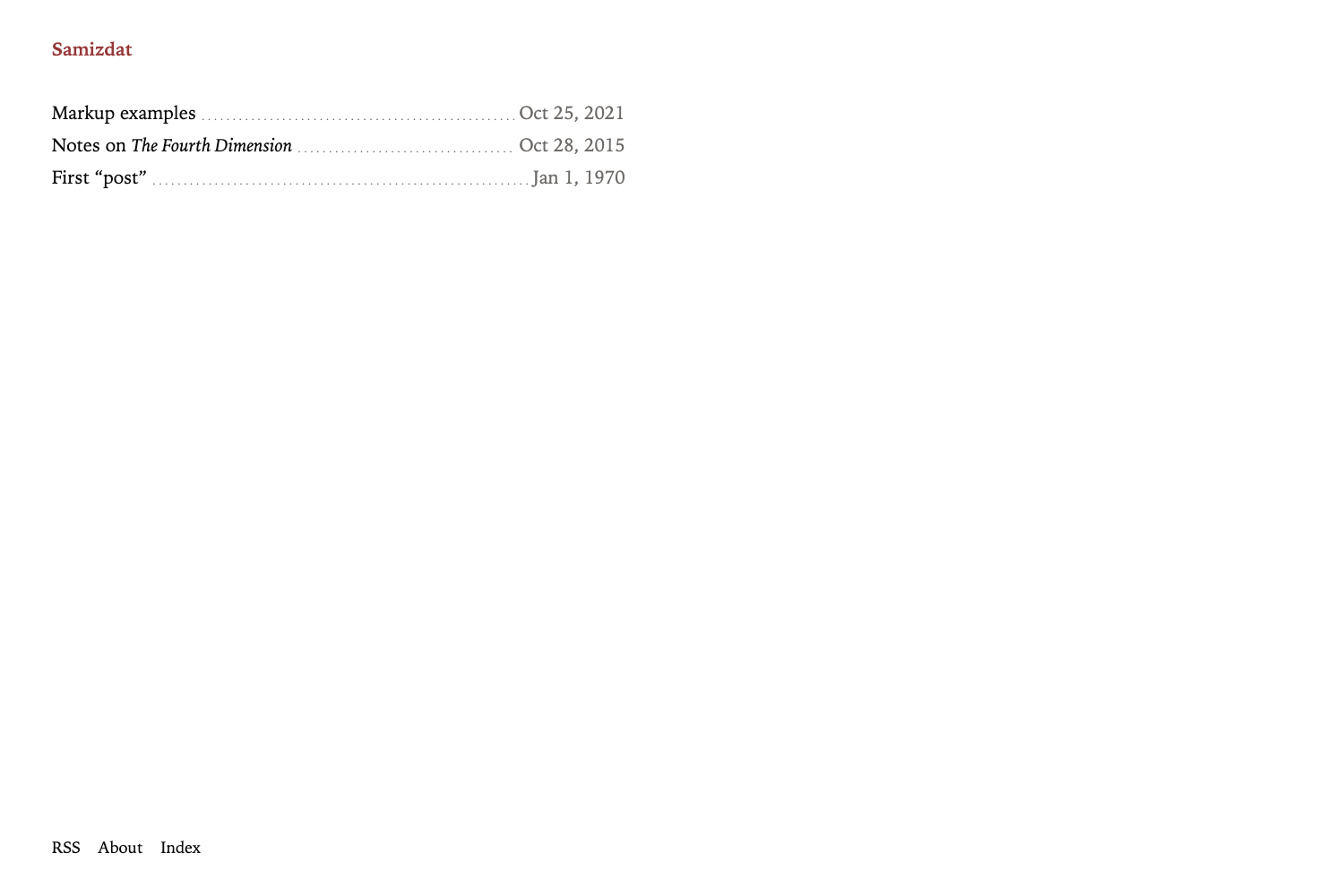
Brutalist-Minimalist Gohugo Theme is a Hugo theme for blogs and documentation that applies brutalist web design to keep content readable without decoration, while adding KaTeX math, print styles, and a book catalog system. It is maintained by Markus E. Leypold on GitLab and uses the static site generator Hugo to build fast, mostly unstyled pages from Markdown.
What is Brutalist-Minimalist Gohugo Theme?
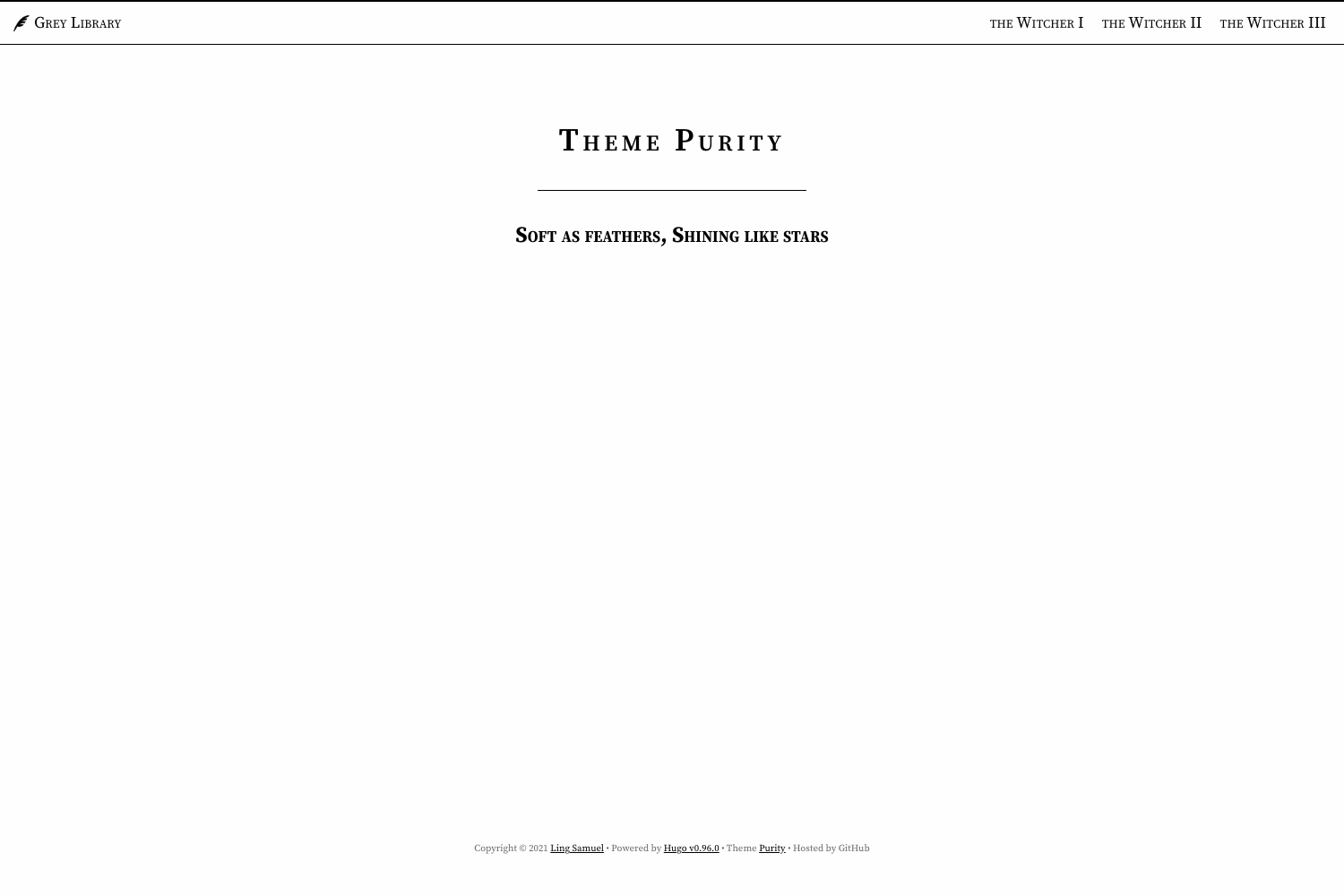
This Hugo theme transforms Markdown content into a responsive static website with minimal visual decoration, inspired by David Copeland's brutalist web design manifesto: "content true to its construction." The theme installs into a Hugo project, reads content files such as blog posts, site pages, and book records under content/book, and outputs HTML with a home page that lists recent posts. It uses custom CSS defined in assets/css with dark blue bars for the header and footer, and includes templates for regular pages and blog posts.
Key Features
- Content-first styling — The theme uses minimal CSS so pages remain readable even without stylesheets, following brutalist design principles.
- KaTeX math support — Math notation is rendered by the KaTeX library, making the theme suitable for technical or academic articles.
- Print stylesheet — An included print style renders pages like a printed article; known limitations affect Safari on iPadOS and the header frame in print output.
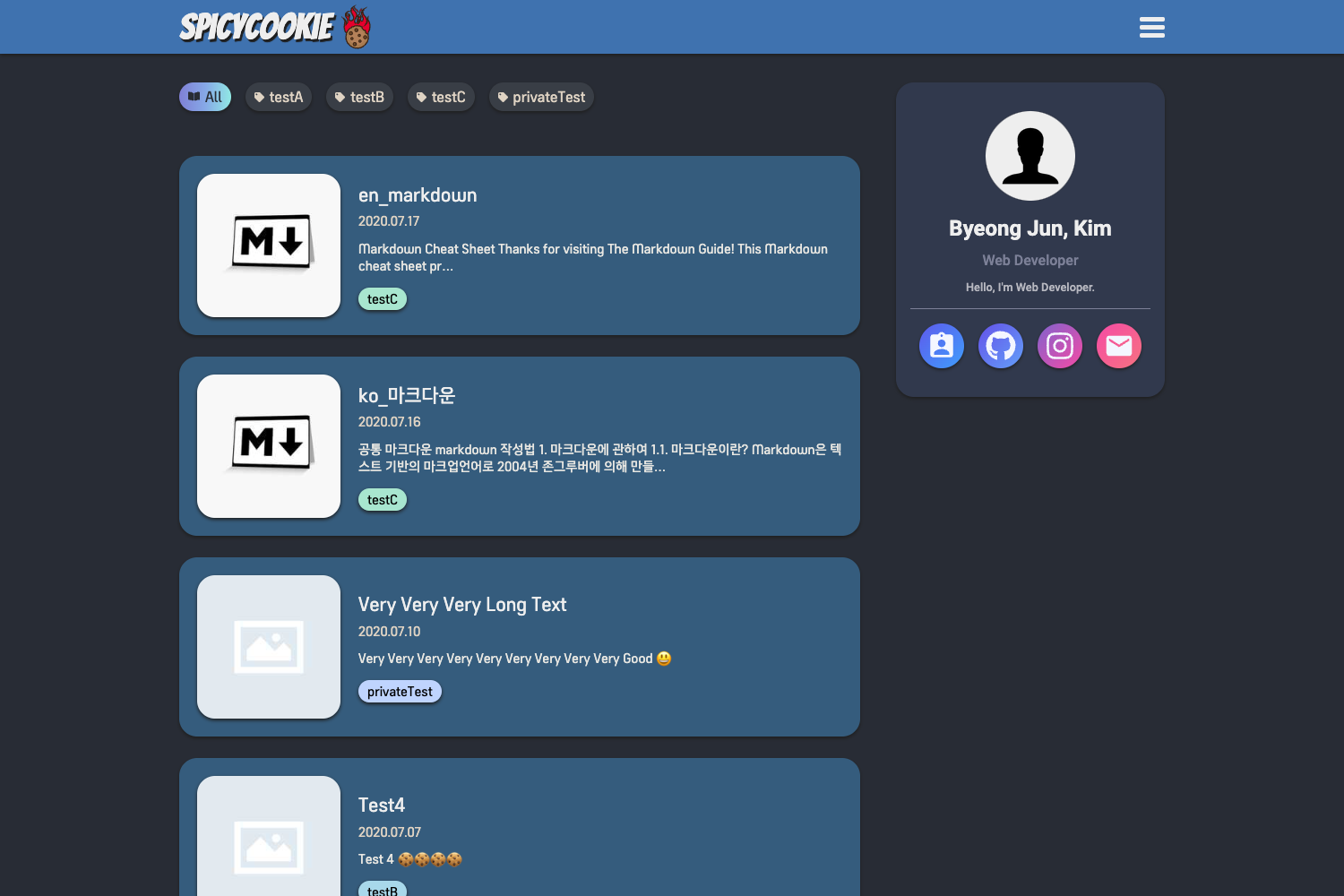
- Book database templates — Create records under content/book with the required metadata to build a catalog of (primarily free) books, rendered as structured card-like listings.
- Tag archives with item types — Tag listing pages show each item's type (book, blogpost, documentation) so readers can distinguish content categories.
- Banner shortcode — A simple shortcode generates a large 400% font banner box, intended for notices like "Website under construction."
- Deployment script — A scripts/deploy helper uploads the built site to a remote server based on config.toml settings, with its own --help documentation.
- Example site included — An exampleSite directory provides a complete sample configuration and content structure to start from.
Who is it for?
Brutalist-Minimalist is aimed at Hugo users who want a lean, content-focused site without heavy design frameworks. Bloggers can publish posts and rely on the recent-posts home section. Technical writers and academics can take advantage of KaTeX math and print styles for documentation. Developers building small directories or catalogs (like the included book database pattern) get predefined content types and tag listing behavior. The theme also suits anyone interested in brutalist web design aesthetics.
What can you do with Brutalist-Minimalist Gohugo Theme?
- Personal bloggers: Write Markdown posts and publish them to a minimal, responsive site with automatic recent-posts listing.
- Technical and academic writers: Embed KaTeX math in articles and export clean print versions from the browser.
- Book curators: Add book records with metadata under content/book to create a searchable book catalog with tag-based filtering.
- Self-hosters: Use the provided scripts/deploy tool to upload the generated static site to your own server straight from the command line.
Pros and cons
- Pro: Content readability is preserved even when CSS is not applied.
- Pro: The theme includes KaTeX math and a print stylesheet as core features.
- Con: The table of contents disappears on small mobile screen sizes (known bug BM-1).
- Con: Printing is partially broken in Safari on iPadOS and the header frame is lost in print output (known bugs BM-2 and BM-3).
FAQ
Does the theme support math notation?
Yes. The theme integrates KaTeX to render mathematical expressions written in LaTeX-style markup within the content. This makes it useful for technical or scientific posts.
Is the theme free to use?
The source code is publicly available on GitLab and the repository includes a LICENSE file, so it can be downloaded and used according to the terms defined there.
What known issues exist?
The CHANGELOG lists three known bugs: the table of contents vanishes on very small windows (BM-1), the print style is partially ignored by Safari on iPadOS (BM-2), and the header frame is lost in printing (BM-3). These are acknowledged as of the latest release.
How can I deploy my site with this theme?
The repository includes a scripts/deploy script that uploads the built Hugo site to a server according to your config.toml configuration. Run the script with --help to see its options.