Template details
Sicily
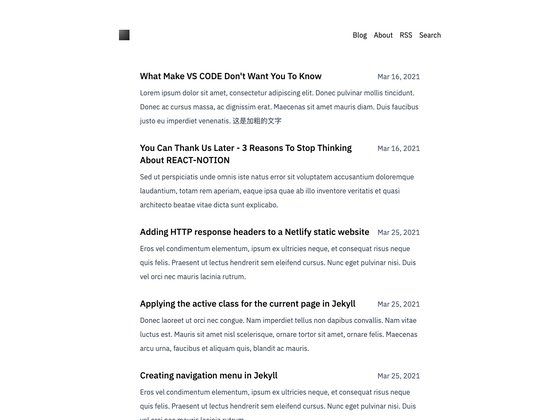
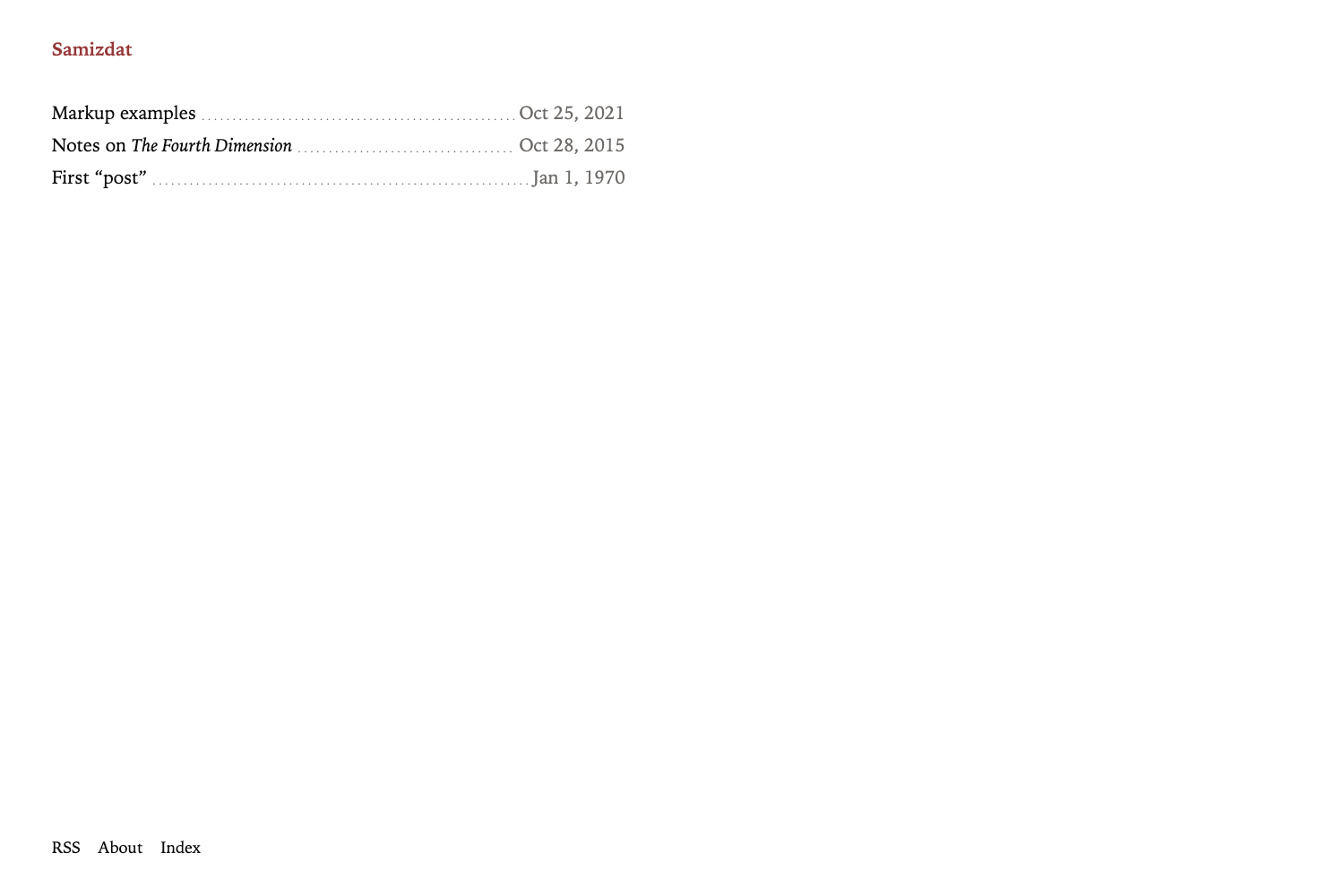
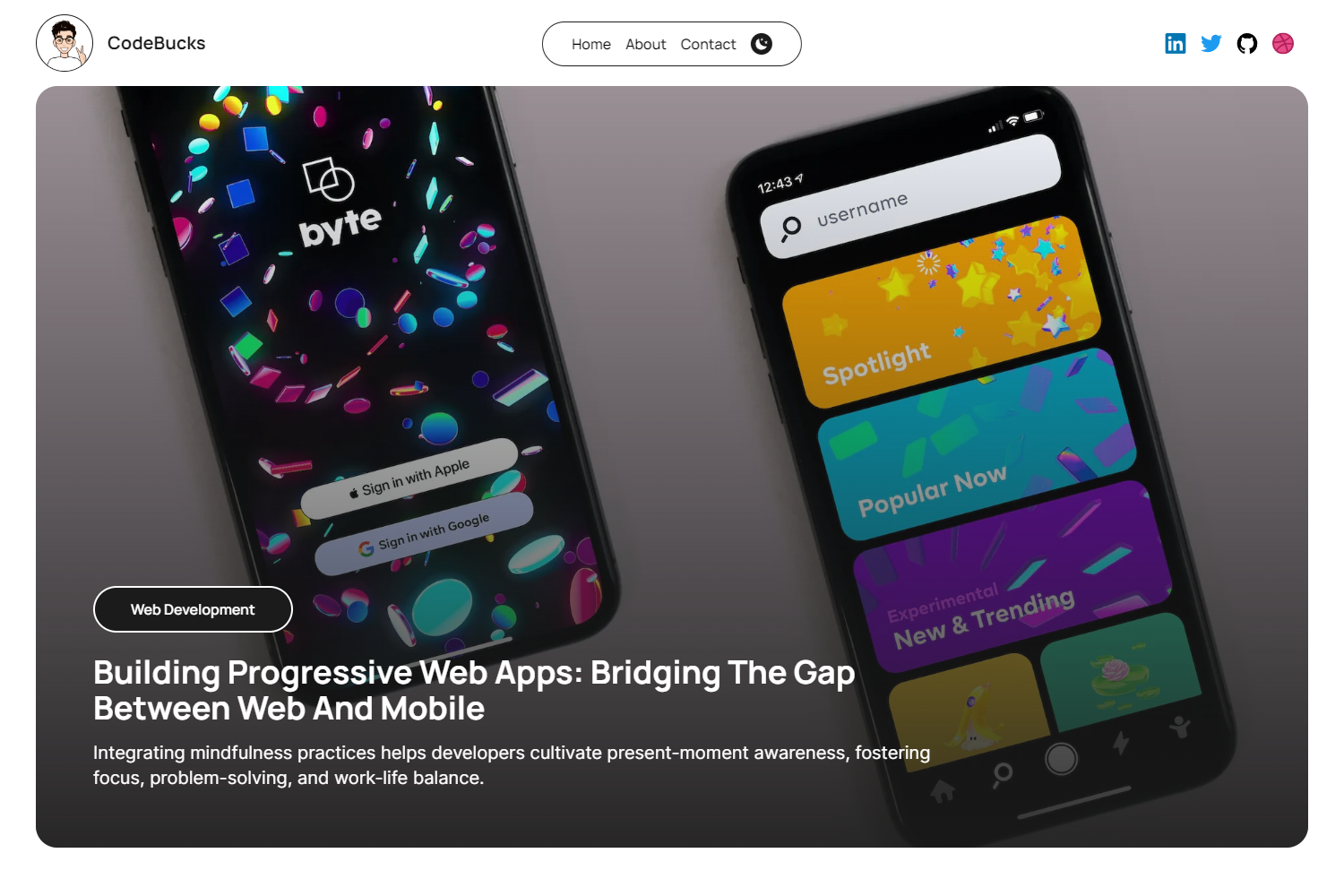
Minimal black-and-white editorial Hugo theme with landing, blog, pricing, FAQ, and contact sections — no JavaScript framework needed.
About this template
Sicily is a minimal black-and-white editorial Hugo theme that ships a landing page, blog, pricing, FAQ, and contact section with no JavaScript framework and no build step beyond Hugo itself.
What is Sicily?
Sicily is a Hugo theme built by cristianmarint (Flexyflow) and originally derived from Themefisher's Bigspring startup theme. It consumes standard Hugo markdown content plus a data/homepage.yml file, and outputs a static website with a paginated blog, a three-column pricing table, a two-column FAQ grid, and a configurable contact form. The theme requires Hugo extended v0.128.0 or newer because it compiles SCSS via the css.Sass function. It is distributed under the MIT license, free for personal and commercial use.
Key Features
- No JavaScript framework — The theme has no front-end framework and no JS build step; the only build tool is Hugo itself, which compiles SCSS.
- Pagination-driven blog — Blog post summaries respect the
summaryLengthparameter and posts per page come from thepagerSizesetting; a post withtype: "featured"renders in a wide layout at the top. - Three-column pricing table — The pricing page is generated from
content/pricing/_index.mdfront matter keysintro,enterprise, andbase. - FAQ shortcode — FAQ entries use a shortcode that takes a question and markdown answer, rendered into a two-column grid.
- Contact form — The contact page posts to a configurable action URL, working with Netlify Forms, Formspree, or any HTTP POST endpoint.
- SCSS variable theming — Centralized variables in
assets/scss/_variables.scsscontrol primary color, text color, body color, light shade, and font (default Lato); changingprimary-colorre-colors the whole theme. - Config-driven extras — Header call-to-action button, preloader, footer company address, per-person contact cards, social links, and vendored CSS/JS plugins are all set in
config.toml. - Standard Hugo menus —
main,company, andproductmenus drive the header and footer columns.
Who is it for?
- Bloggers and writers — Publish a clean editorial blog with featured posts, summaries, pagination, and single-post layouts.
- Small businesses and startups — Present a product with landing, pricing, FAQ, and contact sections, all in a single static site.
- Hugo developers — Use it as a starter theme and customize SCSS variables or override partials by placing same-path files in the project root.
- Design-focused site owners — Get a black-and-white, typography-first look that can be rebranded by editing one accent-color variable.
What can you do with Sicily?
- Indie bloggers: set up a self-hosted blog quickly by cloning the theme, copying the exampleSite content and config, and running
hugo server. - Startup teams: launch a marketing site with pricing tiers, FAQ, and a contact form, deployable to Netlify using the provided
netlify.toml. - Freelancers: create a personal service page with contact form, social links, and footer contact cards, then redeploy by changing a few config values.
How does Sicily work?
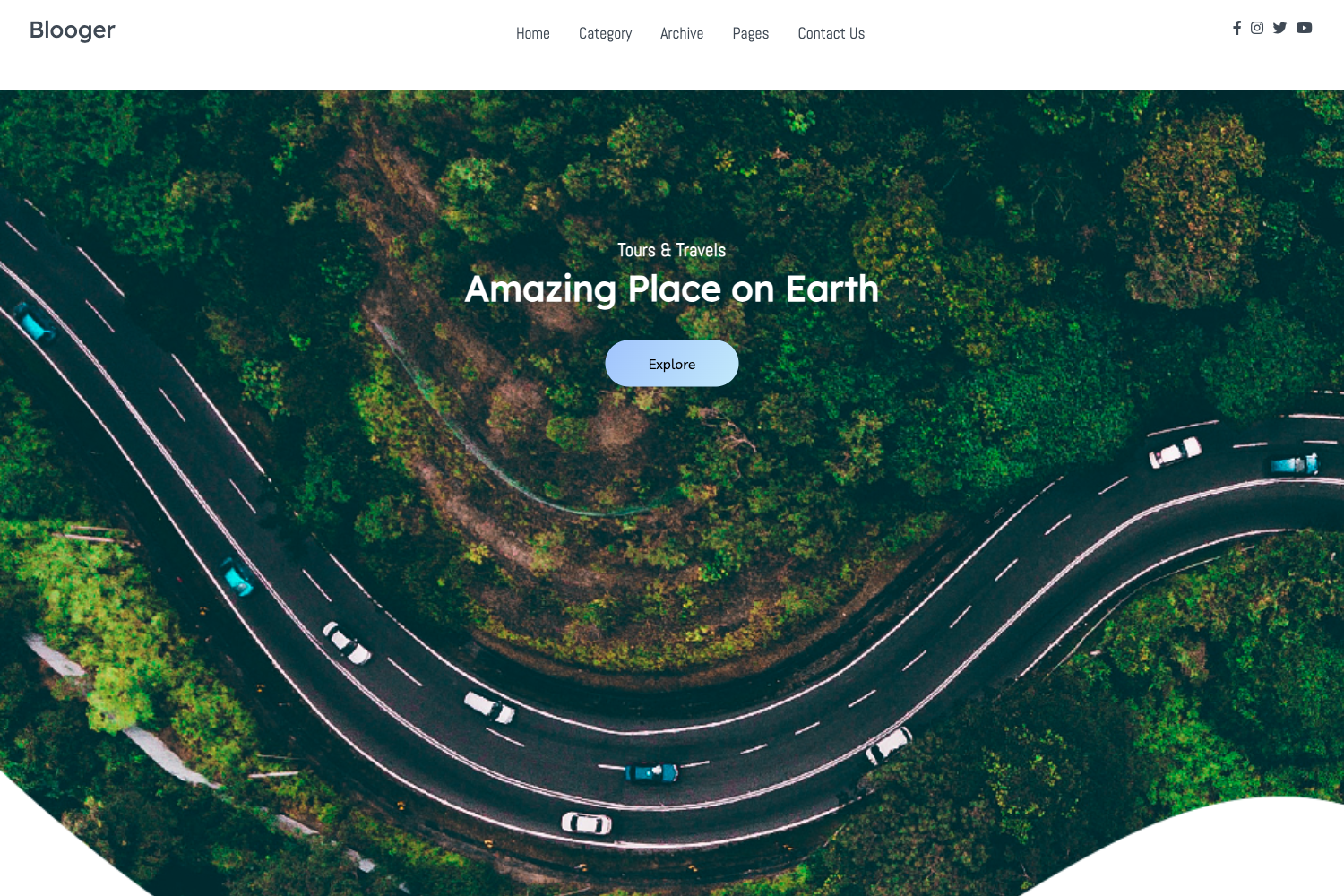
Sicily follows the standard Hugo workflow: content lives in the content/ directory, the homepage banner and 404 illustration come from data/homepage.yml, and layouts are selected by top-level section (blog, pricing, faq, contact). The theme compiles its SCSS at build time, so Hugo extended is required. To try the demo, clone the repository, enter exampleSite, and run hugo server with the themesDir set to ../..; to use it in your own site, add the repository as a submodule under themes/sicily and copy the exampleSite config, content, and data folders.
Pricing
Sicily is free. The theme is licensed under MIT, allowing personal and commercial use without charge.
FAQ
Does Sicily require Hugo extended?
Yes. The theme compiles SCSS with css.Sass, which is only available in Hugo extended v0.128.0 or newer. Running the standard build will fail; the Netlify configuration sets HUGO_VERSION to 0.164.0, which includes the extended binary.
Is Sicily free?
Yes, the theme is MIT-licensed and free for personal and commercial use. The author also provides a PayPal "buy me a coffee" link if you want to support development.
How do I add a featured blog post?
Add type: "featured" to the front matter of any post in content/blog/. The theme will render that post in the wide layout at the top of the blog list; all other posts render as regular cards.
How do I change the accent color?
Edit the primary-color variable in assets/scss/_variables.scss. The change cascades to buttons, links, pagination, blockquotes, and list bullets. To override the theme's file, place a copy of the same path in your own site's assets/scss/_variables.scss.
How do I configure the contact form?
Set the params.contact_form_action key in config.toml to the POST endpoint of your form service, such as Netlify Forms or Formspree. The contact page (_index.md in content/contact/) then submits to that URL.