Template details
hexo-theme-snark
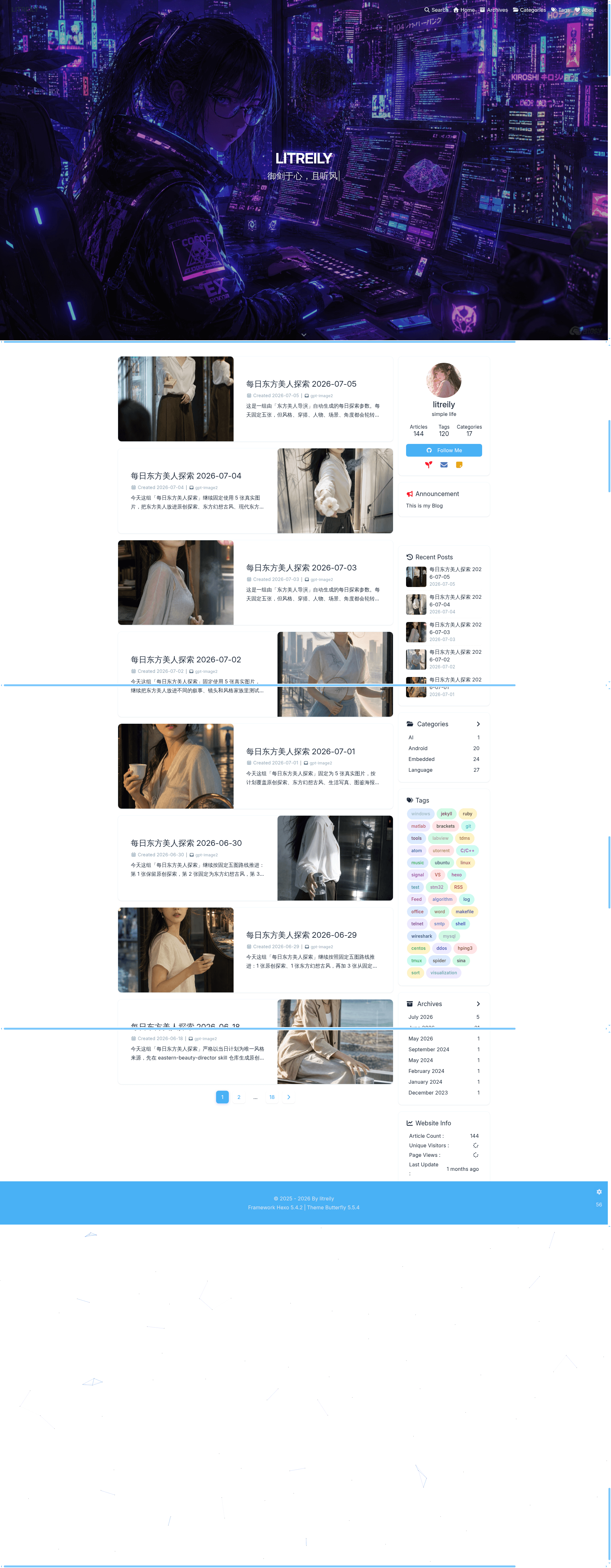
A simple, Lofter-style Hexo blog theme with Pug/Sass, Valine comments, and built-in analytics.
About this template
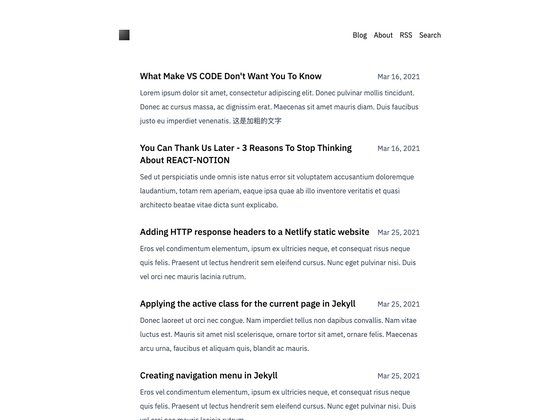
hexo-theme-snark is a minimalist Hexo blog theme with a Lofter-inspired design that compiles Markdown posts into a responsive static site with built-in Baidu Analytics, syntax highlighting, Valine comments, local search, and Fancybox image lightbox support.
What is hexo-theme-snark?
hexo-theme-snark is an open-source theme for the Hexo static site generator, created by litreily. It uses Pug for templating and Sass for styling, requiring the hexo-renderer-pug and hexo-renderer-sass plugins to build. The theme turns a Hexo blog's Markdown source files into a single-column, responsive website with auxiliary pages for archives, categories, tags, and about. It is distributed via GitHub at https://github.com/litreily/hexo-theme-snark and has 77 stars.
Key Features
- Baidu Analytics — Drop-in integration for Baidu analytics tracking; configure via the site config.
- Code Highlighting — Supports both Google Code Prettify and Highlight.js, with Highlight.js as the default renderer.
- Valine Comment System — Commenting is powered by Valine (a LeanCloud-based system); Valine parameters are set in the theme's _config.xml file.
- Image Lightbox — Uses Fancybox to display images in an overlay viewer.
- Local Search — Works with hexo-generator-search to provide a client-side search experience.
- Responsive Layout — The theme adapts to different screen sizes.
- Font Awesome 4.7.0 — Included icon set for UI elements.
- Copyright Notice — Automatically appends or displays a copyright notice on posts.
- General Pages — Predefined layout support for archives, categories, tags, and about pages.
Who is it for?
- Hexo bloggers who want a clean, Lofter-style personal blog theme with minimal visual clutter.
- Developers who are comfortable with Hexo and want a theme that uses Pug and Sass for easy customization.
- Privacy-conscious writers who prefer a self-hosted comment system like Valine over third-party embedded widgets.
What can you do with hexo-theme-snark?
- Personal bloggers: Publish Markdown posts and have them rendered into a responsive archive-style layout with tags and categories.
- Static site maintainers: Pair the theme with hexo-generator-feed, hexo-generator-search, and hexo-generator-sitemap to add RSS, search, and SEO sitemaps.
- Customizers: Override styles by adding a custom stylesheet at source/css/customize.scss, which is automatically loaded in the head.
How does hexo-theme-snark work?
The theme is installed by cloning the repository into the themes/snark directory and installing two Hexo renderers (Pug and Sass). You must disable Hexo's default syntax highlighting in _config.yml because the theme brings its own highlighter. After that, create standard pages like archives, categories, tags, and about using hexo new page. Optional plugins provide feed, search, and sitemap functionality.
FAQ
Which comment system does hexo-theme-snark support?
The theme currently supports only Valine. To enable it, set the Valine parameters in the theme's _config.xml file, including your LeanCloud credentials.
Which code highlighters can I use?
hexo-theme-snark ships with two options: Highlight.js (the default) and Google Code Prettify. You switch between them in the theme configuration.
What optional plugins work with hexo-theme-snark?
The documentation recommends hexo-generator-feed for RSS, hexo-generator-search for local search, and hexo-generator-sitemap for sitemap generation. Install them with npm if you need those features.