Template details
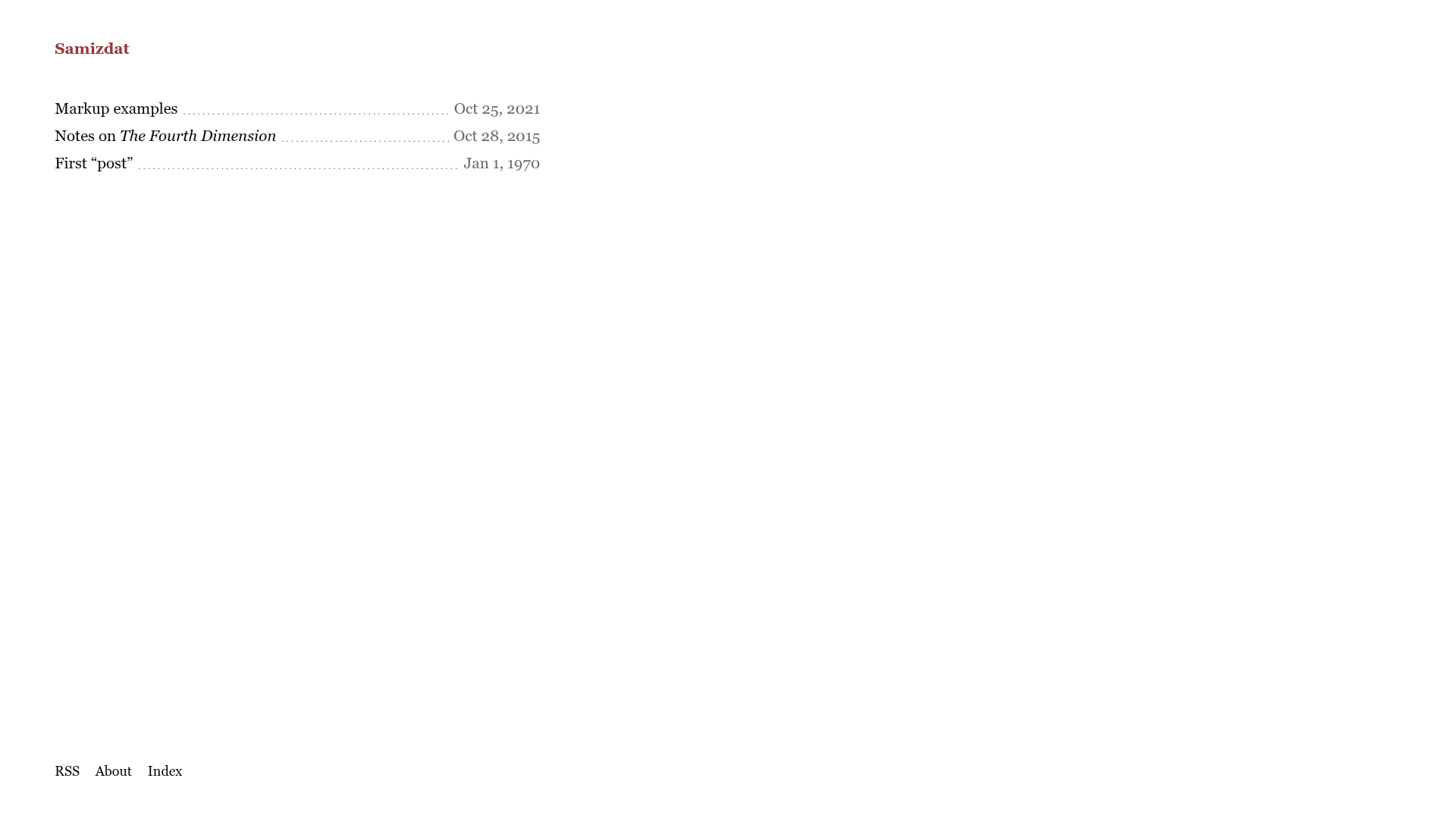
Samizdat
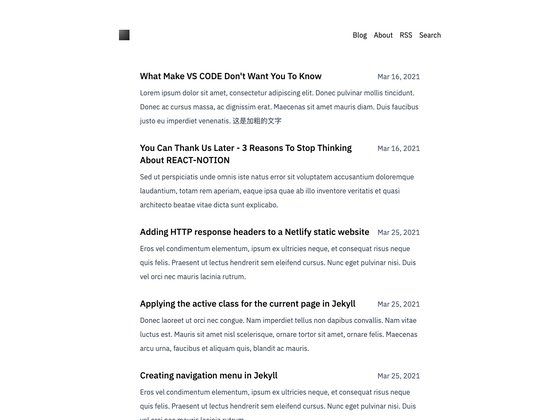
A Jekyll theme that publishes a blog or zine as a single HTML file with an RSS feed on GitHub Pages.
About this template
Samizdat is a Jekyll theme for self-publishing that compiles Markdown posts and pages into a single self-contained HTML file plus an RSS feed, ready to host on GitHub Pages.
What is Samizdat?
Samizdat is a Jekyll theme named after the Russian word "самиздат" meaning "self-publishing". It takes content written in Markdown in the _posts and _pages folders and generates a single HTML file containing the entire publication, along with an RSS feed. The theme is designed for use with GitHub Pages and requires no JavaScript in the output, making it lightweight and easy to distribute. The project repository has 10 stars on GitHub and is categorized by its author as a no-js, single-file static site generator theme.
Key Features
- Single-file output — The build produces one self-contained HTML file that holds all posts and pages, simplifying offline reading and archiving.
- RSS feed generation — A standard RSS feed is generated alongside the HTML so readers can subscribe to updates.
- No JavaScript — The final site contains no client-side scripts, which keeps page loads fast and works without a modern browser.
- Markdown authoring — All content is written in Markdown, with posts going in
_postsand static pages in_pages. - Simple configuration — Publication details such as site title and metadata are set in a single
_config.ymlfile. - GitHub Pages integration — After clicking "Use this template", enabling GitHub Pages in the project settings is all that is needed to go live.
- Custom domain option — The author notes that users may be able to attach their own domain name, though this is not fully documented.
Who is it for?
- Independent writers and zine makers — Publish a personal journal, essay collection, or zine as a single portable HTML file that can be shared via email or archived.
- Jekyll users — Anyone already comfortable with the Jekyll workflow can quickly adapt to this theme's standard
_postsand_config.ymlstructure. - Minimalist publishers — Those who want a no-JavaScript, low-dependency web presence that loads instantly and works on any device.
What can you do with Samizdat?
- Start a personal blog — Write posts in Markdown, edit
_config.ymlfor the title, and get a clean single-page blog with an RSS feed on GitHub Pages. - Create a digital zine or chapbook — Compile essays or poems into one HTML file that readers can download and keep.
- Publish a lightweight documentation page — Add static pages via
_pagesto create a simple manual or reference guide without a separate docs generator.
How does Samizdat work?
- Click "Use this template" on the GitHub repository to create your own copy of the project.
- Enable GitHub Pages in the project settings.
- Edit the publication details in
_config.ymland add Markdown files to_postsand_pages. - Commit and push changes; Jekyll automatically builds the single HTML file and RSS feed.
FAQ
Does Samizdat require JavaScript?
No. The theme is explicitly built as a no-js template, meaning the generated HTML file works without any client-side scripts. This makes it suitable for simple browsers, offline reading, and archiving.
Can I use my own domain?
The author mentions that you might be able to use your own domain name, but notes they have not gone that far in testing. GitHub Pages generally supports custom domains, so this likely works, though it is not documented in the template.
What does "самиздат" mean?
"Самиздат" (samizdat) is Russian for "self-publishing". It historically referred to the clandestine copying and distribution of literature in the Soviet era. This theme adopts the name to evoke independent, self-produced publishing.