Template details
bUnit
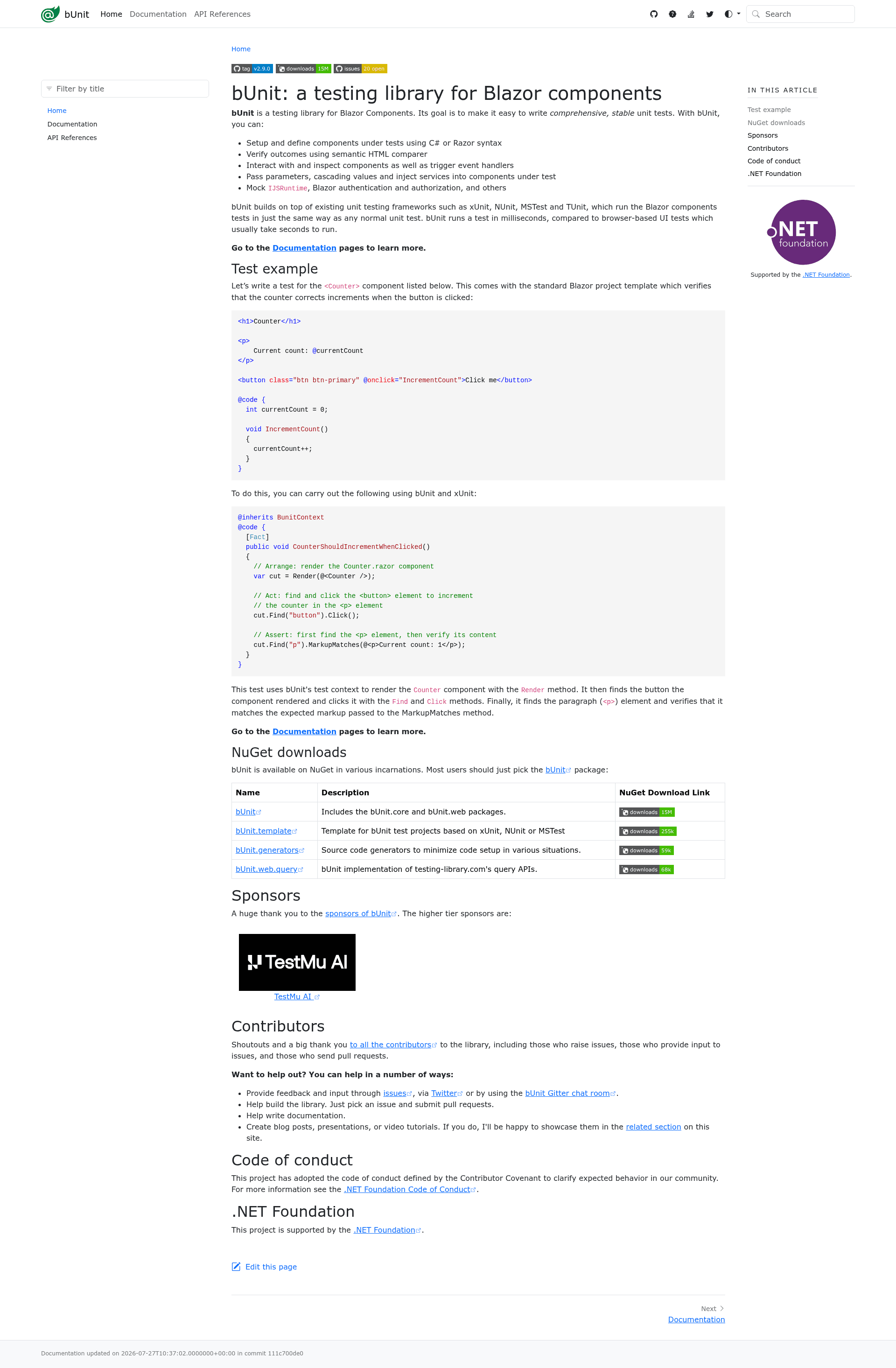
bUnit is a testing library for Blazor components that makes tests look, feel, and run like regular unit tests.
About this template
bUnit is a testing library for Blazor components that lets developers write unit tests using C# or Razor syntax and verify rendered markup with a semantic HTML comparer. It runs on .NET and integrates with existing unit test frameworks such as xUnit, NUnit, MSTest, and TUnit.
What is bUnit?
bUnit is a .NET library that unit tests Blazor components without a browser. It takes a component under test, renders it with specified parameters and services, and exposes the resulting markup for assertions. The library is maintained by the bUnit-dev community and is supported by the .NET Foundation.
Key Features
bUnit comes with a set of features that cover the full component-testing workflow.
- C# or Razor component setup — Tests can define a component using either C# code or Razor syntax directly in the test file, letting developers choose the style that fits each test.
- Semantic HTML comparer — The built-in comparer validates rendered markup while ignoring insignificant differences like whitespace and attribute ordering, making tests more resilient.
- Event handler triggering — bUnit can trigger events such as clicks, input changes, and lifecycle events to simulate user interactions and verify the component’s response.
- Parameter, cascading value, and service injection — Pass parameters, cascading values, and inject services into the component under test, so each test can control the component’s full context.
- Built-in mocks for common services — Mock IJSRuntime, Blazor authentication and authorization, and other services out of the box, removing the need for manual mocking frameworks.
- Runs in any major unit test framework — bUnit integrates with xUnit, NUnit, MSTest, and TUnit, so tests execute and are reported exactly like other unit tests.
- Fast test execution — Tests run in milliseconds, compared to browser-based UI tests that typically take seconds per test.
- Multiple NuGet packages — The main bUnit package includes component testing support; bUnit.template creates xUnit-based test projects; bUnit.generators provides source generators to reduce setup; and bUnit.web.query offers testing-library.com-compatible query APIs.
Who is it for?
bUnit is aimed at anyone who needs fast, deterministic tests for Blazor components.
- Blazor developers — Anyone building Blazor components who wants fast, deterministic unit tests that don’t require launching a browser.
- .NET test engineers — Teams already using xUnit, NUnit, MSTest, or TUnit that need to add component-testing coverage alongside existing unit tests.
- Razor component library maintainers — Developers who ship reusable component libraries and need a deterministic way to verify component behavior across versions.
What can you do with bUnit?
Using bUnit, you can cover the most common component-testing scenarios without a browser.
- Test component output — Render a component with a given set of parameters and assert on the exact HTML produced, including classes, attributes, and content.
- Simulate user interactions — Trigger button clicks, text input, and other events, then assert that the component updated state or markup accordingly.
- Test authentication scenarios — Mock authentication and authorization to test components that render different content based on user roles.
- Verify JavaScript interop — Mock IJSRuntime to assert that a component calls expected JavaScript functions with expected arguments.
How does bUnit work?
bUnit integrates with the unit test framework by providing a test context that renders the component under test, passes parameters and services, and triggers events. After the component renders, bUnit’s semantic HTML comparer verifies the markup against your assertions. The entire test runs outside a browser via the existing test framework, completing in milliseconds.
FAQ
bUnit answers the questions developers ask most when adopting component testing.
Which unit test frameworks does bUnit support?
bUnit works with xUnit, NUnit, MSTest, and TUnit. You can use whichever framework your project already uses, and bUnit tests run the same way as your other unit tests.
Does bUnit require a browser?
No. bUnit runs entirely in a unit test environment without a browser, which is why tests complete in milliseconds rather than seconds like browser-based UI tests.
What .NET versions are compatible with bUnit?
bUnit 1.x supports .NET Core 3.1 up to .NET 9. bUnit 2.x requires .NET 8 or later. You should match the bUnit major version to your target framework.
How do I install bUnit?
Install the bUnit NuGet package into a test project. You can also use bUnit.template to generate an xUnit-based test project, and add bUnit.generators or bUnit.web.query if you need source generation or testing-library-style queries.