Template details
Nuxt HTTP
Universal HTTP Module for Nuxt.js
About this template
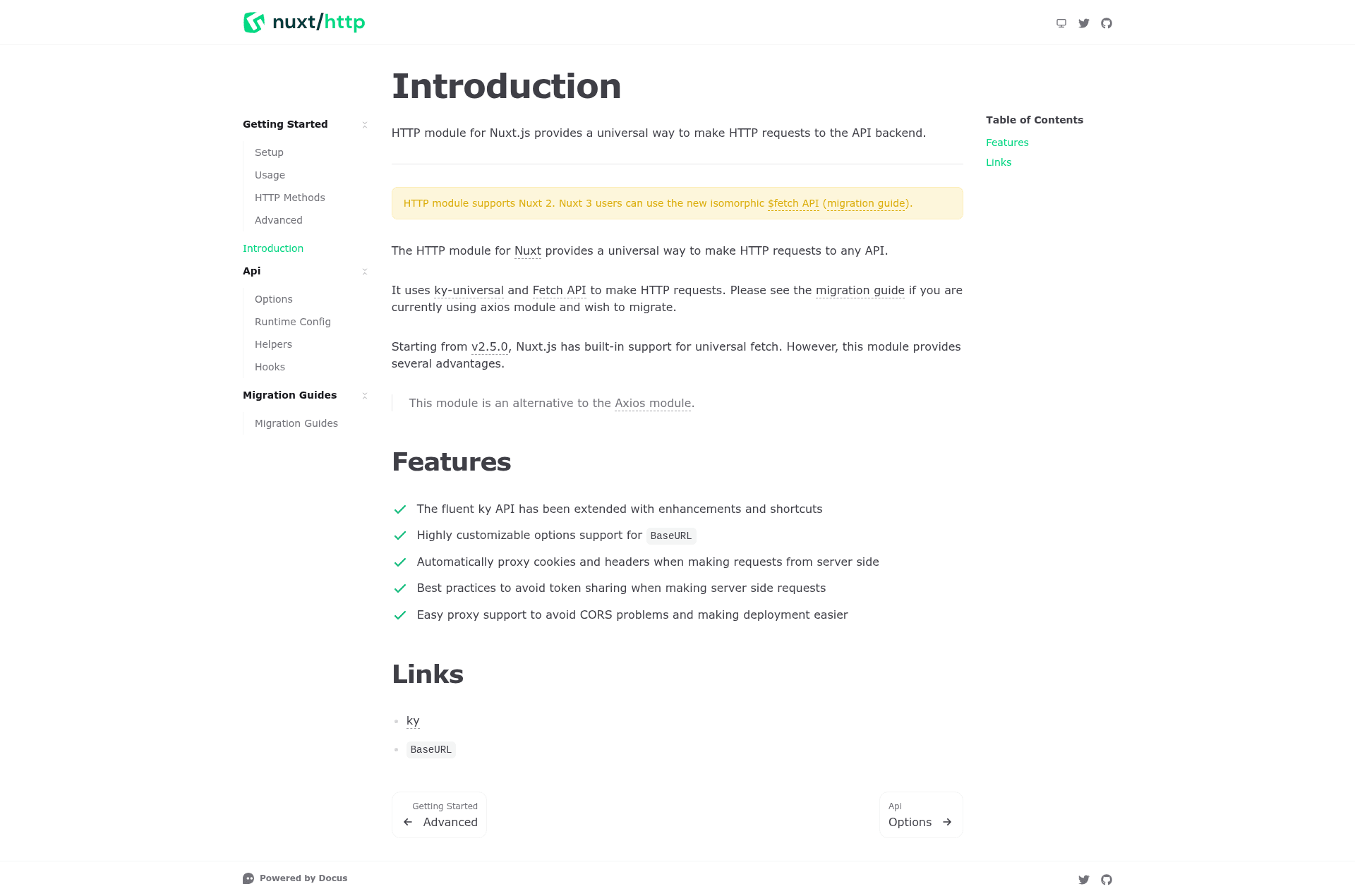
Nuxt HTTP is a Nuxt module that provides a universal, isomorphic HTTP client for Nuxt.js 2 applications, giving server-side and client-side code a single API for requesting backend services. Built and maintained by the Nuxt.js Team, it wraps the fluent ky HTTP library and adds Nuxt-specific enhancements.
What is Nuxt HTTP?
Nuxt HTTP is an official Nuxt module that adds an $http instance to your Nuxt app, using the ky API extended with Nuxt shortcuts. It accepts configuration options like a BaseURL and automatically handles the environment (server or client) so the same request syntax works everywhere. The module only supports Nuxt 2; Nuxt 3 projects should use the built-in isomorphic $fetch API instead.
Key Features
- Extended ky API — Nuxt HTTP builds on the fluent, promise-based ky HTTP client and adds convenience methods and Nuxt-specific shortcuts.
- BaseURL configuration — Set a global BaseURL through configuration options, making it easy to point every request at one backend.
- Automatic cookie and header proxying — When requests run on the server side, cookies and headers from the incoming request are forwarded automatically to the backend.
- Token-sharing prevention — Includes best practices to avoid leaking user tokens between concurrent server-side requests.
- Proxy support for CORS — Easy proxy configuration reduces CORS problems in development and simplifies deployment.
- MIT licensed — Free to use in commercial projects, with source available on GitHub.
Who is it for?
Nuxt HTTP is for Nuxt 2 developers who need a consistent HTTP client across client and server rendering. It suits API-driven applications, SSR projects that must forward authentication cookies, and teams already using ky and wanting tight Nuxt integration.
What can you do with Nuxt HTTP?
- Full-stack Nuxt developers: Make HTTP requests to your backend from
asyncData, server middleware, or client code with the same$httpmethod. - SSR apps with authenticated APIs: Automatically forward cookies and headers on server-side calls to keep sessions working.
- Teams using ky: Drop Nuxt HTTP in place to benefit from ky's fluent interface plus Nuxt-specific configuration and proxy support.
How does Nuxt HTTP work?
Install the module via yarn and add it to the modules array in your Nuxt config. Then call $http anywhere in your app — on client or server — and the module maps it to the right environment, applying your BaseURL and proxy settings automatically. For development, clone the repo, run yarn install, and start the dev server with yarn dev to see the example at http://localhost:3000/mounted.
FAQ
Does Nuxt HTTP support Nuxt 3?
No, Nuxt HTTP supports Nuxt 2 only. For Nuxt 3, use the built-in isomorphic $fetch API, which is available globally and covers most of the same use cases.
What HTTP client does Nuxt HTTP use?
Nuxt HTTP is built on top of ky, a modern and lightweight HTTP client, and extends its API with Nuxt-specific conveniences.
How do I install Nuxt HTTP?
Use yarn or npm to install @nuxt/http, then add it to the modules section of your nuxt.config.js file. Documentation is available at http.nuxtjs.org.
Alternatives
- @nuxtjs/axios — a popular Nuxt module for HTTP requests that uses the axios library instead of ky.