Template details
Cactus
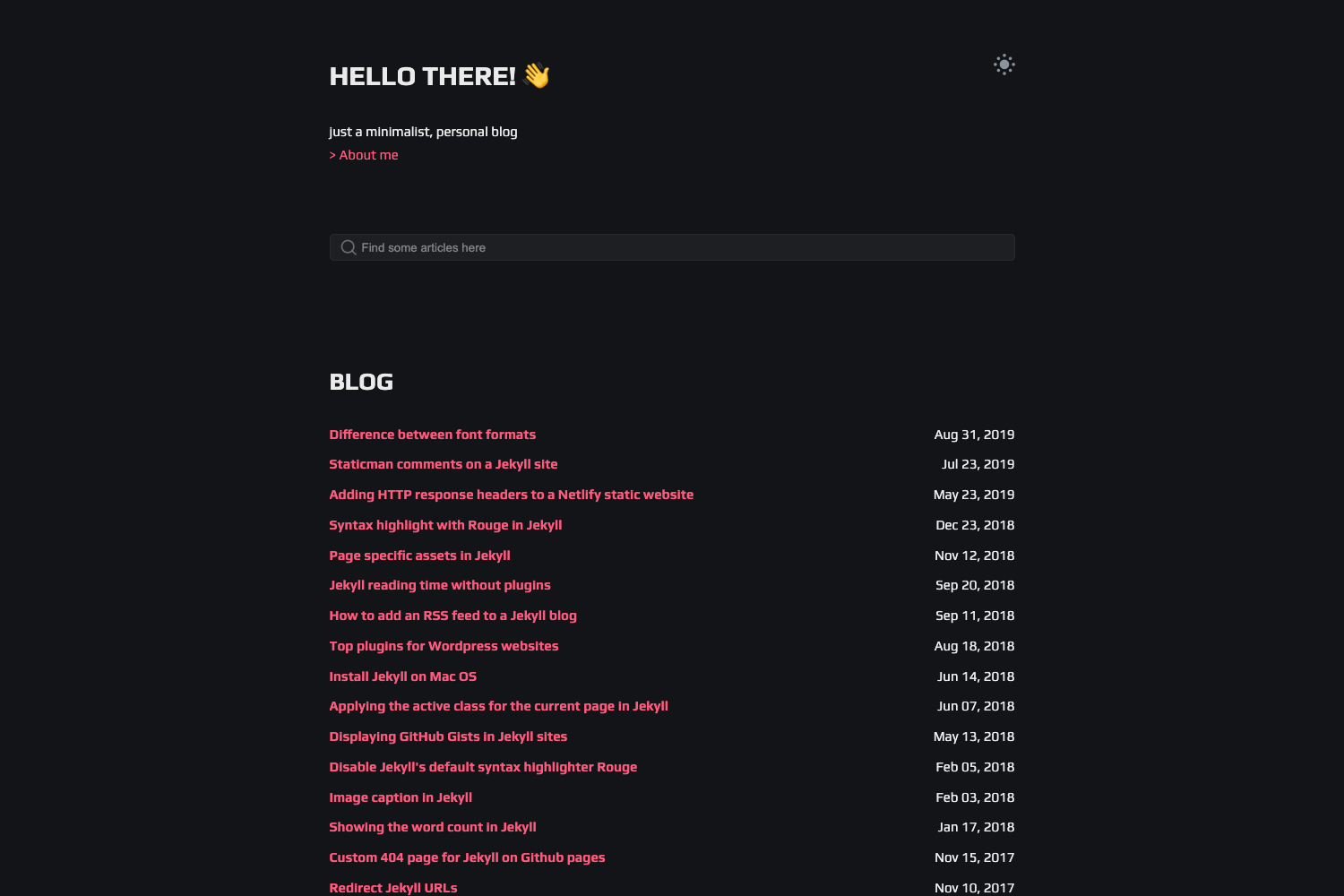
A minimalistic Hugo theme for bloggers with Disqus comments, an about page, and RSS support.
About this template
Cactus is a minimalistic Hugo theme for bloggers that ports the classic Cactus design to Hugo, bundling Disqus comments, a customizable about page, RSS support, and syntax highlighting into a single clean layout.
What is Cactus?
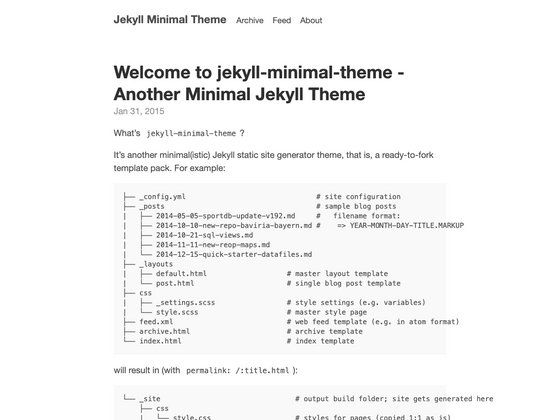
Cactus is a minimalistic theme for the Hugo static site generator, built as a port of Nick Balestra's Cactus theme for Jekyll, which itself derives from the default theme of the Python-based Cactus static site generator. It takes Markdown content from a Hugo site and renders a blog with an about page, social links, and post-specific sharing options. The theme is maintained in the digitalcraftsman/hugo-cactus-theme repository on GitHub and is released under the MIT license.
Key Features
- Disqus integration — Comment system powered by Disqus; activate by adding your Disqus shortname to the config.toml file.
- Customizable about page — Define the about page content directly in config.toml and replace the avatar placeholder at static/images/avatar.png with your own image.
- RSS feed support — Built-in support for RSS feeds so readers can subscribe to your posts.
- Syntax highlighting — Source code in blog posts is highlighted without requiring an external plugin.
- Social sharing options — Blog posts include sharing options for readers to spread content.
- Social link icons — Footer panel supports two icon fonts: Font Awesome and Mono social icons, switchable via the iconFont variable in config.toml.
- Minimalistic design — Based on the default Cactus site generator theme, emphasizing a clean, uncluttered reading experience.
Who is Cactus for?
Cactus is suited for bloggers who want a simple, content-focused site and are comfortable configuring a static site generator. Developers using Hugo will appreciate the straightforward config.toml setup and the ability to theme a personal blog without extra build tools. It also appeals to users migrating from the Jekyll Cactus theme who want the same visual style in the Hugo ecosystem.
What can you do with Cactus?
- Personal bloggers: Publish a minimalistic blog and let readers engage through Disqus comments.
- Hugo developers: Use the theme as a lightweight starting point, customizing the config.toml to adjust site metadata, social links, and about page content.
- Jekyll-to-Hugo migrators: Recreate the look of Nick Balestra's Cactus theme on a Hugo site while keeping a similar setup workflow.
How does Cactus work?
Installation is straightforward: clone the repository into your Hugo site's themes directory, copy the exampleSite/config.toml to the root of your site, and update the themesDir property. Then run the built-in Hugo server to preview the site at localhost:1313.
Pricing
Cactus is free and open source, released under the MIT license. There are no paid tiers or activation fees.
Pros and cons
- Pro: Includes Disqus, RSS, syntax highlighting, and sharing features out of the box.
- Con: The original theme is no longer maintained; an actively developed fork is available at github.com/nodejh/hugo-cactus-theme-plus.
FAQ
Is Cactus still maintained?
The original Hugo Cactus theme is no longer maintained, as stated on the GitHub page. A maintained fork, hugo-theme-cactus-plus, is available at github.com/nodejh/hugo-cactus-theme-plus.
How do I install the Cactus theme for Hugo?
Clone the repository into your themes folder with the command: git clone https://github.com/digitalcraftsman/hugo-cactus-theme.git. Then copy the config.toml from the exampleSite folder to your Hugo site root and adjust the themesDir property.
How do I enable Disqus comments?
Add your Disqus shortname to the config.toml file inside the Disqus section. The theme will display the Disqus comment widget on your blog posts.
Can I change the social icons?
Yes, the footer social icons accept either Font Awesome or Mono social icons. Set the iconFont variable in config.toml to either font-awesome or mono-social, and define your social links in the social block.